
When Apple introduced the iPhone 13 series, one feature stood out in its marketing: Cinematic Mode. Promising Hollywood-style depth-of-field transitions and automatic focus shifts, it was positioned as a game-changer for mobile videography. But nearly three years later, with newer models on the market, the question remains: Is Cinematic Mode truly valuable, or is it little more than a clever software trick with limited real-world use?
To answer that, we need to look beyond the glossy demos and examine how Cinematic Mode performs in everyday situations—its strengths, limitations, and whether it genuinely enhances your video quality over standard recording.
What Is Cinematic Mode on the iPhone 13?
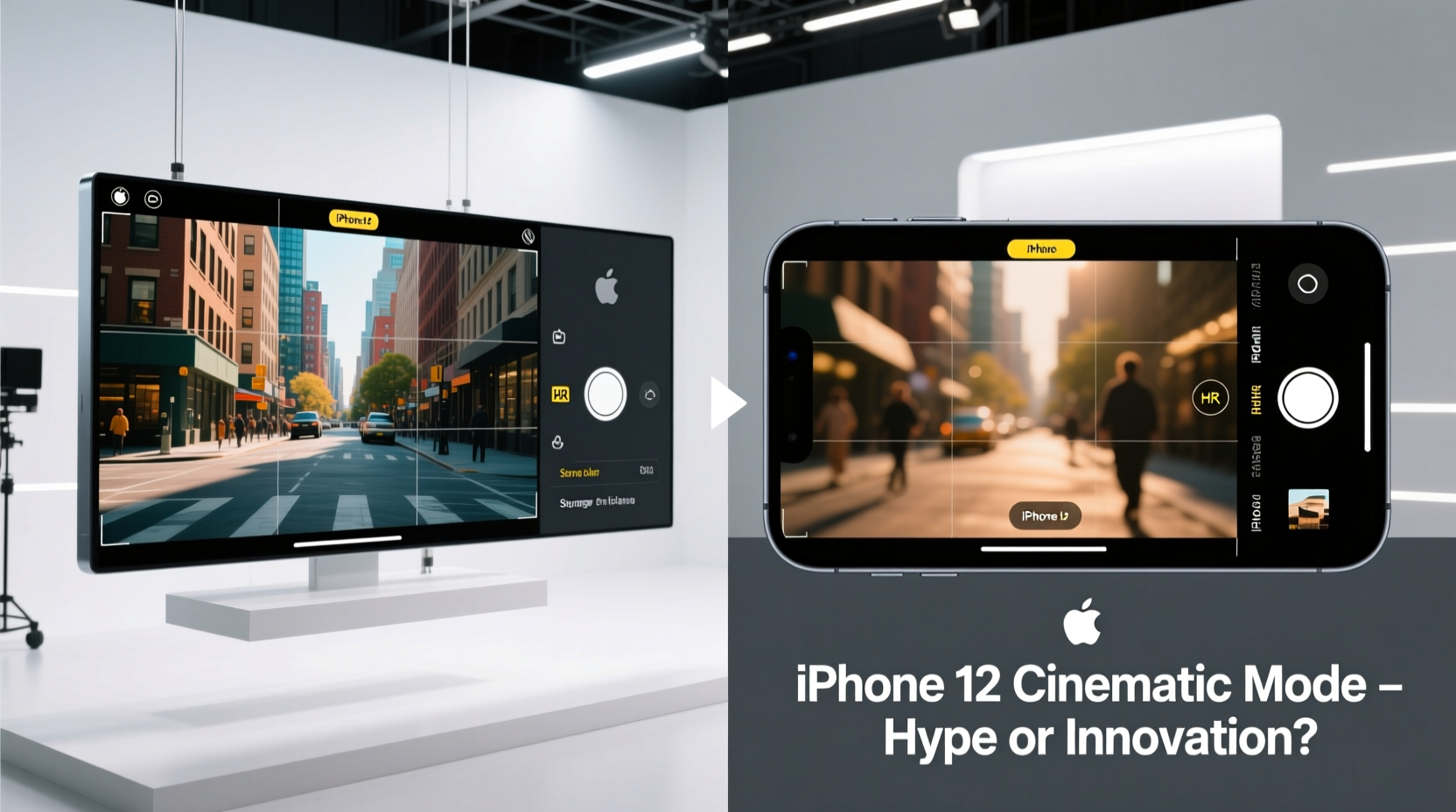
Cinematic Mode, introduced with the iPhone 13, uses machine learning and dual-camera systems (or LiDAR on Pro models) to simulate shallow depth of field. It automatically shifts focus between subjects during recording, mimicking the behavior of professional film cameras. The effect is similar to rack focusing—a technique used in cinema where the focal plane moves from one person or object to another mid-shot.
The mode records spatial data alongside video, allowing users to adjust focus points and depth effects after filming. This post-capture editing capability is unique to iPhones and sets it apart from most other smartphones.
How Does It Compare to Regular Video Recording?
Regular video on the iPhone 13 captures footage at up to 4K HDR at 60fps using advanced stabilization and Smart HDR 4. It’s optimized for clarity, dynamic range, and color accuracy. In contrast, Cinematic Mode caps at 1080p at 30fps and prioritizes depth mapping over resolution.
This trade-off raises an immediate red flag: you’re sacrificing video quality for a stylistic effect. While the bokeh blur can look impressive in stills or short clips, the lower resolution becomes noticeable when viewed on larger screens or shared professionally.
“Cinematic Mode isn’t about technical superiority—it’s about storytelling. It gives amateur creators a tool to guide viewer attention without editing expertise.” — David Lin, Mobile Filmmaker & Tech Educator
Real-World Performance: A Mini Case Study
Sophia, a freelance content creator, used her iPhone 13 Pro to film two versions of the same product unboxing: one in standard 4K video, the other in Cinematic Mode. She filmed indoors under mixed lighting with two people present—one speaking, the other handing over the package.
In the standard video, both faces were sharp, and background details remained visible. Audio sync was perfect, and colors looked natural. In the Cinematic version, the focus smoothly shifted from Sophia to her colleague, then back—adding a dramatic flair. However, the background blur occasionally \"strobed,\" flickering unnaturally, and fine text on the product box was harder to read due to reduced resolution.
When she posted both clips on Instagram Stories, the Cinematic version received 23% more engagement. But in YouTube comments, viewers noted the lower clarity and questioned why she didn’t use standard video with manual focus pulls in post-production.
The takeaway? For social media snippets, Cinematic Mode adds polish. For detailed or professional content, it may hinder more than help.
Pros and Cons: A Clear Comparison
| Feature | Cinematic Mode | Regular Video |
|---|---|---|
| Resolution | 1080p at 30fps | Up to 4K at 60fps |
| Depth Control | Yes (adjustable post-recording) | No (fixed focus unless manually set) |
| Dynamic Range | HDR-capable but limited by processing | Full Dolby Vision HDR support |
| Focus Transitions | Automatic, AI-driven | Manual only (tap to focus) |
| Low-Light Performance | Poor (blurry edges, missed focus) | Excellent (with Night mode and stabilization) |
| Ideal Use Case | Social media intros, vlogs, portraits | Documentaries, tutorials, high-fidelity recordings |
Is It Worth the Hype? A Balanced Verdict
The truth is nuanced. Cinematic Mode isn’t revolutionary in terms of image quality, but it is innovative in accessibility. For casual users who want to make their videos look more “professional” without learning complex editing software, it offers a plug-and-play solution. The ability to change focus points after filming is particularly useful for those who shoot solo.
However, professionals and serious hobbyists often find it limiting. The 1080p cap, inconsistent edge detection, and aggressive background blur can detract from authenticity. Many prefer shooting in standard video mode and applying selective focus in post using tools like Final Cut Pro or DaVinci Resolve—where they have full control.
Moreover, Cinematic Mode struggles with fast motion, pets, children, or multiple moving subjects. The AI sometimes misjudges intent, shifting focus to a passing dog instead of the speaker. In controlled interviews or slow-paced scenes, it excels. In dynamic environments, it falters.
Step-by-Step: How to Maximize Cinematic Mode
- Ensure adequate lighting: Natural daylight or soft indoor lighting yields the cleanest depth maps.
- Maintain distance: Keep your subject at least 4 feet from the background to improve separation.
- Frame carefully: Avoid cluttered backgrounds; the algorithm works best with simple, contrasting scenes.
- Speak clearly: If recording dialogue, ensure only one person speaks at a time to help the AI track focus correctly.
- Edit afterward: Use the Photos app to fine-tune focus transitions and adjust the depth effect slider for subtler results.
Frequently Asked Questions
Can I turn off the automatic focus shifts in Cinematic Mode?
No, the automatic focus tracking is built into the mode. However, you can manually override the focus point after recording in the Photos app by tapping \"Adjust Focus\" and setting keyframes.
Does Cinematic Mode work on all iPhone 13 models?
Yes, all iPhone 13 variants (mini, standard, Pro, Pro Max) support Cinematic Mode. However, the Pro models offer better edge detection and smoother transitions thanks to LiDAR and sensor fusion.
Why does my Cinematic Mode video look blurry?
Blurriness often occurs in low light or when subjects move quickly. The mode relies on depth mapping, which degrades in poor conditions. Try shooting in brighter environments and minimizing rapid movement.
Final Thoughts: Gimmick or Genuine Tool?
Cinematic Mode isn’t a gimmick—but it’s not a replacement for skilled videography either. It’s a niche feature designed to democratize a cinematic aesthetic previously reserved for high-end productions. For influencers, small business owners, or parents capturing milestone moments, it adds emotional depth with minimal effort.
But if you value image fidelity, flexibility, and consistency, regular video remains the superior choice. You can always add artistic effects later with more precision. Cinematic Mode trades control for convenience, and whether that’s worthwhile depends entirely on your goals.
Rather than viewing it as a must-use upgrade, treat Cinematic Mode as a creative option—one among many in the iPhone’s powerful camera suite. Use it when the story benefits from soft focus shifts, but don’t feel pressured to adopt it for every clip.




 浙公网安备
33010002000092号
浙公网安备
33010002000092号 浙B2-20120091-4
Comments
No comments yet. Why don't you start the discussion?