
The iPhone 13 mini and iPhone 12 mini are two of Apple’s most compact flagship smartphones, appealing to users who prioritize pocketability without sacrificing performance. While both devices share a nearly identical design language and feature set, one key difference stands out: battery life. Apple claimed significant improvements in efficiency with the iPhone 13 series, thanks to the new A15 Bionic chip and internal optimizations. But does that translate into a meaningful upgrade for everyday users? For those considering an upgrade from the 12 mini or choosing between the two on the used market, the question remains—is the battery life improvement really worth it?
Battery Capacity and Real-World Performance
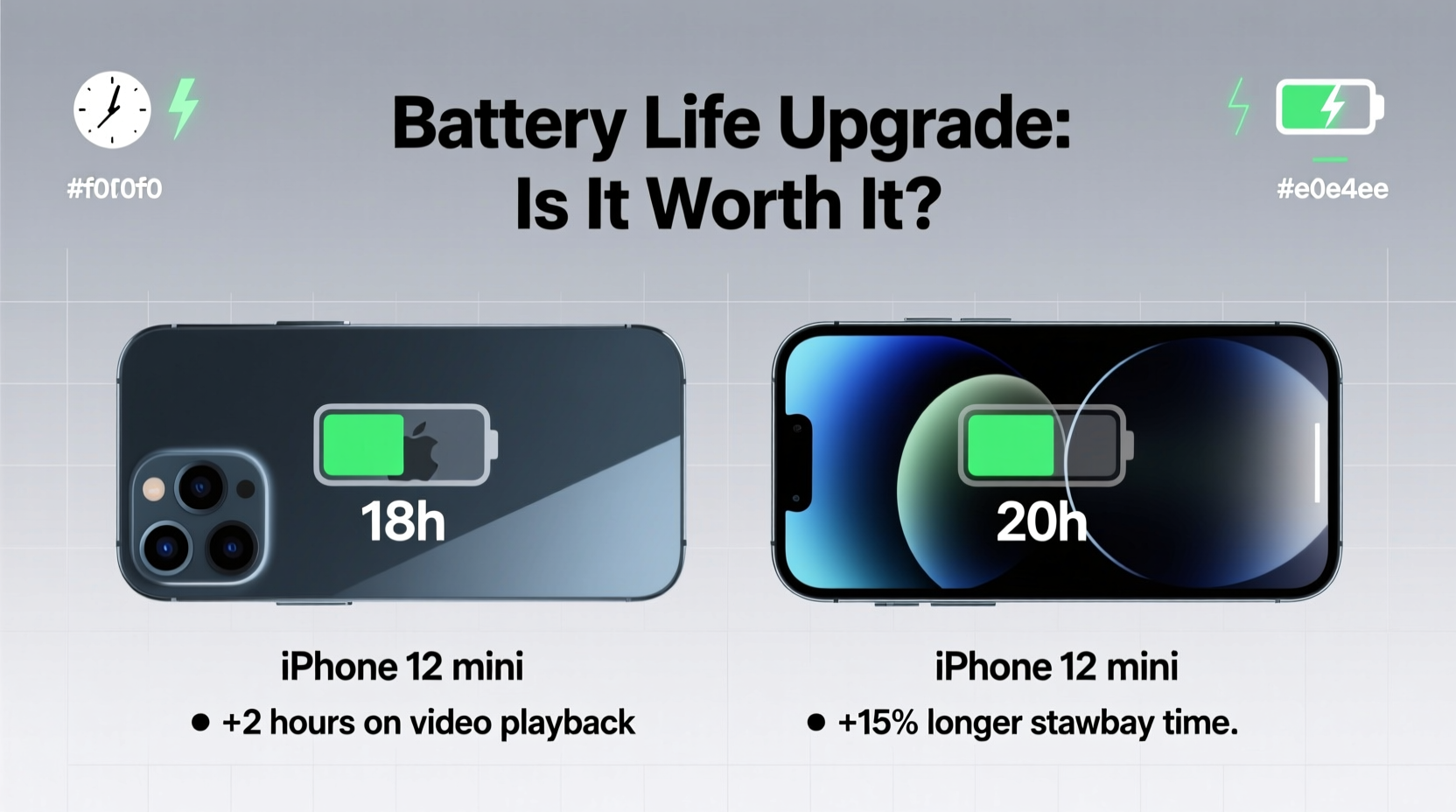
On paper, the increase in battery capacity between the iPhone 12 mini and 13 mini is modest. The 12 mini houses a 2,227 mAh battery, while the 13 mini bumps that up slightly to 2,406 mAh—a gain of just under 9%. However, raw capacity doesn’t tell the full story. Apple paired the larger battery with a more power-efficient A15 Bionic chip, a brighter yet more efficient OLED display, and improved system-level power management.
In real-world testing, the difference becomes more pronounced. According to independent lab results from PhoneArena and GSMArena, the iPhone 13 mini delivers approximately 17–20% longer screen-on time compared to its predecessor. Users report going from struggling to make it through a full day on the 12 mini to comfortably lasting 1.5 days on moderate use with the 13 mini.
Performance and Efficiency: The Role of the A15 Chip
The A15 Bionic chip isn’t just faster—it’s smarter about power consumption. Built on a refined 5nm process, it includes dedicated low-power cores and enhanced machine learning efficiency. This means tasks like checking email, browsing social media, or using navigation apps consume less energy than they did on the A14-powered 12 mini.
For example, video playback over Wi-Fi sees an official jump from 15 hours (12 mini) to 17 hours (13 mini). Streaming video improves from 10 to 12 hours. These gains may seem small, but they often mean the difference between needing a midday charge and making it to bedtime with 20–30% remaining.
“Battery life isn’t just about capacity—it’s about how efficiently the hardware and software work together. The A15 represents a generational leap in power efficiency.” — David Linder, Senior Analyst at TechInsights
Side-by-Side Comparison: Key Differences
| Feature | iPhone 12 mini | iPhone 13 mini |
|---|---|---|
| Battery Capacity | 2,227 mAh | 2,406 mAh |
| Chipset | A14 Bionic | A15 Bionic (5-core GPU) |
| Video Playback (Wi-Fi) | Up to 15 hours | Up to 17 hours |
| Streaming Video | Up to 10 hours | Up to 12 hours |
| Standby Time | Up to 50 hours | Up to 75 hours |
| Display Brightness (HDR) | 1,200 nits peak | 1,000 nits peak (brighter overall due to efficiency) |
| Starting Storage | 64GB | 128GB |
Note the jump in base storage—an important but often overlooked upgrade. The 13 mini starts at 128GB, eliminating the bottleneck of limited space that plagued many 12 mini users. More storage means fewer background processes cleaning cache, which indirectly benefits battery performance.
A Real-World User Scenario
Consider Sarah, a freelance photographer based in Brooklyn, who used her iPhone 12 mini as her primary device for two years. Her typical day involved heavy camera use, Lightroom editing, messaging clients on WhatsApp, and navigating via Maps. On the 12 mini, she routinely carried a portable charger and plugged in during lunch. After upgrading to the 13 mini, she noticed immediate changes: her morning-to-evening workflow now ends with 18% battery remaining, even after shooting 50+ photos and editing ten of them in-app. She attributes this not just to the larger battery, but to how smoothly the A15 handles multitasking without spiking power draw.
This case illustrates a broader trend: while both phones are capable, the 13 mini offers a noticeably less stressful ownership experience when battery anxiety is a concern.
Is the Upgrade Worth It?
For current 12 mini owners, the decision hinges on individual usage patterns. If you’re someone who:
- Regularly runs out of battery before evening,
- Uses GPS navigation frequently,
- Takes lots of photos or records video,
- Or dislikes carrying charging accessories,
…then yes, the battery life upgrade is genuinely worth it. The combination of better efficiency, higher base storage, and longer screen-on time adds up to a more reliable daily driver.
However, if you already have charging access throughout the day, use your phone lightly, or rely on battery-saving settings, the 12 mini remains a solid choice—especially at a lower price point on the secondhand market.
Maximizing Battery Longevity: A Step-by-Step Guide
To get the most out of either device—and especially to preserve long-term battery health—follow this timeline of best practices:
- Enable Optimized Battery Charging: Found in Settings > Battery > Battery Health, this learns your routine and delays charging past 80% until you need it.
- Use Auto-Brightness: Allows the phone to adjust screen output based on environment, reducing unnecessary drain.
- Limit Background App Refresh: Go to Settings > General > Background App Refresh and disable for non-critical apps like games or social media.
- Turn Off Location Services for Non-Essential Apps: Apps like weather or retail stores don’t always need constant GPS access.
- Update iOS Regularly: Apple frequently rolls out efficiency improvements in minor updates.
- Avoid Full Discharges: Try not to let the battery drop below 20% regularly; lithium-ion batteries prefer partial cycles.
Frequently Asked Questions
Does the iPhone 13 mini support fast charging?
Yes, both the 13 mini and 12 mini support up to 20W fast charging. With a compatible charger, you can go from 0 to 50% in about 30 minutes. However, neither comes with a charger in the box.
Can I expect all-day battery life on the 13 mini?
Most users can. Under mixed usage—including calls, messaging, social media, and some video—you should easily reach bedtime with 20–30% left. Heavy users may still need a top-up, but it’s far less frequent than on the 12 mini.
Is the 12 mini obsolete?
No. The 12 mini still runs the latest iOS versions smoothly and receives security updates. It remains a viable option for light users or as a secondary phone. However, its 64GB base storage and shorter battery life make it less future-proof.
Final Verdict: Upgrade Strategically
The iPhone 13 mini doesn’t reinvent the wheel, but it refines it. The battery life upgrade, while rooted in incremental hardware improvements, results in a significantly better user experience. That extra hour or two of screen time, combined with smarter power management and doubled base storage, makes the 13 mini feel like a true successor—not just a minor refresh.
If you're holding onto a 12 mini and find yourself constantly hunting for outlets, the jump to the 13 mini will feel liberating. For new buyers, the 13 mini is the clear choice unless budget forces compromise. In a world where smartphone size is increasing, Apple’s mini line proves small doesn’t have to mean short-lived—especially when efficiency leads the charge.




 浙公网安备
33010002000092号
浙公网安备
33010002000092号 浙B2-20120091-4
Comments
No comments yet. Why don't you start the discussion?