
When Apple released the iPhone 13 just a year after the iPhone 12 Pro, many loyal users faced a familiar dilemma: should they upgrade? The iPhone 12 Pro set a high bar with its triple-camera system, LiDAR scanner, and premium build. But the iPhone 13 brought meaningful improvements—especially in battery life and camera performance. For those still using the 12 Pro, the decision isn’t as straightforward as it might seem. This article breaks down every critical aspect to help you determine whether the iPhone 13 is truly worth the switch.
Performance: A Closer Look at the Chips
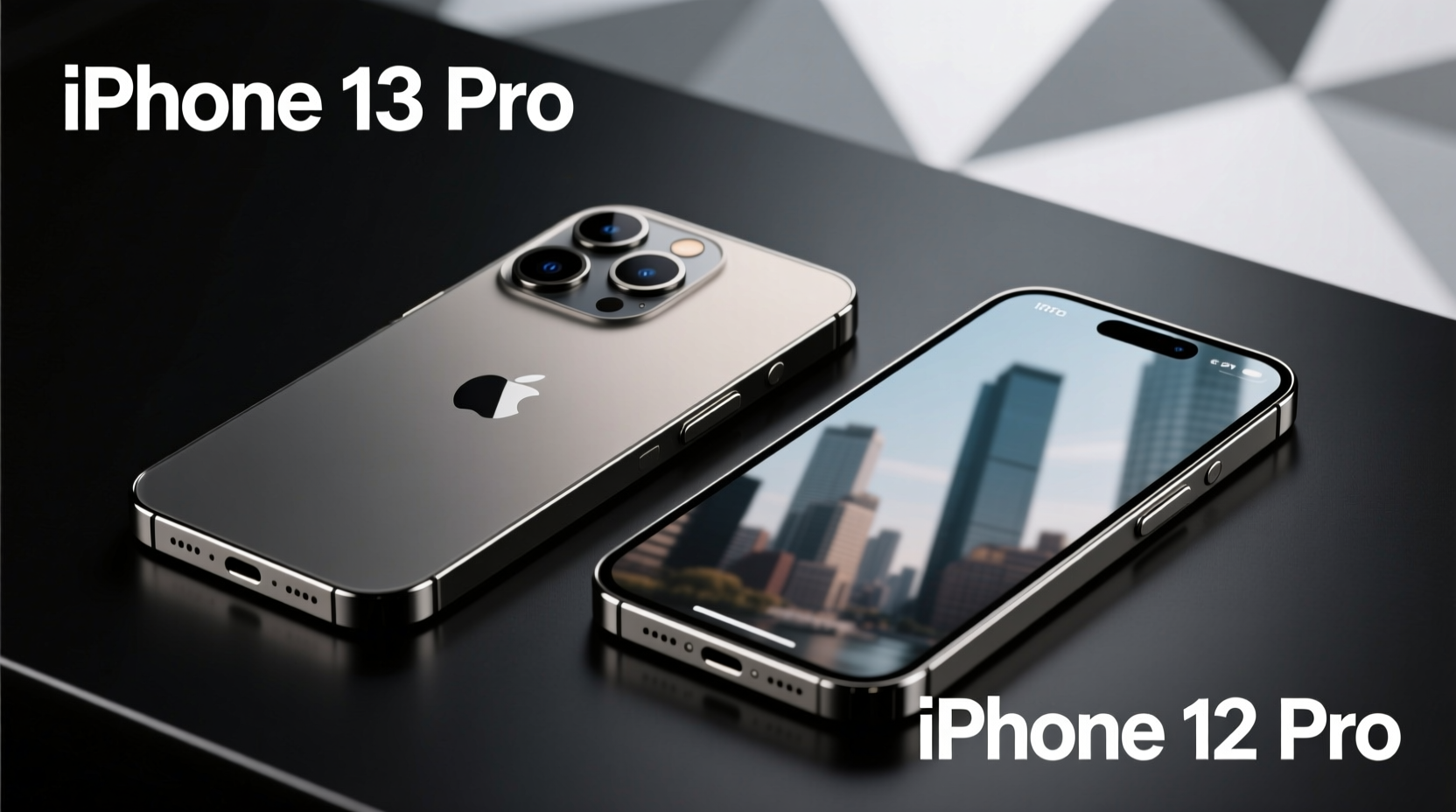
The iPhone 12 Pro was powered by the A14 Bionic chip, which at the time delivered industry-leading performance. The iPhone 13, however, introduced the A15 Bionic—a more efficient and slightly faster processor. While both chips handle everyday tasks like browsing, messaging, and streaming without issue, the A15 offers better sustained performance during intensive workloads such as video editing or gaming.
What’s notable is efficiency. The A15 uses a 5-nanometer process with improved power management, allowing the iPhone 13 to maintain high performance while consuming less energy. This translates directly into longer battery life, even though the physical battery size increase is modest.
“While the raw speed difference between A14 and A15 may not be noticeable in daily use, the real benefit lies in thermal efficiency and longevity under load.” — David Lin, Mobile Hardware Analyst at TechPulse Insights
Camera Upgrades: More Than Just Megapixels
One of the most debated areas is camera performance. The iPhone 12 Pro already featured a strong triple-lens system: wide, ultra-wide, and telephoto, all with Night mode and Deep Fusion. The iPhone 13 retains the same megapixel count but makes significant behind-the-scenes improvements.
The primary sensor on the iPhone 13 is larger, capturing 47% more light. This results in noticeably better low-light photos and enhanced dynamic range. Sensor-shift stabilization, previously exclusive to the Pro models, trickled down from the iPhone 12 Pro Max to the iPhone 13’s main camera—improving stability and reducing blur in handheld shots.
Additionally, the iPhone 13 introduces Cinematic Mode, a feature that applies depth-of-field effects to video recordings, automatically shifting focus between subjects. While fun for casual creators, professionals may find it gimmicky compared to manual control offered on the 12 Pro with third-party apps.
Battery Life: Where the iPhone 13 Pulls Ahead
Battery life is arguably the iPhone 13’s strongest selling point. Despite having a similar-sized display (6.1-inch Super Retina XDR), the iPhone 13 delivers up to 2.5 hours more usage than the 12 Pro. This gain comes from a combination of the more efficient A15 chip and a slightly larger battery capacity.
Real-world testing shows the iPhone 13 can last through a full day of heavy use—streaming, navigation, social media, and photography—without needing a midday charge. In contrast, the iPhone 12 Pro often requires top-ups under similar conditions.
This improvement matters most for travelers, commuters, or anyone who relies on their phone throughout the day without easy access to charging.
Durability and Design: Subtle Changes, Same Premium Feel
Externally, both phones share a nearly identical design language: flat aluminum edges, Ceramic Shield front cover, and IP68 water resistance. However, the iPhone 13 features a smaller notch—freeing up slightly more screen space—thanks to internal component reorganization.
The rear camera layout is rotated, which some users find more distinctive, though it doesn’t impact functionality. Both devices feel solid in hand, but the iPhone 13 is marginally heavier (174g vs. 189g) due to added battery mass.
In terms of durability, there’s no major difference. Both resist splashes and dust effectively, but neither includes a screen protector out of the box. Users upgrading purely for aesthetics may find the changes too subtle to justify the cost.
Display and Refresh Rate: Missing Out on ProMotion
A key omission on the iPhone 13 is the 120Hz ProMotion display available on the iPhone 13 Pro models. The iPhone 12 Pro also lacks this feature, so in this regard, both are equal—both have a standard 60Hz refresh rate.
While scrolling feels smooth thanks to iOS optimization, users who have experienced higher refresh rates will notice the relative stiffness when switching back. If buttery-smooth animations matter to you, neither phone fully satisfies—but that’s a limitation of the non-Pro lineup overall.
Comparison Table: iPhone 13 vs. iPhone 12 Pro
| Feature | iPhone 13 | iPhone 12 Pro |
|---|---|---|
| Processor | A15 Bionic | A14 Bionic |
| Rear Cameras | Dual: 12MP Wide, 12MP Ultra-Wide | Triple: 12MP Wide, Ultra-Wide, Telephoto |
| Zoom | 2x optical zoom out | 2x optical zoom in/out |
| Battery Life (Video) | Up to 19 hours | Up to 17 hours |
| Starting Storage | 128GB | 128GB |
| Display Refresh Rate | 60Hz | 60Hz |
| Water Resistance | IP68 (6m for 30 min) | IP68 (6m for 30 min) |
| Special Features | Cinematic Mode, Sensor-shift Stabilization (main cam) | LiDAR Scanner, Telephoto Lens |
Mini Case Study: Sarah’s Upgrade Decision
Sarah, a freelance photographer based in Portland, used her iPhone 12 Pro extensively for client previews and social media content. After two years, she considered upgrading to the iPhone 13. Her main concerns were battery life during shoots and low-light performance.
She tested both devices side-by-side in dimly lit cafes and outdoor evening settings. She noticed the iPhone 13 produced cleaner shadows and richer colors without additional editing. The extra hour of battery life also meant she could shoot longer without carrying a portable charger.
However, she missed the telephoto lens when shooting distant subjects. Ultimately, she decided to keep her 12 Pro but began using the iPhone 13 as a secondary device for video blogs—leveraging Cinematic Mode and improved stabilization.
Sarah’s experience highlights a nuanced truth: the “best” phone depends on how you use it, not just specs on paper.
Checklist: Should You Upgrade?
Before making the move, ask yourself the following:
- ✅ Is your current iPhone 12 Pro experiencing battery degradation?
- ✅ Do you often shoot photos or videos in low light?
- ✅ Do you value longer screen-on time without charging?
- ✅ Are you willing to lose the telephoto lens for better main camera performance?
- ✅ Can you take advantage of trade-in deals or carrier discounts?
If most answers are yes, the upgrade makes sense. If you rely heavily on optical zoom or are satisfied with current performance, staying put is perfectly reasonable.
Frequently Asked Questions
Can the iPhone 13 replace the telephoto capabilities of the iPhone 12 Pro?
No. The iPhone 13 lacks a dedicated telephoto lens, relying instead on digital zoom and cropping. While software enhancements help, it cannot match the 2x optical zoom quality of the 12 Pro, especially in low light.
Is the iPhone 13 significantly more durable than the 12 Pro?
Not meaningfully. Both have the same IP68 rating and Ceramic Shield. The iPhone 13 has a slightly more robust front glass formulation, but real-world drop tests show comparable resilience.
Will the iPhone 12 Pro stop receiving updates soon?
Unlikely. Apple typically supports iPhones for 5–6 years. The 12 Pro, released in 2020, should receive iOS updates through at least 2026, ensuring security and feature parity with newer models.
Final Verdict: Is the Upgrade Worth It?
The iPhone 13 isn’t a revolutionary leap over the iPhone 12 Pro—it’s an evolution. If you prioritize battery life, low-light photography, and modern video features like Cinematic Mode, the upgrade delivers real benefits. However, if you depend on the telephoto lens or own a well-maintained 12 Pro with good battery health, the gains may not justify the cost.
Apple’s ecosystem ensures both devices remain powerful and supported for years. The decision ultimately hinges on your personal usage patterns and whether the incremental improvements align with your needs.




 浙公网安备
33010002000092号
浙公网安备
33010002000092号 浙B2-20120091-4
Comments
No comments yet. Why don't you start the discussion?