
The iPhone 13 Pro remains a premium device prized for its camera system, performance, and sleek design. As owners seek to preserve their investment, a growing debate has emerged: with the rise of high-quality protective skins, do traditional cases still offer enough value to justify their bulk and added cost? While skins provide a minimalist alternative, the decision isn’t as simple as choosing between aesthetics and function. Real-world use, risk exposure, and long-term maintenance all play crucial roles in determining what kind of protection truly makes sense.
Understanding the Role of Skins vs. Cases
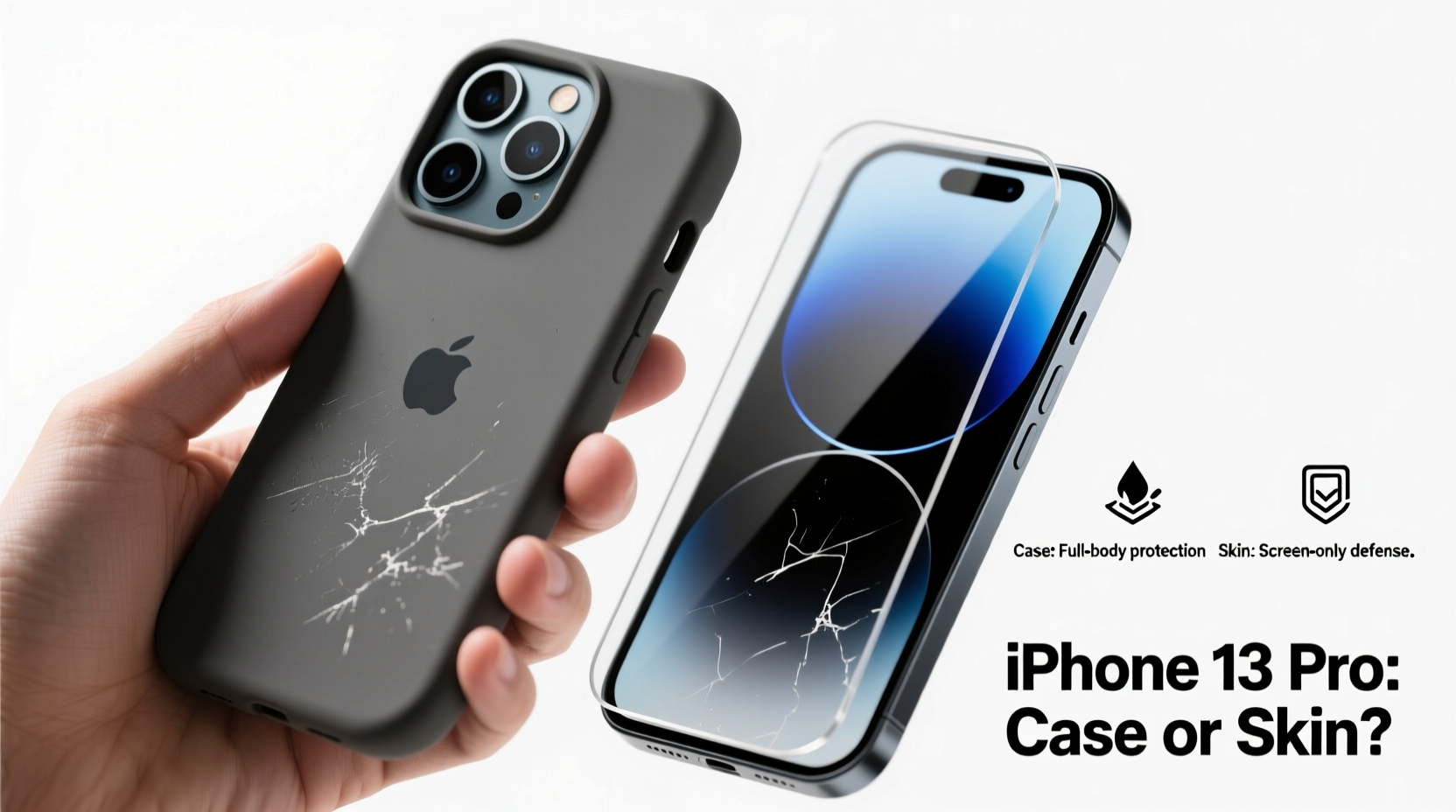
Protective skins—typically made from thin vinyl or polyurethane—are designed to shield the surface of your phone from scratches, minor scuffs, and everyday wear. They conform tightly to the contours of the iPhone 13 Pro, preserving its original look and feel. Brands like dbrand, Slickwraps, and Rugged Case Wraps offer precision-cut skins that cover the back and sides with minimal thickness increase.
Cases, on the other hand, go beyond surface protection. Most are engineered with shock absorption in mind, using materials like TPU (thermoplastic polyurethane), silicone, or polycarbonate. Many include raised bezels around the screen and camera module, drop protection, and even MagSafe compatibility. Premium options, such as those from Spigen, OtterBox, and Apple’s own lineup, are built to military-grade drop-test standards (MIL-STD-810G).
The core difference lies in intent: skins aim to preserve appearance, while cases aim to prevent structural damage.
Protection Level: A Practical Comparison
To assess whether cases are still necessary, consider common accident scenarios:
- Drops from waist height – Concrete or tile floors can easily crack glass, even with Ceramic Shield.
- Side impacts – Sliding off a table onto a corner can damage the frame or camera housing.
- Water or dust exposure – Though the iPhone 13 Pro is IP68-rated, cases can add an extra layer of sealing.
- Pocket debris – Keys, coins, or sand can scratch the finish over time.
Skins handle the last item well but offer negligible defense against drops or impacts. Cases, especially rugged ones, absorb kinetic energy and reduce the risk of internal damage. Even slim cases provide more edge coverage than any skin.
“Skins are excellent for maintaining resale value by preventing cosmetic wear, but they don’t stop force transmission during impact. For true drop protection, material depth and cushioning matter.” — Jordan Lee, Mobile Device Durability Analyst at TechGuard Labs
When Skins Make Sense (And When They Don’t)
Skins shine in low-risk environments. Office workers, remote professionals, or users who keep their phones in padded bags may find skins sufficient. The aesthetic appeal—especially with custom designs or color-matched finishes—adds personalization without altering the phone’s profile.
However, active lifestyles change the equation. Parents, outdoor enthusiasts, or commuters face unpredictable hazards. A sudden drop onto pavement or a fall from a moving vehicle can result in costly repairs—Apple’s out-of-warranty screen replacement for the iPhone 13 Pro runs upwards of $329.
Moreover, once a skin is damaged, its adhesive properties degrade. Reapplying or replacing it requires cleaning residue and precise alignment. Cases, while bulkier, are more durable and easier to swap out.
| Scenario | Recommended Protection | Why |
|---|---|---|
| Office use, minimal handling | Skin only | Low drop risk; preserves sleek design |
| Commuting, public transit | Hybrid case + skin | Drop protection with scratch resistance |
| Outdoor activities, travel | Rugged case | Shock absorption and full coverage |
| High resale value priority | Skin + occasional soft case | Maintains pristine finish for resale |
Cost and Long-Term Value Analysis
Let’s break down typical costs:
- Premium Skin: $25–$40 (dbrand, Slickwraps)
- Slim Case: $35–$50 (Apple, Spigen)
- Rugged Case: $60–$80 (OtterBox Defender)
- Screen Replacement (out of warranty): $329
- Back Glass Replacement: $399
At first glance, skipping a $50 case saves money. But one moderate drop could trigger a repair bill ten times that amount. Even if you never drop your phone, long-term micro-abrasions from daily carry can diminish resale value by 15–25%, according to data from Gazelle and Swappa.
A hybrid approach—using a skin under a removable clear or lightweight case—offers balance. You gain impact protection when needed and can remove the case for photos or charging while keeping the skin intact.
Real-World Example: The Commuter’s Dilemma
Take Mark, a 32-year-old project manager in Chicago. He walks 15 minutes to the train, rides for 30 minutes, then walks another 10 to his office. His iPhone 13 Pro spent its first six months with only a dbrand skin—looking flawless. But one rainy morning, rushing to catch a transfer, he slipped on wet tiles. The phone tumbled from his hand, landing camera-down on concrete.
The skin peeled at the edges, but worse, the ceramic shield on the rear camera array cracked. Repair cost: $399. Afterward, he switched to an OtterBox Symmetry case with a built-in screen protector. “I hated the bulk at first,” he admits, “but three months later, after two more drops—one down a flight of stairs—I haven’t had a single scratch. It’s ugly, but it works.”
His experience underscores a key truth: risk tolerance varies, but consequences are permanent.
Step-by-Step: Choosing Your iPhone 13 Pro Protection Strategy
- Assess your lifestyle: How often do you move with your phone exposed? Do you multitask while walking?
- Evaluate your environment: Are you near water, gravel, or hard surfaces regularly?
- Set your priorities: Is design purity more important than damage prevention?
- Budget for worst-case scenarios: Can you afford a $300+ repair if protection fails?
- Test a hybrid model: Apply a skin, then use a slim case for high-risk periods (travel, events).
- Monitor wear monthly: Check for skin lifting, case yellowing, or impact marks.
- Replace proactively: Don’t wait for visible damage—degraded materials lose effectiveness.
Frequently Asked Questions
Can I use a skin and a case together?
Yes, and it’s often the best strategy. Apply the skin first, then install a case. This protects against both scratches and drops. Just ensure the case doesn’t pull at the skin’s edges—trim kits from skin makers help avoid this.
Do skins protect against water or dust?
No. Skins are not seals. While they may repel light moisture temporarily, they don’t enhance the iPhone’s IP68 rating. Avoid relying on them in wet conditions.
Will a skin affect wireless charging or MagSafe?
Generally, no. Most high-end skins are thin enough to allow full MagSafe functionality, including charging and accessory attachment. However, thick or layered installations might reduce efficiency slightly.
Final Verdict: Are Cases Still Worth It?
Despite the elegance and customization offered by skins, cases remain a worthwhile investment for most users. Skins excel at preserving surface integrity and enhancing visual appeal, but they do little to mitigate physical trauma. A case—even a slim one—adds meaningful protection against the most common and costly forms of damage.
The smartest approach isn’t choosing one over the other, but combining both. Use a skin to guard against scratches and maintain resale value, and pair it with a case for drop protection when you’re on the move. Think of it as layers of defense: the skin is your first line for cosmetics, the case your last line for survival.
Ultimately, your iPhone 13 Pro is a significant investment. Protecting it isn’t about paranoia—it’s about respecting the device’s value and your own peace of mind.




 浙公网安备
33010002000092号
浙公网安备
33010002000092号 浙B2-20120091-4
Comments
No comments yet. Why don't you start the discussion?