
The jump between iPhone generations often brings subtle refinements rather than radical changes. When Apple released the iPhone 13 Pro Max following the well-received 12 Pro Max, one of the most touted improvements was to the display. But for users already enjoying the excellent screen on the 12 Pro Max, a critical question arises: is the screen upgrade truly worth switching?
To answer this, we need to look beyond marketing claims and examine real differences in brightness, refresh rate behavior, color accuracy, power efficiency, and day-to-day usability.
Display Technology: What Changed?
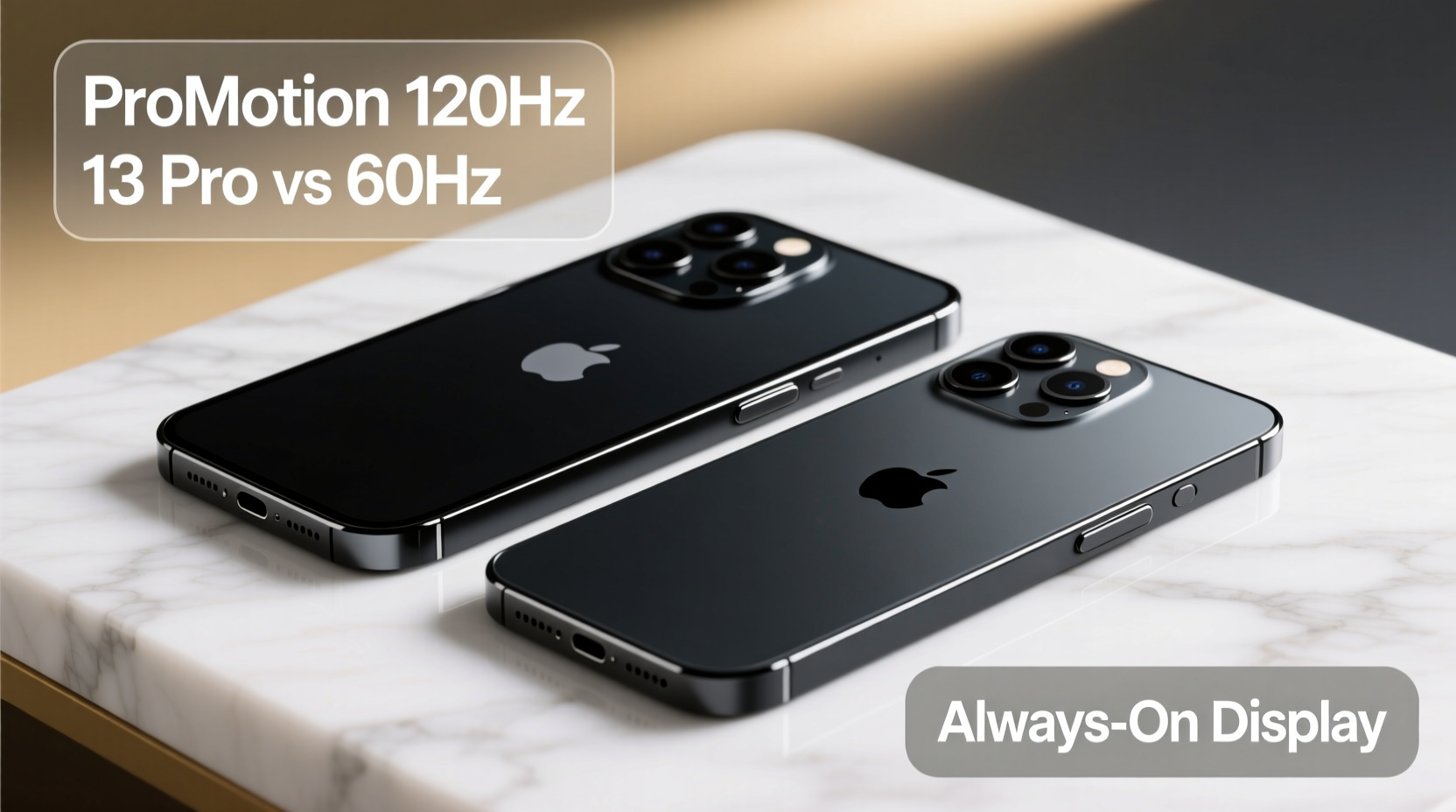
Both the iPhone 12 Pro Max and 13 Pro Max feature Super Retina XDR OLED displays, delivering deep blacks, vibrant colors, and high contrast ratios. On paper, they appear similar—6.7-inch diagonal size, 2778 x 1284 resolution, and peak HDR brightness of 1200 nits. However, the devil is in the details.
The most significant change lies in peak outdoor brightness. The iPhone 13 Pro Max increased typical maximum brightness from 800 nits to 1000 nits and boosted peak HDR brightness under specific conditions. In direct sunlight, this translates to noticeably clearer visibility when reading messages, maps, or watching videos outdoors.
ProMotion: The Game-Changer Hidden in Plain Sight
The introduction of ProMotion technology on the iPhone 13 Pro Max marked a pivotal shift in Apple’s display strategy. With a variable refresh rate ranging from 10Hz to 120Hz, the screen adapts dynamically based on content. Scrolling feels buttery smooth, animations are more fluid, and touch response is subtly but meaningfully improved.
In contrast, the iPhone 12 Pro Max is limited to a fixed 60Hz refresh rate. While perfectly functional, once you experience 120Hz—even intermittently—the older screen can feel slightly sluggish during fast swipes or while using drawing apps.
Apple implemented smart throttling to preserve battery life, dropping down to 10Hz when displaying static content like photos or e-books. This means the performance benefit doesn’t come at the cost of constant battery drain.
“High refresh rates aren’t just about specs—they change how responsive a phone feels. It’s one of those upgrades you don’t miss until you’ve had it.” — David Kim, Mobile UX Analyst at TechInterface Labs
Side-by-Side Comparison: Key Display Metrics
| Feature | iPhone 12 Pro Max | iPhone 13 Pro Max |
|---|---|---|
| Display Type | Super Retina XDR OLED | Super Retina XDR OLED |
| Size | 6.7 inches | 6.7 inches |
| Resolution | 2778 × 1284 | 2778 × 1284 |
| Brightness (typical) | 800 nits | 1000 nits |
| HDR Peak Brightness | 1200 nits | 1200 nits |
| Refresh Rate | 60Hz (fixed) | 10–120Hz (adaptive) |
| Always-On Display | No | No (introduced later in iPhone 14 Pro) |
| Power Efficiency | Standard OLED efficiency | Improved due to lower base refresh rate and better panel tuning |
A Real-World Example: Photographer’s Perspective
Consider Sarah Lin, a travel photographer who upgraded from the 12 Pro Max to the 13 Pro Max primarily for fieldwork. She frequently reviews high-resolution RAW previews under harsh sunlight and edits on the go using Procreate.
Initially skeptical about the screen upgrade, she noticed two key advantages within days. First, the higher brightness allowed her to assess exposure and composition without seeking shade. Second, the 120Hz refresh rate made brush strokes in editing apps significantly more responsive, reducing fatigue during long sessions.
“I didn’t think screen smoothness mattered that much,” she said. “But now I notice the lag on my old 12 Pro Max when I use it as a backup. The difference is especially clear when zooming and panning through large images.”
Is the Upgrade Worth It? A Practical Checklist
If you're still weighing the decision, ask yourself the following questions. Check each item that applies to your usage pattern:
- ✅ Do you spend time outdoors and struggle to see your screen in sunlight?
- ✅ Are you sensitive to motion smoothness in scrolling or gaming?
- ✅ Do you use creative apps (e.g., Procreate, video editors) that benefit from responsive touch input?
- ✅ Is battery longevity important, and would adaptive refresh rate help conserve power?
- ✅ Have you held both devices side by side and noticed a tangible difference?
If three or more apply, the screen upgrade likely offers meaningful value. If not, the visual leap may be too marginal to justify the cost—especially if your 12 Pro Max is functioning well.
What About Battery Impact?
A common concern with higher refresh rates is increased power consumption. However, Apple’s implementation is remarkably efficient. The 13 Pro Max’s display actually contributes to longer battery life compared to its predecessor, despite the advanced features.
How? The dynamic refresh rate drops to 10Hz during idle states, such as viewing a still photo or reading an article. This reduces energy draw far below what a constant 60Hz panel would consume. Independent tests by GSMArena showed up to 1.5 hours of additional screen-on time on the 13 Pro Max under mixed usage.
Frequently Asked Questions
Can you really see the difference between 60Hz and 120Hz?
Yes, especially during fast interactions like scrolling through social media feeds or playing games. The 13 Pro Max delivers visibly smoother motion. Over time, many users report that returning to 60Hz feels “janky” or delayed.
Does the brighter screen drain the battery faster?
Not necessarily. While peak brightness uses more power, the overall system efficiency—including adaptive refresh rate and optimized backlight control—means the 13 Pro Max typically lasts longer than the 12 Pro Max, even with higher max brightness available.
Is the screen more durable?
Both models use Ceramic Shield front cover, offering similar drop protection. There’s no significant improvement in scratch resistance or structural durability between the two. Using a case and screen protector remains advisable for either device.
Making the Decision: When to Upgrade
The screen upgrade from iPhone 12 Pro Max to 13 Pro Max isn’t revolutionary—it’s evolutionary. You won’t be shocked by a dramatic visual overhaul. Instead, the improvements accumulate into a more refined, comfortable, and capable daily experience.
For users who prioritize outdoor usability, creative workflows, or simply appreciate polished interaction design, the display enhancements are absolutely worthwhile. The combination of higher brightness and adaptive refresh rate results in a screen that feels more alive, more legible, and more efficient.
However, if your current 12 Pro Max meets your needs and you’re not particularly bothered by screen reflectivity in sunlight or minor animation lag, the upgrade may not deliver enough ROI—especially considering the price of new iPhones.
“The best tech upgrades aren’t always the flashiest. Sometimes, it’s a quieter improvement—like a smoother scroll or a clearer view in the sun—that ends up shaping your entire experience.” — Leena Patel, Senior Editor at MobileEdge Review
Final Thoughts
The iPhone 13 Pro Max’s screen represents a thoughtful evolution over the 12 Pro Max. It doesn’t reinvent the display, but it refines nearly every aspect: brightness, responsiveness, efficiency, and usability. These changes may seem small individually, but together they elevate the user experience in ways that become hard to ignore once experienced.
If you're due for an upgrade and value visual clarity and fluid interaction, the screen alone makes the 13 Pro Max a compelling step forward. But if you're holding onto a fully functional 12 Pro Max, there's no urgent need to chase this particular improvement—unless you've seen the difference in person and felt the pull.




 浙公网安备
33010002000092号
浙公网安备
33010002000092号 浙B2-20120091-4
Comments
No comments yet. Why don't you start the discussion?