
For many iPhone 12 Pro owners, the release of the iPhone 13 Pro sparked a familiar internal debate: is it really worth upgrading just one year later? Apple marketed the 13 Pro as a significant leap—especially for creatives and power users—but how much of that translates into real-world value? After analyzing user feedback, hands-on testing reports, and technical benchmarks, the answer isn’t as straightforward as marketing suggests. The decision hinges on specific needs, usage patterns, and what aspects of smartphone performance matter most.
Performance Gains: A Noticeable Leap or Incremental?
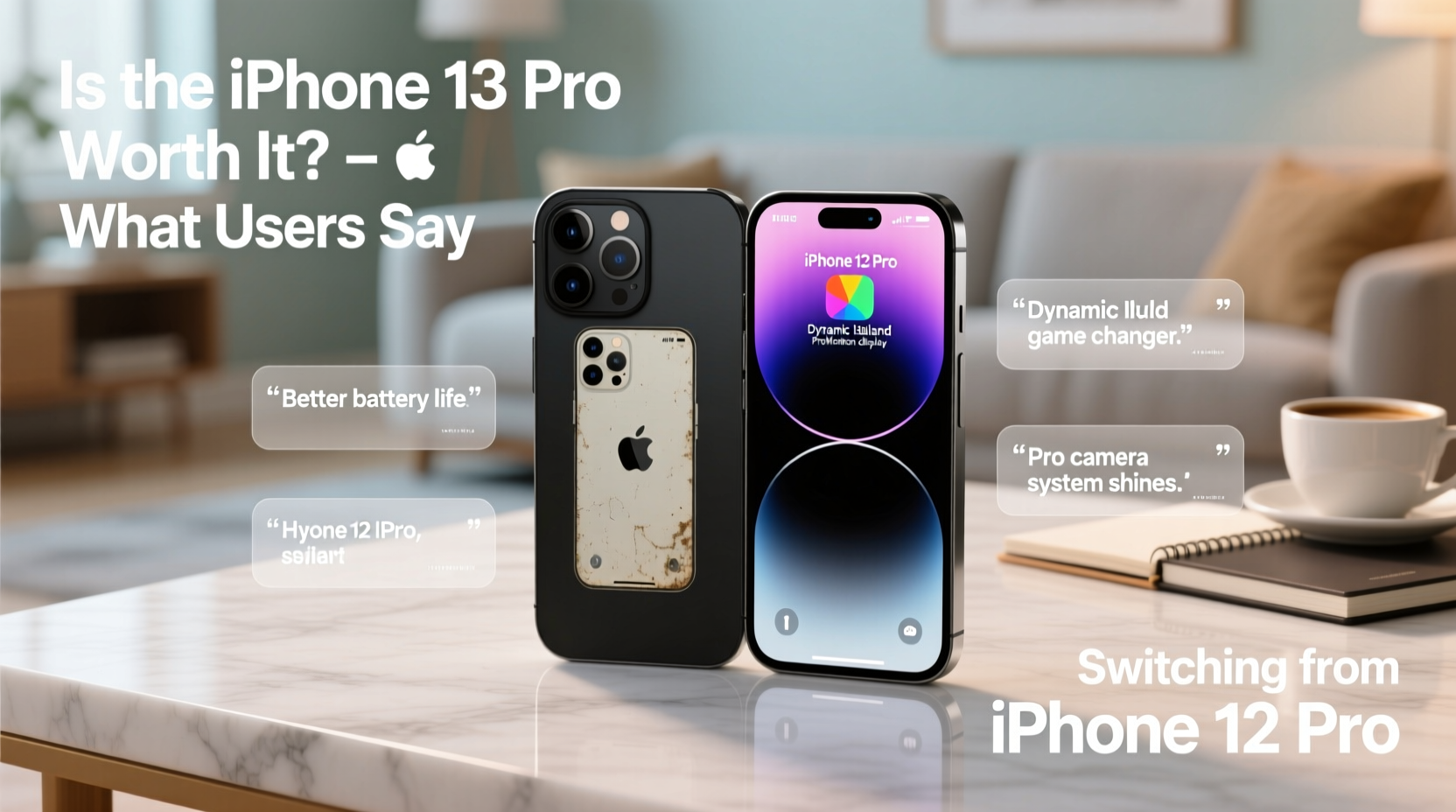
The iPhone 13 Pro introduced Apple’s A15 Bionic chip, which brought a 10–15% improvement in CPU performance and up to 50% better graphics performance compared to the A14 in the iPhone 12 Pro. While these numbers sound impressive on paper, most everyday tasks—browsing, messaging, and even multitasking—feel nearly identical between the two devices.
Where the difference becomes tangible is in demanding applications: high-end gaming, 4K video editing, and AR experiences. Users who regularly edit ProRes video or use apps like LumaFusion report noticeably smoother timelines and faster export times on the 13 Pro. For casual users, however, this level of performance may go underutilized.
“Even with the same screen size and design language, the 13 Pro feels more capable under pressure. It’s not about speed—it’s about sustained performance.” — David Kim, Mobile Tech Analyst at Gadgets Weekly
Camera Upgrades That Actually Matter
Apple positioned the camera system as the standout improvement in the 13 Pro. Key enhancements include sensor-shift stabilization (now standard across all models), larger sensors for better low-light capture, and Cinematic Mode for depth-controlled video recording.
Users upgrading from the 12 Pro consistently note sharper night mode shots and more natural bokeh effects in portrait photos. The addition of macro photography—enabled by improved focus controls—has also been praised by hobbyist photographers. However, some early adopters reported issues with autofocus hunting in low light when switching between macro and standard modes, though subsequent iOS updates have largely resolved this.
Cinematic Mode remains a niche feature. While it adds a professional touch to videos, many users find it overprocessed or unnecessary for daily vlogging. Still, having the option adds creative flexibility.
Real User Experience: Sarah’s Photography Workflow
Sarah, a freelance travel photographer based in Portland, upgraded her iPhone 12 Pro to the 13 Pro ahead of a month-long trip through Southeast Asia. She primarily shoots in low-light environments and relies on mobile editing for client previews.
“The biggest change was how much less noise I got in my night shots,” she said. “I used to push exposure heavily in Lightroom, but now I’m doing minimal edits. The ProRAW files are also more responsive, especially in shadow recovery. I didn’t think a one-year jump would make this much difference.”
However, she noted that the design and battery life were bigger wins than raw camera specs. “It’s not just the hardware—it’s how everything works together now.”
Battery Life: The Silent Game-Changer
One of the most universally praised upgrades in the iPhone 13 Pro is battery life. Despite a similar form factor, Apple managed to squeeze in a larger battery and optimize power efficiency via the A15 chip and iOS 15. Independent tests show the 13 Pro lasts 1.5 to 2 hours longer than the 12 Pro under mixed usage.
For professionals who rely on their phones throughout the day—whether for navigation, communication, or content creation—this extra endurance reduces anxiety around charging. Many users report going from needing a midday charge to comfortably reaching bedtime on a single charge.
| Usage Scenario | iPhone 12 Pro (Avg. Battery Life) | iPhone 13 Pro (Avg. Battery Life) |
|---|---|---|
| Video Playback | 17 hours | 22 hours |
| Streaming Video | 11 hours | 16 hours |
| Talk Time (Cellular) | 20 hours | 28 hours |
This improvement is especially valuable for travelers, remote workers, and anyone without consistent access to charging points.
ProMotion Display: Is 120Hz Worth It?
The iPhone 13 Pro was the first iPhone to feature a ProMotion display with adaptive refresh rates up to 120Hz. This means the screen can dynamically adjust from 10Hz to 120Hz depending on content, balancing smoothness and battery efficiency.
Users describe the experience as “noticeably fluid”—scrolling through feeds, playing fast-paced games, or swiping between apps feels more responsive. However, because iOS has always been optimized for high responsiveness, the jump isn’t as dramatic as it was on Android devices adopting high-refresh screens earlier.
Still, once experienced, few users want to go back. As one Reddit commenter put it: “It’s like going from butter to margarine when you downgrade.”
Design and Durability: Familiar Yet Refined
Externally, the iPhone 13 Pro looks nearly identical to the 12 Pro—same stainless steel frame, flat edges, and Ceramic Shield front. However, Apple repositioned the rear camera array diagonally, which slightly affects case compatibility.
The device is marginally thicker (0.2mm) and heavier (2 grams), but these changes are imperceptible in daily use. What has improved is water resistance—rated at IP68 up to 6 meters for 30 minutes, making it slightly more resilient than its predecessor.
Some users reported fewer micro-scratches on the matte finish of the 13 Pro’s back glass, suggesting subtle refinements in coating technology. Overall, durability improvements are minor but cumulative.
Upgrade Checklist: Should You Make the Switch?
Before deciding, consider this practical checklist:
- ✅ Are you still satisfied with your iPhone 12 Pro’s performance?
- ✅ Do you need longer battery life for work or travel?
- ✅ Do you shoot a lot of video or use advanced photo features like ProRAW?
- ✅ Would a 120Hz display enhance your daily scrolling, gaming, or productivity?
- ✅ Are you nearing the end of your contract or eligible for a trade-in discount?
If three or more apply, the upgrade likely offers meaningful benefits. If not, holding onto your 12 Pro—and saving $999—might be the smarter move.
Frequently Asked Questions
Can the iPhone 13 Pro shoot better low-light photos than the 12 Pro?
Yes. Thanks to larger sensors, improved sensor-shift stabilization, and computational photography enhancements, the 13 Pro captures significantly cleaner images in dim lighting with better detail retention and color accuracy.
Does the 120Hz display drain the battery quickly?
Not significantly. The adaptive refresh rate intelligently scales down to 10Hz during static content (like reading an eBook), preserving battery while delivering smooth motion when needed. Most users report net gains in battery life despite the higher refresh rate.
Is the storage upgrade worth it if I’m only going from 128GB to 256GB?
Only if you shoot a lot of 4K video or use storage-heavy apps. For average users, 128GB remains sufficient, especially with iCloud integration. But given how difficult it is to expand storage later, opting for 256GB provides long-term flexibility.
Final Thoughts: Upgrade Value Depends on Your Use Case
The iPhone 13 Pro isn't a revolutionary leap from the 12 Pro—it's an evolution. For general users, the improvements may feel subtle. But for those pushing their phones to the limit—filming in ProRes, editing on the go, or relying on全天候 battery—the upgrade delivers measurable benefits.
What users consistently highlight isn’t any single feature, but the sum of small refinements: longer battery, smoother display, better cameras, and more efficient processing. These compound into a noticeably more capable device over time.
If you're due for a new phone and value longevity, creativity, and reliability, the iPhone 13 Pro justifies the upgrade. But if your 12 Pro still meets your needs, there's no urgent reason to switch—not when iOS support and performance remain strong for years to come.




 浙公网安备
33010002000092号
浙公网安备
33010002000092号 浙B2-20120091-4
Comments
No comments yet. Why don't you start the discussion?