
Choosing between an older flagship and a newer model from a different ecosystem can be a tough decision. The Samsung Galaxy Note 10, released in 2019, was once a powerhouse for productivity-focused Android users, especially those who relied on the S Pen. Meanwhile, the iPhone 13, launched in 2021, brought significant improvements in efficiency, camera quality, and software longevity. For users still holding onto their Galaxy Note 10, the question isn't just about specs—it's whether switching to the iPhone 13 delivers enough real-world benefits to justify the cost and transition.
This article breaks down the key differences between the two devices across performance, camera systems, battery life, ecosystem integration, and long-term usability to help you decide if upgrading to the iPhone 13 is truly worth it today.
Performance and Longevity: A Generational Leap
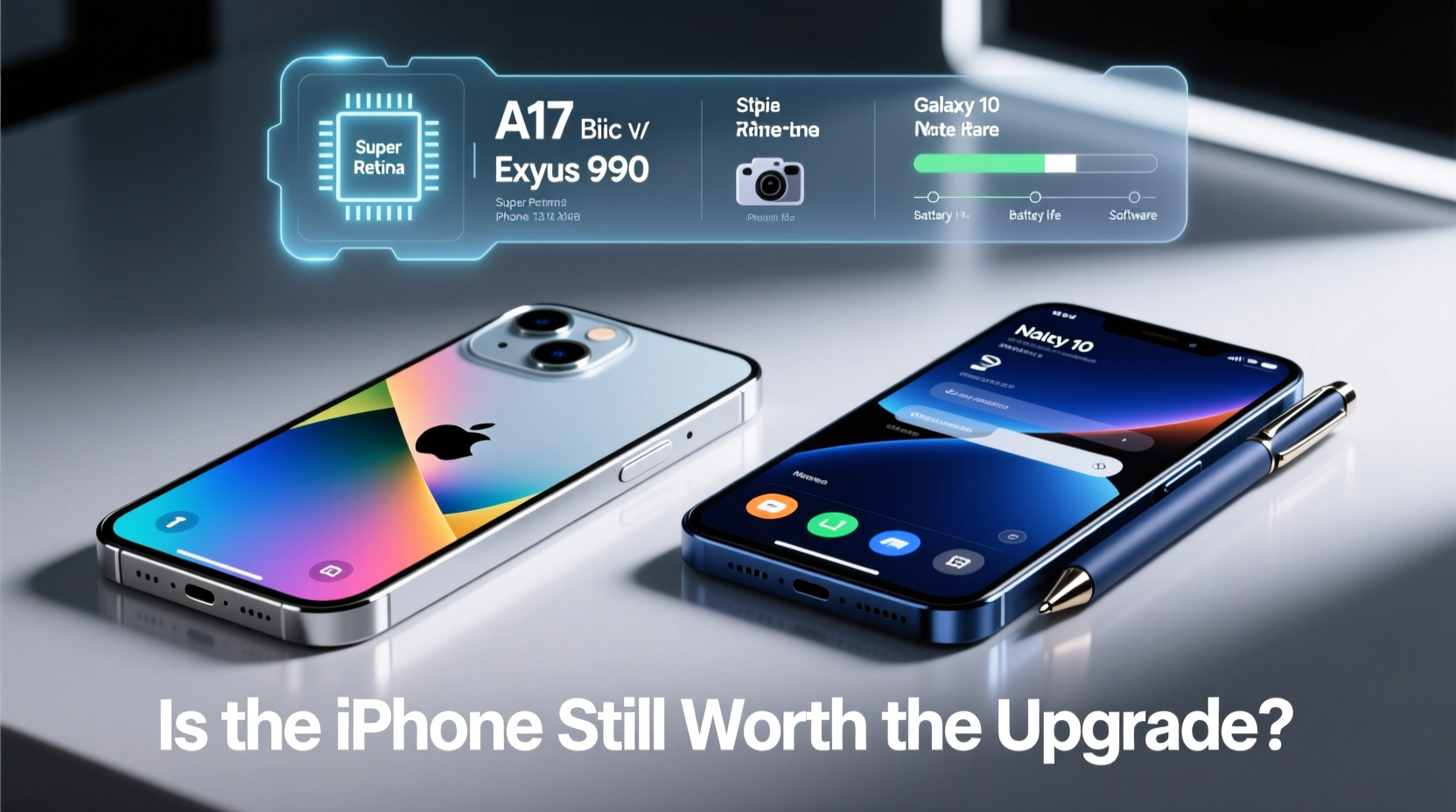
The most immediate difference lies in processing power and system responsiveness. The Galaxy Note 10 runs on either the Qualcomm Snapdragon 855 (in the U.S.) or Exynos 9825 (in select regions), both of which were top-tier chips at launch. However, by 2024 standards, they show their age—especially when multitasking or running graphics-intensive apps.
In contrast, the iPhone 13 is powered by Apple’s A15 Bionic chip, built on a 5nm process. Even now, its performance rivals many current mid-range Android processors. Apps launch faster, background tasks are handled more efficiently, and iOS updates remain smooth even after years of use.
Apple’s tight hardware-software integration also means that the iPhone 13 will likely receive iOS updates until 2027 or beyond. The Galaxy Note 10, while it received Android 12 and One UI 4.1, is no longer eligible for major OS upgrades, leaving it vulnerable to security risks and incompatible with future app requirements.
Camera Comparison: Quality Over Quantity
Samsung has traditionally packed high megapixel counts and multiple lenses into its flagships, but raw numbers don’t always translate to better photos. The Galaxy Note 10 features a triple rear setup: 12MP wide, 12MP telephoto, and 16MP ultra-wide. While capable in daylight, low-light performance suffers, and video stabilization lags behind modern standards.
The iPhone 13 improves on every front. Its dual-camera system includes a 12MP wide and 12MP ultra-wide lens, but Apple’s computational photography—especially with Night mode, Smart HDR 4, and sensor-shift stabilization—delivers sharper, more natural-looking images in varied lighting. Video recording stands out even more: the iPhone 13 supports Cinematic Mode, Dolby Vision HDR recording, and superior audio filtering.
“Even with fewer lenses, the iPhone 13 produces more consistent results across environments. It’s not about how many cameras you have—it’s how well they work together.” — Mark Tran, Mobile Photographer & Tech Reviewer
| Feature | Galaxy Note 10 | iPhone 13 |
|---|---|---|
| Rear Cameras | 12MP (wide) + 12MP (tele) + 16MP (ultra-wide) | 12MP (wide) + 12MP (ultra-wide) |
| Front Camera | 10MP | 12MP (with autofocus) |
| Video Recording | 4K @ 60fps | 4K @ 60fps with Dolby Vision HDR |
| Low-Light Performance | Moderate; grainy in dark scenes | Excellent; Night mode on all lenses |
| Stabilization | Digital only | Sensor-shift (wide) + digital |
Battery Life and Charging: Real-World Endurance
The Galaxy Note 10 comes with a 3,500mAh battery—respectable in 2019 but underpowered by today’s standards. Heavy users often need to charge midday, and battery degradation over time worsens this issue. It supports 25W fast charging but lacks wireless power sharing.
The iPhone 13 packs a larger effective capacity (though Apple doesn’t publish exact mAh figures) and benefits from the A15’s energy-efficient architecture. Apple claims up to 19 hours of video playback, and real-world usage typically sees 1.5 days of moderate use on a single charge. It supports 20W fast charging and MagSafe wireless charging, offering greater flexibility.
If your daily routine involves long commutes, remote work, or frequent travel, the iPhone 13’s extended battery life reduces charging anxiety significantly.
Ecosystem and Software Experience
Switching from Android to iOS isn’t just about hardware—it’s about adapting to a new digital environment. The Galaxy Note 10 excels in stylus integration, multi-window support, and DeX desktop mode. If you used the S Pen for notes, sketches, or quick actions, losing that functionality may feel like a downgrade.
However, the iPhone 13 offers deeper integration with other Apple devices. If you own an iPad, Mac, or Apple Watch, features like AirDrop, Handoff, Universal Clipboard, and seamless Bluetooth switching enhance productivity. iMessage, FaceTime, and iCloud provide a cohesive experience across devices that Android alternatives still struggle to match.
iOS also tends to run smoother over time due to strict app optimization guidelines and fewer background processes. Notifications are more organized, privacy controls are more granular, and app updates are standardized.
Real-World Scenario: A Professional’s Transition
Jamie, a freelance graphic designer, used her Galaxy Note 10 for four years. She loved the S Pen for sketching wireframes and appreciated Samsung DeX for light desktop editing. But by 2023, her phone struggled with app crashes, slow rendering, and poor battery life. After switching to an iPhone 13 and pairing it with an iPad and Apple Pencil, she found that while the iPhone lacked a built-in stylus, the ecosystem synergy made up for it.
She now uses her iPhone for client communication and photo capture, seamlessly continuing edits on her iPad. iCloud syncs her projects automatically, and the improved camera helps her document physical artwork with true-to-life color accuracy. Though the initial adjustment took effort, she says, “The upgrade wasn’t just about speed—it was about reliability and peace of mind.”
Step-by-Step Guide to Deciding Your Upgrade Path
- Assess your current phone’s condition: Is the battery health below 80%? Are apps sluggish or failing to update?
- List your must-have features: Do you rely on a stylus, expandable storage, or desktop mode? Or do you prioritize camera quality and long-term updates?
- Test the iPhone 13 in person: Visit an Apple Store or authorized reseller to try the device, especially the camera and one-handed usability.
- Check app compatibility: Ensure your essential Android apps have robust iOS versions (e.g., Adobe Suite, banking, productivity tools).
- Calculate total cost: Include trade-in value for your Note 10, potential case/accessory purchases, and any cloud migration fees.
- Plan the data transfer: Back up your Note 10 and use Apple’s migration tools to avoid losing critical files.
Frequently Asked Questions
Can I use a stylus with the iPhone 13?
The iPhone 13 does not support active styluses natively like the S Pen. However, third-party capacitive styluses work for basic input, and using an iPad with Apple Pencil fills that creative gap effectively within the Apple ecosystem.
Will my Samsung accessories work with the iPhone 13?
Most Bluetooth headphones and smartwatches will pair, but Samsung-specific features (like Seamless Setup or Galaxy Wearable integration) won’t function. You’ll need to switch to AirPods or other iOS-compatible wearables for full functionality.
Is the iPhone 13 waterproof like the Galaxy Note 10?
Yes. Both phones have an IP68 rating, meaning they can survive submersion in water up to 6 meters for 30 minutes. However, water resistance degrades over time, especially if the device has been dropped or repaired.
Final Verdict: Is the iPhone 13 Worth It?
For Galaxy Note 10 owners still clinging to a device past its prime, the iPhone 13 represents more than just a hardware upgrade—it’s a shift toward long-term reliability, superior camera performance, and seamless ecosystem integration. While you lose the S Pen and some Android customization, you gain years of software support, better battery efficiency, and stronger resale value.
If your priorities include consistent performance, excellent photography, and a device that will stay secure and functional for years, the iPhone 13 is absolutely worth the upgrade—even in 2024.




 浙公网安备
33010002000092号
浙公网安备
33010002000092号 浙B2-20120091-4
Comments
No comments yet. Why don't you start the discussion?