
If you're still rocking an iPhone 13 and wondering whether the buzz around the iPhone 15 is justified, you're not alone. Apple’s annual releases come with polished marketing, sleek design tweaks, and promises of “the best iPhone yet.” But do those upgrades translate into meaningful improvements for someone who already owns a capable device like the iPhone 13? Or is the hype just noise designed to move units?
The truth is, the iPhone 15 does bring tangible advancements — particularly in camera quality, processing power, and design — but how much of that matters depends on your usage, priorities, and budget. Let’s break down the real differences, assess what’s actually new, and determine whether upgrading makes sense for you.
Performance: A15 Bionic vs A16/A17 Chips
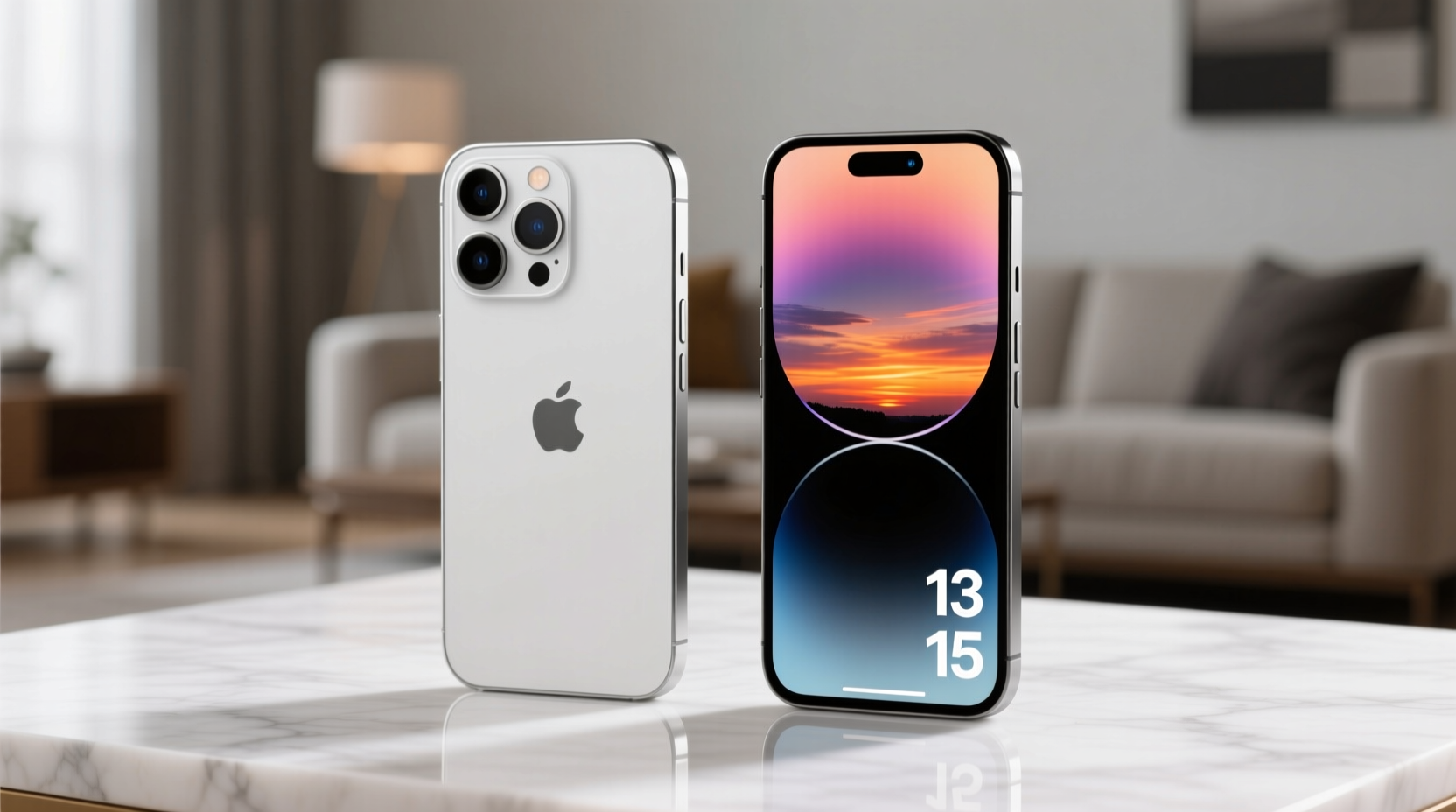
The iPhone 13 runs on Apple’s A15 Bionic chip, which was groundbreaking at launch and remains powerful today. In fact, even in 2024, the A15 handles everyday tasks, multitasking, and high-end gaming without breaking a sweat. The base iPhone 15 also uses a version of the A15 (with fewer GPU cores), while the iPhone 15 Pro features the A16 Bionic, and the 15 Pro Max steps up to the A17 Pro chip — Apple’s first 3nm processor.
The A17 Pro brings noticeable gains in graphics performance, making it ideal for pro-level video editing, augmented reality apps, and console-quality mobile gaming. However, for the average user who checks email, browses social media, streams videos, and takes photos, the difference between the A15 and A16 is minimal in daily use.
Camera System: Evolution, Not Revolution
One of the most marketed upgrades in the iPhone 15 series is the camera system. The iPhone 13 introduced a solid dual-camera setup: 12MP wide and ultra-wide lenses with Night mode, Smart HDR 4, and Cinematic mode for video. It remains excellent for most photography needs.
The iPhone 15 improves on this with a 48MP main sensor (on non-Pro models), allowing for higher-resolution shots and better 2x telephoto cropping. The autofocus is faster, and computational photography has been refined. Low-light performance is slightly better, and the new Photonic Engine enhances detail and color accuracy.
However, unless you’re printing large-format photos or cropping heavily into images, the jump from 12MP to 48MP won’t be visibly dramatic. The front camera also gets an upgrade to 12MP with autofocus, improving selfies and video calls — a welcome change if you frequently use FaceTime or social media.
“Smartphone cameras have hit a plateau for most users. The gap between flagship models is now measured in marginal gains, not leaps.” — David Kim, Mobile Imaging Analyst at TechPulse
Design & Build: Subtle but Meaningful Changes
The iPhone 13 and iPhone 15 share a similar form factor — flat edges, glass front and back, aluminum frame (on non-Pro models). But the iPhone 15 introduces a more durable Ceramic Shield front cover and improved water resistance (IP68 up to 6 meters). More notably, it switches from Lightning to USB-C — a long-overdue change that aligns with EU regulations and improves compatibility with modern accessories.
This shift means faster data transfer (USB 2 speeds on base models) and easier charging with non-Apple cables. For users with multiple Apple devices or a Windows laptop, this simplifies their tech ecosystem. The design is also slightly lighter and more ergonomic, with curved edges replacing the sharper rails of the iPhone 13.
| Feature | iPhone 13 | iPhone 15 |
|---|---|---|
| Chip | A15 Bionic | A16 Bionic (base), A17 Pro (Pro Max) |
| Main Camera | 12MP | 48MP with 2x sensor crop |
| Front Camera | 12MP, fixed focus | 12MP, autofocus |
| Charging Port | Lightning | USB-C |
| Water Resistance | IP68 (up to 6m for 30 mins) | IP68 (up to 6m for 30 mins) |
| Battery Life | Up to 19 hours video playback | Up to 20–23 hours (varies by model) |
| Display Brightness | 800 nits (HDR) | 1600 nits (HDR), 2000 nits peak |
Battery Life and Efficiency
Battery life on the iPhone 13 is solid: up to 19 hours of video playback. The iPhone 15 extends this slightly — up to 20–23 hours depending on the model — thanks to more efficient chip architecture and software optimization. In real-world use, this often translates to an extra hour or two of screen time.
More impactful is the brighter display. The iPhone 15 supports 1600 nits for HDR content and peaks at 2000 nits, making it far more usable in direct sunlight. If you spend time outdoors or watch a lot of HDR video, this is one of the most noticeable upgrades.
Real-World Example: Sarah’s Upgrade Dilemma
Sarah has used her iPhone 13 since 2021. She’s a busy professional who relies on her phone for emails, calendar management, occasional photo-taking, and streaming music during her commute. Her phone still holds a charge well, apps run smoothly, and she hasn’t experienced any lag.
When her friend upgraded to the iPhone 15 and raved about the camera, Sarah felt FOMO. She tested the 15 at an Apple Store and noticed the screen was brighter and the camera focused faster. But when comparing sample photos side-by-side, she couldn’t distinguish much difference in quality under normal lighting.
After crunching the numbers — including the $700+ cost of a new phone and the lack of trade-in urgency — she decided to wait. Instead, she invested in a MagSafe battery pack and a screen protector. Six months later, she’s still satisfied with her iPhone 13 and plans to keep it through 2025.
Upgrade Checklist: Should You Make the Switch?
Before deciding, ask yourself the following questions. Check off what applies:
- ✅ Is your iPhone 13 showing signs of wear (battery degradation, slow performance)?
- ✅ Do you need USB-C for work, travel, or accessory compatibility?
- ✅ Are you frustrated by low-light photo quality or limited zoom?
- ✅ Do you edit video or play demanding games on your phone?
- ✅ Can you get a significant trade-in or carrier deal to reduce cost?
If three or more apply, the iPhone 15 may be worth it. If not, your iPhone 13 likely still has years of reliable service left.
Frequently Asked Questions
Will the iPhone 13 stop getting updates soon?
Apple typically supports iPhones with iOS updates for 5–6 years. Since the iPhone 13 launched in 2021, it should receive updates until at least 2027. Security patches and feature updates will continue, so you won’t be left behind.
Is the iPhone 15 camera really better for low light?
Yes, but incrementally. The larger sensor and improved image signal processor capture more light and reduce noise. However, if you mostly take photos in daylight or well-lit indoor settings, the improvement may not justify the upgrade.
Can I use my old Lightning accessories with the iPhone 15?
You can, but you’ll need a USB-C to Lightning adapter. Over time, Apple is phasing out Lightning, so newer accessories (like AirPods cases or car chargers) are increasingly USB-C native. Transitioning now may simplify your setup.
Final Verdict: Hype vs. Reality
The iPhone 15 isn’t a revolutionary leap over the iPhone 13 — it’s an evolution. It offers meaningful upgrades for specific users: photographers, outdoor enthusiasts, professionals needing USB-C, and early adopters who value the latest tech. But for the majority of iPhone 13 owners, the improvements are subtle and situational.
The hype is real in marketing, but not necessarily in daily utility. Your iPhone 13 is still a high-performing, well-supported smartphone that handles modern apps, security demands, and personal use with ease. Unless you have a clear need for the new features, upgrading is more about desire than necessity.
Instead of rushing to replace a perfectly good device, consider extending its life: replace the battery if it’s below 80%, use a protective case, and keep iOS updated. These small steps can add another two years of reliable service.




 浙公网安备
33010002000092号
浙公网安备
33010002000092号 浙B2-20120091-4
Comments
No comments yet. Why don't you start the discussion?