
For many Apple users, the iPhone X was a turning point—a bold leap into the future with its edge-to-edge OLED display, Face ID, and sleek design. Released in 2017, it set the tone for modern iPhones. Fast forward to today, and the iPhone 13 represents over half a decade of innovation. If you're still holding onto your iPhone X, you might be wondering: is upgrading to the iPhone 13 actually worth it? The answer depends on your needs, usage patterns, and expectations—but let’s break down the real differences to help you decide.
Design and Display: Evolution with Subtle Refinements
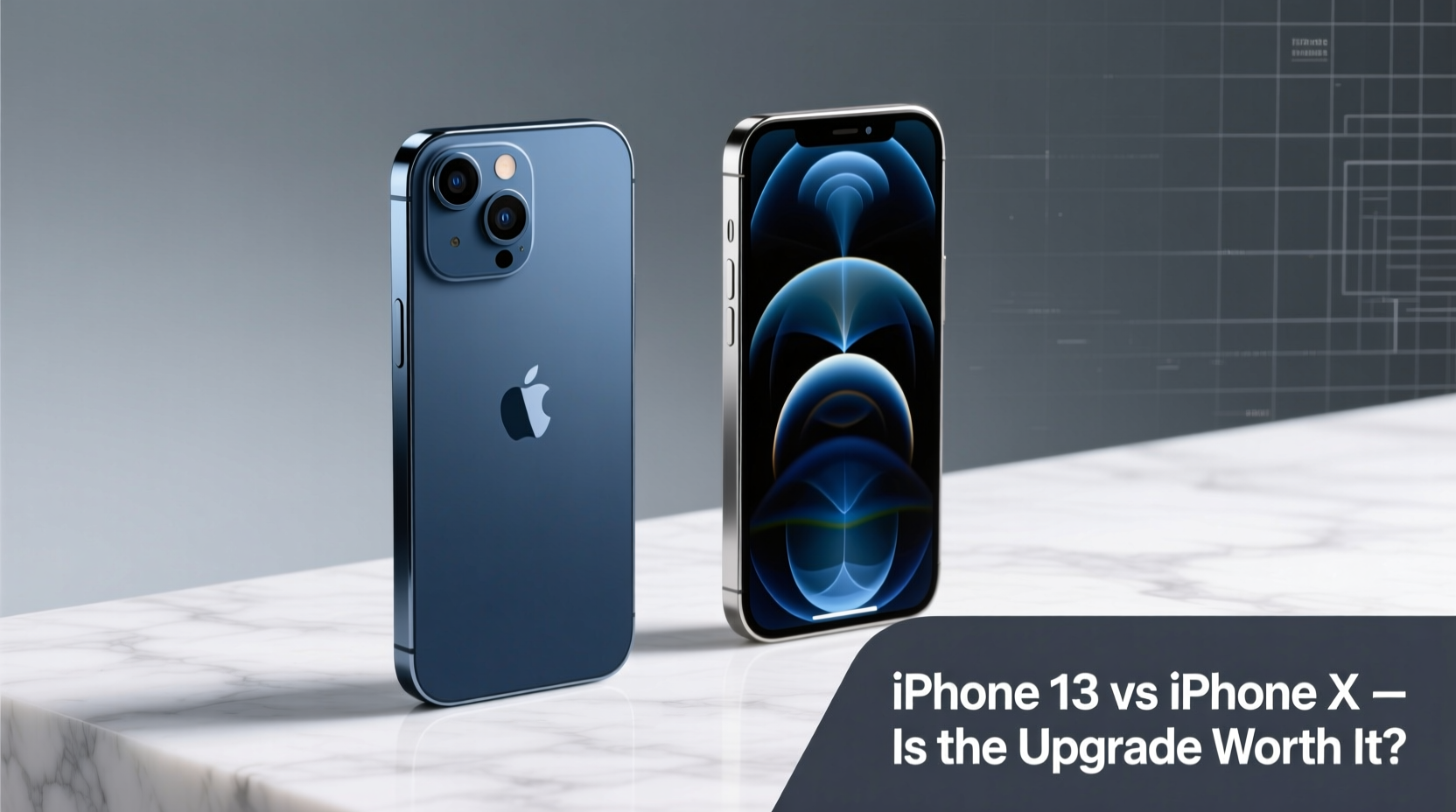
The iPhone X introduced a nearly bezel-less front with a notch for Face ID, stainless steel frame, and glass back—design elements that still influence current models. The iPhone 13 retains this overall aesthetic but refines it with a smaller notch, flatter aluminum (or stainless steel on Pro models) edges, and improved durability via Ceramic Shield front cover.
While both devices feature OLED displays, the iPhone 13 offers a brighter screen with better outdoor visibility. The X peaks at around 625 nits, while the 13 reaches up to 800 nits under typical conditions and 1200 nits for HDR content. This makes a noticeable difference when watching videos or using your phone in direct sunlight.
Performance: A Quantum Leap in Speed and Efficiency
Under the hood, the gap between these two phones is massive. The iPhone X runs on the A11 Bionic chip—an impressive processor in its time—but the iPhone 13 uses the A15 Bionic chip, which delivers vastly superior CPU, GPU, and neural engine performance.
In real-world terms, this means faster app launches, smoother multitasking, and better handling of graphics-intensive games and AR applications. Apps that may feel sluggish or occasionally stutter on the X run flawlessly on the 13. iOS updates also play a role: while the iPhone X supports up to iOS 16, future updates may not be optimized—or even compatible—for such older hardware.
“Every generation of Apple’s silicon doubles the performance-per-watt efficiency of its predecessor. That’s not just speed—it’s longevity.” — Dr. Lisa Chen, Mobile Hardware Analyst at TechInsight Group
Camera Comparison: Night Mode, Computational Photography, and More
The camera systems highlight one of the most compelling reasons to upgrade. The iPhone X features a dual 12MP rear setup (wide and telephoto), capable of excellent photos in good lighting. However, the iPhone 13 improves on every front:
- Night mode available on all lenses (absent on the X)
- Sensor-shift stabilization for sharper low-light shots
- Smart HDR 4 and advanced computational photography
- Film Mode for cinematic depth-of-field transitions in video
- Better low-light performance across wide and ultra-wide sensors
If you regularly take photos indoors, at night, or in challenging lighting, the iPhone 13 will deliver noticeably better results. Video recording jumps from 4K at 60fps on the X to 4K at 60fps with extended dynamic range and Dolby Vision HDR on the 13—ideal for creators and casual videographers alike.
Battery Life and Charging: From All-Day to Two-Day Potential
Battery degradation is inevitable after five years, especially if you’ve replaced your iPhone X’s battery only once—or never. Even with a new battery, the X struggles to last a full day with moderate to heavy use.
The iPhone 13 boasts significantly improved battery life thanks to the power-efficient A15 chip and a larger internal battery. Apple claims up to 19 hours of video playback, compared to 13 hours on the X. In practice, most users report easily getting through a full day—and often part of a second—with mixed usage.
Charging has also evolved. While both support fast charging and wireless charging, the iPhone 13 benefits from slightly faster wired speeds and more consistent MagSafe compatibility for accessories.
Storage and Future-Proofing
Many iPhone X users opted for 64GB models, which now feel restrictive given app sizes, high-resolution photos, and 4K video. The iPhone 13 starts at 128GB—double the base storage—making it far more practical for long-term use.
Additionally, future iOS versions will likely demand more processing power and storage space. Staying on the iPhone X could mean missing out on key features or security updates sooner than expected. Upgrading now extends your device's usable lifespan by another 3–4 years.
Detailed Comparison Table
| Feature | iPhone X | iPhone 13 |
|---|---|---|
| Release Year | 2017 | 2021 |
| Chipset | A11 Bionic | A15 Bionic |
| Display | 5.8” OLED, 625 nits | 6.1” OLED, 800 nits (1200 HDR) |
| Rear Cameras | Dual 12MP (Wide, Telephoto) | Dual 12MP (Wide, Ultra-Wide) + Sensor-shift OIS |
| Front Camera | 7MP | 12MP + Auto-Focus + Night Mode |
| Video Recording | 4K @ 60fps | 4K @ 60fps + Dolby Vision HDR |
| Battery Life (Video Playback) | Up to 13 hours | Up to 19 hours |
| Base Storage | 64GB | 128GB |
| Water Resistance | IP67 (1m for 30 mins) | IP68 (6m for 30 mins) |
| Operating System Support | Likely ends with iOS 17/18 | Expected through iOS 21+ |
Real User Scenario: Sarah’s Upgrade Decision
Sarah has used her iPhone X since 2018. She loves the compact size and still finds the design elegant. But lately, she’s noticed apps taking longer to load, her camera struggling in dim restaurants, and her battery dying by mid-afternoon. After researching, she tested an iPhone 13 at an Apple Store.
The immediate improvements—the snappy interface, vibrant display, and crisp low-light photos—convinced her. She also realized her 64GB storage was nearly full, limiting her ability to download new apps or keep memories. For $599 (on sale with trade-in), she upgraded. Six months later, she reports “it feels like getting a new brain”—everything is faster, clearer, and more reliable.
Upgrade Checklist: Is It Time?
Answer these questions to determine if upgrading makes sense for you:
- Does your iPhone X struggle with daily tasks like opening apps or switching between them?
- Have you experienced frequent crashes or unresponsiveness?
- Is your battery health below 80%?
- Do you often run out of storage space?
- Are you unable to install the latest iOS features or security updates?
- Do your photos lack detail in low light?
- Do you value longer software support and future features?
If you answered yes to three or more, upgrading is likely worthwhile.
Frequently Asked Questions
Will my iPhone X stop working if I don’t upgrade?
No, your iPhone X will continue to function. However, it may no longer receive major iOS updates beyond iOS 17, and app developers may begin dropping support for older hardware, limiting functionality over time.
Can I expect better resale value by upgrading now?
Yes. Selling your iPhone X now—while it’s still functional and recognizable—can net you $100–$180 depending on condition. Waiting longer may reduce its market value significantly.
Is the iPhone 13 much bigger than the X?
Slightly. The iPhone 13 is 0.3 inches taller and 0.1 inches wider than the X, with a marginally thicker profile. Most users adapt quickly, though those who prefer ultra-compact phones may miss the X’s tighter footprint.
Final Verdict: Yes, the Upgrade Is Worth It
Upgrading from the iPhone X to the iPhone 13 isn’t just about newer features—it’s about reclaiming speed, reliability, and confidence in your device. The advancements in processor performance, camera quality, battery endurance, and software support represent meaningful improvements that impact daily usability.
After five years, your iPhone X has served you well. But technology evolves, and so do your needs. The iPhone 13 offers a modern smartphone experience that the X simply can’t match—especially if you rely on your phone for work, creativity, or staying connected.




 浙公网安备
33010002000092号
浙公网安备
33010002000092号 浙B2-20120091-4
Comments
No comments yet. Why don't you start the discussion?