
The iPhone 14’s sleek design tempts many to go bare—no case, just glass and aluminum in hand. Add a trendy phone grip, and suddenly it feels secure, stylish, and ultra-responsive. But is this minimalist setup actually a ticking time bomb for your device? As more users swap protective cases for slim grips, the debate heats up: are they trading short-term comfort for long-term damage?
While phone grips offer undeniable convenience—especially during one-handed scrolling, gaming, or video recording—they don’t replace structural protection. The reality is that dropping an uncased iPhone 14, even with a grip attached, often results in cracked screens, dented frames, or internal damage. And once that happens, you’re facing repair bills that can exceed $300—or worse, permanent performance issues.
The Allure of the Bare iPhone 14 Experience
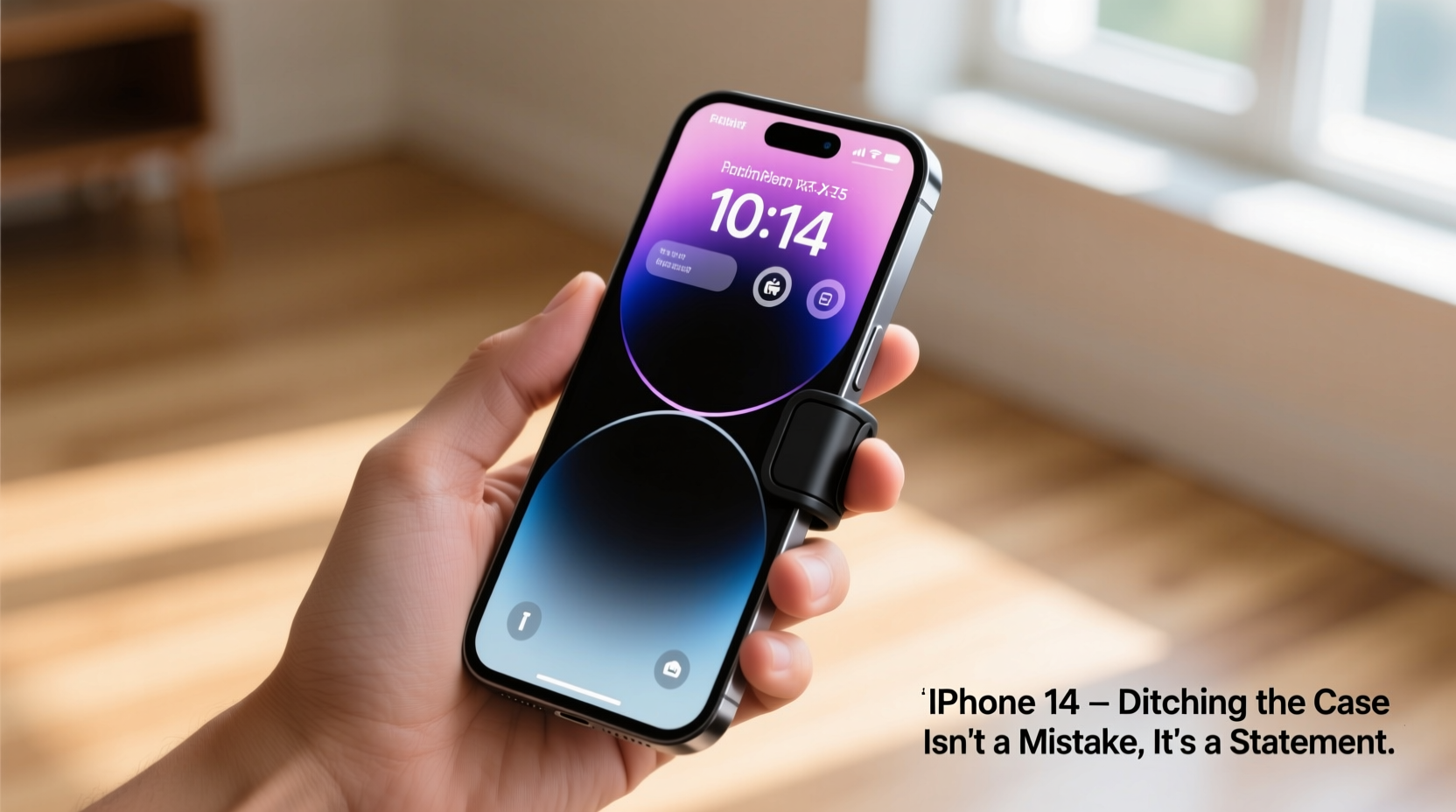
Apple designed the iPhone 14 with aesthetics in mind. The contoured edges, matte finishes, and premium materials feel luxurious when held directly. Many users report that removing the case enhances tactile feedback, improves wireless charging efficiency, and preserves the original look Apple intended.
Phone grips—adhesive strips or swappable modules that attach to the back—add a pinch point for better handling. They reduce hand strain during extended use and help prevent accidental slips. For content creators, streamers, or frequent travelers, these accessories seem like the perfect compromise: improved grip without bulk.
But here’s the catch: a grip doesn’t absorb impact. It doesn’t cushion against drops from waist height onto concrete. It won’t protect the camera bump when placed face-down on a table. And unlike a quality case, it offers zero defense against everyday wear and tear.
Why Going Case-Free Increases Risk
The iPhone 14, despite its Ceramic Shield front cover, is not indestructible. Independent drop tests show that even from heights as low as 3 feet, uncased iPhones suffer screen fractures over 70% of the time when landing on hard surfaces.
Without a case, the entire burden of impact resistance falls on Apple’s internal frame and glass layers. There’s no shock dispersion. No raised bezel to keep the screen off flat surfaces. No bumper to take the brunt of a fall. A phone grip might help you hold it tighter, but it won’t stop the device from shattering when it hits the ground.
Moreover, daily micro-abrasions accumulate quickly. Keys, coins, and rough surfaces in pockets or bags cause fine scratches on the back glass and aluminum band. Over months, this degrades resale value and makes the phone look worn—even if it functions perfectly.
“People underestimate how much protection a good case provides until they hear the crack of glass on pavement.” — Jordan Lee, Mobile Repair Technician with 12 years of experience
Case vs. Grip: A Practical Comparison
| Feature | Phone Case | Phone Grip Only |
|---|---|---|
| DROP PROTECTION | High (absorbs impact) | None |
| SCRATCH RESISTANCE | Moderate to High | Low |
| HANDLING SECURITY | Good (depends on texture) | Excellent (designed for grip) |
| CAMERA PROTECTION | Yes (raised edges) | No |
| AESTHETICS & FEEL | Bulkier, less direct contact | Sleek, premium feel |
| RESALE VALUE IMPACT | Preserves value | Reduces value due to wear |
Can You Have Both? Hybrid Solutions That Work
You don’t have to choose between protection and practicality. Several manufacturers now offer hybrid designs that combine the best of both worlds:
- Folio cases with built-in grips: These include foldable straps or silicone tabs that extend for better hold without adding excessive thickness.
- Grip-integrated cases: Brands like Spigen, OtterBox, and Native Union produce cases with detachable or molded grips that maintain full coverage.
- Magnetic modular systems: Using MagSafe-compatible backs, users can snap on grips only when needed—like during workouts or travel—and remove them for charging or storage.
This approach gives you situational flexibility. Use the grip when you need extra security—on a crowded subway, while walking, or filming videos—but retain the structural integrity of a protective shell.
Mini Case Study: The TikTok Creator Who Learned the Hard Way
Maya R., a lifestyle content creator with over 200K followers, used her iPhone 14 Pro (same build as 14) daily for filming reels and live streams. She loved the clean look of her device and opted for a clear adhesive grip instead of a case. “It felt so much better to hold,” she said. “I thought I was being careful.”
Three months in, while adjusting lighting for a shoot, her phone slipped from her hand and landed lens-down on tile. The result? A spiderwebbed rear camera glass and misaligned focus on the main sensor. Repairs cost $269, and she lost two weeks of content production.
“I didn’t realize how much a case does beyond just looks,” Maya admitted. “Now I use a MagSafe case with a removable grip. Same control, way less risk.”
Step-by-Step Guide: How to Protect Your iPhone 14 Without Sacrificing Usability
- Evaluate your usage patterns: Do you frequently use your phone on the move? In crowded areas? While exercising? High-risk environments demand better protection.
- Invest in a MagSafe-compatible case: Choose one with a slim profile but reinforced corners and raised edges around screen and camera.
- Add a removable grip: Attach a magnetic or clip-on grip module only when needed—e.g., during vlogging or long calls.
- Apply a screen protector: Even with a case, a high-quality tempered glass shield adds an extra layer of defense.
- Rotate accessories seasonally: Use rugged cases in winter or travel; switch to lighter options at home, but never go fully unprotected.
FAQ
Does a phone grip interfere with wireless charging?
Most adhesive grips do not block Qi or MagSafe charging unless they contain metal components. However, thick grips may prevent proper alignment. Magnetic grips designed for MagSafe usually charge seamlessly.
Can I use my iPhone 14 without any protection if I’m careful?
Even cautious users drop their phones—an average of 7 times per year, according to insurance data. “Careful” isn’t enough. Environmental factors like wet hands, uneven terrain, or distracted moments increase risk unpredictably.
Are all phone grips the same?
No. Grips vary by material (silicone, TPU, fabric), attachment method (adhesive, magnetic), and functionality (rotating, folding). Magnetic MagSafe grips tend to be more durable and easier to remove than sticky-back versions.
Final Verdict: Is Ditching the Case a Huge Mistake?
For most users, yes—it is a significant oversight. While the temptation to enjoy the iPhone 14 in its purest form is understandable, the trade-off in durability and longevity isn’t worth it. A phone grip improves ergonomics but provides negligible physical protection. It’s like wearing a seatbelt without airbags: better than nothing, but far from complete safety.
Your iPhone 14 is a powerful tool and a substantial investment. Treating it as disposable fashion ignores its functional importance in your daily life. Instead of choosing between style and safety, opt for intelligent solutions that offer both. Modern cases are slimmer, smarter, and more customizable than ever—many are barely noticeable yet highly effective.
Technology evolves to serve us—not the other way around. Don’t let fleeting trends compromise the reliability of a device you depend on every hour of the day.




 浙公网安备
33010002000092号
浙公网安备
33010002000092号 浙B2-20120091-4
Comments
No comments yet. Why don't you start the discussion?