
The jump between iPhone generations often brings subtle improvements, but with the iPhone 14 Pro, Apple made one of its boldest camera upgrades in years. For photography enthusiasts who rely on their smartphone for daily shots, travel memories, or social content, the question isn’t just about megapixels—it’s whether the differences translate into tangible, visible improvements in real-world photos.
This article breaks down the key changes between the iPhone 14 Pro and iPhone 13 Pro cameras, evaluates how they affect image quality, and helps you decide if upgrading is truly worth it for your photography needs.
Main Camera Upgrades: The Shift to 48MP
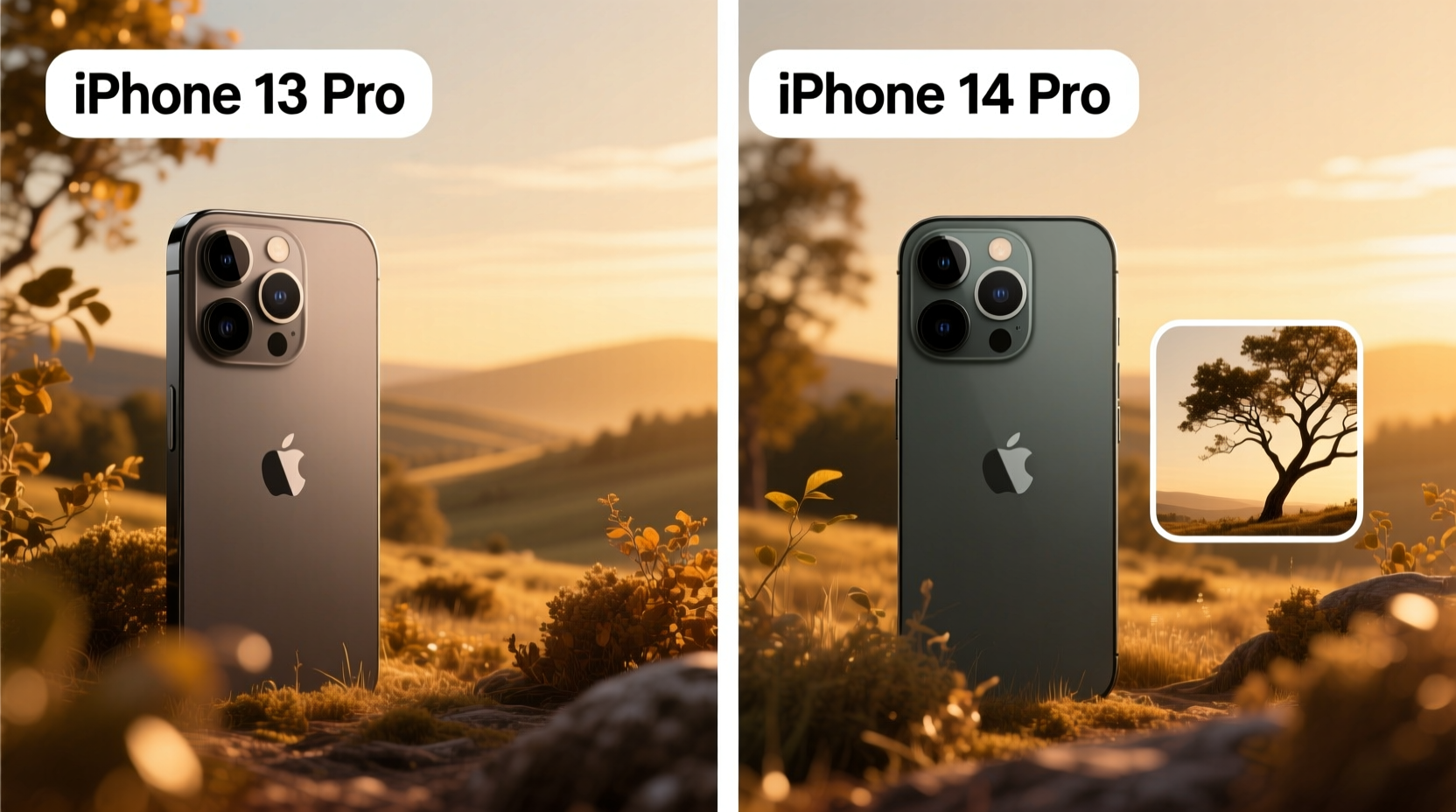
The most significant change in the iPhone 14 Pro is the replacement of the 12MP main sensor with a new 48MP (megapixel) sensor. While this number may seem like marketing hype, the underlying technology—called pixel binning—makes a practical difference.
Under normal conditions, the 14 Pro defaults to capturing 12MP images by combining information from four adjacent pixels into one larger “super pixel.” This improves light capture and dynamic range. However, when more detail is needed—such as zooming or cropping—the full 48MP resolution can be accessed via the ProRAW format.
In contrast, the iPhone 13 Pro uses a smaller 12MP sensor without the ability to resolve fine textures at the same level. In side-by-side comparisons, the 14 Pro captures noticeably sharper details in architecture, foliage, and fabric patterns, especially in daylight.
Low-Light Performance and Night Mode
Night photography has improved across both models thanks to computational photography, but the 14 Pro gains an edge through better hardware and smarter software. The larger sensor allows more light intake, and Apple introduced Photonic Engine—a low-light optimization layer that works across all lenses before Night mode even activates.
In dimly lit restaurants, city streets at dusk, or indoor events, the 14 Pro produces cleaner shadows, less noise, and more accurate color tones. Skin tones remain natural, whereas the 13 Pro sometimes leans slightly cool or grainy under artificial lighting.
Night mode exposure times are also slightly shorter on the 14 Pro, reducing motion blur when shooting handheld. While both phones stabilize well, the newer model gives you more leeway if you’re not using a tripod.
“Apple’s shift to a higher-resolution base sensor marks a turning point in mobile photography. It’s not just about more megapixels—it’s about smarter data capture.” — David Kim, Mobile Imaging Analyst at DXOMARK
Zoom and Telephoto Capabilities
Both the iPhone 13 Pro and 14 Pro feature a 3x optical zoom lens (77mm equivalent), so there's no hardware advantage in pure optical reach. However, digital zoom performance differs due to the 14 Pro’s higher-resolution main sensor.
When zooming beyond 3x, the 14 Pro can crop into the 48MP sensor while retaining far more detail than the 13 Pro, which relies solely on interpolation. At 5x or 10x digital zoom, the 14 Pro delivers usable results in good light, while the 13 Pro shows visible softness and loss of texture.
For example, photographing a performer on stage from the back row or capturing wildlife from a distance benefits from this enhanced digital zoom capability. The improvement isn't revolutionary, but it’s meaningful for users who frequently shoot distant subjects.
Video and Cinematic Features
While the focus here is on still photography, video enhancements indirectly affect photo-taking behavior. The iPhone 14 Pro introduced Action mode, which uses extreme stabilization for shaky scenarios. Though designed for video, this indicates advancements in sensor shifting and image processing that benefit stills—especially burst shots and quick captures.
Additionally, the 14 Pro supports macro photography across all lighting conditions more reliably, thanks to faster autofocus transitions between standard and ultra-wide lenses. The 13 Pro occasionally struggles with hunting or delayed switching when moving close to a subject.
| Feature | iPhone 14 Pro | iPhone 13 Pro |
|---|---|---|
| Main Sensor Resolution | 48MP (with pixel binning) | 12MP |
| Low-Light Enhancement | Photonic Engine + larger sensor | Night mode only |
| Digital Zoom Quality | Sharper up to 10x (good light) | Softens after 5x |
| Mono Photos | Supported via 48MP sensor | Limited detail retention |
| ProRAW Default Output | 48MP option available | 12MP only |
Real-World Example: Travel Photography in Lisbon
Sophia, a freelance travel photographer, upgraded from the iPhone 13 Pro to the 14 Pro before a week-long trip to Portugal. Her goal was to minimize carrying a DSLR and rely primarily on her phone.
She noticed immediate benefits in two areas: cobblestone street details in morning light and interior shots of tiled churches with limited illumination. The 48MP shots allowed her to crop tightly on intricate tile patterns without losing clarity. In post-processing, she extracted multiple high-resolution stills from a single ProRAW file for different social media formats.
While she praised the consistency of color science between both models, she found the 14 Pro required less manual tweaking in Lightroom, particularly in shadow recovery. “The extra headroom in dynamic range meant I could pull back highlights on sunlit balconies without crushing the darks,” she noted.
Step-by-Step: Getting the Most Out of the 14 Pro Camera
- Enable ProRAW: Go to Settings > Camera > Formats > Apple ProRAW and toggle it on. Choose 12MP or 48MP based on storage availability.
- Use the 48MP mode selectively: Only enable it when maximum detail is needed—e.g., landscapes, architecture, or planned crops.
- Tap to control focus and exposure separately: Press and hold to lock AE/AF, then adjust the brightness slider independently.
- Leverage the Photographic Styles: Customize warm/cool or rich contrast preferences in Settings > Camera > Photographic Styles for consistent looks.
- Avoid third-party apps for critical shots: They don’t access the full sensor data. Stick to the native Camera app for best results.
Frequently Asked Questions
Do everyday users notice the camera difference?
For casual snapshots shared on social media, the difference may be minimal. However, those who print photos, edit heavily, or value fine detail will appreciate the 14 Pro’s superior resolution and dynamic range.
Is the front camera better on the 14 Pro?
Yes. The 14 Pro features autofocus on the TrueDepth front camera, making selfies and video calls sharper, especially at close range. The 13 Pro’s front camera is fixed-focus, leading to occasional softness.
Does the 14 Pro take better portrait photos?
Yes, particularly in mixed lighting. The depth mapping is more precise due to improved sensor fusion, resulting in fewer errors around hair and edges. Skin tones are also more natural, with better highlight roll-off.
Final Verdict: Is the Upgrade Worth It?
If your current device is the iPhone 13 Pro, the camera upgrade to the 14 Pro is evolutionary rather than revolutionary—but evolution adds up. The 48MP sensor, improved low-light handling, and better zoom flexibility offer measurable gains in image fidelity and creative control.
For professional creators, hybrid shooters, or anyone who treats their phone as a primary camera, the improvements justify the upgrade. Casual users who rarely zoom, crop, or edit may find the leap less compelling, especially considering the cost.
Ultimately, the iPhone 14 Pro doesn’t reinvent smartphone photography—it refines it. And for photographers who demand more from every pixel, that refinement matters.




 浙公网安备
33010002000092号
浙公网安备
33010002000092号 浙B2-20120091-4
Comments
No comments yet. Why don't you start the discussion?