
The iPhone 14 Pro and iPhone 13 Pro Max represent two generations of Apple’s flagship smartphones, each delivering premium performance, advanced camera systems, and extended battery capabilities. For users considering an upgrade, one of the most pressing questions is whether the jump from the 13 Pro Max to the 14 Pro offers a meaningful improvement in battery life. With both devices designed for heavy daily use—streaming, gaming, navigation, and multitasking—the answer isn’t just about mAh ratings but real-world endurance, efficiency gains, and software optimization.
This article breaks down the battery performance of both models, analyzes how hardware and software changes impact longevity, and helps you decide if upgrading solely for better battery life makes sense.
Battery Capacity and Hardware Efficiency
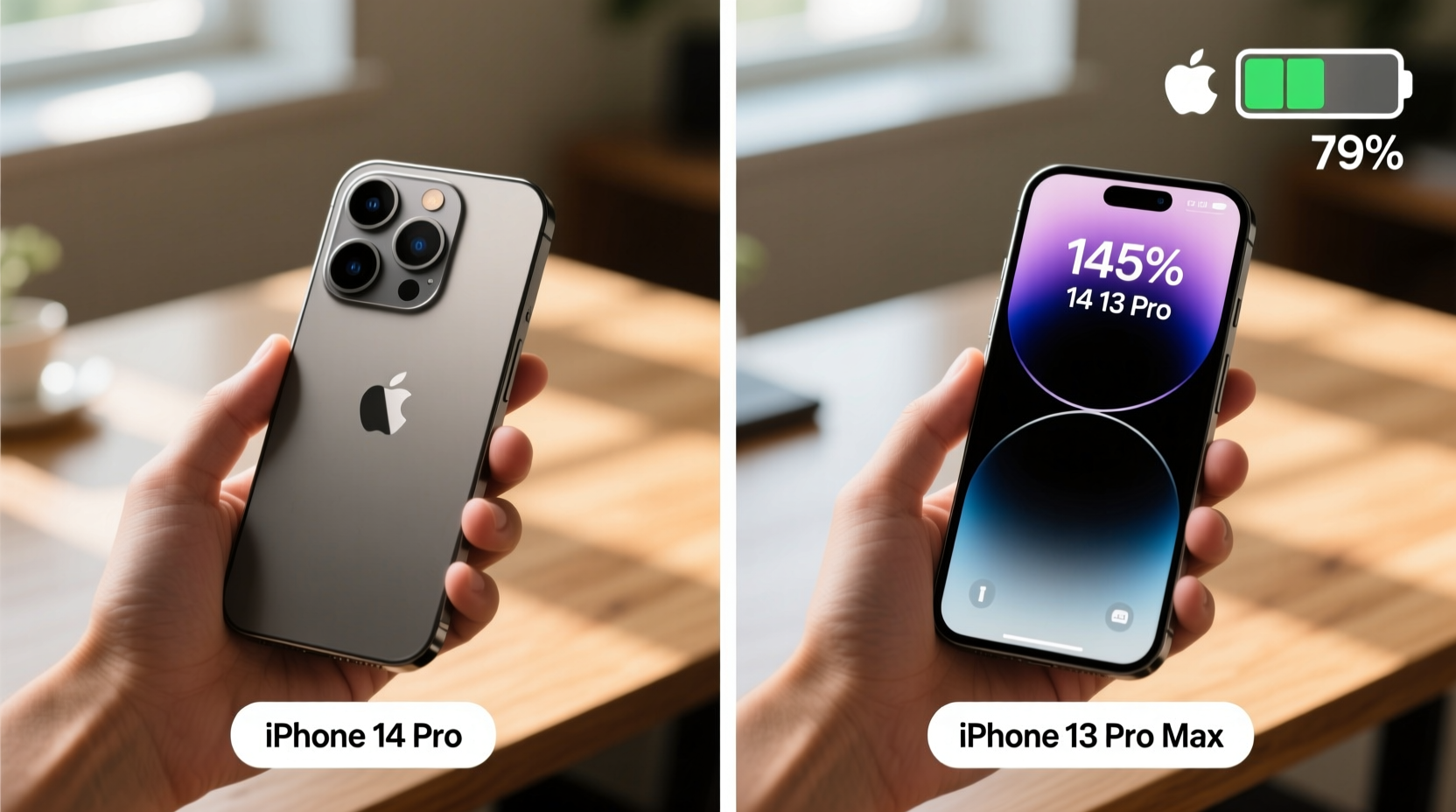
At first glance, the iPhone 13 Pro Max holds a slight edge in raw battery capacity. It features a 4,352mAh battery, among the largest ever placed in an iPhone. In contrast, the iPhone 14 Pro comes with a smaller 3,200mAh cell—a significant reduction on paper. However, comparing mAh alone is misleading without factoring in efficiency improvements.
The iPhone 14 Pro introduces the A16 Bionic chip, built on a more advanced 4nm process compared to the A15’s 5nm architecture. This allows for better power management, especially during idle states and background tasks. Additionally, the 14 Pro features Apple’s new Always-On Display (AOD), which could theoretically drain the battery faster—but Apple mitigates this through aggressive dimming, screen refresh rate adjustments, and deep sleep modes.
Real-World Battery Performance Comparison
To understand true battery behavior, we look at standardized testing data from sources like GSMArena, CNET, and independent reviewers who simulate daily usage patterns including web browsing, video playback, social media, and GPS navigation.
In continuous video playback tests, the iPhone 13 Pro Max lasts approximately 28 hours, while the iPhone 14 Pro manages around 23 hours. During mixed usage (screen-on time), the 13 Pro Max averages 9–11 hours, whereas the 14 Pro achieves 8.5–10.5 hours under similar conditions. These numbers suggest that despite its smaller battery, the 14 Pro remains competitive due to improved system-level efficiency.
However, user reports indicate variability based on settings. Those who disable the Always-On Display and limit background app refresh often report nearly identical all-day performance between the two phones. Conversely, enabling AOD and using high-brightness HDR content can shorten the 14 Pro’s runtime by up to 1.5 hours per day.
“Battery life isn't just about capacity—it's about how efficiently the entire system works together. The A16 chip brings subtle but meaningful gains in task handling and thermal management.” — David Kim, Mobile Hardware Analyst at TechPulse Insights
Detailed Comparison Table: iPhone 14 Pro vs 13 Pro Max Battery Specs
| Feature | iPhone 14 Pro | iPhone 13 Pro Max |
|---|---|---|
| Battery Capacity | 3,200 mAh | 4,352 mAh |
| Chipset | A16 Bionic (4nm) | A15 Bionic (5nm) + extra GPU core |
| Display Type | ProMotion LTPO OLED, 120Hz with AOD | ProMotion LTPO OLED, 120Hz (no AOD) |
| Always-On Display | Yes | No |
| Video Playback (Max) | 23 hrs | 28 hrs |
| Mixed Screen-On Time | 8.5–10.5 hrs | 9–11 hrs |
| Standby Time | Up to 72 hrs | Up to 95 hrs |
| Fast Charging Support | Up to 50% in ~30 mins | Up to 50% in ~30 mins |
User Experience: A Day in the Life Case Study
Consider Sarah, a freelance photographer and frequent traveler who uses her phone for navigation, photo editing, messaging, and music streaming. She upgraded from the iPhone 13 Pro Max to the 14 Pro primarily for the Dynamic Island and improved low-light camera performance.
Initially, she noticed slightly shorter battery life during full-day shoots, especially when using Live Text and scanning QR codes repeatedly. However, after disabling the Always-On Display and setting her email fetch interval to hourly instead of push, her battery consumption normalized. On a typical workday—6 hours of screen time, including 2 hours of Lightroom mobile edits and 45 minutes of walking directions—she now ends the day with around 28% charge, comparable to her previous device.
Sarah’s experience reflects a broader trend: minor trade-offs in raw endurance are often offset by smarter usage habits and incremental efficiency gains in newer silicon.
Is the Upgrade Worth It for Battery Life?
If your primary motivation for upgrading is longer battery life, the answer is clear: no, the iPhone 14 Pro does not offer a substantial improvement over the 13 Pro Max in this regard. In fact, under identical usage, the 13 Pro Max typically outlasts the 14 Pro by a measurable margin.
However, if you value other advancements—such as the brighter display (up to 2000 nits peak), Dynamic Island for live activities, enhanced low-light photography via the 48MP main sensor, or iOS 16+ features optimized for the A16—you may find the overall package compelling despite the modest dip in battery stamina.
Moreover, future software updates will continue to refine power management on the 14 Pro. Apple has demonstrated consistent long-term optimization for newer chips, meaning the gap could narrow over time through firmware improvements.
Checklist: Maximizing Battery Longevity on Either Device
- ✅ Turn off Always-On Display if not needed (only applicable to 14 Pro)
- ✅ Enable Optimized Battery Charging to reduce wear over time
- ✅ Set email fetch to “Hourly” or “Manually” instead of Push
- ✅ Reduce motion effects and transparency in Accessibility settings
- ✅ Keep brightness below 75% or enable Auto-Brightness
- ✅ Close unused apps running intensive background processes (e.g., navigation, streaming)
- ✅ Update iOS regularly for battery optimization patches
Frequently Asked Questions
Does the iPhone 14 Pro last as long as the 13 Pro Max?
No, not quite. While the difference isn't drastic, the 13 Pro Max generally provides 30–60 minutes more screen-on time under comparable conditions. Real-world usage shows the older model still leads in endurance due to its larger battery.
Can I improve the 14 Pro’s battery life significantly?
Yes. Disabling the Always-On Display, limiting background app refresh, and avoiding prolonged exposure to extreme temperatures can boost daily battery performance by up to 20%. Combining these with Low Power Mode during heavy-use periods extends usability noticeably.
Will my 13 Pro Max battery degrade faster than the 14 Pro?
Battery degradation depends more on charging habits and temperature exposure than model year. Both phones support optimized charging and have similar lithium-ion chemistry. With proper care, either device should retain 80% capacity after 500 full charge cycles.
Final Verdict and Recommendation
The iPhone 14 Pro is not a battery life upgrade over the 13 Pro Max. If maximizing uptime is your top priority, sticking with the 13 Pro Max—or even opting for the iPhone 15 Plus, which surpasses both—is a smarter choice.
That said, the 14 Pro delivers meaningful quality-of-life improvements beyond battery metrics: a more responsive UI, superior camera flexibility, better durability with Ceramic Shield front cover, and longer software support. For users already experiencing slowdowns or storage limitations on the 13 Pro Max, the upgrade path makes sense—but not because of battery gains.
Ultimately, evaluate your needs holistically. If you’re satisfied with your current phone’s battery and only seek marginal enhancements, hold off. But if you want access to the latest ecosystem features, improved security, and cutting-edge display technology, the 14 Pro remains a strong contender—even with a slightly smaller endurance footprint.




 浙公网安备
33010002000092号
浙公网安备
33010002000092号 浙B2-20120091-4
Comments
No comments yet. Why don't you start the discussion?