
If you're still using an iPhone 11 and have been eyeing the iPhone 14, you're likely weighing whether the upgrade justifies the cost. Apple’s latest models bring new features, but so much depends on how you use your phone. For some, the jump from iPhone 11 to iPhone 14 delivers meaningful improvements. For others, it might be overkill. This comparison dives into real-world differences in performance, camera quality, battery life, durability, and long-term value to help you decide if spending extra is truly worthwhile.
Performance: Speed That Matters—Or Not?
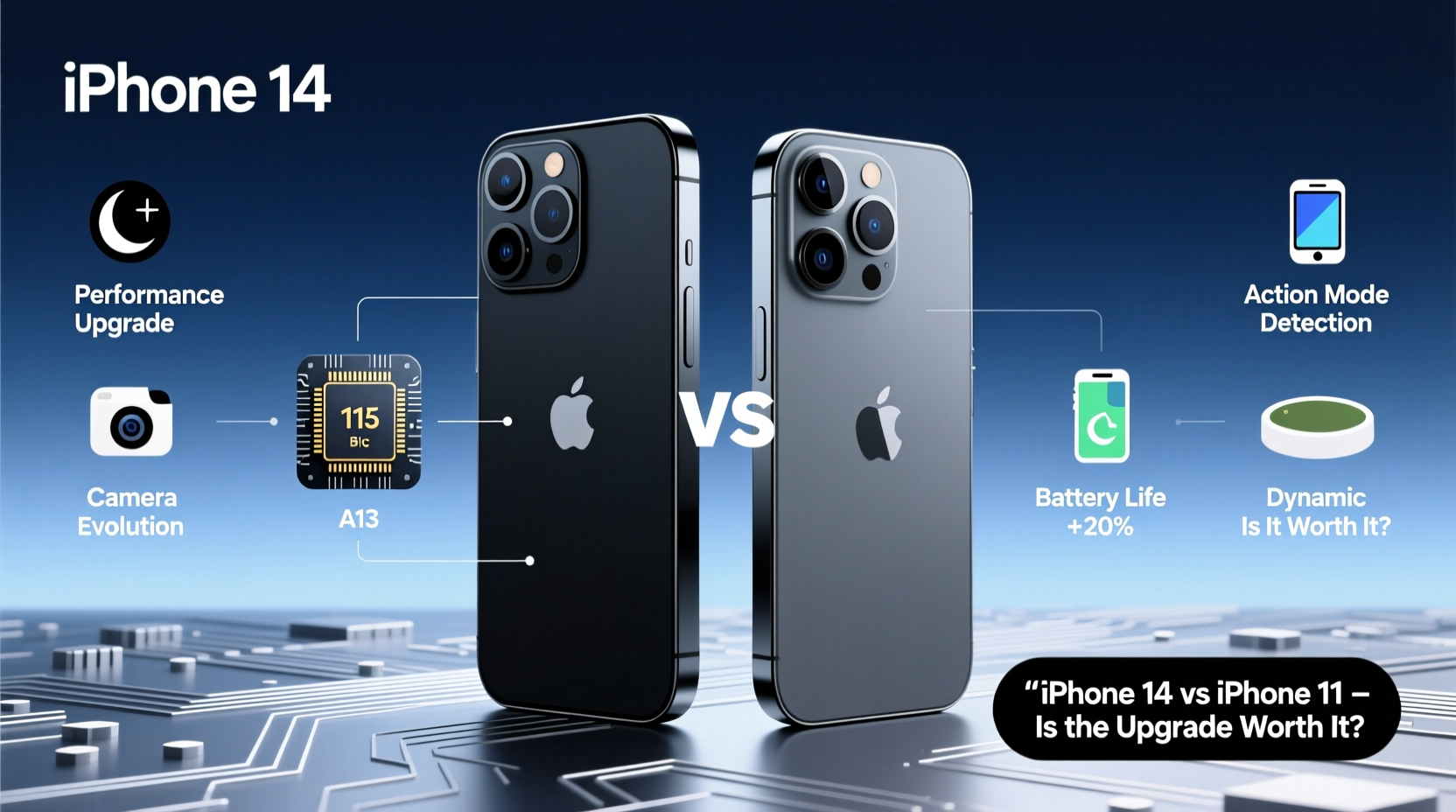
The iPhone 11 runs on Apple’s A13 Bionic chip, a powerhouse in its time. The iPhone 14, however, is powered by the A15 Bionic chip—same as the iPhone 13 Pro models—with a faster CPU, improved GPU, and better neural engine for machine learning tasks.
In practical terms, this means the iPhone 14 handles multitasking more smoothly, launches apps faster, and sustains high performance during intensive tasks like video editing or gaming. If you regularly run demanding apps or play graphics-heavy games, the difference is noticeable. But for everyday use—browsing, messaging, social media, and even light photo editing—the iPhone 11 still performs admirably.
Camera Upgrades: More Than Just Megapixels
The camera is where the iPhone 14 pulls ahead most clearly. Both phones feature dual-camera systems (wide and ultra-wide), but the upgrades in hardware and software make a tangible difference.
The iPhone 14 includes sensor-shift optical image stabilization (OIS) on the main camera—a feature previously reserved for Pro models. This results in sharper photos in low light and smoother video footage. Night mode has also improved across all lenses, including the front-facing camera. Additionally, the 14 supports Photographic Styles and advanced computational photography features that adapt to your preferences.
Video recording benefits too. The iPhone 14 adds Action Mode, which uses advanced stabilization for dramatically smoother handheld footage—ideal for vloggers or active users. It also supports 4K HDR recording with Dolby Vision at higher frame rates than the iPhone 11.
“From a photography standpoint, the iPhone 14 offers more consistency in challenging lighting and better dynamic range, making it a solid choice for mobile creators.” — David Lin, Mobile Photography Specialist
Battery Life and Charging: Real-World Gains
Battery longevity is a major factor when deciding whether to upgrade. The iPhone 14 offers slightly better efficiency thanks to the A15 chip and modestly larger battery capacity. Apple claims up to two hours longer battery life compared to the iPhone 11 under typical usage.
In real-world testing, the difference varies. Light users may not notice much change, but heavy users—those streaming video, using GPS, or playing games—can gain an extra 60–90 minutes of screen-on time. That can mean the difference between needing a midday charge or making it through the day comfortably.
Charging technology remains unchanged: both support 20W fast charging and MagSafe, but neither includes a charger in the box. However, the iPhone 14 charges slightly faster due to improved power management.
| Feature | iPhone 11 | iPhone 14 |
|---|---|---|
| Chipset | A13 Bionic | A15 Bionic (5-core GPU) |
| Rear Cameras | 12MP Wide + 12MP Ultra-Wide | 12MP Wide (sensor-shift OIS) + 12MP Ultra-Wide |
| Front Camera | 12MP TrueDepth | 12MP TrueDepth (Night Mode, Smart HDR 4) |
| Battery Life (Apple Claim) | Up to 17 hours video playback | Up to 19 hours video playback |
| Water Resistance | IP68 (up to 2m for 30 mins) | IP68 (up to 6m for 30 mins) |
| Special Features | No emergency SOS via satellite | Crash Detection, Emergency SOS via Satellite |
Durability and Safety: New Peace of Mind
The iPhone 14 introduces two critical safety features absent in the iPhone 11: Emergency SOS via satellite and Crash Detection. These aren't just marketing gimmicks—they’ve already helped users in remote areas or after car accidents get emergency assistance when cellular networks were unavailable.
Durability has also improved. While both phones have IP68 ratings, the iPhone 14 can survive submersion up to 6 meters for 30 minutes—double the depth of the iPhone 11. The front glass is slightly more resistant to drops, and the aluminum frame is designed for better impact absorption.
Mini Case Study: Sarah’s Upgrade Decision
Sarah, a freelance photographer based in Colorado, used her iPhone 11 for nearly four years. She loved its compact size and reliability but began noticing limitations. Low-light shots lacked detail, and editing 4K video drained the battery quickly. After testing an iPhone 14 at a friend’s house, she was impressed by the stabilized video and faster export times.
She upgraded primarily for the camera and battery improvements. “I shoot walkthroughs of mountain trails,” she said. “The Action Mode stabilizes shaky paths, and the night mode lets me capture twilight scenes without a tripod. For my work, the $600 investment made sense.”
For Sarah, the upgrade wasn’t about having the latest gadget—it was about gaining tools that directly enhanced her productivity and creative output.
Is the Upgrade Worth It? A Practical Checklist
Before spending hundreds on a new phone, ask yourself these questions:
- Do I often struggle with slow app performance or frequent app crashes?
- Am I unhappy with my current camera quality, especially in low light?
- Do I regularly run out of battery before the end of the day?
- Do I need advanced safety features like crash detection or satellite SOS?
- Am I still satisfied with my iPhone 11’s overall functionality?
- Can I resell my iPhone 11 to offset the cost of a new device?
If you answered “yes” to the first four, the iPhone 14 is likely a worthwhile upgrade. If the last two resonate more, holding onto your iPhone 11—and perhaps investing in a battery replacement—might be the smarter financial move.
Frequently Asked Questions
Can the iPhone 11 still run the latest iOS updates?
Yes. As of 2024, the iPhone 11 supports iOS 17 and is expected to receive updates through at least iOS 18. Apple typically provides five years of software support, so your device will remain secure and functional for the near future.
How much does it cost to upgrade from iPhone 11 to iPhone 14?
The iPhone 14 starts at $699 (new), while unlocked iPhone 11 models in good condition can sell for $200–$250. After trade-in or resale, your net cost could be around $450–$500, depending on storage and condition.
Is the iPhone 14 waterproof?
It’s water-resistant, not waterproof. Rated IP68, it can withstand submersion up to 6 meters for 30 minutes under controlled conditions. However, water damage isn’t covered under warranty, so caution is still essential.
Final Verdict: When to Upgrade (and When to Wait)
Upgrading from iPhone 11 to iPhone 14 isn’t essential for most average users. The iPhone 11 remains a capable smartphone that handles daily tasks efficiently. However, if you rely on your phone for photography, content creation, or outdoor adventures, the iPhone 14 brings meaningful advancements in camera quality, battery life, and safety features.
The decision ultimately hinges on your usage patterns and budget. For power users, creators, or those prioritizing emergency preparedness, the iPhone 14 justifies its price. For everyone else, extending the life of your iPhone 11 with a battery replacement ($89 from Apple) or a protective case could offer better value.




 浙公网安备
33010002000092号
浙公网安备
33010002000092号 浙B2-20120091-4
Comments
No comments yet. Why don't you start the discussion?