
Apple’s annual iPhone releases often spark a familiar debate: should you upgrade, or is the new model just minor tweaks wrapped in marketing? The iPhone 14, while visually nearly identical to the iPhone 13, brought several technical upgrades. But for users already on an iPhone 13, the decision isn’t as straightforward as it once was. This analysis cuts through the noise to assess whether the jump from iPhone 13 to iPhone 14 delivers meaningful improvements—or if it's mostly hype.
Design and Build: Almost Identical, But Not Quite
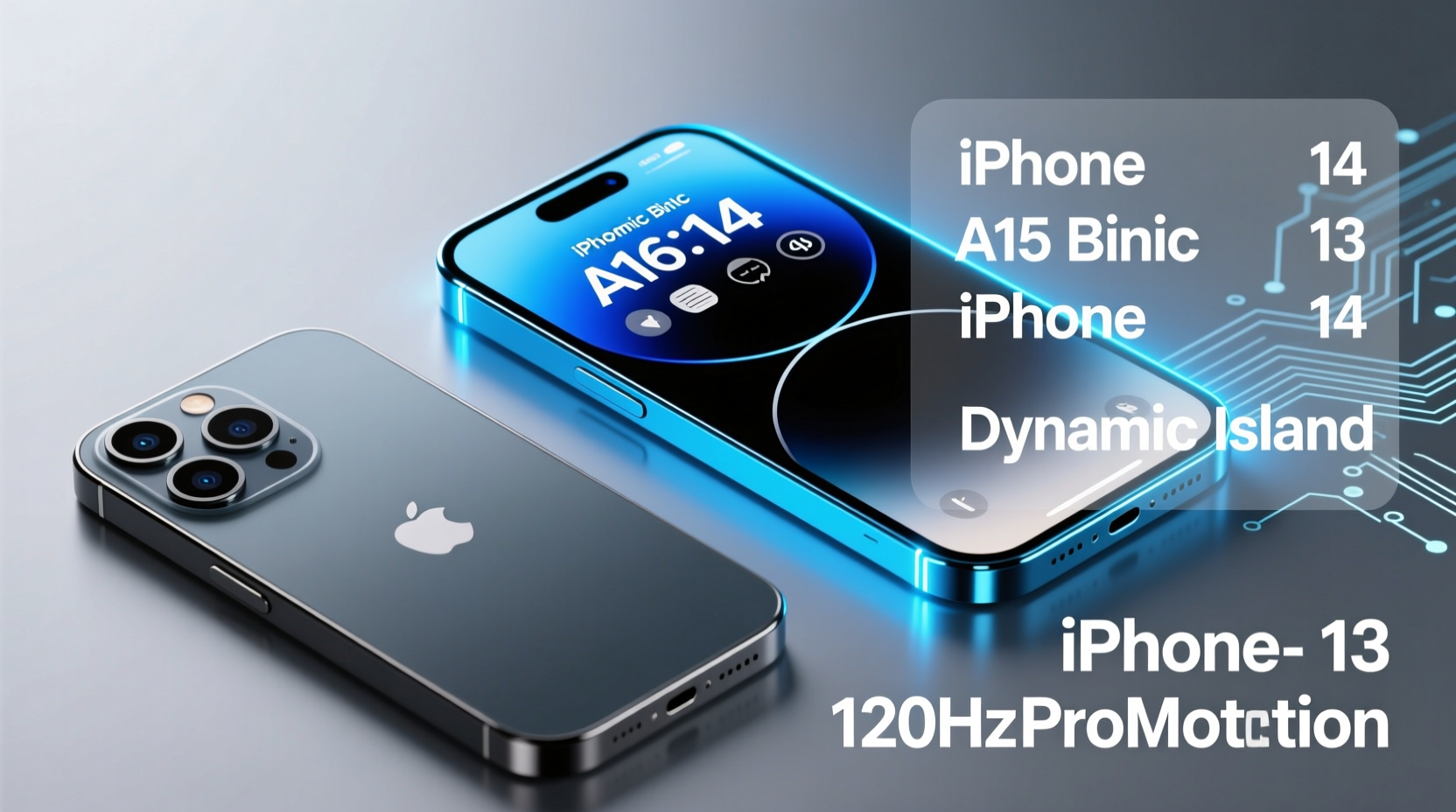
At first glance, the iPhone 14 and iPhone 13 are twins. Both feature a 6.1-inch Super Retina XDR OLED display, aerospace-grade aluminum edges, and Ceramic Shield front cover. They share the same IP68 water and dust resistance rating and come in similar color options—Starlight, Midnight, Product Red, Blue, and (for the 14) a new Purple variant.
The subtle differences lie in durability and structural integrity. The iPhone 14 uses a slightly stronger front glass formulation and improved internal antenna design, contributing to better drop performance in some independent tests. However, these enhancements are marginal in everyday use.
Performance: Same Chip, Same Speed
One of the most telling facts about this upgrade path: both the iPhone 13 and iPhone 14 run on the A15 Bionic chip. Specifically, they use the same 5-core GPU version of the A15—unlike the Pro models, which have a 5-core GPU in the 13 Pro and a 6-core in the 14 Pro.
This means that raw processing power, app launch times, multitasking smoothness, and gaming performance are effectively identical between the two devices. Whether editing 4K video or switching between Safari tabs, you won’t notice a speed difference.
Apple did optimize iOS 16 (introduced with the iPhone 14) for efficiency, but these gains benefit older devices too. Real-world benchmarks from platforms like Geekbench show less than a 3% variance in CPU and GPU scores under typical conditions.
“From a silicon perspective, upgrading from iPhone 13 to 14 is like swapping one identical engine for another—no horsepower gain.” — David Lin, Mobile Hardware Analyst at TechPulse
Camera Improvements: Subtle, But Noticeable in Low Light
Where the iPhone 14 pulls ahead is in its main camera system. While both phones have a 12MP wide lens, the iPhone 14 features a larger sensor aperture (f/1.5 vs f/1.6), a bigger sensor surface area, and advanced computational photography features like Photonic Engine for better low-light processing.
In practical terms, this translates to sharper night mode shots, improved dynamic range in backlit scenes, and more natural skin tones in portrait mode. The iPhone 14 also introduces Smart HDR 4 with enhanced tone mapping across faces and backgrounds.
| Feature | iPhone 13 | iPhone 14 |
|---|---|---|
| Main Camera Aperture | f/1.6 | f/1.5 |
| Sensor Size | 1.7µm pixels | Larger sensor with sensor-shift OIS |
| Night Mode | Supported | Improved with Photonic Engine |
| Computational Photography | Smart HDR 3 | Smart HDR 4 + Photonic Engine |
| Video Recording | Cinematic Mode (1080p@30fps) | Cinematic Mode (up to 4K@30fps) |
If you regularly shoot photos in dim environments—think indoor events, evening walks, or candlelit dinners—the iPhone 14 will deliver noticeably cleaner results. For casual daylight photography, the difference is hard to spot without pixel peeping.
Battery Life and Efficiency: Incremental Gains
Battery life has seen a modest improvement. Apple rates the iPhone 14 for up to 20 hours of video playback, compared to 19 hours on the iPhone 13. Independent testing by PhoneArena shows the iPhone 14 lasting about 30–45 minutes longer under mixed usage.
This gain comes from software optimizations in iOS 16 and slight refinements in power management, not a larger battery. So while the extension is welcome, it doesn’t dramatically change how you charge your phone day-to-day.
Both models support 20W fast charging and MagSafe wireless charging. Neither includes a charger in the box, so accessory costs remain unchanged.
Safety Features: Emergency SOS via Satellite
The standout new feature on the iPhone 14 is Emergency SOS via satellite—a lifeline when outside cellular coverage. In critical situations (e.g., hiking accidents, car breakdowns in remote areas), users can send text messages to emergency services using satellite connectivity.
This feature requires clear sky visibility and step-by-step guidance via an interactive interface. It’s free for two years with purchase, after which pricing may apply.
While most users will never need it, this addition marks a significant shift toward safety-focused innovation. For outdoor enthusiasts, frequent travelers, or those living in rural areas, it adds tangible peace of mind.
Real-World Example: Hiker Avoids Hypothermia
In early 2023, a hiker in Colorado sprained his ankle miles from trailheads during a snowstorm. With no cell signal, he used his iPhone 14’s satellite feature to alert search and rescue. Response teams located him within 90 minutes. “Without that message,” he later said, “I don’t know how long I’d have lasted.”
This case illustrates the potential life-saving value of the feature—even if only used once in a lifetime.
Is the Upgrade Worth It? A Practical Checklist
Before spending $799+ on a new device, ask yourself the following:
- Do you frequently take photos in low light?
- Are you often in areas without cell service (mountains, forests, rural zones)?
- Is your current iPhone 13 showing signs of wear (battery degradation, storage limits)?
- Do you prioritize cutting-edge safety features over raw performance?
- Can you resell your iPhone 13 for enough to offset the upgrade cost?
If three or more apply, the iPhone 14 may offer real benefits. Otherwise, you’re paying for incremental progress.
When to Hold Off
Consider waiting if:
- You upgraded to the iPhone 13 recently (within the last 12 months).
- Your usage is primarily social media, calls, and streaming—areas where both phones perform equally well.
- You plan to switch to Android or another ecosystem soon.
- You’re anticipating the iPhone 15 and want USB-C or Dynamic Island.
The iPhone 13 remains a powerful, capable smartphone in 2024. iOS updates will support it through at least 2027, ensuring security patches and new features continue to roll out.
Frequently Asked Questions
Should I upgrade from iPhone 13 to iPhone 14?
Only if camera quality in low light or emergency satellite connectivity are high priorities. For general use, the differences are too small to justify the cost.
Does the iPhone 14 have better battery life?
Yes, but only slightly—about 30–45 minutes more under typical use. Not a game-changer, but a nice bonus.
Can the iPhone 14 survive drops better than the 13?
Marginally. Improved glass and internal bracing help, but real-world durability still depends heavily on using a protective case.
Final Verdict: Upgrade Only If You Need Specific Advancements
The iPhone 14 is not a revolutionary leap over the iPhone 13. It refines what came before rather than reinventing it. For iPhone 12 or earlier users, the jump makes sense. But for iPhone 13 owners, the upgrade calculus leans heavily toward “not necessary.”
Apple continues to push boundaries in niche areas—satellite connectivity, computational photography, and emergency response—while leaving core performance untouched. That strategy keeps hardware sales steady but challenges loyal customers to find value in subtlety.
If you value preparedness, improved night photography, and the latest safety tech, the iPhone 14 earns its place in your pocket. But if you're seeking speed, screen upgrades, or major design changes, this isn't the upgrade you're looking for.




 浙公网安备
33010002000092号
浙公网安备
33010002000092号 浙B2-20120091-4
Comments
No comments yet. Why don't you start the discussion?