
For many iPhone users, the annual upgrade cycle brings excitement — and hesitation. The iPhone 15 arrived with fanfare, promising refined design, improved performance, and smarter photography. But if you already own an iPhone 14, is the jump truly justified? With prices starting above $799, this isn’t a decision to make lightly. Let’s break down the tangible differences, evaluate real-world benefits, and determine whether the upgrade delivers meaningful value or just marginal gains.
Design and Build: Subtle Refinements, Not a Revolution
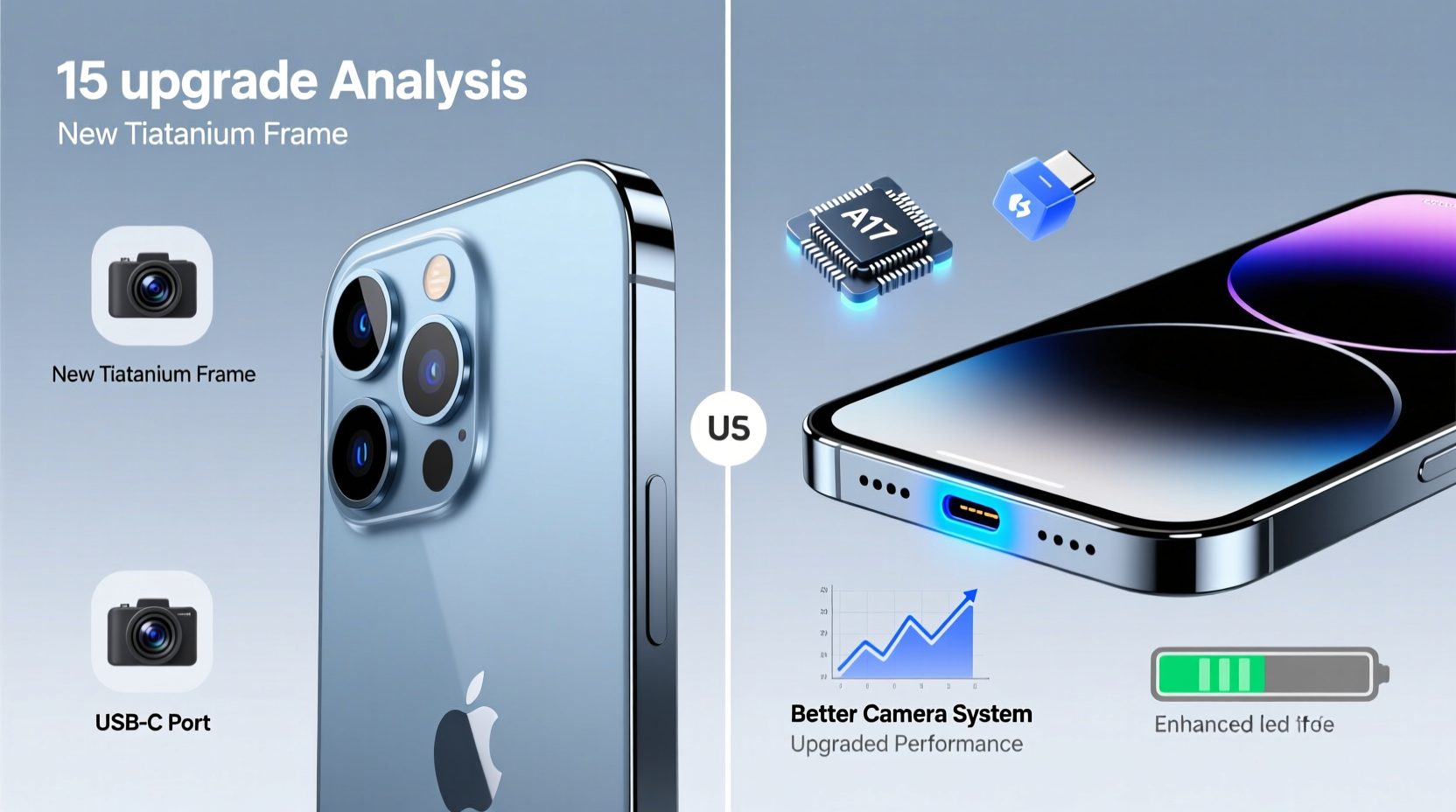
The most noticeable change in the iPhone 15 is its design language. Apple moved away from flat edges on the base model, adopting the contoured edges previously reserved for the Pro line. This shift improves grip and comfort, especially during extended use. The back glass is now more durable with a color-infused finish that resists scratches better than before.
The Dynamic Island, once exclusive to Pro models, now features on the standard iPhone 15. It replaces the notch and integrates system alerts, Face ID prompts, and music controls into an interactive pill-shaped display area. While not essential, it adds a modern touch and enhances multitasking visibility.
One key structural improvement is the switch to a USB-C port. After years of Lightning dominance, Apple aligns with EU regulations and broader industry trends. USB-C offers faster data transfer (USB 2 speeds) and universal cable compatibility — a practical win for travelers and multi-device households.
Performance: Faster Chip, But Diminishing Returns
The iPhone 15 runs on the A16 Bionic chip — the same processor found in the iPhone 14 Pro. That means a 40% faster CPU and GPU compared to the base iPhone 14’s A15 Bionic (which only used five of six GPU cores). In real-world terms, apps launch quicker, games run smoother at higher frame rates, and multitasking feels more fluid.
However, unless you're pushing intensive workloads like 4K video editing or playing graphics-heavy games daily, the difference may go unnoticed. For casual browsing, messaging, and social media use, both phones perform excellently. iOS optimization ensures even older chips remain responsive for years.
“Each new chip brings efficiency gains, but for most users, the leap from A15 to A16 isn't transformative — it's evolutionary.” — David Lin, Senior Mobile Analyst at TechInsight Group
Camera System: Smarter Photography, Especially in Low Light
The camera is where the iPhone 15 pulls ahead most clearly. It introduces a new 48MP main sensor (up from 12MP), though default shots are still captured as 12MP using pixel binning for better dynamic range and detail. What matters more is how the hardware and software work together.
Low-light performance has improved significantly thanks to larger pixels, advanced noise reduction, and computational photography enhancements. Night mode activates earlier, and photos retain more texture and color accuracy in dim environments. Portrait mode now leverages the 48MP sensor for better subject detection and background blur, even at medium distances.
Another major upgrade is optical zoom. While the iPhone 14 offers digital zoom only, the iPhone 15 supports 2x optical zoom out via the 48MP sensor’s cropping capability. This allows lossless close-ups without switching lenses — useful for candid shots or distant subjects.
Real-World Example: Travel Photography Upgrade
Sophia, a frequent traveler based in Portland, upgraded from her iPhone 14 to the 15 before a trip to Iceland. She noticed immediate improvements when photographing glaciers at dusk. “The sky retained its deep blue hues instead of turning gray,” she said. “And I could zoom in on a bird on a cliff without losing clarity. It felt like carrying a mini DSLR.”
Differences at a Glance
| Feature | iPhone 14 | iPhone 15 |
|---|---|---|
| Chipset | A15 Bionic (5-core GPU) | A16 Bionic |
| Rear Camera | 12MP main | 48MP main (with 2x zoom) |
| Front Camera | 12MP | 12MP with Auto Macro Focus |
| Display | Notch, 60Hz refresh rate | Dynamic Island, 60Hz refresh rate |
| Port | Lightning | USB-C (USB 2 speed) |
| Battery Life | Up to 20 hours video playback | Up to 22 hours video playback |
| Starting Price (128GB) | $799 | $799 |
Battery and Charging: Incremental Gains
Battery life sees a modest improvement — about 1–2 hours more under mixed usage. This comes from both the energy-efficient A16 chip and slight capacity increases. More impactful is the adoption of USB-C, which enables faster charging with compatible power adapters (though Apple still limits peak speeds on non-Pro models).
You can now charge your iPhone 15 with the same cable used for MacBooks, iPads, and Android devices. Third-party fast chargers also offer better compatibility. However, wireless charging remains unchanged at 15W with MagSafe and 7.5W with Qi pads.
Should You Upgrade? A Practical Checklist
Before deciding, assess your current needs and usage patterns. Here’s a checklist to guide your decision:
- ✅ Are you still satisfied with your iPhone 14’s performance?
- ✅ Do you frequently take photos in low light or need better zoom?
- ✅ Is cable clutter a problem? Would USB-C simplify your setup?
- ✅ Have you experienced battery degradation after two years of use?
- ✅ Are you holding onto a device purchased before 2022?
If you answered “no” to most of these, the upgrade may not be urgent. But if photography, port convenience, or aging battery life are pain points, the iPhone 15 offers measurable improvements.
When the Upgrade Makes Sense
The ideal candidate for upgrading isn’t someone chasing specs — it’s someone whose current phone no longer meets their lifestyle needs. Consider moving to the iPhone 15 if:
- You rely heavily on smartphone photography and want better results without carrying extra gear.
- You’re frustrated by Lightning cable limitations and want universal charging compatibility.
- Your iPhone 14 is showing signs of wear — slow performance, degraded battery, or recurring glitches.
- You plan to keep your next phone for 3+ years and want longer software support (iOS updates likely through 2028).
Frequently Asked Questions
Will my iPhone 14 stop working if I don’t upgrade?
No. Apple typically supports iPhones with iOS updates for 5–6 years after release. The iPhone 14 will likely receive updates until 2028, ensuring security patches, app compatibility, and feature parity for years to come.
Is the Dynamic Island worth the upgrade?
It depends on how you use notifications and multitask. The Dynamic Island provides glanceable alerts and active app indicators (like timers or music). While convenient, it’s more of a quality-of-life enhancement than a necessity.
Can I expect better resale value from the iPhone 15?
Yes. Newer models generally retain value better, especially early in their lifecycle. Selling your iPhone 14 now may fetch a higher price than waiting another year, helping offset the cost of the upgrade.
Final Verdict: Value Over Hype
The iPhone 15 isn’t a radical reinvention — it’s a thoughtful refinement. For iPhone 14 owners, the upgrades are real but incremental. The combination of the 48MP camera, USB-C port, Dynamic Island, and slightly better battery life adds up to a more modern, capable device. Yet, none of these changes are game-breaking.
If your iPhone 14 performs well and meets your daily needs, hold off. There’s no compelling reason to upgrade solely for novelty. But if you’re due for a replacement, value better photos, and want future-proof connectivity, the iPhone 15 delivers tangible benefits that enhance everyday usability.




 浙公网安备
33010002000092号
浙公网安备
33010002000092号 浙B2-20120091-4
Comments
No comments yet. Why don't you start the discussion?