
Shortly after the iPhone 15 series launched in September 2023, users across social media platforms and tech forums began reporting an unusual trend: their devices were getting excessively hot under normal usage conditions. Some described phones too warm to hold, others noted performance throttling, and a few even reported shutdowns during outdoor use. These widespread complaints sparked a heated debate—was this a fundamental hardware flaw, or could software updates eventually resolve the problem?
The answer, as with most complex technology issues, lies somewhere in between. While early signs pointed to design decisions that increased thermal load, Apple’s subsequent software updates have mitigated some of the worst symptoms. Understanding the root causes, how they interact, and what users can do about them is essential for anyone relying on an iPhone 15 in daily life.
Understanding the Overheating Reports
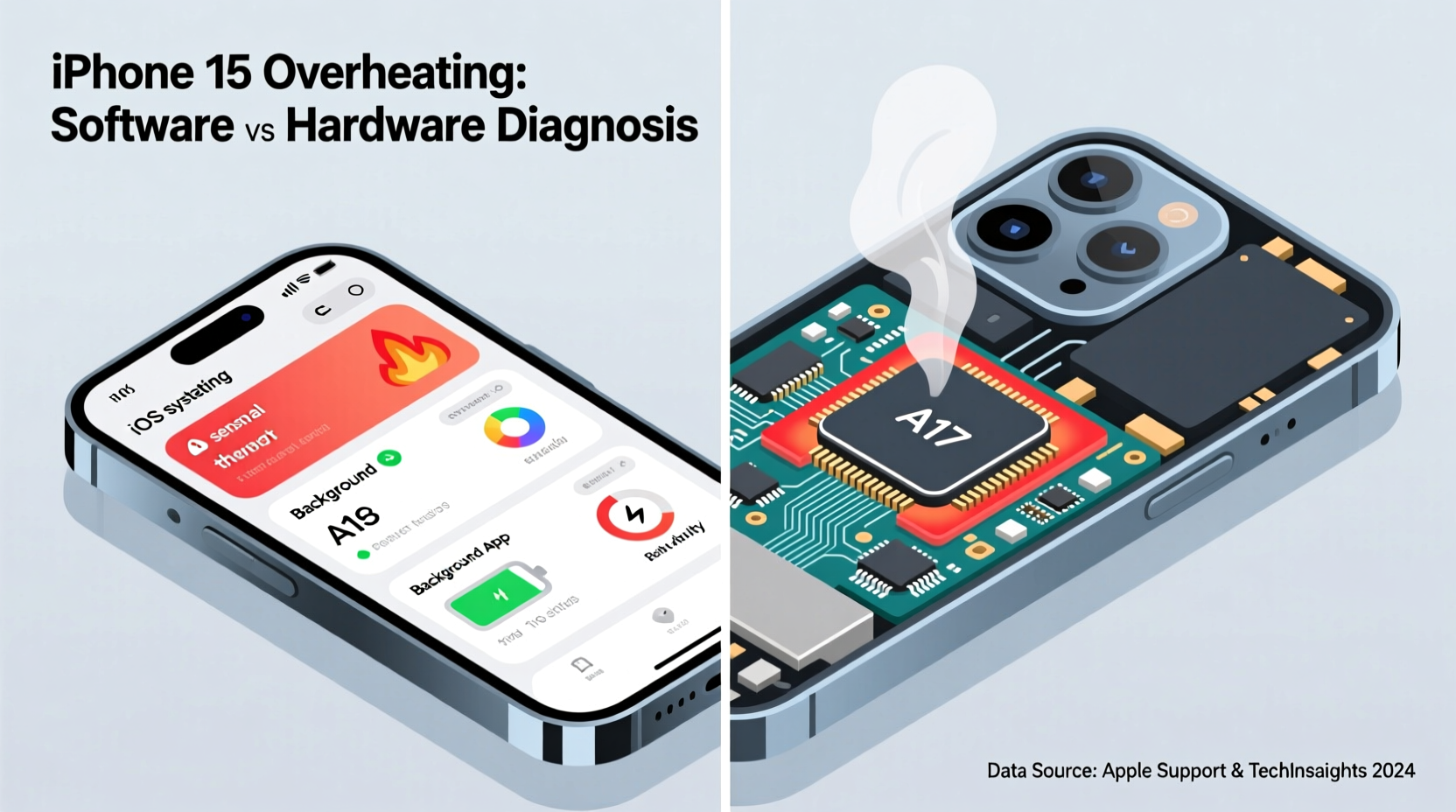
Within weeks of release, hashtags like #iPhone15Overheating gained traction on X (formerly Twitter), Reddit, and YouTube. Users shared experiences of their phones heating up while performing routine tasks such as browsing the web, using GPS navigation, or even sitting idle in direct sunlight. The issue appeared more pronounced in regions with high ambient temperatures, including India, the Middle East, and Southern Europe.
Common symptoms included:
- Sudden appearance of a temperature warning (\"iPhone needs to cool down before you can use it\")
- Limited camera functionality due to thermal throttling
- Reduced charging speed or complete suspension of charging
- Noticeable warmth on the back panel near the camera module
- Sluggish app performance or delayed Face ID recognition
Not all iPhone 15 models were affected equally. Reports suggest the iPhone 15 Pro and Pro Max experienced higher rates of overheating compared to the base 15 and 15 Plus. This disparity points toward specific hardware configurations being more thermally stressed—particularly those involving the new A17 Pro chip and titanium frame design.
Hardware Factors Contributing to Heat Buildup
The iPhone 15 lineup introduced several changes that, while beneficial in isolation, collectively increased thermal output and reduced heat dissipation.
Titanium Enclosure in Pro Models
The switch from stainless steel to aerospace-grade titanium in the iPhone 15 Pro and Pro Max was marketed as a way to reduce weight. However, titanium has lower thermal conductivity than stainless steel—approximately 22 W/mK compared to 16–19 W/mK depending on alloy. Counterintuitively, this means titanium retains heat longer and transfers it less efficiently away from internal components.
A17 Pro Chip and Performance Demands
The A17 Pro chip, built on a 3nm process, delivers impressive computational power but generates significant localized heat, especially under sustained loads like gaming, video recording, or AR applications. Early benchmarks showed CPU and GPU temperatures spiking faster than in previous generations, particularly when multitasking or using external accessories via USB-C.
Thermal Management Design
Apple did not incorporate active cooling or enhanced internal heat spreaders. Instead, the company relies on passive dissipation through the chassis. With the titanium body acting as a \"heat trap,\" internal temperatures rise more quickly and remain elevated longer. Additionally, the tightly packed internal layout—especially around the camera bump—limits airflow and creates thermal hotspots.
“While titanium improves durability and reduces weight, its thermal properties present new engineering challenges. Without adequate internal heat routing, high-performance chips will naturally push surface temperatures higher.” — Dr. Lin Wei, Senior Hardware Analyst at TechInsight Group
Software Triggers and Optimization Gaps
While hardware sets the baseline for thermal behavior, software plays a critical role in managing workloads, background processes, and system responsiveness—all of which influence heat generation.
Initial firmware versions of iOS 17, shipped with the iPhone 15, contained inefficiencies that exacerbated overheating:
- Background App Refresh Aggressiveness: Apps like social media, email, and location services ran frequent background updates, increasing CPU cycles.
- Poor Thermal Throttling Logic: Early iOS builds didn’t scale down processor frequency quickly enough in response to rising temps, leading to prolonged high-power states.
- USB-C Data & Power Conflicts: When transferring large files or charging while using high-drain peripherals, the system struggled to balance power delivery and thermal limits.
- Camera Processing Load: The new 48MP sensor and computational photography pipeline placed heavy demands on the Neural Engine, especially in low light.
Apple acknowledged these concerns and released iOS 17.1 in October 2023, followed by incremental patches (iOS 17.2, 17.3) that improved thermal management algorithms. According to user reports and third-party testing, these updates reduced average operating temperatures by 3–5°C under mixed usage.
Real-World Example: Photographer in Dubai
Raj Mehta, a professional photographer based in Dubai, purchased an iPhone 15 Pro Max for on-the-go shoots. During a summer wedding event in 42°C heat, he noticed the phone would overheat within 20 minutes of continuous 4K video recording. The screen dimmed, and recording paused unexpectedly. After updating to iOS 17.2 and disabling Live Photos and HDR video preview, he extended usable runtime to nearly 45 minutes—still short of his needs, but significantly better.
“It’s not broken,” Raj said, “but it’s definitely not ready for pro-level fieldwork without careful settings management.”
Was It Software or Hardware? A Balanced Verdict
The iPhone 15 overheating issue cannot be attributed solely to software or hardware—it’s a convergence of both.
| Factor | Impact Level | Nature | Mitigation Status |
|---|---|---|---|
| Titanium Frame Thermal Conductivity | High | Hardware | Unchangeable; permanent design trait |
| A17 Pro Chip Power Density | High | Hardware | Fixed; no revision expected |
| iOS 17 Background Process Management | Medium-High | Software | Partially resolved in iOS 17.2+ |
| Thermal Throttling Algorithm | Medium | Software | Improved in iOS 17.3 |
| USB-C Power Delivery Coordination | Medium | Software/Firmware | Ongoing optimization expected |
The core issue stems from a hardware platform (titanium + A17 Pro) that inherently runs hotter, combined with initial software inefficiencies that failed to manage thermal load effectively. Apple has since used software updates to partially compensate for the hardware limitations, but users should expect the iPhone 15 Pro models to run warmer than predecessors under similar conditions.
Step-by-Step Guide to Reduce iPhone 15 Overheating
If you're experiencing excessive heat, follow this practical sequence to diagnose and minimize the issue:
- Check for iOS Updates: Go to Settings > General > Software Update. Install the latest version (iOS 17.3 or later) to benefit from thermal improvements.
- Monitor Active Apps: Double-press the side button (or swipe up on older gestures) to view open apps. Close unused ones, especially video-heavy or GPS-based apps.
- Reduce Screen Brightness: High brightness increases power draw. Lower it manually or enable Auto-Brightness (Settings > Accessibility > Display & Text Size).
- Disable Background App Refresh: Navigate to Settings > General > Background App Refresh and turn it off globally or per app.
- Turn Off Location Services for Non-Essential Apps: Settings > Privacy & Security > Location Services. Set apps like social media to “Never” or “While Using.”
- Avoid Direct Sunlight: Don’t leave your phone on car dashboards or beach towels. Even 15 minutes in direct sun can trigger thermal warnings.
- Use Airplane Mode Temporarily: If the phone is overheating and you don’t need connectivity, enable Airplane Mode to halt cellular, Wi-Fi, and Bluetooth radios.
- Remove Thick Cases: Insulating cases trap heat. Consider switching to a thin silicone or removing the case entirely when the phone feels warm.
Prevention Checklist
Stay ahead of overheating with this daily-use checklist:
- ✅ Keep iOS updated to the latest stable version
- ✅ Limit simultaneous high-load tasks (e.g., gaming while charging)
- ✅ Avoid using the phone while fast-charging
- ✅ Store the device in a cool, shaded place when not in use
- ✅ Reboot weekly to clear memory leaks and background clutter
- ✅ Use Low Power Mode during extended outdoor use
- ✅ Monitor battery health monthly (Settings > Battery > Battery Health)
Frequently Asked Questions
Can overheating damage my iPhone 15 permanently?
Occasional overheating is unlikely to cause lasting harm, as modern iPhones include multiple safeguards. However, repeated exposure to extreme temperatures (above 45°C) can degrade battery capacity over time and potentially affect internal components. Apple recommends avoiding environments where the device exceeds its operating temperature range (0° to 35°C).
Does using a cooler case help reduce heat?
Yes. Cases made from breathable materials like mesh, ultra-thin TPU, or those with ventilation channels allow better heat dissipation. Avoid thick leather or rubber cases in hot climates. Some third-party brands now market “thermal-dissipating” cases with metal layers, though their effectiveness varies.
Will Apple replace my iPhone 15 if it overheats frequently?
Apple typically does not consider moderate heat generation a defect unless it leads to functional failure (e.g., constant shutdowns, unresponsive display). If your device repeatedly shows temperature warnings under normal use, contact Apple Support. They may offer diagnostics, repair, or replacement under warranty if a hardware fault is confirmed.
Conclusion: Managing Expectations and Device Care
The iPhone 15 overheating issue reflects a broader challenge in mobile engineering: balancing cutting-edge performance with physical constraints. The titanium design and A17 Pro chip represent advancements in form and function, but they come with trade-offs in thermal behavior. While software updates have softened the impact, users must adapt their habits to avoid pushing the device beyond its thermal envelope.
This isn’t a defective product, but rather one that demands more mindful usage—especially in demanding environments. By staying updated, optimizing settings, and understanding the device’s limits, most users can enjoy a smooth experience without encountering severe overheating.




 浙公网安备
33010002000092号
浙公网安备
33010002000092号 浙B2-20120091-4
Comments
No comments yet. Why don't you start the discussion?