
For users still relying on the Samsung Galaxy Note 20 Ultra—once a flagship powerhouse—the decision to switch to the iPhone 15 Pro Max in 2024 isn’t just about new features. It’s a cross-platform leap that involves ecosystem changes, financial investment, and long-term usability. With both devices representing peak engineering from their respective brands, how does the newer Apple offering stack up against a phone that many still consider capable? The answer depends on what you value most: productivity legacy, camera excellence, software longevity, or ecosystem integration.
Performance and Hardware: A New Generation Advantage
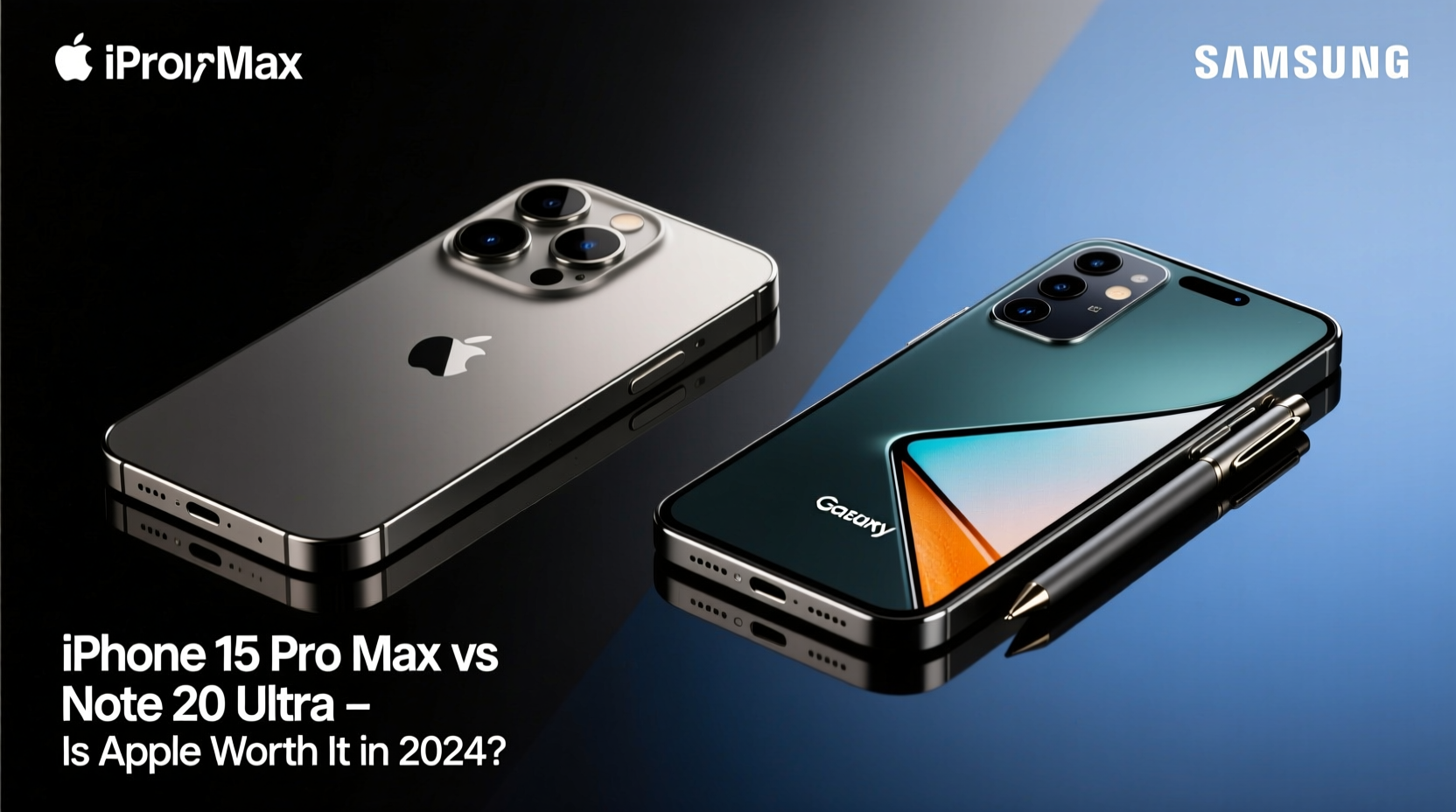
The iPhone 15 Pro Max runs on Apple’s A17 Pro chip, built on a 3nm process. This gives it a significant edge in CPU and GPU efficiency over the Note 20 Ultra’s Snapdragon 865+ (or Exynos 990, depending on region). While the 865+ was top-tier in 2020, by 2024 standards it struggles with heavier multitasking, modern gaming, and AI-driven photography features.
Apple’s unified memory architecture allows smoother app switching and sustained performance under load. Real-world tests show the A17 Pro outperforms even recent Android flagships in sustained workloads like video editing and 3D rendering. In contrast, the Note 20 Ultra, despite its 12GB RAM, shows signs of lag when running multiple high-demand apps—a symptom of aging software optimization and hardware limitations.
Camera Comparison: Evolution vs. Legacy
The Note 20 Ultra featured a strong triple-camera setup: 108MP main, 12MP ultrawide, and a 48MP periscope telephoto with 5x optical zoom. For its time, this was exceptional. However, the iPhone 15 Pro Max introduces a next-generation 48MP main sensor with sensor-shift stabilization, a tetraprism 5x telephoto lens (120mm equivalent), and improved computational photography.
In daylight, both phones capture excellent detail, but Apple excels in dynamic range and color accuracy. In low light, the difference widens—Apple’s Night mode and Photonic Engine deliver cleaner, brighter images with less noise. The 5x optical zoom on the iPhone matches the Note’s, but with better stabilization and sharper output.
Video is where Apple dominates. The 15 Pro Max supports 4K Dolby Vision HDR at 60fps across all lenses, along with advanced cinematic mode and Log encoding for professional workflows. The Note 20 Ultra maxes out at 8K 24fps with limited stabilization and no HDR across all modes.
“Smartphone photography has shifted from megapixels to intelligence. Apple’s real-time computational pipeline gives it an edge in consistency.” — David Lin, Mobile Imaging Analyst at DXOMARK
Ecosystem and Software Longevity
This is where the true value proposition of the iPhone 15 Pro Max emerges. Apple typically supports its devices with iOS updates for 5–6 years. Given its 2023 release, the 15 Pro Max will likely receive updates through 2029. In contrast, the Note 20 Ultra, released in 2020, stopped receiving major Android updates after 2022 and security patches ended in 2024.
Staying on outdated software increases vulnerability risks and limits app compatibility. Many newer apps either don’t support older OS versions or run poorly. The iPhone 15 Pro Max ensures access to the latest features—from AI-powered search to enhanced privacy controls—for years to come.
Beyond longevity, Apple’s ecosystem integration enhances productivity. Features like AirDrop, Universal Clipboard, Handoff, and seamless pairing with Macs, iPads, and Apple Watch create a frictionless experience. For users heavily invested in Google or Microsoft services, the transition may require adjustment—but for those seeking deep device synergy, Apple offers unmatched cohesion.
Detailed Feature Comparison
| Feature | iPhone 15 Pro Max | Note 20 Ultra |
|---|---|---|
| Chipset | A17 Pro (3nm) | Snapdragon 865+ / Exynos 990 |
| RAM | 8GB | 12GB |
| Storage Options | 256GB, 512GB, 1TB | 128GB, 256GB, 512GB (expandable via microSD) |
| Main Camera | 48MP, f/1.78, sensor-shift | 108MP, f/1.8 |
| Telephoto Zoom | 5x optical (120mm) | 5x optical (103mm) |
| Video Recording | 4K 60fps Dolby Vision HDR | 8K 24fps, 4K 60fps (no HDR on all modes) |
| Battery Capacity | ~4,422mAh | 4,500mAh |
| Charging | 27W wired, 15W MagSafe | 25W wired, 15W wireless |
| Software Support (Estimated) | Until ~2029 | Ended in 2024 |
| S Pen | No | Yes (integrated) |
| Display | 6.7” OLED, 120Hz, Always-On | 6.9” AMOLED, 120Hz, LTPO |
Real-World Use Case: From Note Power User to iPhone Convert
Jamal, a freelance architect based in Chicago, used his Note 20 Ultra daily for sketching blueprints, annotating PDFs, and managing client calls. He relied heavily on the S Pen for precision input and OneNote integration. By early 2024, he noticed increasing app crashes, slower startup times, and declining battery life—even after a replacement battery.
After testing the iPhone 15 Pro Max with iPad and Apple Pencil, he made the switch. Though he missed the integrated S Pen, he adapted quickly using GoodNotes and Markup tools. The jump in app responsiveness, camera quality for site documentation, and seamless iCloud sync across devices improved his workflow. Most importantly, he gained confidence that his device would remain supported and secure for years.
“I didn’t expect to like the iPhone this much,” Jamal said. “But the stability and long-term plan matter more than a stylus I only used occasionally.”
Upgrade Checklist: Are You Ready for the Switch?
Before making the move from Note 20 Ultra to iPhone 15 Pro Max, consider these steps:
- Backup your data: Ensure contacts, photos, and documents are synced to Google or exported.
- Migrate accounts: Transfer email, calendar, and cloud storage logins (Google, Microsoft, Dropbox).
- Check app availability: Confirm critical Android apps have iOS equivalents (e.g., Samsung Notes → Apple Notes or Evernote).
- Prepare for ecosystem shift: Understand differences in file management, messaging (RCS vs. iMessage), and voice assistants.
- Use Apple’s Move to iOS app: This official tool helps transfer content securely during initial setup.
Frequently Asked Questions
Can I use a stylus with the iPhone 15 Pro Max?
Yes, but not natively like the S Pen. Third-party capacitive styluses work for basic input, and the Apple Pencil pairs with iPad for precise drawing. However, there’s no built-in stylus storage or pressure-sensitive screen on iPhone.
Is the iPhone 15 Pro Max battery better than the Note 20 Ultra?
Despite slightly smaller capacity, the 15 Pro Max often lasts longer due to A17 Pro efficiency and optimized iOS power management. In mixed use, expect 7–9 hours of screen time versus 6–7 on the aging Note.
Will my accessories transfer?
Most won’t. Samsung Dex, wireless earbuds, and smartwatches don’t integrate with Apple. You’ll need to invest in new accessories unless using standard Bluetooth devices.
Final Verdict: Is Apple Worth the Upgrade in 2024?
For Note 20 Ultra owners still clinging to a once-great device, the iPhone 15 Pro Max represents more than a hardware upgrade—it’s a platform transition toward long-term reliability, superior camera systems, and ecosystem depth. While losing the S Pen is a legitimate trade-off for creatives and note-takers, the gains in performance, software support, and media capabilities are substantial.
If your needs center around productivity, content creation, or simply wanting a phone that won’t feel obsolete in two years, the iPhone 15 Pro Max is absolutely worth the upgrade. Apple’s commitment to multi-year support and consistent feature rollouts makes it a smarter long-term investment than holding onto aging Android hardware.
However, if you depend on DeX, microSD expansion, or deep customization, staying with Samsung or moving to a current Galaxy S or Z series might be more practical. But for those open to change, especially users valuing stability and future-proofing, Apple delivers a compelling case in 2024.




 浙公网安备
33010002000092号
浙公网安备
33010002000092号 浙B2-20120091-4
Comments
No comments yet. Why don't you start the discussion?