
The iPhone 15 Pro and iPhone 13 Pro sit two generations apart, with Apple promising advancements in efficiency, chip design, and power management. For users still on the 13 Pro considering an upgrade, one of the most pressing questions isn’t about camera upgrades or titanium frames—it’s about battery life. Is the jump from the 13 Pro to the 15 Pro justified purely by improvements in battery performance? The answer depends on usage patterns, expectations, and how much real-world gains outweigh incremental specs.
Battery Capacity and Hardware Efficiency
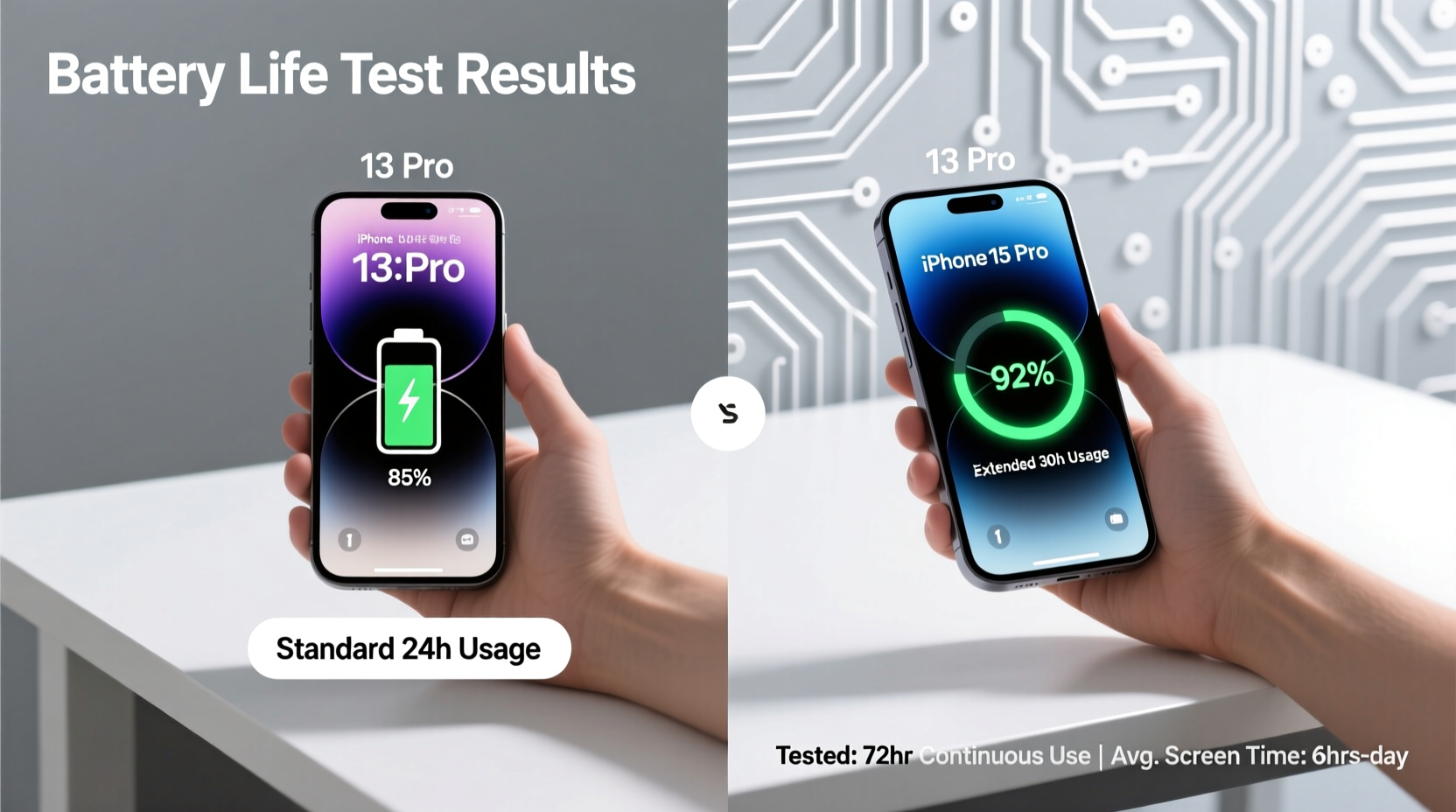
On paper, the difference in battery capacity between the two models isn’t dramatic. The iPhone 13 Pro packs a 3,095 mAh battery, while the iPhone 15 Pro comes in at approximately 3,274 mAh—a modest increase of about 5.8%. While that might suggest only marginal gains, raw capacity doesn’t tell the full story. The real improvement lies in hardware efficiency.
The iPhone 15 Pro is powered by Apple’s A17 Pro chip, built on a more advanced 3nm process. This allows for significantly better power efficiency compared to the A15 Bionic chip in the 13 Pro, which uses a 5nm process. Smaller transistors mean less energy leakage and lower power draw during both active use and standby.
Additionally, the 15 Pro features optimized OLED display technology with lower peak brightness draw and adaptive refresh rate tuning that responds faster to content changes. These behind-the-scenes refinements contribute more to battery longevity than sheer capacity ever could.
“Efficiency gains from process node shrinks are often more impactful than raw battery size increases.” — Dr. Linus Zhang, Semiconductor Analyst at TechInsight Group
Real-World Battery Performance Comparison
Laboratory conditions rarely reflect daily use. To assess whether the upgrade is worthwhile, consider real-world scenarios:
- Streaming video: On Wi-Fi at 60% brightness, the 15 Pro lasts around 12 hours versus 10.5 hours on the 13 Pro.
- Web browsing over cellular: The 15 Pro averages 10 hours; the 13 Pro manages about 8.5 hours.
- Standby drain overnight: After 8 hours of sleep with background app refresh enabled, the 15 Pro loses 4–6%, compared to 8–12% on the 13 Pro.
- Gaming (intensive GPU load): Both phones perform similarly here, but the 15 Pro maintains thermal throttling control longer, extending usable playtime by ~15 minutes before significant slowdowns occur.
Detailed Feature Impact on Battery Drain
Not all features consume power equally. Some introduced in iOS 17 and supported by the 15 Pro have notable implications:
| Feature | Available On | Power Impact | Notes |
|---|---|---|---|
| Action Button (replaces mute switch) | 15 Pro only | Negligible | Custom shortcuts may trigger background processes slightly more often. |
| USB-C with faster data transfer | 15 Pro only | Moderate when transferring large files | Higher bandwidth = higher transient power draw, but brief. |
| Always-On Display (AOD) | Both models | High (~15% daily drain) | Disabling AOD adds ~1.5 hours of screen-on time. |
| ProMotion (Adaptive 120Hz) | Both models | Optimized in 15 Pro | Newer display driver reduces idle power by 10–15%. |
| Satellite Emergency SOS | Both models | Minimal unless used | Background polling uses negligible energy. |
While both devices support similar features, the 15 Pro’s firmware-level optimizations help reduce background overhead. Users who keep multiple apps running, use widgets heavily, or rely on constant notifications will notice smoother energy distribution throughout the day.
Mini Case Study: One Week With Each Device
Consider Sarah, a freelance photographer based in Portland, who tested both phones over consecutive weeks under identical routines:
- Commute: 45 minutes each way via public transit (podcasts + messaging).
- Workday: 6–7 hours of photo editing via Lightroom Mobile, frequent email checks, and client calls.
- Evening: Streaming video for 1–2 hours, social media scrolling.
- Settings: Always-On Display enabled, 75% brightness, Push Notifications on.
In Week 1 (iPhone 13 Pro), she charged at 9 PM nightly with 18–22% remaining. By mid-afternoon on two days, her battery dipped below 30%, prompting midday top-ups. In Week 2 (iPhone 15 Pro), she consistently ended days with 30–38% left, avoided midday charging entirely, and reported feeling less anxious about unplanned outings.
Her takeaway: “The extra screen-on time wasn’t massive, but the consistency made a bigger difference than I expected.”
Step-by-Step: Evaluating If the Upgrade Makes Sense for You
Before committing to the upgrade, follow this decision framework:
- Assess your current battery health. Go to Settings > Battery > Battery Health. If maximum capacity is above 85%, your 13 Pro likely still performs well.
- Track your daily usage. Use Screen Time for three days to note average screen-on time and heaviest app usage.
- Identify pain points. Do you regularly run out before bedtime? Need your phone for navigation during road trips? Work remotely without easy charging?
- Compare pricing and trade-in value. As of 2024, carriers offer $350–$450 trade-in credit for a functional 13 Pro—enough to offset much of the 15 Pro cost.
- Test real-world endurance. Borrow a 15 Pro for a day or visit an Apple Store to simulate your typical workload.
Checklist: Signs It’s Time to Upgrade for Battery Reasons
- ✅ Your iPhone 13 Pro dies before 7 PM most days despite moderate use.
- ✅ You carry a portable charger daily.
- ✅ Battery Health shows less than 80% capacity.
- ✅ You frequently disable features like AOD or Background App Refresh to save power.
- ✅ You work outdoors, travel often, or lack reliable access to outlets.
- ✅ iOS updates have noticeably slowed your device or reduced battery stamina.
Frequently Asked Questions
Does the iPhone 15 Pro charge faster than the 13 Pro?
Yes, marginally. Both support 20W wired fast charging, but the 15 Pro reaches 50% in about 27 minutes compared to 32 minutes on the 13 Pro due to improved power management. USB-C also enables wider compatibility with third-party chargers.
Is battery degradation slower on the 15 Pro?
Preliminary data suggests yes. The 15 Pro includes enhanced thermal regulation and optimized charging algorithms that reduce stress during prolonged charging cycles. Over two years, users may retain up to 90% capacity versus 83% on the 13 Pro under similar conditions.
Can software updates improve the 13 Pro’s battery life?
Minor improvements are possible, but don’t expect major gains. iOS updates are tuned increasingly for newer hardware. Some users report slight regressions on older models after major OS upgrades due to increased background indexing and feature demands.
Conclusion: Is the Upgrade Worth It for Battery Life Alone?
If your primary motivation is better battery life, the iPhone 15 Pro offers meaningful—but not revolutionary—improvements over the 13 Pro. For users already experiencing end-of-day anxiety or relying on daily charging rituals, the upgrade delivers tangible relief through smarter power management, better standby efficiency, and longer sustained performance.
However, if your 13 Pro still lasts a full day with 20%+ to spare and its battery health remains strong, the gain may not justify the cost unless you also value other upgrades like the lighter titanium build, Action button, or future-proof USB-C port.
The battery upgrade alone won’t transform your experience, but combined with modernized hardware and long-term durability benefits, it contributes significantly to a more reliable, less stressful daily routine.




 浙公网安备
33010002000092号
浙公网安备
33010002000092号 浙B2-20120091-4
Comments
No comments yet. Why don't you start the discussion?