
For many iPhone users, the camera is the deciding factor when upgrading. If you're still on the iPhone 13 Pro and considering a jump to the iPhone 15 Pro, you might be wondering: does the newer model offer enough photographic improvement to justify the cost? The answer isn’t just about megapixels or marketing claims—it’s about real-world usability, image consistency, and whether those upgrades translate into meaningful benefits for your daily photography.
The leap from the iPhone 13 Pro to the iPhone 15 Pro includes significant refinements in optics, software processing, and sensor technology. But how much of that actually matters if you’re not a professional photographer? Let’s break down the differences with an objective lens—literally—and assess whether the camera improvements alone make this upgrade worthwhile.
Camera Hardware: What’s Changed?
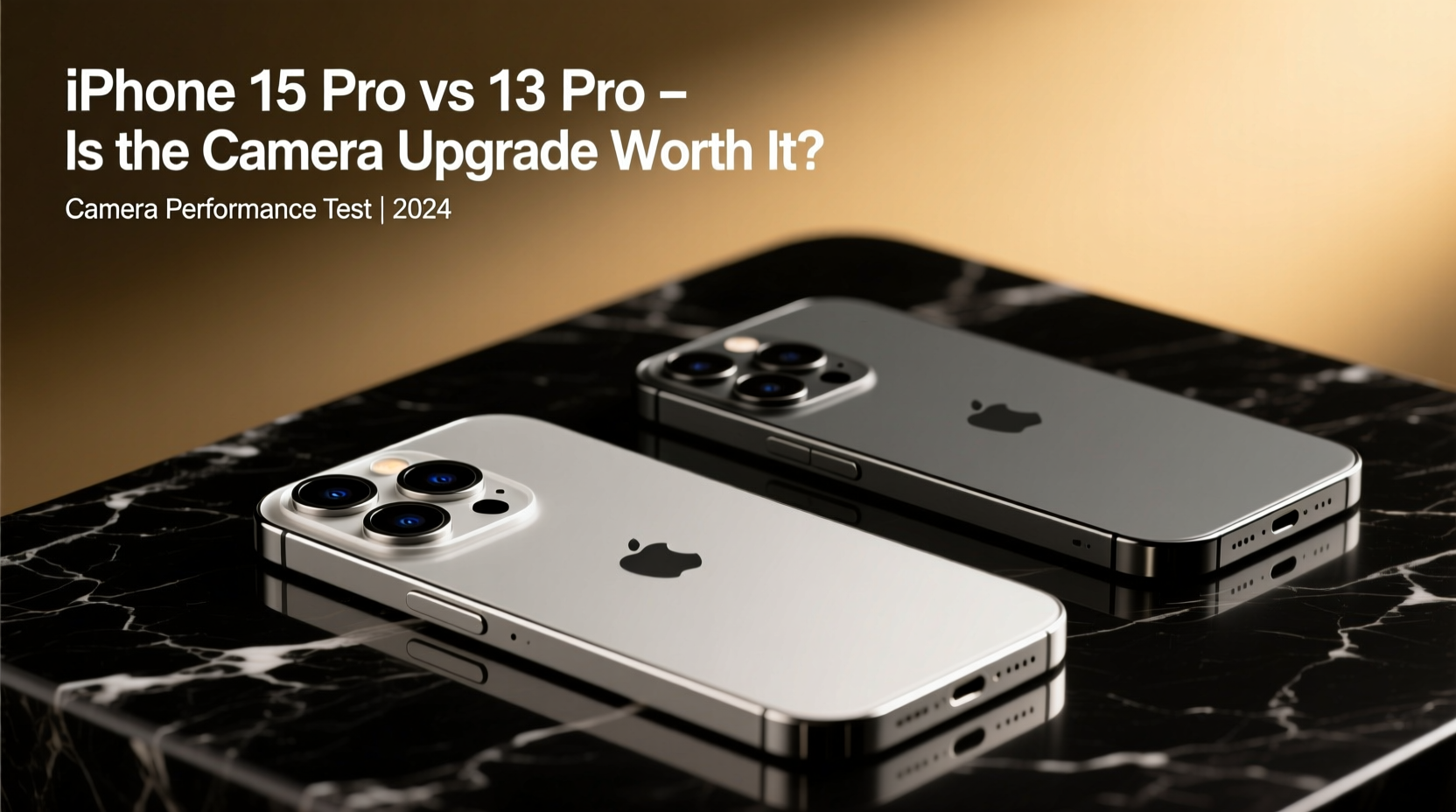
The iPhone 13 Pro launched with a solid triple-camera system: a 12MP main sensor, a 12MP ultra-wide, and a 12MP telephoto with 3x optical zoom. It was praised for its dynamic range, color accuracy, and Night mode capabilities at the time. Fast forward to the iPhone 15 Pro, and Apple has reengineered nearly every aspect of the imaging pipeline.
- Main Sensor Upgrade: The 15 Pro features a larger 48MP main sensor (f/1.78 aperture) compared to the 13 Pro’s 12MP (f/1.8). This allows more light capture and improved detail retention, especially in mixed lighting.
- Optical Zoom Range: While the 13 Pro maxes out at 3x optical zoom, the 15 Pro introduces a tetraprism telephoto lens with 5x optical zoom (up to 10x “clean” digital zoom), expanding creative possibilities for portraits and distant subjects.
- Sensor-Shift Stabilization: Now standard across all lenses on the 15 Pro, whereas only the main sensor had it on the 13 Pro.
- Ultra-Wide Improvements: Better low-light performance and reduced distortion thanks to updated lens coatings and computational corrections.
Image Quality Comparison: Real-World Performance
In controlled lab conditions, specs favor the 15 Pro. But real-life use tells a more nuanced story. Here’s how they stack up in key scenarios:
| Scenario | iPhone 13 Pro | iPhone 15 Pro |
|---|---|---|
| Bright Daylight | Excellent dynamic range, accurate colors | Slightly richer detail, better highlight roll-off |
| Low Light (Night Mode) | Good noise control, but shadows can get muddy | Cleaner shadows, faster processing, less grain |
| Portrait Mode | Reliable edge detection, natural bokeh | More precise depth mapping, skin tones smoother |
| Zoomed Shots (5x) | Digital zoom only; soft details beyond 3x | True 5x optical zoom; sharp even at 10x with minimal loss |
| Video (4K HDR) | Stable, cinematic look with Dolby Vision | Enhanced stabilization, Log video support for pros |
The most noticeable difference emerges in low-light photography and zoomed shots. The 15 Pro captures usable images in dim environments where the 13 Pro struggles with noise and blur. Similarly, the ability to shoot at 5x without quality degradation opens new compositional options—especially useful for travel, events, or wildlife.
“Smartphone cameras have reached a point where incremental gains are subtle—but in low light and zoom, the iPhone 15 Pro delivers tangible improvements.” — David Kim, Mobile Imaging Analyst at DXOMARK
Computational Photography & Software Enhancements
Hardware alone doesn’t define image quality. Apple’s Photonic Engine and next-gen Smart HDR play a crucial role in shaping final output. On the 15 Pro, these systems work faster and with greater precision due to the A17 Pro chip’s dedicated image signal processor.
Features like **Next-Gen Smart HDR** analyze scenes at the pixel level, preserving texture in fabrics, fur, and skies. Meanwhile, **Photographic Styles** now adapt dynamically based on lighting, offering consistent tone preferences across shots. The 13 Pro supports these features too, but the 15 Pro applies them more fluidly and with better shadow recovery.
One underrated benefit is **ProRAW 48MP capture**. While the 13 Pro offers 12MP ProRAW, the 15 Pro lets you shoot full-resolution RAW files with exceptional dynamic range—ideal for photographers who edit heavily. This isn’t just a spec bump; it gives professionals and enthusiasts far more flexibility in post-production.
Mini Case Study: Concert Photography Challenge
Consider Sarah, a music blogger who regularly shoots indoor concerts with her phone. Using her iPhone 13 Pro, she often found herself struggling with motion blur and inconsistent white balance under stage lights. After switching to the 15 Pro, she noticed immediate improvements: faster shutter response, better color fidelity under neon lighting, and the ability to crop tightly into performers using the 5x zoom without losing clarity. Her published photos required less editing and received higher engagement from readers.
This scenario illustrates a practical advantage: the 15 Pro doesn’t just take better photos—it enables better results in challenging conditions where the 13 Pro reaches its limits.
Is the Upgrade Worth It for Camera Alone?
If photography is central to how you use your phone, the answer leans toward yes—but with caveats. The improvements are evolutionary, not revolutionary. Casual shooters snapping daylight pics may not notice a dramatic difference. However, for users who frequently shoot in low light, rely on zoom, or value editing flexibility, the 15 Pro offers measurable advantages.
That said, consider your current satisfaction with the 13 Pro. If you’re already getting great results and don’t push the camera’s limits, the upgrade may feel underwhelming. But if you’ve hit walls—blurry night shots, limited zoom, or frustration during editing—the 15 Pro removes those barriers.
Checklist: Should You Upgrade?
- ✅ Do you often shoot in dimly lit environments?
- ✅ Are you frustrated by digital zoom quality beyond 3x?
- ✅ Do you edit photos professionally or export to platforms needing high resolution?
- ✅ Have you maxed out storage and want longer battery life (15 Pro lasts ~2 hours longer)?
- ✅ Are you still under contract or financing for your current device?
If you answered “yes” to three or more of the first four and “no” to the last, the upgrade likely makes sense. Otherwise, you might benefit more from investing in accessories like tripods or external lenses instead.
Frequently Asked Questions
Can the iPhone 15 Pro replace a DSLR for travel photography?
Not entirely, but it comes closer than ever. For casual to semi-pro travel use, the 15 Pro’s versatility, compact size, and excellent point-and-shoot performance make it a compelling alternative. However, interchangeable lenses and manual controls still give dedicated cameras the edge in extreme conditions.
Does the 48MP sensor always shoot at full resolution?
No. By default, the camera uses pixel binning to combine data from multiple pixels into one, producing sharper 12MP images with better low-light performance. You can enable 48MP ProRAW mode manually for maximum detail, but file sizes are significantly larger.
Is the front camera better on the 15 Pro?
Yes. The 15 Pro features a 12MP TrueDepth camera with autofocus and wider aperture (f/1.9), improving selfie quality and enabling macro selfies (close-up shots within 2cm). The 13 Pro’s front camera lacks autofocus and performs poorly in low light by comparison.
Final Verdict: Action Over Hype
The iPhone 15 Pro’s camera system represents the most refined mobile imaging platform Apple has ever built. It excels in areas that matter: low-light clarity, zoom capability, and professional-grade flexibility. But for owners of the 13 Pro—a still-excellent device—the gains are subtle unless you actively encounter limitations in your current setup.
Upgrading purely for the camera makes financial sense only if you consistently operate at the edge of what the 13 Pro can deliver. For everyone else, patience pays. The 13 Pro remains a powerful tool, and the difference between good and slightly better shouldn’t drive a $1,000 decision.




 浙公网安备
33010002000092号
浙公网安备
33010002000092号 浙B2-20120091-4
Comments
No comments yet. Why don't you start the discussion?