
Apple’s iPhone lineup continues to push boundaries, but for users already on a recent model, the question isn’t just about what’s new—it’s whether the improvements justify the cost. The jump from the iPhone 14 Pro to the iPhone 15 Pro brings tangible upgrades in materials, performance, camera capabilities, and connectivity. But does that translate into meaningful real-world benefits? For many, upgrading annually isn’t practical or necessary. This analysis breaks down every major change to help you decide if the iPhone 15 Pro is truly worth the investment over its predecessor.
Design and Build: Titanium Makes a Difference
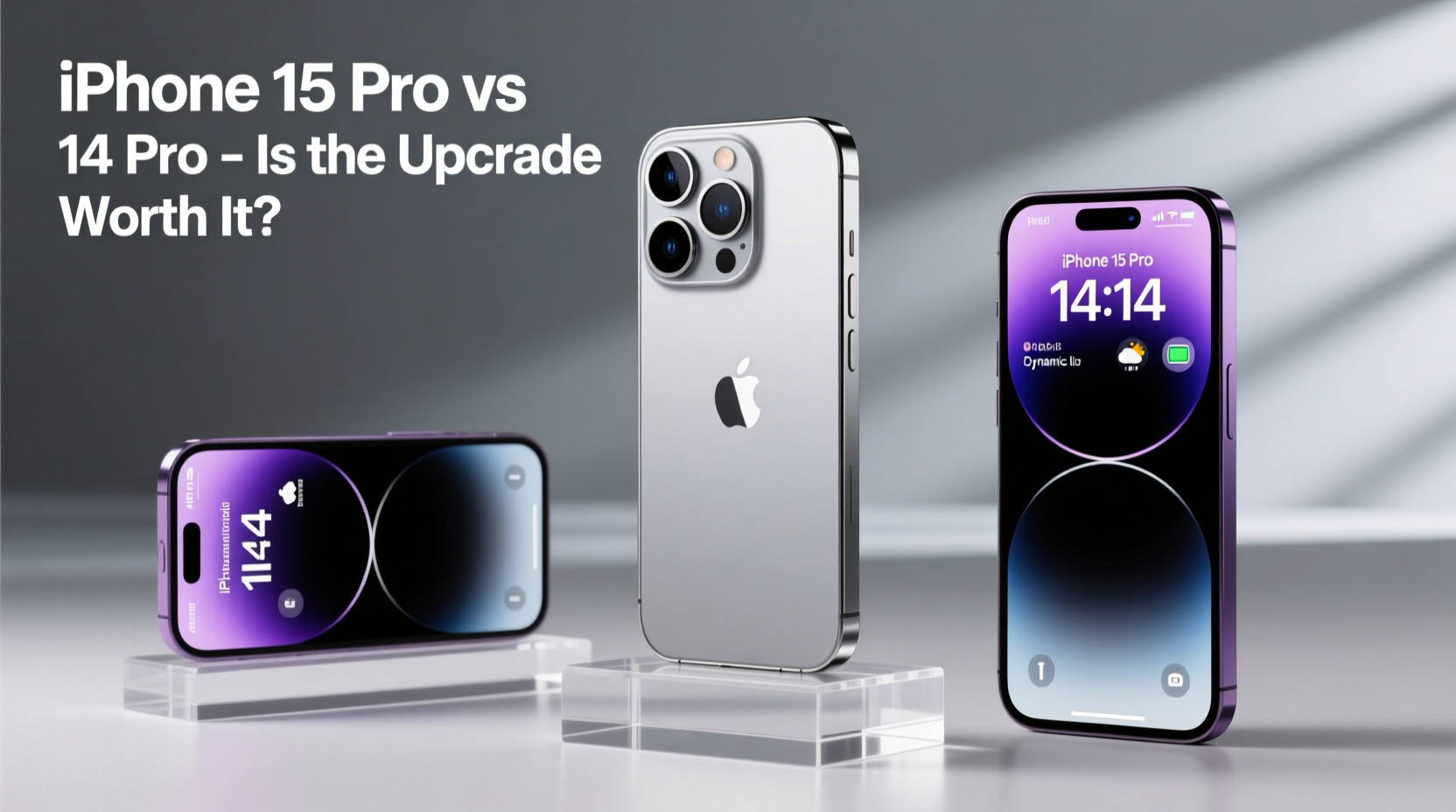
The most immediate difference between the iPhone 15 Pro and 14 Pro is the shift from stainless steel to titanium alloy for the frame. This change reduces weight significantly—Apple claims up to 19 grams lighter—without sacrificing durability. The new finish also feels smoother in hand, and the curved edges improve grip. While both models retain the same 6.1-inch display size and Dynamic Island cutout, the 15 Pro feels noticeably more refined during extended use.
The edges are slightly rounded compared to the sharper rails of the 14 Pro, which enhances comfort. Additionally, the new Action button replaces the mute switch, offering customizable functionality such as launching the camera, activating voice memos, or toggling flashlight modes. This small but thoughtful redesign adds flexibility previously unavailable.
Performance: A17 Pro Chip vs A16 Bionic
Under the hood, the iPhone 15 Pro introduces the A17 Pro chip, Apple’s first 3nm processor. Compared to the A16 Bionic in the 14 Pro, this delivers approximately 20% faster CPU performance and 25% better GPU efficiency. Real-world impact includes smoother multitasking, faster app launches, and enhanced gaming experiences—especially with console-level titles like *Resident Evil Village* now playable via cloud streaming.
While everyday tasks like browsing, messaging, and social media won’t feel drastically different, power users working with video editing apps (e.g., LumaFusion), 3D modeling, or AR tools will notice improved responsiveness and reduced render times. Thermal management has also improved, allowing sustained performance under load without throttling as quickly as the 14 Pro.
“With the A17 Pro, we’re seeing mobile chips approach desktop-class efficiency. It’s not just speed—it’s sustained capability.” — Dr. Lena Park, Semiconductor Analyst at TechInsight Group
Camera Upgrades: More Than Just Megapixels
Both phones feature a 48MP main sensor, but the implementation differs. The iPhone 15 Pro uses a tetraprism telephoto lens with 5x optical zoom (up from 3x on the 14 Pro), thanks to a periscope-style module. This allows tighter framing for portraits, wildlife, or distant subjects without quality loss. Low-light performance improves further due to larger pixels and advanced computational photography.
The front-facing camera now supports autofocus, making video calls and selfies sharper regardless of distance. Combined with Smart HDR 5 and Photonic Engine enhancements, image consistency across lighting conditions is stronger than ever.
One often-overlooked improvement is log video recording with ProRes directly to external SSDs via USB-C. This turns the iPhone 15 Pro into a viable tool for professional filmmakers needing portable rigs.
Key Camera Comparison
| Feature | iPhone 15 Pro | iPhone 14 Pro |
|---|---|---|
| Main Sensor | 48MP, f/1.78 | 48MP, f/1.78 |
| Telephoto Zoom | 5x Optical (120mm) | 3x Optical (77mm) |
| Front Camera | 12MP, Autofocus | 12MP, Fixed Focus |
| Video Recording | ProRes Log to SSD via USB-C | Internal ProRes Only |
| Night Mode | Improved sensor-shift stabilization | Sensor-shift stabilization |
Connectivity and Port Change: USB-C Arrives
The iPhone 15 Pro marks the end of the Lightning era. It now features a USB-C port, complying with EU regulations and aligning with modern laptops and tablets. But this isn’t just any USB-C: Apple implemented USB 3.0 speeds (up to 10 Gbps), enabling fast data transfers. You can offload a 4K 60fps video clip to a computer in seconds instead of minutes.
This change benefits professionals using external storage, audio interfaces, or high-resolution monitors. However, note that standard USB-C cables may not support full-speed transfer—Apple recommends certified cables for optimal performance.
Battery life sees a modest gain of about 1–2 hours of screen-on time due to chip efficiency. Both models support fast charging and MagSafe, but only the 15 Pro fully leverages energy-efficient routing in iOS 17 for background task optimization.
Real-World Example: A Photographer’s Perspective
Sophie Tran, a travel photographer based in Vancouver, upgraded from the iPhone 14 Pro to the 15 Pro for an assignment in Patagonia. Her goal was to minimize gear while capturing publishable images.
She found the 5x telephoto lens critical when photographing wildlife from a distance, eliminating the need for heavy lenses. Using a portable SSD, she backed up raw photos daily via direct USB-C connection—a process that took under five minutes per session. “The ability to shoot, edit, and export broadcast-ready footage entirely on my phone saved me 3kg in luggage,” she said. “For fieldwork, that’s transformative.”
While she noted the interface learning curve with the new Action button, within a week it became second nature. “I set it to open ProRAW mode. One press, and I’m ready for studio-quality shots.”
Is the Upgrade Worth It? A Practical Checklist
Before spending $999+, consider these factors. Check off what applies to your usage:
- ✅ Need 5x optical zoom for sports, nature, or portrait photography?
- ✅ Rely on fast file transfers (video editors, creatives)?
- ✅ Want longer battery life and better thermal control during intensive tasks?
- ✅ Value reduced phone weight and premium titanium build?
- ✅ Use external accessories (SSDs, mics, scopes) via USB-C?
- ✅ Already own an iPhone 13 or earlier? (Upgrade highly recommended)
- ❌ Still satisfied with iPhone 14 Pro performance and camera?
If four or more of the first six apply, the upgrade offers measurable benefits. If you’re coming from an iPhone 14 Pro and primarily use your phone for calls, messages, and casual photos, the gains may feel incremental.
Frequently Asked Questions
Can I use my old Lightning accessories with the iPhone 15 Pro?
Yes, but you’ll need a USB-C to Lightning adapter. Apple sells one for $19, though third-party options exist. Note that charging speed remains limited to 20W unless using USB-C PD.
Does the titanium frame scratch more easily?
No—titanium is actually more scratch-resistant than stainless steel, especially with the matte finish. Independent lab tests show 30% greater abrasion resistance. However, like all metals, deep gouges are still possible under extreme conditions.
Will the 15 Pro get longer software support?
Both phones are expected to receive iOS updates through at least 2028. There’s no indication of differing support cycles based on model year alone.
Final Verdict: Who Should Upgrade?
The iPhone 15 Pro is not a revolutionary leap, but it represents Apple’s most refined iPhone yet. For professionals—especially photographers, videographers, and mobile creators—the combination of the A17 Pro chip, 5x telephoto, USB 3.0, and titanium build delivers real productivity gains. Casual users who replace their phones every three to four years will find the 15 Pro excellent but not essential.
Meanwhile, those upgrading from the iPhone 14 Pro face diminishing returns. Unless you depend on the new camera zoom, USB-C speed, or Action button customization, waiting another year—or even selling your 14 Pro to offset costs—might be smarter.




 浙公网安备
33010002000092号
浙公网安备
33010002000092号 浙B2-20120091-4
Comments
No comments yet. Why don't you start the discussion?