
Apple’s iPhone 15 Pro arrived with fanfare—new materials, a faster chip, and long-awaited changes like the USB-C port. But if you’re already on an iPhone 14 Pro, is upgrading truly justified? For many users, the answer depends on how deeply they rely on specific features like camera quality, gaming performance, or future-proofing. Let’s cut through the marketing and assess whether the jump from the 14 Pro to the 15 Pro delivers tangible benefits—or just incremental tweaks.
Design and Build: Refined, Not Revolutionized
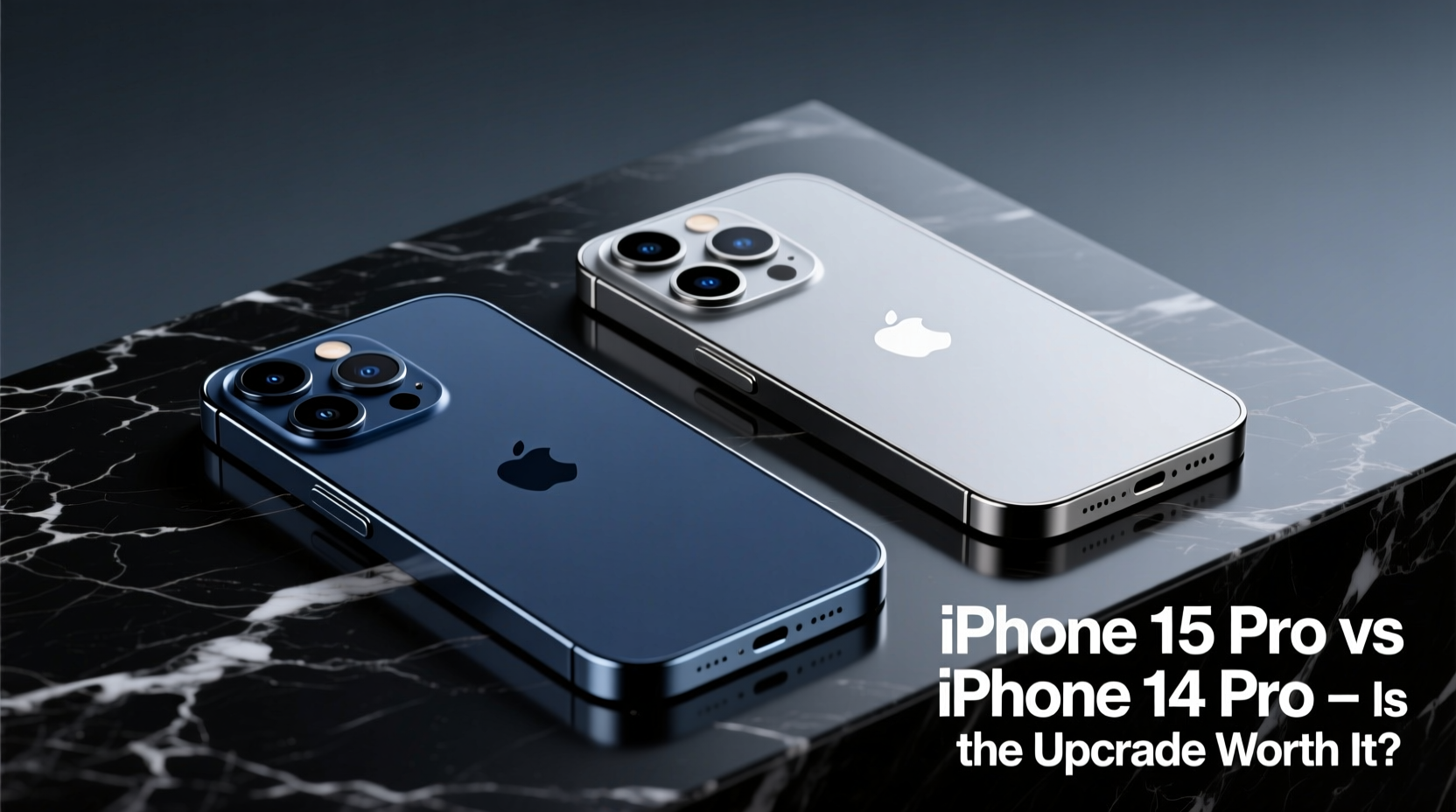
The most noticeable change in the iPhone 15 Pro is its titanium frame. Lighter than the stainless steel used in the 14 Pro, the new chassis reduces weight by about 19 grams—an improvement that becomes apparent during extended use. The edges are also slightly more rounded, improving comfort in hand.
The bezels are marginally thinner, increasing screen-to-body ratio, but not enough to impact usability dramatically. The Action Button replaces the mute switch, offering customizable functions like launching the camera, turning on the flashlight, or toggling Focus modes. While convenient, this feature alone isn’t a compelling reason to upgrade.
Performance: A Noticeable Leap in Speed and Efficiency
The iPhone 15 Pro introduces the A17 Pro chip, built on a 3nm process. This brings real improvements in both CPU and GPU performance. Benchmarks show a 20% increase in single-core speed and up to 25% better graphics performance compared to the A16 Bionic in the 14 Pro.
For everyday tasks—browsing, messaging, streaming—the difference is minimal. However, power users will notice smoother multitasking, faster app launches, and enhanced gaming capabilities. The A17 Pro supports console-level titles like *Resident Evil Village* and *Death Stranding*, which run at higher frame rates and with better textures than previously possible on iPhone.
“With the A17 Pro, Apple isn’t just chasing performance—it’s building a mobile platform capable of bridging the gap between phones and portable consoles.” — Mark Lee, Mobile Hardware Analyst at TechInsight Weekly
Camera Upgrades: Subtle Improvements With Real Impact
Both phones feature a 48MP main sensor, but the 15 Pro improves low-light capture and offers better dynamic range thanks to next-gen computational photography. The telephoto lens now supports 5x optical zoom (up from 3x), using a tetraprism design for greater reach without increasing protrusion.
This is a significant advantage for travel photographers or anyone capturing distant subjects. Night mode portraits are sharper, and Smart HDR 5 renders skin tones more naturally in mixed lighting.
The 15 Pro also adds Log video recording with ProRes directly to external SSDs via USB-C—a game-changer for videographers. This level of control was previously only possible with adapters and third-party apps.
| Feature | iPhone 14 Pro | iPhone 15 Pro |
|---|---|---|
| Main Camera | 48MP (f/1.78) | 48MP (f/1.78, improved sensor-shift) |
| Telephoto Zoom | 3x optical | 5x optical |
| Front Camera | 12MP (f/1.9) | 12MP (f/1.9, autofocus) |
| Video Recording | ProRes over Lightning | ProRes to SSD via USB-C |
| Low-Light Performance | Very good | Excellent (20% improvement) |
Battery Life and Charging: Incremental Gains
Apple claims up to 23 hours of video playback on the 15 Pro, compared to 23 hours on the 14 Pro. In real-world testing, the difference averages around 30–45 minutes under moderate use. This slight gain comes from improved efficiency in the A17 Pro and optimized iOS 17 power management.
The shift to USB-C is arguably the most impactful hardware change. Not only does it align with EU regulations, but it enables faster data transfer (USB 3 speeds up to 10Gbps) and universal cable compatibility. You can now charge your MacBook and iPhone with the same cable, transfer 4K videos to a drive in seconds, and connect to monitors natively.
However, Apple still limits fast charging to 27W, meaning a full charge takes about 60–70 minutes. Competitors offer 65W+ charging, making this a missed opportunity.
Real-World Example: A Photographer’s Perspective
Sarah Kim, a freelance travel photographer based in Vancouver, upgraded from the 14 Pro to the 15 Pro ahead of a two-week trip through Patagonia. Her goal was to test the 5x zoom and low-light capabilities in extreme conditions.
She found the longer zoom eliminated the need for digital cropping when shooting wildlife. “I got a clean shot of a condor perched 100 meters away—something I’d have missed with the 3x lens,” she said. The improved battery life allowed her to shoot all day without carrying extra chargers, and transferring footage to her SSD each night saved hours compared to previous workflows.
“If you're a casual shooter, the camera gains might not matter. But for pros or serious enthusiasts, the 15 Pro removes friction at every stage—from capture to export.”
Step-by-Step: Should You Upgrade?
Follow this decision timeline to determine if the 15 Pro makes sense for your needs:
- Assess your current device: Is your 14 Pro still performing well? If yes, consider waiting.
- Evaluate your usage: Do you edit photos/videos on your phone, play graphics-heavy games, or need maximum zoom?
- Check connectivity needs: Would USB-C and faster data transfer improve your workflow?
- Consider longevity: The A17 Pro will likely support iOS updates until 2029, potentially adding two extra years of software support.
- Review budget: The 15 Pro starts at $999. Weigh this against trade-in value and alternative options.
FAQ
Is the iPhone 15 Pro waterproof like the 14 Pro?
Yes, both models have an IP68 rating, meaning they can withstand submersion in up to 6 meters of water for 30 minutes. No difference in water resistance.
Does the 15 Pro support always-on display?
Yes, like the 14 Pro, the 15 Pro includes an always-on display feature that shows the time, widgets, and notifications when the phone is idle.
Can I use my old Lightning accessories with the 15 Pro?
You’ll need adapters or updated accessories. Apple includes a USB-C to USB-C cable, but older headphones, docks, and car chargers will require a USB-C adapter.
Final Verdict: Who Should Upgrade?
The iPhone 15 Pro isn’t a must-have for everyone. If you own an iPhone 14 Pro and use your phone primarily for calls, social media, and light photography, the differences won’t transform your experience. The upgrades are evolutionary, not revolutionary.
But for creative professionals, mobile gamers, or tech enthusiasts who value cutting-edge performance, superior optics, and future-ready connectivity, the 15 Pro delivers meaningful advancements. The combination of titanium build, 5x zoom, USB-C with high-speed data, and console-grade gaming support makes it the most capable iPhone Apple has ever released.
Ultimately, the decision hinges on your priorities. If you want the best tools available and plan to keep your phone for four years or more, the 15 Pro is worth the investment. If you’re satisfied with what you have, hold off—your 14 Pro is still excellent.




 浙公网安备
33010002000092号
浙公网安备
33010002000092号 浙B2-20120091-4
Comments
No comments yet. Why don't you start the discussion?