
Choosing between the iPhone 15 Pro and the Galaxy S24 Ultra isn’t just about specs—it’s a decision shaped by ecosystem loyalty, user habits, and long-term value. For iPhone users considering a switch, the question isn’t whether the S24 Ultra is powerful (it is), but whether its advantages justify leaving Apple’s tightly integrated world. The answer depends on what you prioritize: seamless continuity with other Apple devices or cutting-edge customization and productivity tools that Android offers.
Performance and Hardware: Power Meets Purpose
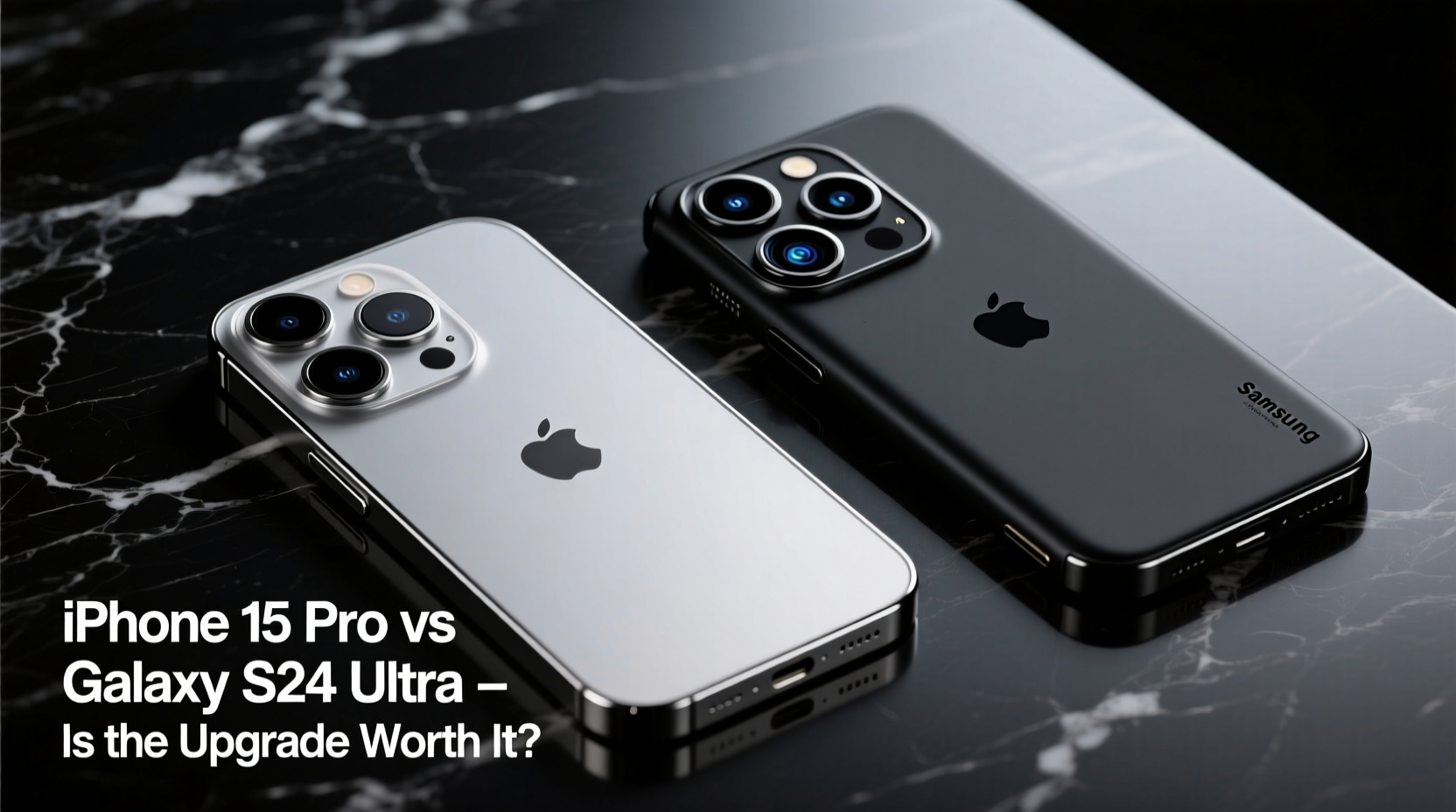
The iPhone 15 Pro runs on Apple’s A17 Pro chip, built on a 3nm process. It delivers exceptional single-core performance, efficient multitasking, and sustained graphics power—ideal for gaming, video editing, and AR applications. iOS optimization ensures that even with less RAM than its Android counterparts, the device feels snappy and responsive.
In contrast, the Galaxy S24 Ultra uses either the Snapdragon 8 Gen 3 (in the U.S.) or Exynos 2400 (in select regions), both offering strong multi-core performance and AI acceleration. With 12GB of RAM standard, the S24 Ultra handles heavy multitasking more comfortably, especially when running split-screen apps or switching between memory-intensive tasks.
Where the S24 Ultra pulls ahead is in thermal management. Its larger chassis allows better heat dissipation during prolonged usage, reducing throttling. The iPhone 15 Pro, while powerful, can throttle under extended load due to tighter thermal constraints.
Display and Design: Form Follows Function
Both phones feature premium builds—titanium frames on the 15 Pro, titanium-reinforced aluminum on the S24 Ultra. But their design philosophies differ. The iPhone maintains Apple’s minimalist aesthetic with flat edges and a compact footprint, while the S24 Ultra embraces a bolder, boxier look with a flatter display and an integrated S Pen.
The S24 Ultra’s 6.8-inch Dynamic AMOLED 2X display supports a 120Hz refresh rate and peaks at 2,600 nits, making it one of the brightest screens on the market. The iPhone 15 Pro’s 6.1-inch OLED reaches 2,000 nits and includes the new ProMotion adaptive refresh rate down to 1Hz, improving battery efficiency during static content viewing.
“Brightness matters most in outdoor visibility. The S24 Ultra wins outdoors, but the 15 Pro’s color accuracy is unmatched for creative professionals.” — David Lin, Display Analyst at MobileTech Review
Camera Comparison: Different Strengths, Same Tier
Apple has refined its camera system with the 15 Pro’s 48MP main sensor, improved low-light processing, and enhanced computational photography. The telephoto lens now offers up to 5x optical zoom using a tetraprism design, closing the gap with Android flagships.
The Galaxy S24 Ultra counters with a quad-camera setup: a 200MP main sensor, dual telephoto lenses (3x and 5x optical), a 10x periscope zoom, and a 12MP ultrawide. This gives it superior flexibility in zoom scenarios—especially useful for wildlife, concerts, or distant subjects.
| Feature | iPhone 15 Pro | Galaxy S24 Ultra |
|---|---|---|
| Main Sensor | 48MP, f/1.78 | 200MP, f/1.7 |
| Telephoto Zoom | 5x optical | 5x & 10x optical |
| Ultrawide | 12MP, autofocus | 12MP, fixed focus |
| Video Recording | 4K HDR, Log encoding | 8K @ 30fps, AI stabilization |
| Low Light | Natural tone, minimal noise | Brighter output, slight overprocessing |
In real-world conditions, the iPhone produces more consistent, natural-looking photos across lighting environments. The S24 Ultra tends to oversharpen and oversaturate in some scenes, though its AI-powered processing allows for greater post-capture editing, including object removal and enhancement.
Battery Life and Charging: Endurance vs Ecosystem
The S24 Ultra holds a 5,000mAh battery, consistently delivering two-day light usage or solid one-and-a-half days under heavy load. The iPhone 15 Pro, with a smaller 3,274mAh cell, relies on efficiency to achieve similar results—often lasting a full day with moderate use, but struggling during intense GPS or gaming sessions.
Charging is where differences become stark. The S24 Ultra supports 45W wired fast charging and 15W wireless, letting users regain 60% in 30 minutes. The iPhone 15 Pro maxes out at 27W wired and 15W MagSafe, meaning longer waits for a full charge—even with third-party accessories.
Ecosystem and Software: The Hidden Cost of Switching
This is often the deciding factor. iPhone users deeply embedded in Apple’s ecosystem—using AirPods, Apple Watch, Mac, or iCloud—will feel friction moving to Android. Features like AirDrop, Universal Clipboard, Handoff, and iMessage continuity don’t exist on Samsung devices.
Samsung offers robust integration too, especially if you use Windows PCs or own other Galaxy products. Link to Windows enables clipboard sync, notification mirroring, and call handling from your PC. However, these features are not as seamless or universally supported as Apple’s equivalents.
One area where the S24 Ultra shines is AI. Samsung’s Galaxy AI suite includes real-time call translation, live message translation, note summarization, and generative photo editing—all offline or on-device, enhancing privacy. While Apple is catching up with on-device AI in iOS 18, the S24 Ultra currently leads in practical AI utility.
Mini Case Study: Sarah’s Cross-Platform Dilemma
Sarah, a freelance photographer, used an iPhone 14 Pro for years. She loved her AirPods Pro and how easily she synced edits between her iPhone and MacBook. But after attending a conference where she needed to capture speaker slides from afar, she realized her phone’s 3x zoom wasn’t enough. She borrowed a colleague’s S24 Ultra and was stunned by the 10x clarity.
She switched—and immediately felt the pain points. Her iMessages turned green. Transferring large files meant emailing instead of AirDropping. But the S Pen helped her annotate client proofs instantly, and DeX mode let her turn her phone into a desktop workspace during travel. After three months, she concluded: “The camera and productivity tools were worth the ecosystem trade-off—for my work.”
Checklist: Should You Upgrade to the Galaxy S24 Ultra?
- ✅ Do you need superior zoom capabilities (5x–10x optical)?
- ✅ Are you frustrated by slow charging on your current iPhone?
- ✅ Do you value AI-powered tools like real-time translation or photo editing?
- ✅ Do you use non-Apple devices (Windows, Chromebook, etc.) regularly?
- ✅ Are you open to relearning workflows and losing iMessage?
- ❌ Are you heavily invested in HomeKit, Apple Watch, or Family Sharing?
- ❌ Do you prefer natural photo processing over highly sharpened outputs?
If most of your answers are “yes” to the first five and “no” to the last two, the upgrade makes sense. Otherwise, staying with iPhone may be wiser.
Frequently Asked Questions
Can I transfer data easily from iPhone to Galaxy S24 Ultra?
Yes. Samsung’s Smart Switch app supports direct transfers over Wi-Fi or cable. Contacts, photos, messages, calendars, and even some app data move smoothly. However, iMessage threads will appear as SMS, and formatting may break in rich media.
Does the S24 Ultra support satellite connectivity like the iPhone 15 Pro?
No, not in the traditional sense. The S24 Ultra lacks emergency satellite messaging outside specific regions. However, it does offer emergency sharing via satellite-powered location tagging in remote areas through partnership with Garmin, but only in select models.
Is iOS more secure than Android?
iOS benefits from tighter control over hardware and software, leading to faster updates and fewer malware incidents. However, Samsung’s Knox security platform provides enterprise-grade protection, regular monthly patches, and on-device encryption. For most users, both are secure—if kept updated.
Final Verdict: Is the Upgrade Worth It?
The Galaxy S24 Ultra is technically superior in several key areas: display brightness, zoom range, battery capacity, charging speed, and AI functionality. It’s an ideal device for power users, creatives who need the S Pen, or those prioritizing productivity over ecosystem cohesion.
But raw specs don’t tell the whole story. The iPhone 15 Pro excels in consistency, longevity, and integration. Its software updates last 5–6 years, compared to Samsung’s 4 OS upgrades and 5 years of security patches. For users who value stability, resale value, and seamless device harmony, sticking with Apple remains compelling.
Ultimately, switching to the S24 Ultra isn’t about getting a “better” phone—it’s about getting a *different kind* of phone. If your needs align with Samsung’s strengths and you’re ready to adapt, the upgrade is absolutely worth it. But if your life runs on Apple’s invisible threads, the cost of leaving might outweigh the benefits.




 浙公网安备
33010002000092号
浙公网安备
33010002000092号 浙B2-20120091-4
Comments
No comments yet. Why don't you start the discussion?