
The line between smartphones and tablets has never been blurrier. With Apple’s iPhone 15 Pro packing a desktop-class A17 Pro chip, titanium build, USB-C with high-speed data transfer, and professional-grade camera systems, it's pushing boundaries once reserved for larger devices. Meanwhile, the iPad Pro with M2 remains a powerhouse—boasting a Liquid Retina XDR display, support for external monitors, and full desktop-class apps via iPadOS. So when comparing the iPhone 15 Pro and iPad Pro M2, the question isn’t just about specs—it’s whether the phone has evolved enough to outperform or even replace the tablet in daily use.
Performance: Chip Wars and Real-World Speed
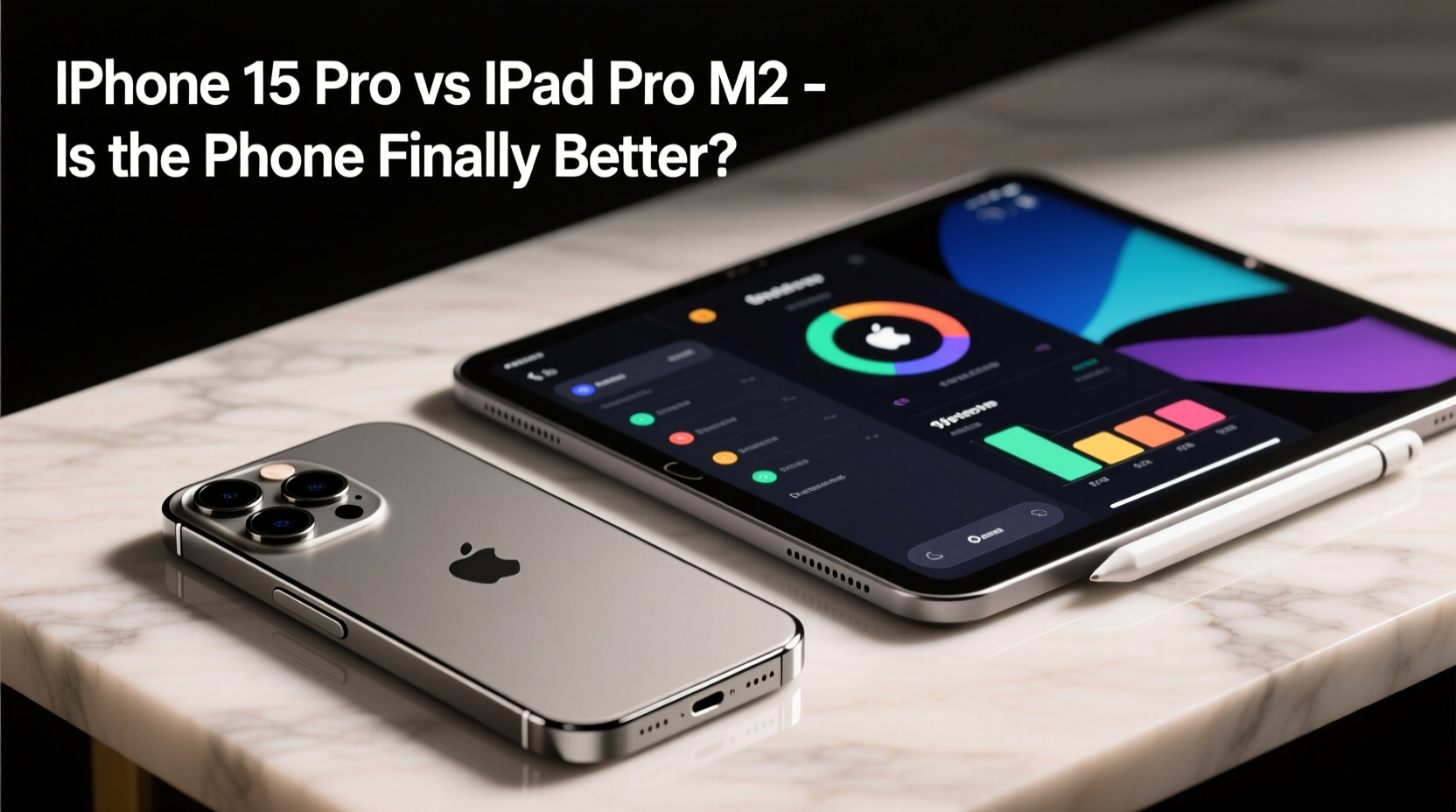
At first glance, both devices are powered by elite silicon. The iPhone 15 Pro uses the A17 Pro chip, built on a 3nm process, offering significant gains in CPU, GPU, and neural engine performance over its predecessor. It’s capable of console-quality gaming, real-time rendering, and advanced machine learning tasks—all in a 6.1-inch chassis.
The iPad Pro M2, meanwhile, runs on Apple’s M2 chip—the same found in MacBooks and Mac minis. While not the latest M3, the M2 still delivers exceptional multi-core performance, superior memory bandwidth, and up to 16GB of unified RAM. This makes it ideal for multitasking, video editing, 3D modeling, and running full versions of Final Cut Pro and Logic Pro.
In raw benchmarks, the M2 dominates in sustained workloads due to better thermal management and higher power limits. However, the A17 Pro holds its own in short bursts and efficiency, often matching or exceeding older MacBook chips in single-core tasks.
“Smartphones have reached a point where they handle 80% of what people do on tablets—but the remaining 20% requires screen real estate and sustained performance only a device like the iPad Pro can deliver.” — David Liu, Tech Analyst at GadgetInsight
Portability and Daily Use: Can a Phone Replace a Tablet?
The iPhone 15 Pro weighs just 187 grams and fits comfortably in one hand. Its compact size makes it ideal for communication, photography, navigation, and on-the-go content consumption. You can answer emails, edit documents, shoot cinematic videos, and even connect to an external display via USB-C—though output is limited compared to the iPad.
The iPad Pro (11” or 12.9”) is inherently less portable. Even the smaller model tips the scales at around 460 grams. But that added bulk brings a transformative benefit: screen space. Reading PDFs, managing spreadsheets, sketching in Procreate, or watching movies feels fundamentally different—and often better—on a 10+ inch display.
For users who value minimalism, the iPhone 15 Pro may be enough. But for creatives, students, or professionals who need room to think, write, and create, the iPad Pro still wins on usability despite being less convenient to carry.
Display and Input: Screen Size vs. Precision
The iPhone 15 Pro features a Super Retina XDR OLED display with excellent color accuracy, brightness, and contrast. It supports Always-On Display and Dynamic Island, enhancing interactivity. However, at 6.1 inches, it’s simply not designed for extended reading, detailed design work, or side-by-side app usage.
The iPad Pro offers either an 11-inch or 12.9-inch Liquid Retina XDR (mini-LED) display with extreme brightness, deep blacks, and ProMotion technology. The larger canvas enables Split View, Slide Over, and Stage Manager—especially powerful when paired with the Magic Keyboard and Apple Pencil.
| Feature | iPhone 15 Pro | iPad Pro M2 |
|---|---|---|
| Display Type | OLED | Liquid Retina XDR (mini-LED) |
| Size | 6.1 inches | 11” or 12.9” |
| Resolution | 2556 × 1179 | 2388 × 1668 / 2732 × 2048 |
| Apple Pencil Support | No | Yes (Pencil Pro compatible) |
| Keyboard Support | Limited (third-party folios) | Magic Keyboard with trackpad |
The absence of Apple Pencil support on the iPhone severely limits its creative potential. Sketching, note-taking, and markup tasks remain firmly in the iPad’s domain. Similarly, while you can attach Bluetooth keyboards to the iPhone, the lack of proper cursor integration and window management makes productivity subpar.
Camera and Media Capabilities
This is where the iPhone 15 Pro shines brightest. It features a triple-camera system with a 48MP main sensor, 5x tetraprism telephoto lens, and advanced computational photography. It records ProRes video directly to external SSDs via USB-C, supports spatial video for Apple Vision Pro, and offers manual controls rivaling dedicated cameras.
The iPad Pro M2’s camera setup is modest in comparison: a 12MP wide and 10MP ultra-wide rear camera, plus a 12MP TrueDepth front camera with Center Stage. It’s serviceable for scanning documents or video calls but not intended for professional media creation.
If photography, videography, or content creation is a priority, the iPhone 15 Pro is clearly superior. In fact, many filmmakers now use iPhones as primary cameras on set. The iPad, while capable of editing that footage with Final Cut Pro, cannot capture it at the same level.
Real-World Example: The Freelance Photographer’s Workflow
Consider Maya, a travel photographer who shoots landscapes and portraits across Southeast Asia. She used to carry a DSLR, laptop, and iPad. Now, she travels with just her iPhone 15 Pro and iPad Pro M2.
She uses the iPhone to capture 4K HDR footage and RAW photos in challenging lighting. On-site, she reviews images on the iPad’s superior display, edits in Lightroom, and backs up to cloud storage. During client meetings, she presents portfolios on the iPad, leveraging its large screen and smooth animations.
“The iPhone does the heavy lifting in the field,” she says, “but I’d never present my work or do color grading on a phone screen. The iPad gives me the precision and space I need.”
Her setup exemplifies synergy: the phone excels at input and mobility; the tablet dominates in output and refinement.
When the iPhone Wins (And When It Doesn’t)
- iPhone 15 Pro is better for: Photography, portability, everyday communication, quick edits, mobile gaming, and always-on connectivity.
- iPad Pro M2 is better for: Creative workflows, long-form writing, multitasking, drawing, presentations, and media consumption.
While the iPhone 15 Pro has surpassed previous tablets in processing power per cubic inch, it hasn’t overcome the physical limitations of screen size and input methods. No amount of AI upscaling can make a 6-inch display suitable for reviewing architectural blueprints or coding across multiple windows.
Frequently Asked Questions
Can the iPhone 15 Pro replace my iPad entirely?
For casual users who mainly browse, message, watch videos, and take photos, yes—the iPhone might be sufficient. But if you rely on split-screen apps, digital note-taking, or creative software, the iPad Pro remains essential.
Is the M2 chip still better than the A17 Pro?
In overall performance, especially sustained workloads and multi-threaded tasks, yes. The M2 has more cores, higher memory bandwidth, and better thermal headroom. The A17 Pro leads in efficiency and peak single-core speed.
Can I use the iPhone 15 Pro with an external monitor like the iPad?
Yes, but with limitations. The iPhone supports external displays up to 4K at 60Hz via USB-C, but most apps don’t adapt well to larger screens. iPadOS with Stage Manager offers a near-desktop experience; iOS does not.
Final Verdict: Complements, Not Competitors
The iPhone 15 Pro is arguably the most powerful smartphone ever made—so advanced that it challenges assumptions about what a phone should do. Yet calling it “better” than the iPad Pro M2 misses the point. These devices aren’t rivals; they’re tools serving different purposes.
The iPhone wins on convenience, camera prowess, and connectivity. The iPad wins on productivity, creativity, and immersive experiences. Together, they form a seamless ecosystem that adapts to how we live and work.
Rather than asking which device is better, the smarter question is: *How can they work together?* With Universal Control, Handoff, iCloud sync, and shared accessories, Apple has built a world where the phone doesn’t replace the tablet—it enhances it.
“The future isn’t about one device doing everything. It’s about all your devices working as one.” — Tim Cook, Apple CEO
Take Action: Optimize Your Setup
- Evaluate your daily tasks: Are they input-heavy (shooting, messaging) or output-heavy (editing, presenting)?
- Try using both devices in tandem—one for capture, one for creation.
- Invest in shared accessories: USB-C hub, portable SSD, iCloud+ for seamless file access.
- Test workflows: Shoot on iPhone, edit on iPad, share from either.
- Decide based on gaps, not specs. What do you currently struggle to do?




 浙公网安备
33010002000092号
浙公网安备
33010002000092号 浙B2-20120091-4
Comments
No comments yet. Why don't you start the discussion?