
The leap from the iPhone 8 to the iPhone 15 Pro isn’t just generational—it’s transformative. While both devices carry the Apple legacy, they represent vastly different eras in smartphone evolution. One of the most noticeable changes is physical size, but is that difference alone enough to justify an upgrade? More importantly, does the larger footprint of the iPhone 15 Pro deliver meaningful improvements in daily use, or does it introduce new trade-offs? This analysis dives into the design, usability, performance, and long-term value to help you decide whether the size jump—from a compact classic to a modern powerhouse—is truly worth it.
Design and Physical Dimensions: A Tale of Two Eras
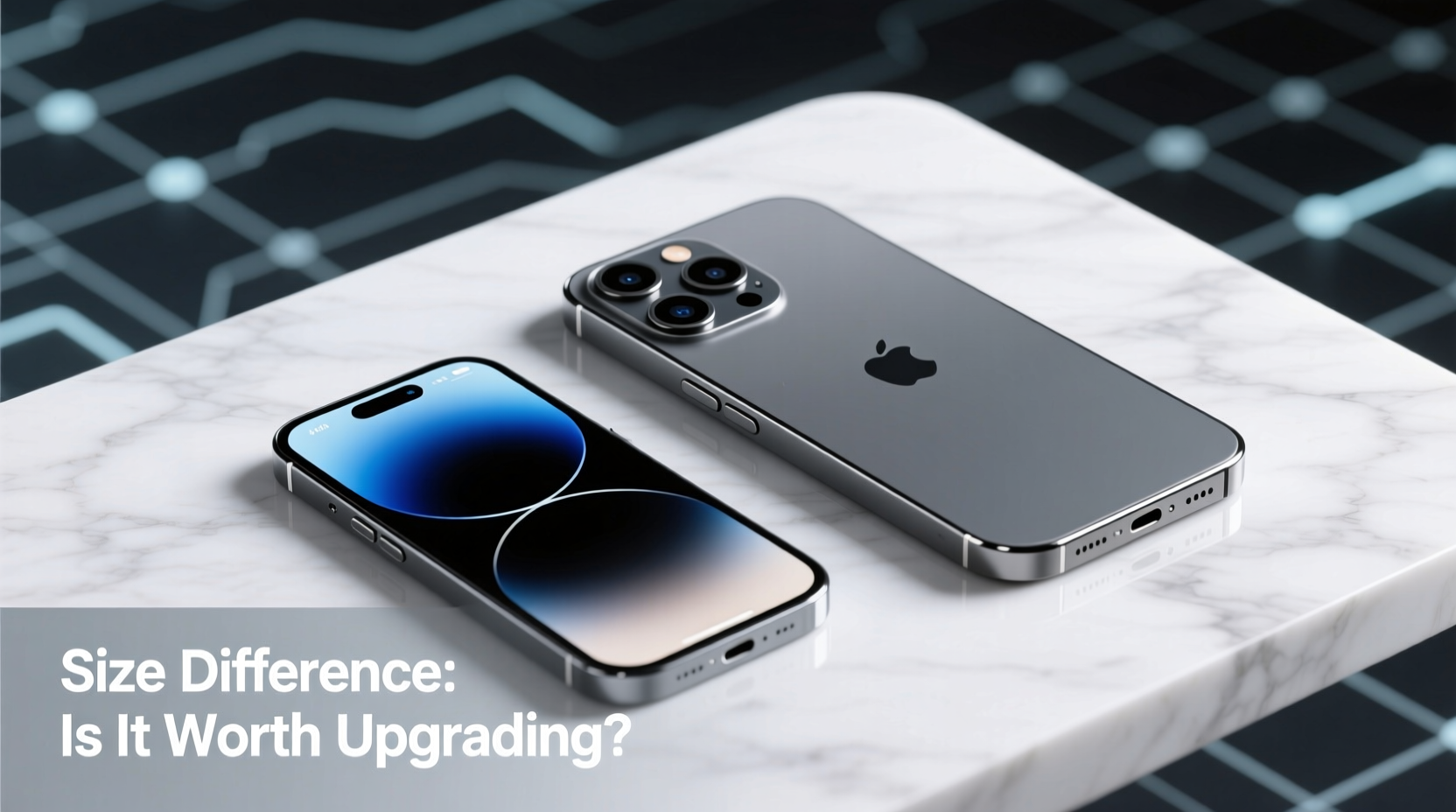
The iPhone 8, released in 2017, was among the last iPhones with a traditional design: a 4.7-inch LCD display, thick bezels, a home button with Touch ID, and a glass back for wireless charging. Measuring 138.4 x 67.3 x 7.8 mm and weighing 148 grams, it fits comfortably in one hand and slips easily into pockets.
In contrast, the iPhone 15 Pro, launched in 2023, features a 6.1-inch Super Retina XDR OLED display, slim bezels, Face ID, and a titanium frame that reduces weight despite the larger size. At 146.6 x 70.6 x 8.25 mm and 187 grams, it’s taller, wider, and heavier—but not overwhelmingly so thanks to its refined build.
“Smartphone design has shifted from pocketability to immersion. The screen is now the centerpiece, and everything else follows.” — David Liu, Mobile Technology Analyst at TechInsight Weekly
Display and Usability: Bigger Isn’t Just Better—It’s Smarter
The size difference isn’t just about inches—it translates directly into usability. The iPhone 15 Pro’s OLED panel offers deeper blacks, higher brightness (up to 2000 nits), and superior color accuracy compared to the iPhone 8’s Retina HD LCD. But more than specs, the user experience changes dramatically.
With a 25% larger display area, reading articles, watching videos, and multitasking feel significantly more immersive. Apps take full advantage of the space, offering split views, richer interfaces, and better gesture navigation. The Dynamic Island, introduced on the 15 Pro, adds another layer of interactivity, turning the notch into a contextual information hub for music, timers, and calls.
Meanwhile, the iPhone 8’s smaller screen can feel cramped by today’s standards. Scrolling through social media feeds or editing documents requires more zooming and panning. And without edge-to-edge design, much of the front is occupied by non-functional bezels.
Key Display Differences
| Feature | iPhone 8 | iPhone 15 Pro |
|---|---|---|
| Screen Size | 4.7 inches | 6.1 inches |
| Display Type | LCD | OLED (Super Retina XDR) |
| Resolution | 1334 x 750 | 2556 x 1179 |
| Brightness (HDR) | 625 nits | 2000 nits |
| Refresh Rate | 60Hz | ProMotion (120Hz adaptive) |
The 120Hz ProMotion display on the 15 Pro makes scrolling, gaming, and animations buttery smooth—a subtle but profound upgrade that users often describe as “once you go 120Hz, you can’t go back.”
Performance and Future-Proofing: Beyond Screen Real Estate
While size impacts ergonomics, the real justification for upgrading lies under the hood. The iPhone 8 runs on the A11 Bionic chip, a capable processor in its time but now struggling with modern apps and iOS updates. It supports up to iOS 16, with no guarantee of further major updates.
The iPhone 15 Pro, powered by the A17 Pro chip built on a 3nm process, delivers over 5x the CPU performance and 8x the graphics power. It handles 4K video editing, AAA mobile gaming, and AI-driven photography tasks with ease. More importantly, it’s designed to support iOS updates well into the 2030s.
Real-World Example: Sarah’s Upgrade Journey
Sarah, a freelance photographer, used her iPhone 8 for six years. She loved its compact size but found herself frustrated when trying to edit RAW photos in Lightroom. Exporting a single image took over two minutes. After switching to the iPhone 15 Pro, she completed the same task in under 10 seconds. Though she initially missed the small form factor, the productivity gains made the adjustment worthwhile. “I didn’t realize how much my old phone was holding me back,” she said.
Camera Evolution: From Decent to Professional
The camera systems between these two phones are separated by a decade of innovation. The iPhone 8 has a single 12MP rear camera with basic portrait mode via software simulation. The iPhone 15 Pro features a triple-lens system: main 48MP sensor, 12MP ultrawide, and 12MP 5x telephoto lens. It supports Night mode on all lenses, macro video, ProRAW, and spatial video for Apple Vision Pro.
Size plays a role here too—the larger body accommodates advanced optics, sensor-shift stabilization, and better thermal management for sustained recording. Users benefit from sharper low-light shots, lossless zoom, and cinematic video quality previously reserved for dedicated cameras.
- Low-light performance: 15 Pro excels with Night mode across all lenses.
- Zoom capability: iPhone 8 has 2x digital zoom; 15 Pro offers 5x optical and up to 25x digital.
- Video: 15 Pro shoots 4K HDR at 60fps with Log encoding for professional grading.
Should You Upgrade? A Practical Checklist
Before making the leap, consider your actual needs. Use this checklist to evaluate whether the upgrade aligns with your lifestyle:
- Is your iPhone 8 slowing down? Frequent app crashes, delayed responses, or inability to install updates signal hardware obsolescence.
- Do you consume media on your phone? Larger screens enhance video, reading, and gaming experiences.
- Do you take photos regularly? The 15 Pro’s camera system is a massive upgrade for creatives and casual shooters alike.
- Can you handle the size? Try holding a 15 Pro in-store. Some users adapt quickly; others prefer mini models.
- Are you still satisfied with iOS features? Face ID, Dynamic Island, Action Button, and Always-On Display offer modern conveniences absent on the iPhone 8.
Frequently Asked Questions
Can I use an iPhone 15 Pro one-handed like the iPhone 8?
Possibly, but it depends on your hand size and habits. The 15 Pro is wider and taller, making the top corners harder to reach. However, iOS includes Reachability (activate by tapping the bottom of the screen twice) to pull the interface down. Many users adapt within a few days.
Will my iPhone 8 stop working if I don’t upgrade?
No, it will continue functioning, but app compatibility may degrade over time. Some newer apps already require iOS 15 or later, which the iPhone 8 cannot support beyond iOS 16. Security updates may also cease in the near future.
Is the battery life better on the iPhone 15 Pro despite the larger screen?
Yes. Despite the bigger display, the A17 Pro chip is more power-efficient, and the battery capacity is significantly larger. Apple rates the 15 Pro for up to 23 hours of video playback versus 13 on the iPhone 8. Real-world usage typically shows a full day of moderate to heavy use.
Final Verdict: Size Is Just the Beginning
The physical difference between the iPhone 8 and iPhone 15 Pro is undeniable. But focusing solely on size misses the broader picture. The upgrade isn’t just about screen inches—it’s about performance, longevity, camera capabilities, and access to the latest software and security features.
If you value speed, photo quality, and staying current with technology, the iPhone 15 Pro is a worthy successor. Yes, it’s larger, but modern ergonomics, lightweight titanium, and thoughtful software mitigate the bulk. For those attached to the iPhone 8’s compactness, the iPhone 15 mini (if reintroduced) might be a better fit—but as of now, the standard 15 Pro strikes the best balance.
Ultimately, the size difference symbolizes progress. It reflects how smartphones have evolved from simple communication tools to essential, multifunctional companions. Upgrading isn’t just about getting a bigger phone—it’s about stepping into a more capable, connected, and efficient digital life.




 浙公网安备
33010002000092号
浙公网安备
33010002000092号 浙B2-20120091-4
Comments
No comments yet. Why don't you start the discussion?