
When Apple transitioned the iPhone to USB-C with the iPhone 15 series, headlines celebrated a new era of device compatibility. “Finally, one cable for all!” declared tech influencers. But beneath the surface, the promise of true universality between iPhone 15 and Android devices through USB-C is more myth than reality. While both now share the same physical connector, significant technical, functional, and experiential differences remain. This article dismantles the assumption that USB-C equals universal compatibility and reveals what users should actually expect when plugging an iPhone 15 into an Android ecosystem — and vice versa.
The Illusion of Plug-and-Play Universality
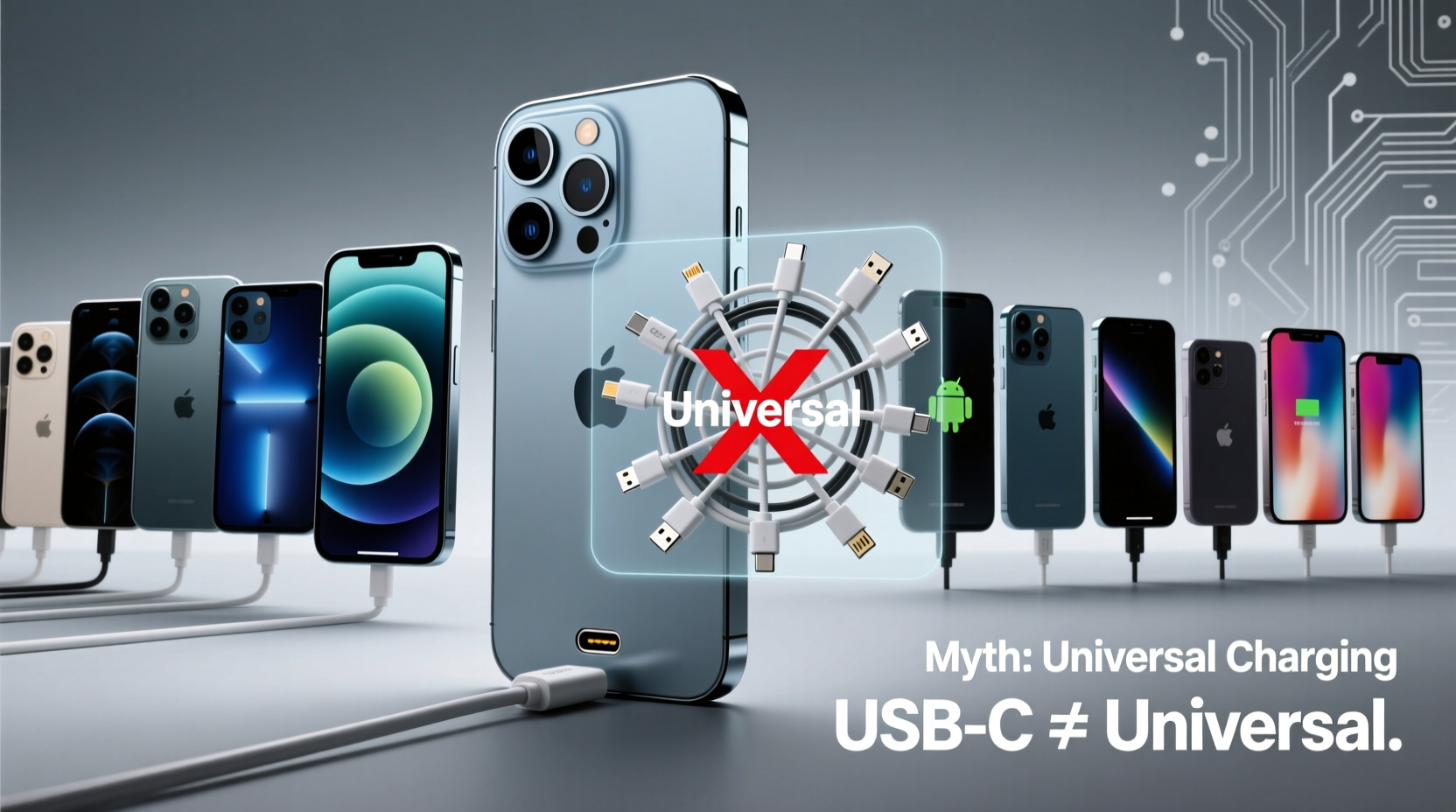
The shift to USB-C on the iPhone 15 was largely driven by regulatory pressure, particularly from the European Union, which mandated a common charging standard across mobile devices. The move has led many consumers to believe they can now seamlessly use any USB-C cable or charger across their gadgets—whether it’s a Samsung Galaxy, Google Pixel, or the latest iPhone. However, this belief overlooks critical distinctions in hardware implementation, data transfer protocols, and software-level restrictions.
USB-C is a connector type, not a performance standard. Just because two devices use the same port doesn’t mean they support the same features. For example, while most flagship Android phones support USB 3.2 or even USB4 for high-speed data transfer, the iPhone 15 and iPhone 15 Plus are limited to USB 2.0 speeds over USB-C—capping data transfer at 480 Mbps. Only the iPhone 15 Pro and Pro Max support faster data transfer, and even then, only under specific conditions with compatible accessories.
Data Transfer: A Major Bottleneck
One of the most glaring disparities lies in data transfer capability. Most premium Android smartphones released in the last three years support USB 3.2 Gen 2 or higher, enabling transfer speeds up to 10 Gbps. In contrast, the base iPhone 15 models remain stuck with USB 2.0. This means copying a 20GB video file from an iPhone 15 to a MacBook via USB-C could take over five minutes—compared to under 30 seconds on a comparable Android device using the same cable.
This limitation severely undermines the idea of interoperability. Users hoping to quickly offload photos, videos, or documents between devices will find the experience frustratingly slow unless they’re using cloud services or wireless alternatives like AirDrop (which, ironically, only works within the Apple ecosystem).
“Switching to USB-C was a necessary evolution for Apple, but limiting standard models to USB 2.0 feels like a deliberate throttle on cross-platform utility.” — Rajiv Mehta, Senior Analyst at MobileTech Insights
Charging Compatibility: Not as Universal as You Think
While both iPhone 15 and Android devices support USB Power Delivery (USB-PD), actual charging behavior varies significantly. Most modern Android phones support adaptive fast charging at 25W, 30W, or even 65W and above. The iPhone 15, however, peaks at around 20–27W with compatible chargers and cables, meaning it charges slower than many mid-range Android phones.
Moreover, some Android manufacturers implement proprietary charging enhancements (like Samsung’s Adaptive Fast Charging or OnePlus’ Warp Charge) that don’t work with iPhones. Conversely, Apple’s optimized battery charging algorithms may not function properly when using non-Apple-certified third-party chargers—even if they’re USB-C and PD-compliant.
| Feature | iPhone 15 (Non-Pro) | iPhone 15 Pro | Typical Android Flagship (e.g., Galaxy S24) |
|---|---|---|---|
| Port Type | USB-C | USB-C | USB-C |
| Max Data Speed | USB 2.0 (480 Mbps) | USB 3.2 (up to 10 Gbps)* | USB 3.2 / USB4 (up to 20 Gbps) |
| Max Charging Speed | ~20–27W | ~20–27W | 25–65W+ |
| Video Output Support | No | Yes (ProRes over USB-C to external drives) | Yes (DisplayPort Alt Mode, HDMI via adapter) |
| Cable Requirements for Full Speed | Standard USB-C | Active Thunderbolt Cable (for full speed) | USB-C to USB-C, USB4/Thunderbolt compatible |
*Requires active Thunderbolt cable for full-speed operation; not included in box.
Real-World Example: Sarah’s Cross-Platform Workflow
Sarah, a freelance photographer, owns a Pixel 8 Pro and recently upgraded to an iPhone 15 Pro Max for its improved camera system. She assumed her existing 100W GaN charger and high-speed USB-C cable would work equally well with both devices. While charging worked, she noticed two issues: first, her iPhone charged noticeably slower than her Pixel. Second, when attempting to transfer raw footage directly from her iPhone to a portable SSD, the process stalled at less than half the expected speed.
After troubleshooting, she discovered her passive USB-C cable didn’t support the full bandwidth required for ProRes video export on the iPhone 15 Pro Max. She had to purchase Apple’s $49 active Thunderbolt cable to achieve optimal performance—an unexpected cost that undermined her expectation of seamless universality.
Sarah’s experience reflects a broader trend: users expecting plug-and-play convenience are often met with hidden requirements, suboptimal performance, and additional expenses when moving between ecosystems—even with the same port type.
Accessories and Ecosystem Lock-In Still Exist
Despite sharing a port, accessory compatibility remains fragmented. Many third-party docks, monitors, and audio interfaces advertise “works with USB-C,” but fine print often reveals limitations. For instance:
- Some docking stations fail to recognize iPhone 15 due to firmware-level handshake requirements.
- Audio interfaces may not supply enough power or negotiate proper data modes with iOS.
- Android devices often support DisplayPort Alt Mode natively, allowing direct connection to monitors—while iPhones require adapters or rely on screen mirroring protocols like AirPlay.
Furthermore, Apple continues to exert control over certification through its MFi (Made for iPhone) program. Even though the port is standardized, cables and accessories that offer enhanced functionality (such as faster data sync or power delivery) often need MFi certification to work reliably—adding another layer of gatekeeping.
Step-by-Step: Maximizing iPhone 15 USB-C Performance Across Platforms
To get the most out of your iPhone 15’s USB-C port—especially when integrating with Android or PC environments—follow this practical sequence:
- Identify your iPhone model: Determine whether you have an iPhone 15, 15 Plus, or Pro/Pro Max. Only Pro models support high-speed data transfer.
- Use a certified USB-C cable: For non-Pro models, a standard USB-C to USB-C cable suffices. For Pro models, invest in an active Thunderbolt 3 or 4 cable for full-speed data and video output.
- Select a compatible charger: Use a USB-PD charger rated at least 20W for efficient charging. Avoid proprietary fast-charging bricks (e.g., OnePlus Warp Charge) as they won’t enhance iPhone performance.
- Enable Developer Mode (optional): On Mac or Windows, enabling developer settings in iTunes or Finder can improve connection stability during large file transfers.
- Test peripheral compatibility: Before relying on a dock or monitor setup, verify that the iPhone recognizes the device and supports the intended function (e.g., file transfer, charging, display output).
- Update software regularly: Apple occasionally enables new USB-C features via iOS updates. Keeping your device current ensures maximum compatibility.
Checklist: Ensuring True Cross-Device Usability
Before assuming your USB-C setup will work universally, verify these points:
- ✅ Confirm your cable supports USB Power Delivery (PD)
- ✅ Check if your iPhone model supports high-speed data (Pro models only)
- ✅ Ensure your computer or hub supports the required USB version
- ✅ Use MFi-certified accessories for mission-critical tasks
- ✅ Test charging speed with your preferred adapter
- ✅ Verify file transfer functionality before relying on it in the field
Frequently Asked Questions
Can I use my Android phone’s USB-C cable to charge and transfer data from my iPhone 15?
Yes, for basic charging and syncing. However, data transfer speeds will be limited to USB 2.0 on non-Pro models. High-speed transfer on Pro models requires a Thunderbolt-certified cable, which most Android cables are not.
Does the iPhone 15 support video output via USB-C like Android phones?
The iPhone 15 Pro and Pro Max support external video recording (e.g., ProRes to SSD), but not direct video output to displays over USB-C. Unlike many Android phones, it cannot act as a video source for monitors without using AirPlay or third-party apps.
Why did Apple limit USB 2.0 to non-Pro iPhone 15 models?
Industry analysts believe this is a strategic differentiation tactic. By reserving faster data transfer for Pro models, Apple encourages users to upgrade to higher-margin devices, especially professionals who rely on rapid media workflows.
Conclusion: Universality Is Partial—But Progress Is Real
The arrival of USB-C on the iPhone 15 marks a meaningful step toward reducing electronic waste and simplifying consumer experiences. No longer do iPhone owners need a separate Lightning cable just for their phone. In that sense, there is undeniable progress.
Yet the narrative that USB-C now makes all devices universally compatible is misleading. Differences in data speed, charging efficiency, accessory certification, and software integration persist. True universality would require not just a shared port, but aligned standards, open protocols, and manufacturer cooperation—none of which are fully present today.
Consumers should approach the new USB-C era with informed expectations. Yes, you can charge your iPhone 15 with an Android charger. Yes, you can connect it to a Windows PC. But don’t expect identical performance, speed, or functionality across ecosystems. Understanding these nuances empowers smarter decisions—about cables, chargers, and long-term device investments.




 浙公网安备
33010002000092号
浙公网安备
33010002000092号 浙B2-20120091-4
Comments
No comments yet. Why don't you start the discussion?