
When Apple introduced the Dynamic Island on the iPhone 14 Pro, it was met with both curiosity and skepticism. Was this new pill-shaped cutout simply a clever way to hide a front-facing camera upgrade, or did it represent a meaningful shift in how users interact with their phones? Now that the iPhone 15 series has adopted the Dynamic Island across all models, the question remains: is it genuinely useful, or just a flashy distraction?
The answer isn’t binary. The Dynamic Island sits at the intersection of design innovation and practical functionality. To understand its true value, we need to compare its implementation across the iPhone 15 and iPhone 14 Pro, examine real-world usage patterns, and consider whether it enhances daily interactions—or merely looks good in promotional videos.
What Is the Dynamic Island?
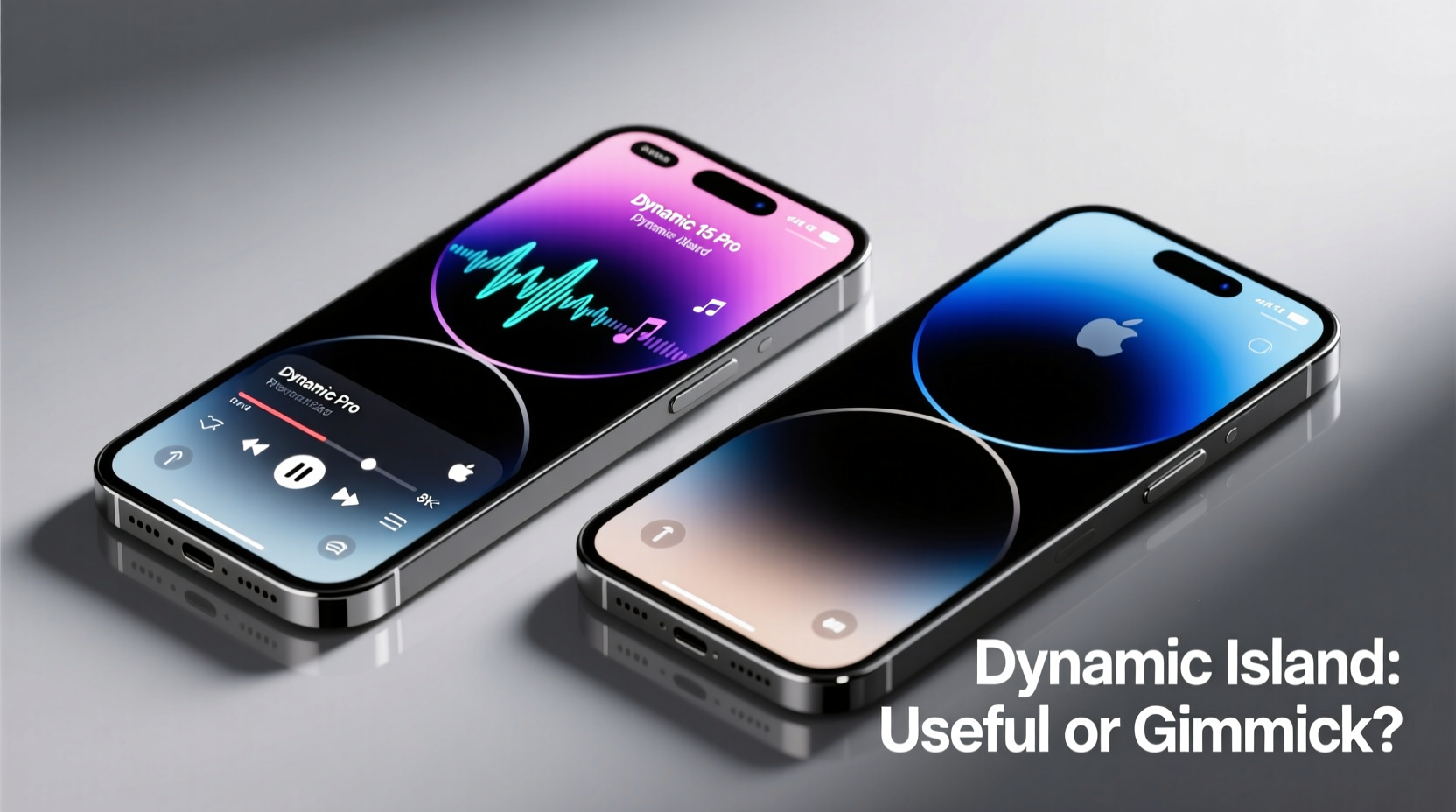
The Dynamic Island replaces the traditional notch found on earlier iPhones. It houses the front-facing TrueDepth camera system and integrates interactive software features into a compact, animated interface at the top of the display. Unlike the static notch, the Dynamic Island expands, contracts, and morphs depending on what’s happening on your phone—such as an active timer, music playback, Face ID authentication, or an incoming call.
On the iPhone 14 Pro, it debuted as a flagship-exclusive feature, signaling a break from past design language. With the iPhone 15, Apple extended the Dynamic Island to all models—including the base iPhone 15—making it a standard part of the iOS experience. This widespread adoption suggests Apple believes in its long-term utility, but user reception has been mixed.
Dynamic Island on iPhone 15 vs iPhone 14 Pro: Key Differences
While both devices feature the Dynamic Island, there are subtle hardware and performance differences worth noting.
| Feature | iPhone 14 Pro | iPhone 15 |
|---|---|---|
| Chipset | A16 Bionic | A16 Bionic (base model) |
| Display Type | ProMotion LTPO OLED (120Hz) | LTPS OLED (60Hz) |
| Dynamic Island Animation Smoothness | Smoother transitions due to 120Hz refresh rate | Slightly less fluid animations at 60Hz |
| Always-On Display | Yes | No |
| USB-C Port | Lightning | USB-C (faster data transfer) |
The most noticeable difference lies in display responsiveness. The iPhone 14 Pro’s 120Hz ProMotion screen makes the Dynamic Island feel more alive—its expansions and contractions appear seamless. On the iPhone 15’s 60Hz display, the same animations are functional but lack the premium fluidity. This doesn’t make the feature unusable, but it does affect perception: smoother motion feels more intentional, while choppier movement can seem like a visual trick.
Another distinction is context. On the iPhone 14 Pro, the Dynamic Island was one of several high-end upgrades—alongside Always-On Display and improved low-light photography—positioning it as part of a cohesive professional-tier package. On the iPhone 15, it’s bundled with more modest improvements, making it stand out more prominently despite running on slightly older hardware.
Real-World Use: Practical Benefits vs. Novelty Appeal
To assess whether the Dynamic Island is useful or a gimmick, consider how often it improves efficiency versus when it merely draws attention.
- Active Timers & Alarms: When you start a kitchen timer, the Dynamic Island pulses gently and expands when touched, showing time elapsed without opening the Clock app.
- Music Playback: Playing a song from Spotify or Apple Music activates the Island, allowing play/pause and track skipping directly from the status bar.
- Navigation: While using Maps, turn-by-turn directions animate subtly within the Island, giving glanceable updates.
- Face ID Authentication: The expanding pulse during facial recognition provides immediate feedback, reducing uncertainty about whether the scan succeeded.
- Call & Voicemail Alerts: Incoming calls merge with other activities, letting you see both your music and caller info simultaneously.
These functions streamline multitasking. Instead of switching apps to check a timer or pause music, you interact briefly with the top of the screen. For users who frequently juggle tasks—cooking while listening to a podcast, navigating while taking a call—this reduces friction.
“Apple has turned passive status indicators into interactive touchpoints. That’s a rare evolution in mobile UI design.” — David Liu, Mobile Interface Analyst at TechUX Review
However, not all interactions are equally valuable. Some third-party apps still don’t support Dynamic Island integration, limiting its scope. And for many users, the convenience is marginal. If you rarely use timers or control music from the lock screen, the feature may go unnoticed for days.
A Mini Case Study: Daily Commuter Workflow
Take Sarah, a 32-year-old urban commuter who uses her iPhone heavily during transit. Each morning, she sets a coffee timer, queues up a playlist, and checks traffic before leaving. On her iPhone 14 Pro, she starts the timer—watching the Island expand—and taps it mid-commute to confirm it’s still running. She receives a call; the Island splits to show both the call and her music. After hanging up, she swipes sideways to resume her podcast.
In this scenario, the Dynamic Island acts as a central hub for micro-interactions. She avoids unlocking her phone multiple times, saving time and battery. Over weeks, these small efficiencies add up. But when she lent her sister’s iPhone 13 (with a notch), she noticed no significant disruption. She adapted quickly, relying on notifications and Control Center. This illustrates a key point: the Dynamic Island enhances convenience but isn’t essential.
Is It a Gimmick? Evaluating Long-Term Value
A “gimmick” implies short-lived appeal with little lasting benefit. By that definition, the Dynamic Island isn’t one—but it walks the line.
Its initial novelty wears off after a few weeks. Users stop marveling at the animation and begin judging it by utility. Does it save time? Reduce cognitive load? Improve accessibility?
The strongest argument for usefulness is **glanceability**. In a world where attention is fragmented, having critical information visible without full app engagement matters. The pulsing timer, the fading music waveform—they communicate status at a glance, much like smartwatch complications.
Yet limitations persist. The space is small, limiting how much information can be displayed. Complex actions still require app switching. And unlike Android’s more customizable always-on displays or notification shades, the Dynamic Island operates within tight constraints defined by Apple.
Checklist: Maximizing Dynamic Island Utility
To get the most out of the Dynamic Island, follow these steps:
- Update all frequently used apps to ensure Dynamic Island compatibility.
- Use native Apple apps (Clock, Music, Maps) for best integration.
- Practice interacting with the Island—tap, long-press, swipe—to learn gestures.
- Customize Lock Screen widgets to complement, not duplicate, Island information.
- Monitor battery impact; excessive background activity can reduce longevity.
- Disable non-essential alerts that trigger unnecessary Island expansions.
Future Potential: Where Could It Go?
Today’s Dynamic Island is promising but underutilized. Its future depends on developer adoption and Apple’s willingness to expand its capabilities.
Potential evolutions include:
- Support for multiple simultaneous live activities (e.g., tracking a delivery while monitoring a workout).
- Deeper Siri integration—answering questions or setting reminders via voice directly from the Island.
- Customizable appearances based on user preferences or contexts (work vs. personal mode).
- Integration with health sensors (e.g., blood oxygen or heart rate monitoring in real time).
If Apple opens more APIs to developers, the Dynamic Island could evolve into a true ambient intelligence layer—one that surfaces relevant information before you even ask for it.
“The Dynamic Island isn’t the end goal—it’s a stepping stone toward contextual awareness in mobile interfaces.” — Dr. Lena Torres, Human-Computer Interaction Researcher, Stanford University
Frequently Asked Questions
Can I disable the Dynamic Island?
No, you cannot remove or hide the Dynamic Island itself, as it’s tied to the physical camera housing. However, you can minimize its activity by turning off live app notifications and disabling background app refresh for non-essential services.
Does every app work with the Dynamic Island?
No. Only apps updated to support Live Activities can interact with it. Major apps like Uber, Shazam, and fitness trackers have added support, but many smaller apps have not. Apple continues to encourage developers to adopt the feature through expanded documentation and tools.
Is the Dynamic Island better on iPhone 14 Pro than iPhone 15?
In terms of animation quality and responsiveness, yes. The iPhone 14 Pro’s 120Hz display delivers smoother transitions, making interactions feel more natural. However, core functionality remains identical. For most users, the difference is subtle unless they’re highly sensitive to motion fluidity.
Conclusion: A Feature That Earns Its Place—With Room to Grow
The Dynamic Island is neither revolutionary nor redundant. It occupies a middle ground: a well-executed enhancement that improves certain workflows without redefining the smartphone experience. On the iPhone 14 Pro, it felt like a glimpse into the future. On the iPhone 15, it becomes normalized—a standard tool rather than a headline feature.
Calling it a gimmick undersells its thoughtful design and genuine usability gains. But expecting it to transform how we use phones sets the bar too high. Right now, it excels at small moments: confirming a timer, pausing a song, acknowledging a call. These aren’t dramatic breakthroughs, but they contribute to a more fluid, responsive interface.
As app developers catch up and Apple refines its capabilities, the Dynamic Island may yet prove its long-term value. For now, it’s best viewed not as a standalone reason to upgrade, but as part of a broader trend toward smarter, more adaptive mobile experiences.




 浙公网安备
33010002000092号
浙公网安备
33010002000092号 浙B2-20120091-4
Comments
No comments yet. Why don't you start the discussion?