
For many iPhone users, the decision to upgrade isn’t just about new features—it’s about value. The iPhone 15 brought notable changes over its predecessor, but if you're still using an iPhone 13, is the jump truly justified? With Apple’s pricing structure and long software support, this question matters more than ever. Let’s break down the differences in design, performance, camera, battery life, and long-term usability to help you decide whether the iPhone 15 deserves your investment.
Design and Build: Subtle Changes, Big Feel
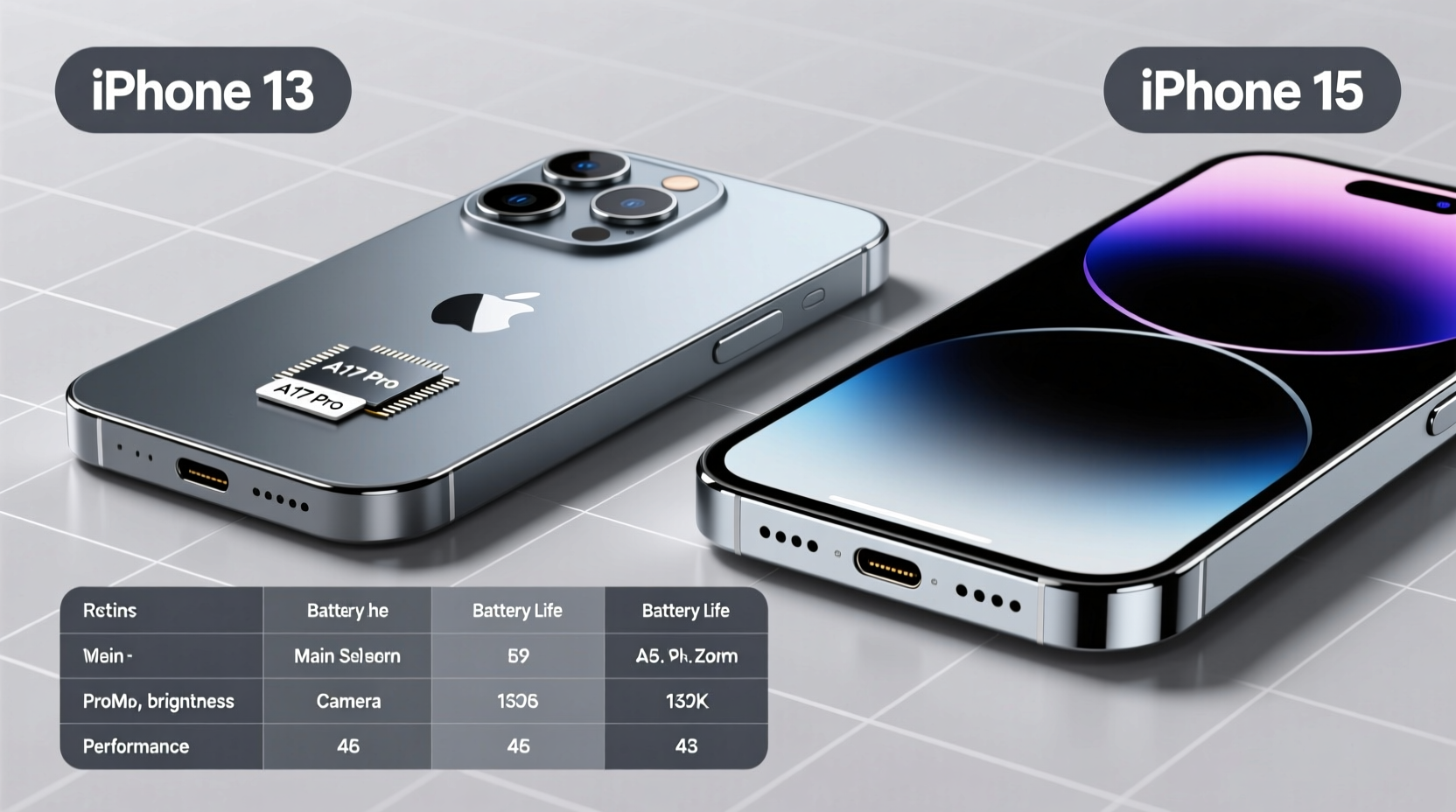
The iPhone 15 introduced a refined design language compared to the iPhone 13. While both models feature aerospace-grade aluminum frames and glass backs, the iPhone 15 adopts a more modern contoured edge design, replacing the flat edges of the iPhone 13. This change improves grip and comfort during extended use.
One of the most significant upgrades is the shift from Lightning to USB-C. After years of resistance, Apple finally adopted the universal standard on the iPhone 15, making charging and data transfer faster and more convenient—especially for users with multiple USB-C devices.
The iPhone 15 also features a Ceramic Shield front cover with improved drop performance and a slightly brighter peak HDR display (2000 nits) versus the iPhone 13’s 1200 nits. These enhancements make outdoor visibility significantly better, especially under direct sunlight.
Performance: Speed vs Sufficiency
Under the hood, the iPhone 15 runs on the A16 Bionic chip—the same processor found in the iPhone 14 Pro. In contrast, the iPhone 13 uses the A15 Bionic with a slightly reduced GPU configuration (4-core instead of 5-core in the Pro model).
In real-world usage, both phones handle daily tasks like browsing, messaging, and streaming with ease. However, the A16 offers tangible improvements in sustained performance, thermal efficiency, and machine learning capabilities. Gamers and users running intensive apps like video editors or AR tools will notice smoother frame rates and faster load times.
“Even two generations apart, Apple’s chips maintain exceptional longevity. But the A16’s efficiency gains matter most for multitasking and future-proofing.” — David Lin, Mobile Hardware Analyst at TechPulse
That said, unless you’re pushing your device to its limits, the iPhone 13 remains more than capable. iOS updates are expected to support both devices through at least 2027, meaning neither will feel obsolete anytime soon.
Camera System: Noticeable Improvements
The camera is where the iPhone 15 pulls ahead most clearly. While the iPhone 13 has a solid dual-camera setup (12MP wide and ultra-wide), the iPhone 15 introduces a 48MP main sensor—a first for the non-Pro lineup.
This higher resolution allows for superior detail capture, especially in daylight. More importantly, the 48MP sensor enables pixel binning and 2x optical-quality zoom without switching lenses. This means clearer portraits and tighter crops straight out of the camera.
| Feature | iPhone 13 | iPhone 15 |
|---|---|---|
| Main Sensor | 12MP f/1.6 | 48MP f/1.6 (with Quad-Pixel) |
| Ultra-Wide | 12MP f/2.4 | 12MP f/2.4 |
| Zoom Capability | Digital only | 2x optical-quality zoom |
| Front Camera | 12MP f/2.2 | 12MP f/1.9 (brighter low-light) |
| Video Recording | 4K HDR (Dolby Vision) | 4K HDR + Action Mode stabilization |
The iPhone 15 also includes “Smart HDR 5” and improved computational photography, resulting in more balanced exposures and richer skin tones. Night mode now activates faster and produces less noise. For casual photographers, these changes may be subtle. But for those who share photos frequently or print them, the quality jump is meaningful.
Battery Life and Charging: Incremental Gains
Battery capacity increased slightly in the iPhone 15, offering around 2–3 hours more screen-on time under mixed usage compared to the iPhone 13. Apple doesn’t publish exact mAh ratings, but independent teardowns confirm a modest boost in energy density.
More impactful is the switch to USB-C, which supports faster charging when paired with a 20W+ adapter. While both phones support 20W fast charging, the iPhone 15 benefits from broader compatibility with third-party chargers and laptops. Additionally, USB-C enables faster photo and video transfers—useful for creators moving large files.
Real-World Example: Sarah’s Upgrade Dilemma
Sarah has used her iPhone 13 since 2021. She takes occasional photos, uses social media, and streams music during commutes. Her battery lasts a full day, and she hasn’t experienced slowdowns. When the iPhone 15 launched, she considered upgrading after seeing ads highlighting the 48MP camera.
After testing both devices in-store, she noticed the newer phone felt smoother and took sharper images in bright light. But at night, the difference was minimal. She realized her current phone still met her needs—and that spending $799 for marginal gains didn’t make financial sense.
Instead, she decided to wait another year, banking the savings toward an eventual jump to an iPhone 16 or even an iPhone SE refresh. Her story reflects a growing trend: consumers are holding onto iPhones longer, demanding clearer reasons to upgrade.
Step-by-Step: Should You Upgrade?
If you're weighing the decision, follow this practical timeline to assess your needs:
- Evaluate your current experience: Does your iPhone 13 slow down, crash apps, or struggle with battery?
- Assess your usage: Are you a power user, content creator, or casual consumer?
- Check your accessories: Do you rely heavily on Lightning-based headphones, docks, or car systems?
- Compare prices: Factor in trade-in values. Many carriers offer $200–$300 credit for an iPhone 13.
- Project forward: Will you keep the phone for 3+ years? The iPhone 15 will likely receive one extra iOS update.
Frequently Asked Questions
Can the iPhone 13 still run the latest iOS updates?
Yes. As of iOS 17, the iPhone 13 is fully supported. Given Apple’s typical 5–6 year update cycle, it should remain compatible through iOS 21 or later.
Is the 48MP camera on the iPhone 15 worth it?
Only if you print photos, crop heavily, or want better dynamic range. For social media sharing, the visual difference is often negligible.
Does USB-C make a big difference?
Over time, yes. It simplifies travel, reduces cable clutter, and improves file transfer speeds. But if you’re already invested in Lightning, the transition may feel inconvenient initially.
Final Verdict: Who Should Upgrade?
The iPhone 15 is a solid evolution—not a revolution. For iPhone 11 or 12 owners, the upgrade brings meaningful improvements in speed, camera, and charging. But for iPhone 13 users, the gains are incremental.
Consider upgrading if:
- You value USB-C convenience and faster data transfer.
- You take a lot of photos and want better zoom and detail.
- Your iPhone 13 is showing battery degradation or physical wear.
- You plan to keep the phone for four or more years and want maximum future support.
Stay with your iPhone 13 if:
- Your current device performs well and holds a charge.
- You don’t need advanced camera features.
- You’re sensitive to price and can redirect funds elsewhere.
Conclusion: Make the Choice That Fits Your Life
Technology should serve you—not pressure you into unnecessary spending. The iPhone 15 is undeniably better than the iPhone 13, but “better” doesn’t always mean “worth it.” For some, the sleeker design and modern port are enough. For others, the iPhone 13 remains a powerful, reliable companion that still delivers excellent value in 2024 and beyond.




 浙公网安备
33010002000092号
浙公网安备
33010002000092号 浙B2-20120091-4
Comments
No comments yet. Why don't you start the discussion?