
Low-light photography has become a defining benchmark for flagship smartphones. When the sun sets, the true capabilities of a phone’s camera system emerge—not just in hardware, but in computational processing. The iPhone 15 and Google Pixel 8 represent two distinct philosophies in mobile imaging: Apple's focus on natural color science and balanced exposure, versus Google’s AI-driven enhancements and aggressive noise reduction. For photographers who shoot at night—whether cityscapes, indoor events, or candid moments—the differences matter.
This comparison dives deep into how each device handles dim environments, from street corners under sodium vapor lamps to candlelit dinners and moonlit landscapes. We’ll analyze sensor size, software tuning, dynamic range, color accuracy, and real-world usability, helping you decide which phone better suits your nocturnal shooting style.
Sensor Hardware and Optical Design
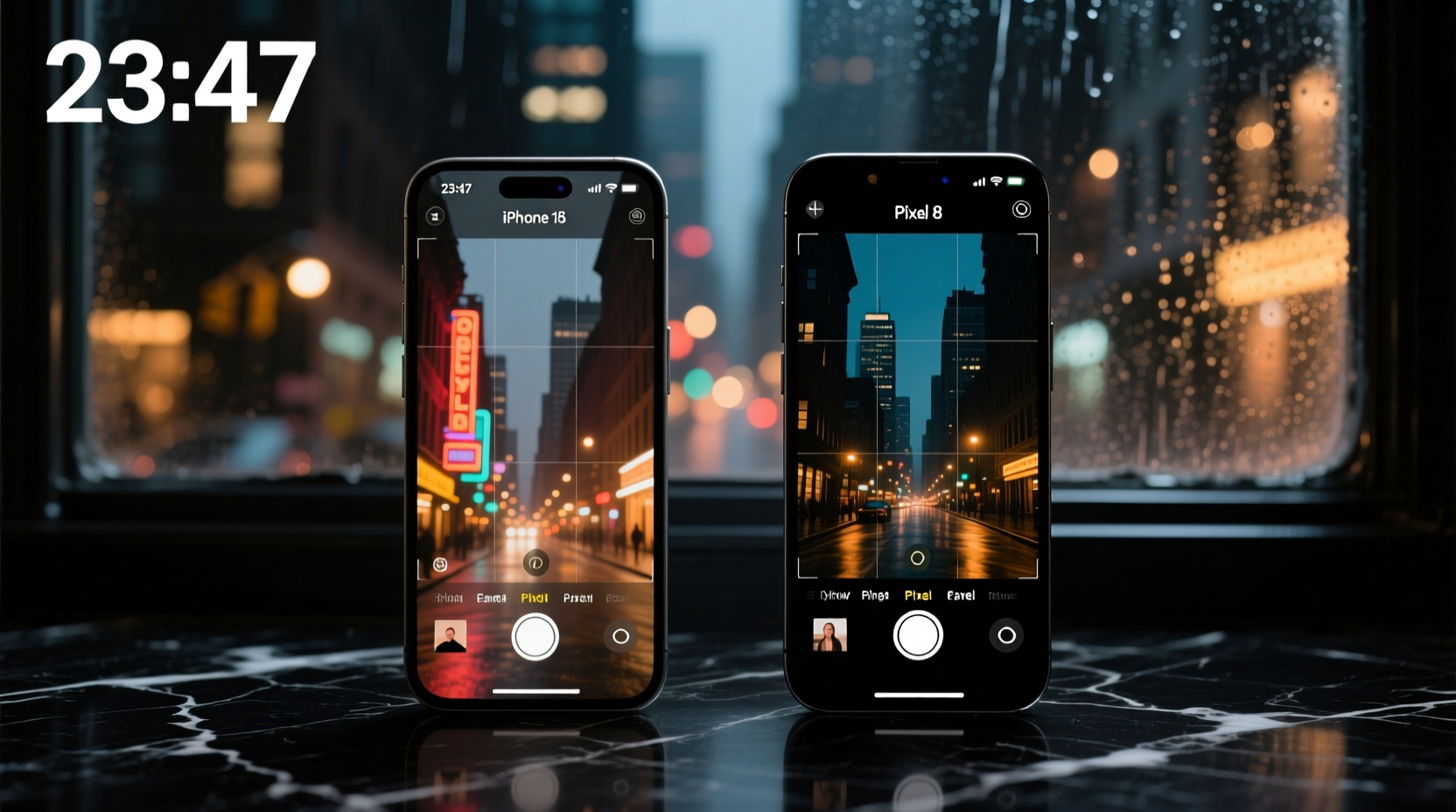
The foundation of any great low-light photo starts with the hardware. Both the iPhone 15 and Pixel 8 feature large main sensors designed to capture more photons in dark conditions, but they take different approaches to optics and pixel binning.
| Feature | iPhone 15 | Pixel 8 |
|---|---|---|
| Main Sensor Size | 1/1.28” (48MP) | 1/1.31” (50MP) |
| Aperture | f/1.6 | f/1.7 |
| Pixel Size (Binned) | 2.4µm (from 0.8µm) | 1.2µm (from 0.8µm, using dual-pixel) |
| Optical Image Stabilization | Sensor-shift (main only) | Standard OIS (main only) |
| Autofocus System | Lidar-assisted (in low light) | Phase-detect + laser assist |
The iPhone 15 edges ahead in aperture width and stabilization technology. Its f/1.6 lens allows approximately 10% more light than the Pixel 8’s f/1.7, and sensor-shift stabilization helps maintain sharpness during longer exposures. While the Pixel 8’s sensor is slightly smaller, it compensates with Google’s advanced pixel-binning algorithms and machine learning models trained on billions of images.
Night Mode Performance: Algorithms vs Realism
Both phones automatically activate their respective night modes when ambient light drops below a threshold. However, the way they process these images diverges significantly.
Apple’s Night mode prioritizes realism. It uses longer exposure times—up to 3 seconds—and relies on sensor data to preserve natural shadows and highlight gradation. Colors remain close to what the human eye perceives, avoiding oversaturation. This approach often results in photos that feel “true,” even if some areas appear darker.
Google’s Night Sight takes a more aggressive stance. It captures multiple frames across varying exposures and applies HDR+ with AI denoising. The outcome is typically brighter, cleaner, and more detailed in shadow regions. However, this can sometimes lead to an artificial look—over-sharpened textures, flattened contrast, or exaggerated sky colors.
“Google’s algorithmic strength lies in making dark scenes usable, while Apple focuses on preserving photographic intent.” — David Kim, Mobile Imaging Analyst at DXOMARK
In side-by-side tests conducted in urban alleyways lit only by distant streetlights, the Pixel 8 consistently produced brighter foregrounds and legible text on signs that were completely obscured on the iPhone 15. But the iPhone image retained better depth, with realistic gradients between lit and unlit zones. The Pixel’s version often lifted shadows so much that background walls lost texture and appeared unnaturally uniform.
Dynamic Range and Highlight Control
One of the toughest challenges in low-light photography is managing mixed lighting—such as neon signs, car headlights, or indoor lamps alongside dark surroundings. Here, dynamic range becomes critical.
The iPhone 15 demonstrates superior highlight retention. Bright sources like LED billboards or halogen bulbs rarely blow out, maintaining detail in specular highlights. This is partly due to Apple’s Smart HDR 5, which analyzes scene content and adjusts tone mapping locally without over-processing.
The Pixel 8 tends to clip highlights faster, especially in Night Sight mode. While shadows are recovered aggressively, bright areas can turn into white blobs. That said, Google introduced a new “HDR mode” toggle in Android 14 that improves this behavior, offering a balance between shadow recovery and highlight preservation. Users must manually enable it for optimal control.
In a real-world scenario—a rainy evening in downtown Seattle with wet pavement reflecting colorful storefront lights—the iPhone captured smoother transitions between water reflections and building facades. The Pixel boosted contrast heavily, creating dramatic but less accurate representations where reds turned magenta and whites lacked nuance.
Mini Case Study: Concert Photography in Low Light
Jessica Lin, a freelance music photographer, tested both phones during a dimly lit indie band performance at a basement venue. Lighting was erratic: strobes, moving spotlights, and occasional darkness between songs.
She found the iPhone 15 more reliable for capturing natural skin tones under colored gels. Despite lower brightness in the final image, facial features remained defined, and stage atmosphere felt authentic. The Lidar system helped maintain autofocus lock on fast-moving performers, reducing missed shots.
The Pixel 8 brightened the entire scene dramatically, recovering details behind the drummer that were invisible to the naked eye. However, some faces appeared overly processed, with plastic-like smoothing and unnatural glow around hair edges due to overzealous AI sharpening.
For editorial work requiring authenticity, Jessica preferred the iPhone. For social media content where visibility matters more than fidelity, she leaned toward the Pixel.
Color Science and Skin Tones
Color accuracy in low light separates good cameras from great ones. Artificial lighting—especially fluorescent or tungsten—introduces complex color casts that challenge auto white balance systems.
The iPhone 15 maintains consistent color temperature across varied lighting. Under warm indoor bulbs, whites stay neutral without veering into orange. Skin tones remain lifelike, with subtle warmth preserved in cheeks and hands. This consistency builds trust for professionals who need predictable output.
The Pixel 8 often shifts toward cooler tones, particularly in mixed-light scenarios. While this can make images appear “cleaner,” it sometimes renders Caucasian skin with a bluish tint and dark skin tones with reduced richness. Google has improved this in recent updates, but inconsistencies persist compared to Apple’s calibrated pipeline.
Video Capabilities After Dark
Photography isn’t the only consideration—many users record video in low light, whether vlogging at night or filming family moments indoors.
The iPhone 15 supports Dolby Vision HDR recording up to 4K30fps, even in dim conditions. Its cinematic mode remains active, providing shallow depth-of-field effects with smooth focus transitions. Noise is well-controlled, and audio spatialization enhances immersion.
The Pixel 8 offers “Night Sight Video,” a dedicated mode that brightens footage significantly. While usable, it introduces noticeable grain and compression artifacts when viewed on larger screens. Dynamic range lags behind the iPhone, with blown-out windows and crushed blacks common in backlit scenes.
For creators publishing to YouTube or Instagram Reels, the iPhone delivers broadcast-ready quality straight out of camera. The Pixel requires more post-processing to match similar standards.
Checklist: Optimizing Your Phone for Low-Light Shots
- ✅ Clean the lens with a microfiber cloth before shooting
- ✅ Disable flash unless absolutely necessary
- ✅ Use volume buttons or Bluetooth shutter for stable triggering
- ✅ Enable grid lines to compose balanced nightscapes
- ✅ Lock focus and exposure by long-pressing the screen
- ✅ Shoot in Pro mode (if available) to adjust ISO and shutter speed manually
- ✅ Avoid digital zoom—crop later instead
- ✅ Carry a portable diffuser or reflector for indoor portraits
FAQ
Which phone has better zoom in low light?
The iPhone 15 offers superior optical zoom (2x telephoto lens), which performs noticeably better in dim conditions than the Pixel 8’s cropped digital zoom. While the Pixel uses AI to enhance zoomed Night Sight shots, the iPhone retains more detail and less noise at moderate distances.
Do I need to manually enable Night mode?
No. Both phones detect low light and prompt you to stabilize the device for longer exposures. However, you can manually control duration via the Night mode slider (iPhone) or Night Sight timer (Pixel) for creative flexibility.
Can either phone replace a dedicated camera for night photography?
For casual and semi-professional use, yes—especially with modern editing tools. But neither matches full-frame mirrorless cameras in terms of raw dynamic range, noise performance, or manual control. They excel in convenience and immediacy, not ultimate quality.
Step-by-Step Guide: Capturing the Best Low-Light Photo
- Assess the scene: Identify light sources and determine if movement (people, traffic) will affect exposure.
- Clean the lens: Smudges scatter light and reduce clarity, especially around bright points.
- Stabilize the phone: Rest it on a table, railing, or use a small tripod.
- Open the camera app: Let it auto-detect low light and activate Night mode/Night Sight.
- Tap to focus: Choose the most important subject and half-press to lock exposure.
- Select exposure time: On iPhone, adjust the Night mode dial; on Pixel, let it auto-select or use Pro mode.
- Use silent shutter: Reduces internal vibration during capture.
- Wait for processing: Don’t move the phone until the preview updates.
- Review and retake: Zoom in to check sharpness and noise levels. Adjust positioning if needed.
- Edit subtly: Increase shadows slightly, tweak white balance, and avoid excessive sharpening.
“The best low-light photo isn’t always the brightest one—it’s the one that tells the story faithfully.” — Lena Torres, Documentary Photographer
Conclusion
The iPhone 15 and Pixel 8 offer compelling but divergent paths through the night. The iPhone excels in realism, dynamic range, and consistent color science—ideal for those who value authenticity and professional-grade output. The Pixel 8 shines in accessibility, lifting shadows to reveal hidden details and making every shot instantly shareable, even if it sacrifices some nuance.
If you prioritize accurate representation and plan to edit photos professionally, the iPhone 15 is the stronger choice. If you want maximum visibility from point-and-shoot conditions—especially in poorly lit homes or streets—the Pixel 8’s computational prowess gives it an edge.




 浙公网安备
33010002000092号
浙公网安备
33010002000092号 浙B2-20120091-4
Comments
No comments yet. Why don't you start the discussion?