
For years, the iPhone 8 Plus has been a reliable workhorse—solid build, excellent battery life, and a beloved physical Home Button that made navigation intuitive. But with Apple’s latest release of the iPhone 16e, a modern entry-level device stripped of legacy features like Touch ID and the iconic round button, many long-time users are asking: is this upgrade truly worth abandoning what they know?
The answer isn’t just about specs or speed—it’s about lifestyle, usability, and how much you value familiarity versus future-proofing. Let’s break down the key differences between these two iPhones across critical categories to help you make an informed decision.
Design and User Experience: A Fundamental Shift
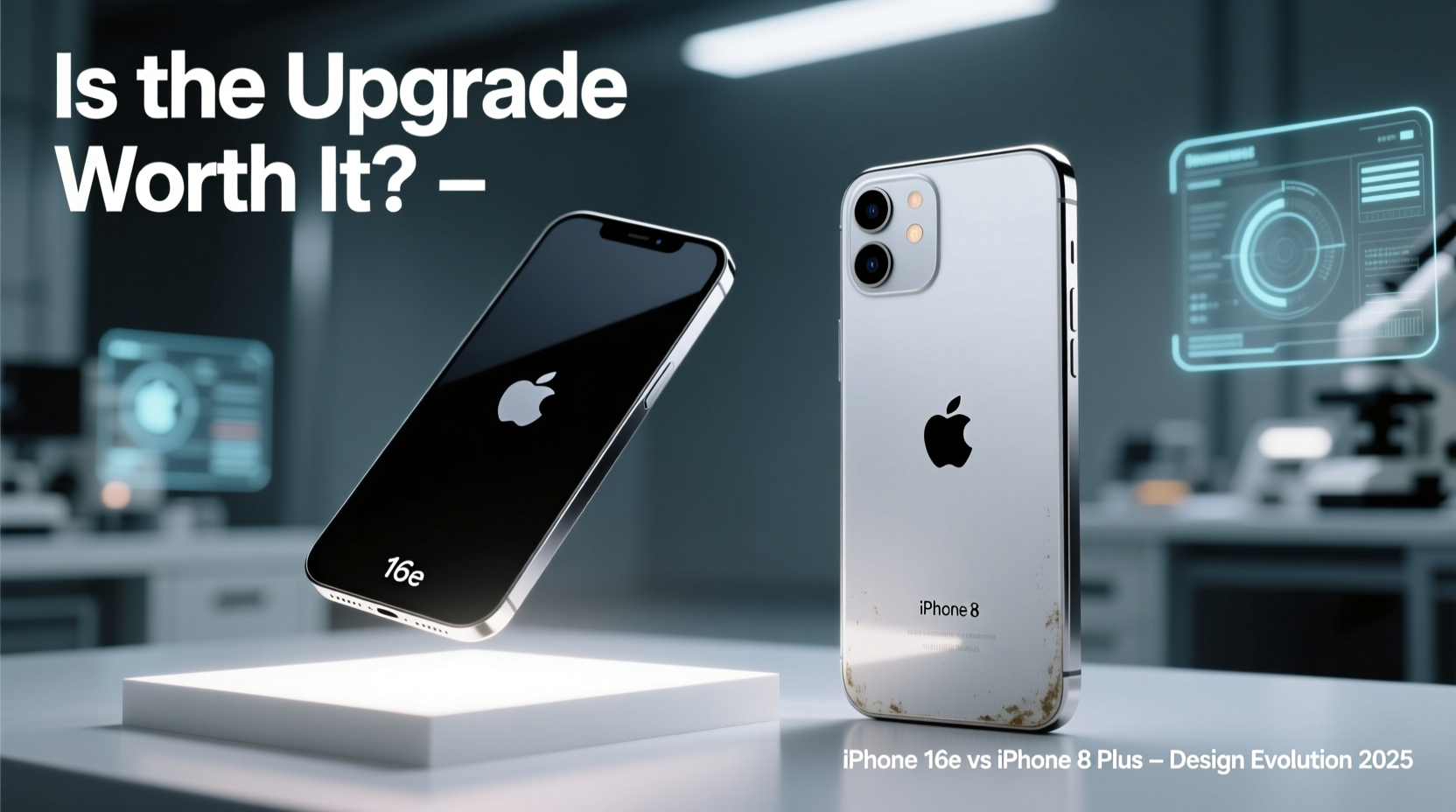
The most immediate change when moving from the iPhone 8 Plus to the iPhone 16e is the absence of the Home Button. The 8 Plus uses a tactile, responsive circular button for unlocking (via Touch ID), returning to the home screen, and switching apps. It's predictable, ergonomic, and especially useful one-handed or in low-light conditions.
In contrast, the iPhone 16e embraces gesture-based navigation. Swiping up from the bottom brings you home; swiping and holding reveals multitasking. There’s no physical feedback—just smooth animations and Face ID scanning your face each time you wake the phone.
“Removing the Home Button wasn’t just about screen size—it was about redefining interaction. Gestures feel natural after two weeks, but they do require adjustment.” — Lisa Tran, UX Designer at MobileFirst Labs
Another major shift is durability. The iPhone 8 Plus features a glass front and back with aluminum frame—prone to cracks if dropped. The iPhone 16e improves on this with Ceramic Shield front cover and aerospace-grade aluminum edges, offering better drop resistance and water resistance rated at IP68 (up to 6 meters for 30 minutes), compared to the 8 Plus’s IP67 (1 meter for 30 minutes).
Performance: Night and Day Difference
Under the hood, the gap couldn't be wider. The iPhone 8 Plus runs on the A11 Bionic chip—an impressive processor in 2017, but now struggling with modern app demands. Multitasking, AR experiences, and even some camera functions lag noticeably today.
The iPhone 16e, however, comes equipped with the new A18 chip built on a 3nm process. This means faster CPU and GPU performance, improved machine learning capabilities, and dramatically better energy efficiency. Apps launch instantly, video editing is seamless, and iOS 18 runs without a single stutter.
| Feature | iPhone 8 Plus | iPhone 16e |
|---|---|---|
| Chipset | A11 Bionic (10nm) | A18 (3nm) |
| RAM | 3GB | 6GB |
| Storage Options | 64GB, 256GB | 128GB, 256GB, 512GB |
| OS Support (Expected) | Ended with iOS 16 | Up to iOS 22+ |
| Battery Life (Video Playback) | Up to 14 hours | Up to 22 hours |
The performance leap also translates into longevity. While the 8 Plus can barely run current apps smoothly, the iPhone 16e is designed to stay relevant for at least five more years—critical for anyone who keeps phones long-term.
Camera Capabilities: Beyond Megapixels
The iPhone 8 Plus introduced Apple’s first dual-camera system: a 12MP wide and 12MP telephoto lens enabling 2x optical zoom and Portrait Mode. At the time, it was groundbreaking. Today, its limitations show—especially in low light, where noise reduction fails and autofocus hesitates.
The iPhone 16e features a next-gen dual system: a 48MP main sensor with sensor-shift stabilization and a 12MP ultra-wide lens. Computational photography takes center stage—Smart HDR 6, Photonic Engine enhancements, and AI-powered night mode deliver stunning results even in dim environments.
- Digital Zoom: Up to 15x (vs. 10x on 8 Plus)
- Portrait Mode: Now supports pets, objects, and multiple people automatically
- Video Recording: 4K at 60fps with cinematic mode and spatial audio
- New Feature: Direct satellite connectivity for emergency photo sharing in remote areas
If photography matters—even casually—the upgrade alone may justify the switch.
Real-Life Transition: Sarah’s Story
Sarah, a 42-year-old teacher from Portland, used her iPhone 8 Plus for over six years. She loved the Home Button because she could unlock her phone while wearing gloves or with wet fingers—something Face ID on the 16e initially frustrated.
“The first week was rough,” she admitted. “I kept pressing where the button used to be. I missed calls because I didn’t swipe fast enough.”
But within ten days, muscle memory shifted. She grew to appreciate the larger screen for grading papers and watching tutorials. The improved battery life meant she no longer needed a midday charge during school hours. And the camera made documenting classroom projects effortless.
“It wasn’t easy letting go of the old way,” she said. “But now I can’t imagine going back.”
Is Ditching the Home Button Worth It? A Step-by-Step Decision Guide
Deciding whether to upgrade should involve more than just desire for new tech. Follow this timeline to evaluate your needs realistically:
- Week 1 – Assess Current Pain Points: Track frustrations with your 8 Plus—slow app launches, poor battery, failed updates, camera issues.
- Week 2 – Test Gesture Navigation: Borrow an iPhone X or newer model. Use it daily to gauge comfort with Face ID and swipes.
- Week 3 – Evaluate Usage Patterns: Are you using advanced features like AR apps, mobile editing, or health tracking? These benefit greatly from newer hardware.
- Week 4 – Consider Longevity: Will you keep this phone for 3+ years? The 16e will receive updates until 2029; the 8 Plus hasn’t since 2022.
- Final Decision: If three or more pain points persist and you’re open to change, the upgrade makes sense.
Frequently Asked Questions
Can I still use Touch ID on the iPhone 16e?
No. The iPhone 16e relies solely on Face ID for biometric authentication. There is no fingerprint option, even through third-party cases or accessories.
Will my old accessories work with the iPhone 16e?
Most Lightning accessories (like speakers or car docks) won’t work—the 16e uses USB-C. However, wireless chargers compatible with MagSafe or Qi2 will function seamlessly.
Is the iPhone 16e significantly larger than the 8 Plus?
Yes. The 16e has a 6.1-inch display versus the 8 Plus’s 5.5 inches. Though slightly taller, it feels lighter due to thinner bezels and modern materials.
Checklist: Before You Upgrade
- ✅ Back up your iPhone 8 Plus via iCloud or Finder
- ✅ Transfer data using Quick Start or iCloud restore
- ✅ Set up Face ID in good lighting
- ✅ Customize Control Center and gestures under Settings > Accessibility
- ✅ Disable “Require Passcode Immediately” if Face ID proves unreliable in certain conditions
- ✅ Explore new features like StandBy mode and interactive widgets
Conclusion: Embracing Change Without Losing Functionality
Moving from the iPhone 8 Plus to the iPhone 16e means leaving behind a familiar interface—but gaining years of innovation in security, performance, and usability. The removal of the Home Button symbolizes a broader evolution: smartphones are no longer defined by physical controls, but by intelligence, adaptability, and integration into daily life.
If you rely on your phone for productivity, creativity, or staying connected, the iPhone 16e offers meaningful improvements that compound over time. Yes, there’s a short adaptation curve. But for most users, especially those planning to keep their device beyond two years, the benefits far outweigh nostalgia.




 浙公网安备
33010002000092号
浙公网安备
33010002000092号 浙B2-20120091-4
Comments
No comments yet. Why don't you start the discussion?