
In the early 2010s, smartphone evolution accelerated rapidly. The iPhone 4, released in 2010, redefined mobile design with its glass-and-steel chassis and Retina display. Two years later, Samsung’s Galaxy S3 Mini hit the market as a compact alternative to the flagship S3. For many users stuck on older iPhones or mid-tier Android devices, the decision to switch or upgrade wasn’t just about hardware—it involved ecosystems, usability, and long-term value. Looking back, was moving from an iPhone 4 to a Galaxy S3 Mini—or choosing between them—a meaningful leap forward?
The Era of Transition: Smartphone Context in 2010–2013
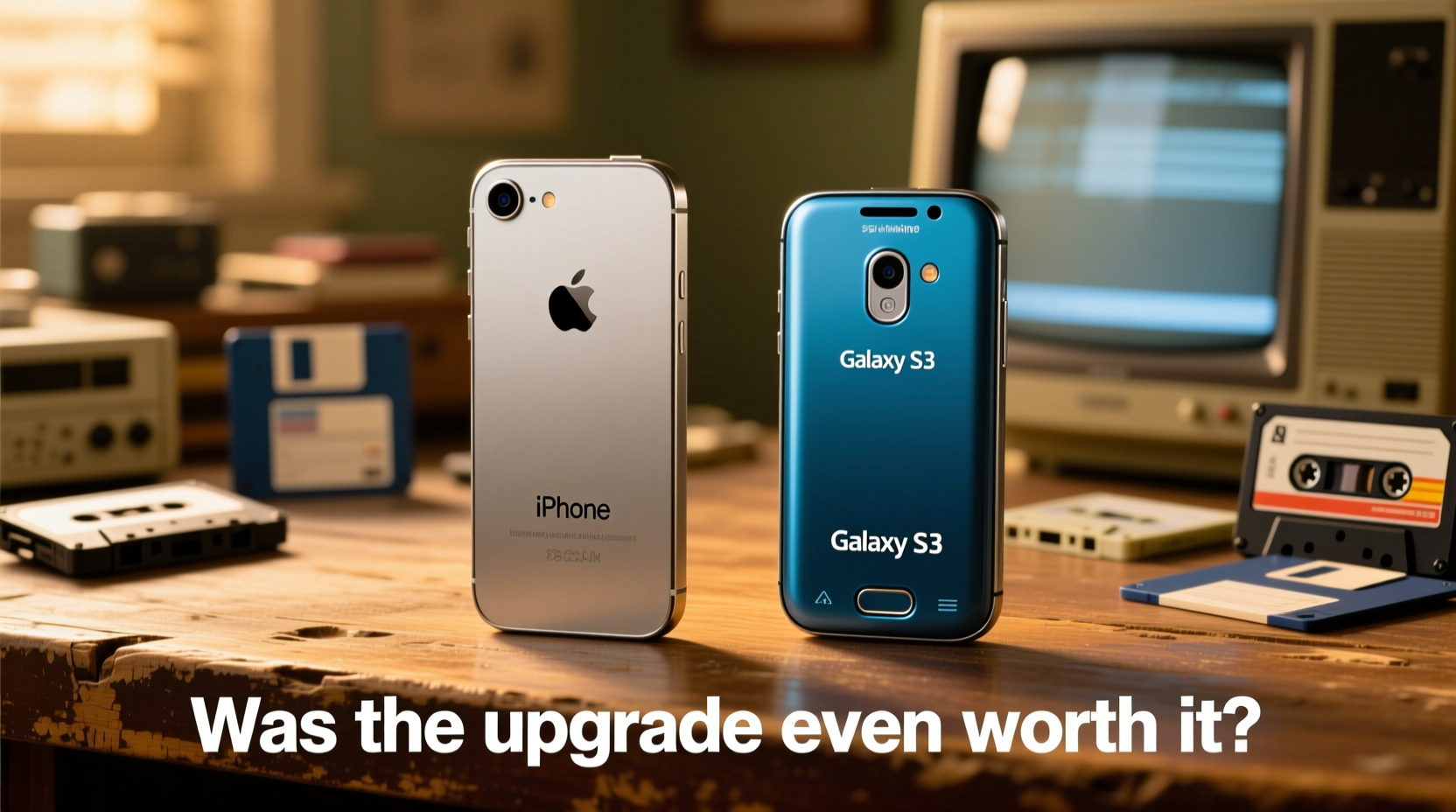
The period between 2010 and 2013 marked a turning point for mobile technology. The iPhone 4 introduced features that became industry standards: high-resolution displays (640x960 pixels), front-facing cameras for FaceTime, and iOS 4 with multitasking. Meanwhile, Android matured significantly. By 2012, Google’s OS offered greater customization, expandable storage, and NFC support—features absent from Apple’s tightly controlled ecosystem.
The Galaxy S3 Mini arrived in late 2012 as a scaled-down version of the full-sized S3. It targeted budget-conscious consumers who wanted access to Samsung’s TouchWiz interface and core Android functionality without the premium price tag. With specs like a 1GHz dual-core processor, 1GB RAM, and a 4-inch screen, it seemed competitive on paper against the aging iPhone 4.
But raw specs don’t tell the whole story. Real-world performance, software longevity, and user habits played decisive roles in whether this upgrade path made sense.
Design and Build Quality: Glass vs Plastic
The iPhone 4 stood out with its minimalist, precision-engineered design. Stainless steel band, flat glass panels on both sides, and sharp edges gave it a premium feel unmatched by most contemporaries. However, that elegance came at a cost—fragility. The glass shattered easily when dropped, and the antenna design caused signal loss when held improperly (“Antennagate”). Still, few phones looked as refined on a desk or in hand.
In contrast, the Galaxy S3 Mini used a plastic body with a soft-touch coating. While less luxurious than the iPhone 4, it was more durable in everyday use. Its curved back improved grip, and the removable battery added practicality. But visually, it lacked the iPhone’s iconic presence. For users prioritizing aesthetics and build integrity, the iPhone 4 remained superior despite its flaws.
Performance and Software Experience Compared
Under the hood, the comparison becomes nuanced. The iPhone 4 ran Apple’s A4 chip (1GHz single-core) and 512MB RAM. By 2012, iOS updates had begun to strain its capabilities. iOS 6, released the same year as the S3 Mini, brought noticeable lag to the iPhone 4—especially in Safari, multitasking, and newer apps.
The Galaxy S3 Mini, powered by a Broadcom BCM21664 SoC (dual-core 1GHz Cortex-A9), had better multitasking potential thanks to Android’s memory management. However, Samsung’s TouchWiz overlay often slowed things down, creating a perception of sluggishness despite the hardware advantage.
iOS offered smoother animations and tighter app optimization due to Apple’s control over both hardware and software. Even on older hardware, well-coded native apps performed reliably. Android, while flexible, suffered from inconsistent developer optimization and fragmentation issues—especially on lower-end devices like the S3 Mini.
“iOS aged more gracefully than expected, but Android opened doors to personalization and freedom.” — David Lin, Mobile Tech Analyst at GadgetScope (2013 interview)
Feature Comparison: What Each Phone Offered
| Feature | iPhone 4 | Galaxy S3 Mini |
|---|---|---|
| Display | 3.5\", 640x960 (Retina) | 4.0\", 480x800 (Super AMOLED) |
| Processor | A4 (1GHz single-core) | BCM21664 (1GHz dual-core) |
| RAM | 512MB | 1GB |
| Storage | 16/32GB (non-expandable) | 8GB (expandable via microSD) |
| Battery | 1420mAh (non-removable) | 1500mAh (removable) |
| Camera | 5MP rear, no flash | 5MP rear, LED flash |
| OS | iOS 4–7 (limited) | Android 4.1 (upgradable to 4.2.2) |
| NFC | No | Yes |
| Weight | 137g | 112g |
While the S3 Mini had technical advantages—larger screen, more RAM, expandable storage, NFC—the real-world benefit depended on usage patterns. Heavy app users appreciated the extra memory, but iOS developers optimized apps so efficiently that the iPhone 4 still handled email, web browsing, and social media well into 2013.
User Case: Sarah’s Upgrade Dilemma
Sarah had been using her iPhone 4 since 2010. By 2012, she noticed apps loading slower, battery life dropping below a full day, and iOS 6 crashing occasionally. Her brother recommended switching to the Galaxy S3 Mini, citing its modern features and lower price ($300 off-contract vs $450 for an iPhone 5).
She made the switch and initially enjoyed the larger screen and customizable home screens. Being able to add widgets and move apps freely felt liberating. She also liked the removable battery—replacing it herself saved money. But within months, she grew frustrated. Pre-installed bloatware cluttered her device. App updates broke compatibility. And after Android 4.2.2, no further OS upgrades were provided.
Meanwhile, her friend kept an iPhone 4 until 2014, benefiting from continued security patches and app support. Though limited, iOS 7 still ran acceptably after disabling animations. Sarah realized too late that longevity mattered more than novelty.
Was the Upgrade Worth It? A Balanced Verdict
For some, yes. Users seeking more screen space, expandable storage, or NFC found tangible benefits in the S3 Mini. Those already invested in Google services (Gmail, Calendar, Drive) gained seamless integration. The ability to swap batteries extended usability in areas with unreliable charging.
But for others, especially those embedded in Apple’s ecosystem (iTunes, iCloud, iMessage), the transition created friction. Losing iMessage meant falling back to SMS. Moving photos and contacts required effort. And critically, the S3 Mini received only one major OS update, limiting future-proofing.
The iPhone 4, though aging, maintained consistent software support until iOS 7 in 2013—four years of updates, rare among smartphones then or now. That kind of lifecycle is why many users saw little reason to jump ship unless necessity forced them.
Checklist: Evaluating a Legacy Upgrade
- ✅ Assess your current device’s performance—is it truly unusable?
- ✅ Compare software update history and future support windows
- ✅ Evaluate ecosystem lock-in (iCloud vs Google, iMessage vs SMS)
- ✅ Consider repairability and battery replacement options
- ✅ Weigh cost versus actual need—not every spec bump improves daily use
Frequently Asked Questions
Could the Galaxy S3 Mini run modern apps today?
No. With only 1GB RAM and Android 4.2.2 as its final OS, it lacks the processing power and security framework to run current versions of apps like Instagram, WhatsApp, or Chrome. Most services discontinued support years ago.
Did the iPhone 4 receive security updates after 2013?
Limited patches were issued through 2014, but full support ended with iOS 7. After that, known vulnerabilities remained unpatched, making the device risky for online banking or sensitive tasks.
Why did Samsung release a 'Mini' version of the S3?
To capture users uncomfortable with large screens and carriers wanting affordable Android options. At the time, 4-inch was considered average; anything over 4.5” was seen as “phablet” territory.
Conclusion: Lessons from a Forgotten Crossroads
The choice between sticking with an iPhone 4 or upgrading to a Galaxy S3 Mini wasn’t just about speed or screen size—it reflected broader shifts in mobile philosophy. Apple emphasized continuity, polish, and long-term refinement. Samsung pushed openness, flexibility, and rapid iteration.
In hindsight, neither option was clearly superior across the board. The “worth” of the upgrade depended entirely on individual priorities: customization versus consistency, hardware flexibility versus software longevity. Today, these trade-offs still echo in the Android vs iOS debate.
Technology moves fast, but not every upgrade is progress. Sometimes, holding onto what works beats chasing what’s new.




 浙公网安备
33010002000092号
浙公网安备
33010002000092号 浙B2-20120091-4
Comments
No comments yet. Why don't you start the discussion?