
For many users clinging to an iPhone 4S—whether out of nostalgia, reliability, or reluctance to change—the idea of jumping to a modern device like the iPhone 13 may seem overwhelming. Released over a decade apart, these two devices represent entirely different eras of smartphone technology. The question isn't just about hardware—it's about whether the leap forward translates into meaningful improvements for daily use in 2024.
The answer, in short: yes, the upgrade is not only worth it but necessary for anyone who relies on their phone for communication, productivity, photography, or internet access. But understanding why requires a closer look at what’s changed—and how much those changes impact real-world experience.
Performance: A Quantum Leap in Speed and Efficiency
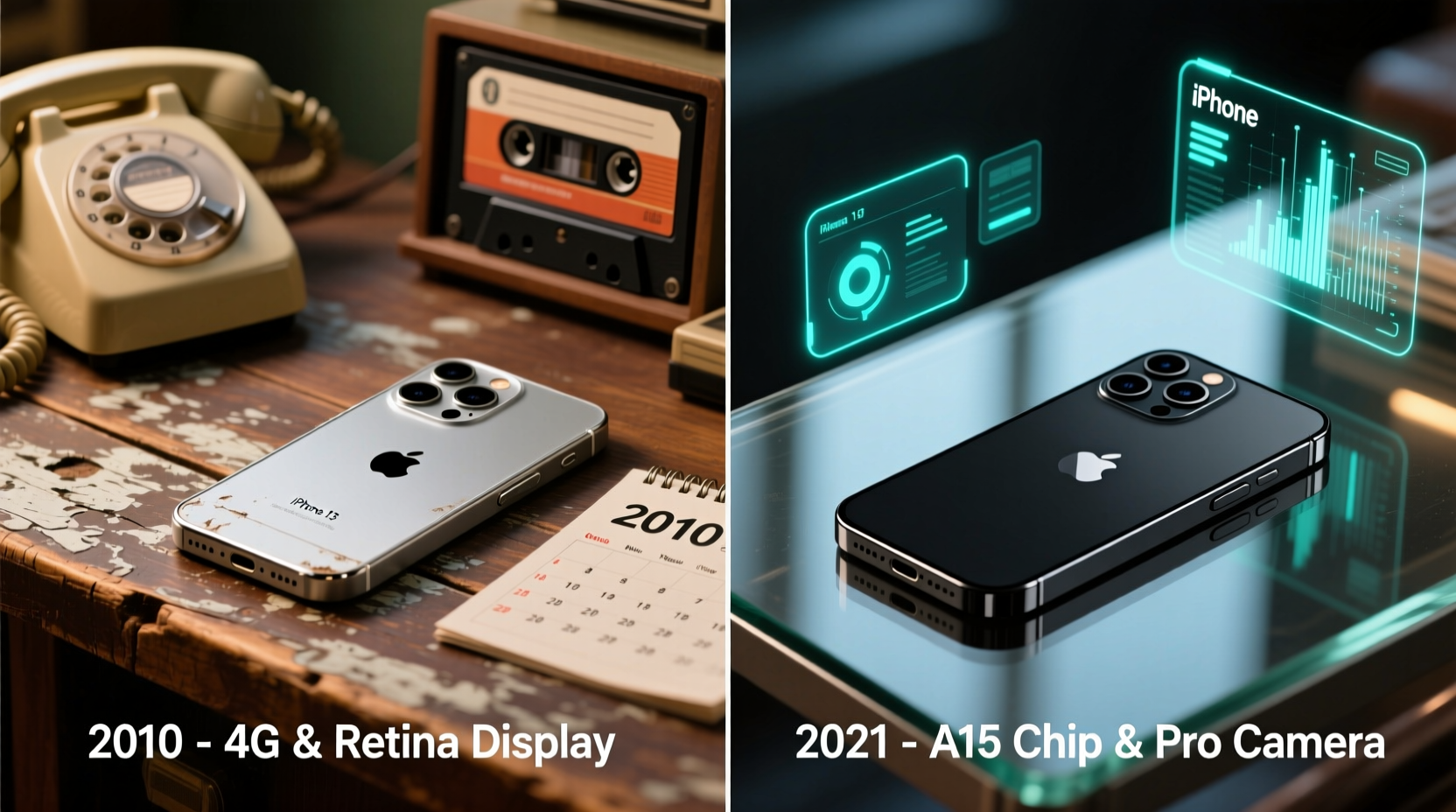
The iPhone 4S runs on Apple’s A5 chip, a dual-core processor with 512MB of RAM. By today’s standards, this configuration struggles even with basic tasks. In contrast, the iPhone 13 features Apple’s A15 Bionic chip—a six-core CPU, four-core GPU, and 16-core Neural Engine powered by 4GB of RAM. This isn’t evolution; it’s a revolution.
Browsing the web on an iPhone 4S in 2024 is often frustrating. Pages load slowly, JavaScript-heavy sites crash, and multitasking is nearly impossible. The iPhone 13 handles dozens of open tabs, complex web apps, and video streaming without breaking a sweat. Apps launch instantly, background processes run smoothly, and iOS 17 operates fluidly—something the 4S couldn’t manage beyond iOS 9.
Camera Quality: From Basic Snaps to Professional-Grade Photos
The iPhone 4S introduced 8MP rear camera with 1080p video recording—a significant step up in its time. But today, that camera lacks autofocus speed, low-light performance, HDR, and image stabilization. Nighttime photos are grainy, and facial recognition is slow.
The iPhone 13, on the other hand, features a dual-camera system (12MP wide and ultra-wide) with Night mode, Deep Fusion, Smart HDR 4, and Cinematic Mode for video. It captures rich detail in shadows and highlights, focuses quickly in dim environments, and produces images comparable to dedicated cameras. Video recording supports Dolby Vision HDR at 4K/30fps—something unimaginable in 2011.
“Smartphone photography has evolved more in the last decade than in the previous 20 years combined.” — David Tran, Mobile Imaging Analyst at TechInsight Weekly
Battery Life and Charging: From All-Day Anxiety to Multi-Day Usability
The iPhone 4S offered around 6–8 hours of mixed usage, requiring daily charging—even twice a day under heavy use. Battery degradation over time has made this worse for surviving units. Fast charging didn’t exist, and wireless charging was science fiction.
The iPhone 13 delivers up to 19 hours of video playback, thanks to larger capacity battery and extreme power efficiency of the A15 chip. With moderate use, it easily lasts a full day, and light users may stretch it to two. It supports 20W fast charging (reaching 50% in ~30 minutes) and MagSafe wireless charging—features that drastically reduce downtime.
| Feature | iPhone 4S | iPhone 13 |
|---|---|---|
| Processor | A5 (32nm) | A15 Bionic (5nm) |
| RAM | 512MB | 4GB |
| Rear Camera | 8MP, f/2.4 | 12MP wide + 12MP ultra-wide, f/1.6 & f/2.4 |
| Front Camera | VGA | 12MP TrueDepth, f/2.2 |
| Video Recording | 1080p@30fps | 4K@60fps with Dolby Vision |
| Battery Life (Video) | ~8 hours | ~19 hours |
| Charging | 5W wired only | 20W fast, Qi/MagSafe wireless |
| Storage Options | 16/32/64GB | 128/256/512GB |
| OS Support | iOS 9 (2011–2016) | iOS 15–17+ (2021–2026+ expected) |
Connectivity and Real-World Usability in 2024
This is where the gap becomes truly apparent. The iPhone 4S lacks LTE—it maxes out at HSPA+ (often called “3G”), which many carriers have already shut down or plan to phase out. AT&T discontinued 3G in 2022; T-Mobile followed in 2023. That means the iPhone 4S cannot reliably connect to cellular data on major U.S. networks today.
In practice, this renders the device unusable outside Wi-Fi zones. No Google Maps while driving. No Spotify on the go. No mobile banking when traveling. Even iMessage depends on internet connectivity—if you’re off Wi-Fi, you’re limited to SMS, which the 4S doesn’t fully support without carrier hacks.
The iPhone 13 includes 5G, Gigabit-class LTE, Wi-Fi 6, Bluetooth 5.0, and Ultra-Wideband (UWB) for precision finding with AirTags. It integrates seamlessly with modern ecosystems—Apple Watch, AirPods, HomePod, iCloud, and Find My. It receives security updates, app updates, and new OS features for years to come.
Mini Case Study: Sarah’s Upgrade Journey
Sarah, a small business owner in Portland, used her iPhone 4S for over ten years. She liked its simplicity and long-lasting build. But in early 2024, she began missing client emails because her Gmail app wouldn’t update. Her Square reader stopped working due to outdated OS requirements. She couldn’t join Zoom calls from her car because the hotspot failed on 3G.
After switching to an iPhone 13, she reported immediate improvements: faster response times, clearer video conferencing, better photo quality for product listings, and reliable GPS navigation during deliveries. Most importantly, her phone now works *everywhere*—not just at home or in cafes with Wi-Fi.
Is the Upgrade Worth It? A Step-by-Step Decision Guide
Deciding whether to upgrade depends on your needs. Use this timeline to evaluate your situation:
- Assess Network Compatibility: Check if your carrier still supports 3G. If not, your iPhone 4S cannot access mobile data or voice in most areas.
- Test App Functionality: Try downloading WhatsApp, Instagram, or your bank’s app. If they don’t install or crash, your device is obsolete.
- Evaluate Daily Frustrations: Do pages take forever to load? Does the camera fail in low light? Is battery life unreliable?
- Consider Security Risks: Unsupported devices don’t receive patches for vulnerabilities. Using outdated software increases risk of data exposure.
- Calculate Long-Term Value: While the iPhone 13 costs more upfront, its multi-year support, resale value, and functionality offer better ROI than clinging to a relic.
Frequently Asked Questions
Can I still use my iPhone 4S as a media player or iPod?
Yes, if you keep it on Wi-Fi. You can sync music, videos, and podcasts via iTunes. However, streaming services like Spotify and YouTube may not support older app versions, limiting functionality.
Will my old accessories work with the iPhone 13?
Most won’t. The 4S uses a 30-pin connector; the 13 uses Lightning (though newer models have moved to USB-C). Headphones with 3.5mm jacks require a dongle, as the 13 lacks a headphone jack.
Is there any reason to keep the iPhone 4S in 2024?
Only for sentimental value, emergency backup (if SIM works), or as a dedicated offline device (e.g., alarm clock, music box). For active daily use, it’s no longer viable.
Final Verdict: The Upgrade Isn’t Just Worth It—It’s Essential
The jump from iPhone 4S to iPhone 13 isn’t merely about better specs—it’s about entering the modern digital world. The 4S was groundbreaking in 2011, but today it’s functionally obsolete. It cannot securely browse the web, run current apps, connect to modern networks, or capture usable photos in most conditions.
The iPhone 13 offers not just performance, but peace of mind: end-to-end encryption, regular updates, robust privacy controls, seamless integration with other Apple devices, and a camera that documents life clearly and beautifully. For less than $500 (especially with trade-ins), you gain a device capable of serving you reliably for another 4–5 years.
If you’ve been holding onto your iPhone 4S out of habit or hesitation, now is the time to move forward. Technology exists to make life easier, safer, and more connected. Staying behind doesn’t honor the past—it limits your future.




 浙公网安备
33010002000092号
浙公网安备
33010002000092号 浙B2-20120091-4
Comments
No comments yet. Why don't you start the discussion?