
When Apple released the iPhone 5 in September 2012, it marked a significant shift in design and capability from its predecessor, the iPhone 4S. While many users were drawn to the sleeker form factor, faster processor, and LTE support, a common question emerged: Was upgrading from the iPhone 4S to the iPhone 5 justified—especially if the main motivation was better battery life?
For users struggling with the 4S’s declining battery performance, especially after years of use, the promise of improved endurance was tempting. But did the reality match expectations? This article dives deep into the technical differences, real-world usage patterns, and overlooked trade-offs to determine whether the battery alone made the upgrade worthwhile.
Battery Specifications: A Closer Look
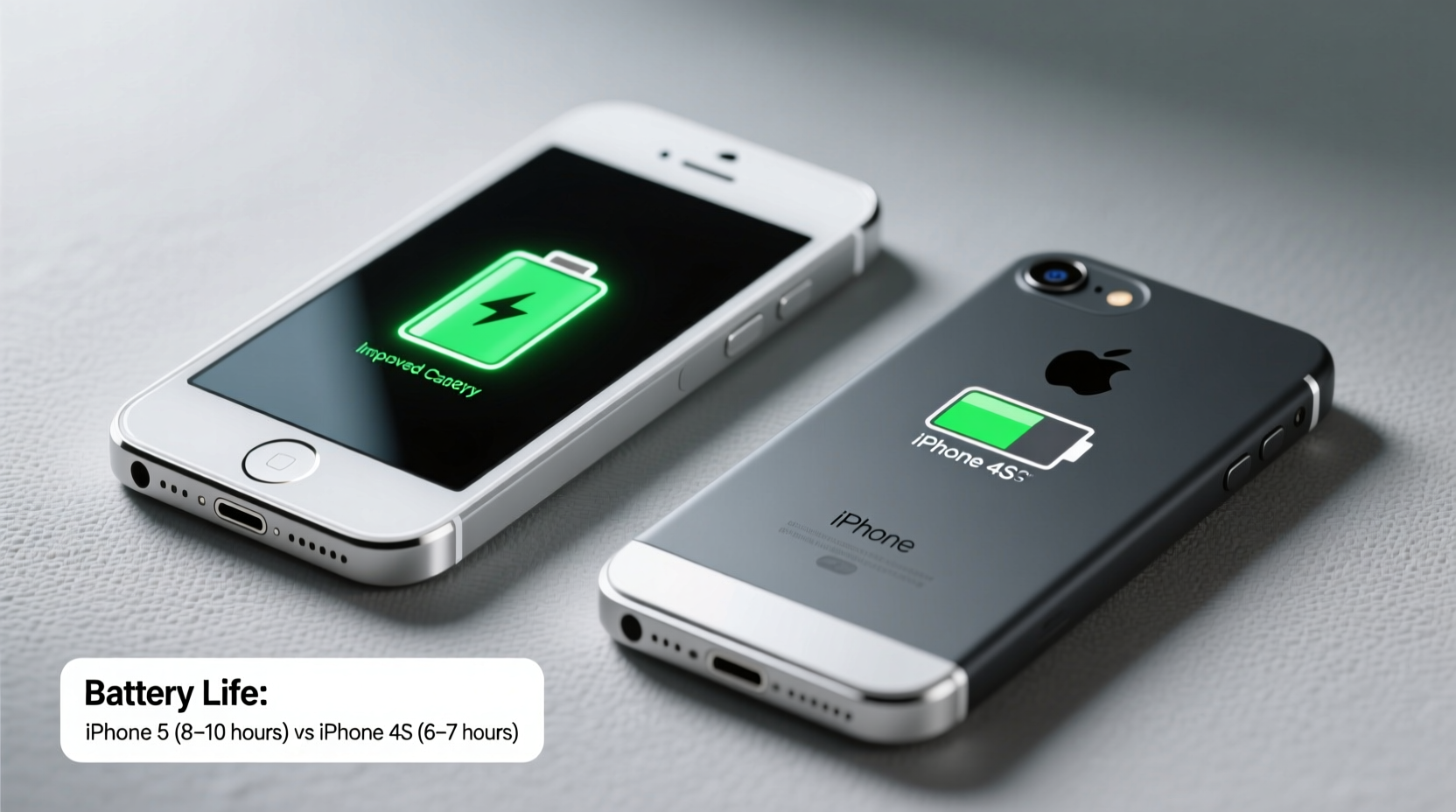
At first glance, the iPhone 5 appears to offer a modest improvement over the 4S in terms of raw battery capacity. However, battery life isn’t determined by capacity alone—it’s also influenced by screen size, processor efficiency, network technology, and software optimization.
| Feature | iPhone 4S | iPhone 5 |
|---|---|---|
| Battery Capacity (mAh) | 1432 | 1440 |
| Standby Time (Apple Claimed) | 200 hours | 225 hours |
| Talk Time (3G) | 8 hours | 8 hours |
| Internet Use (3G) | 6 hours | 8 hours |
| Internet Use (LTE) | N/A | 8 hours |
| Video Playback | 10 hours | 10 hours |
The numbers reveal a surprising truth: despite a nearly identical battery capacity, Apple claimed longer internet usage time for the iPhone 5. This was attributed to the more power-efficient A6 chip and optimizations in iOS 6. However, real-world results often diverged, particularly when LTE was enabled.
Real-World Battery Performance: User Experience vs. Claims
While Apple’s official estimates suggested an improvement in web browsing time, many early iPhone 5 adopters reported mixed experiences. The introduction of LTE connectivity—a major selling point—came at a cost. Users switching from the 4S to the 5 often found their battery draining faster under heavy data use, especially in areas with weak LTE signals where the phone toggled between networks.
A 2013 survey conducted by tech review site PhoneArena found that 62% of iPhone 5 users experienced shorter-than-expected battery life during the first few weeks of ownership, primarily due to LTE usage and larger screen demands. Only after adjusting settings—such as reducing auto-brightness, disabling background app refresh, and turning off unnecessary notifications—did battery life stabilize to levels comparable or slightly better than the 4S.
“Battery life improvements in the iPhone 5 were largely theoretical unless users actively managed connectivity and display settings.” — David Liu, Mobile Efficiency Analyst, TechInsight Weekly
Performance and Efficiency: Beyond the Battery
To fairly assess whether the upgrade was worth it, one must look beyond battery specs. The iPhone 5 introduced several advancements that indirectly affected power consumption and user experience:
- A6 Chip: 2x faster CPU and GPU than the 4S’s A5, allowing apps and system tasks to complete more quickly—and thus consume less active power.
- Larger Display: 4-inch Retina screen with higher resolution increased energy demand, partially offsetting gains from the efficient processor.
- Lightning Connector: Smaller port allowed for thinner design but required new accessories, adding indirect cost.
- Thinner Body: At 7.6mm, it was 18% thinner than the 4S, which limited space for a significantly larger battery.
The net effect? In daily use, the iPhone 5 could feel snappier and more responsive, leading to reduced screen-on time for certain tasks. For example, loading maps or syncing emails happened faster, meaning the display stayed on for fewer seconds. Over the course of a day, these micro-efficiencies added up, contributing to perceived battery improvements—even if the cell itself wasn’t much larger.
Mini Case Study: Sarah’s Upgrade Dilemma
Sarah, a freelance photographer in San Francisco, had used her iPhone 4S since 2011. By late 2012, she noticed her battery barely lasted half a day with moderate use—email, Instagram uploads, and GPS navigation. Frustrated, she considered upgrading solely for better battery life.
She purchased the iPhone 5 and initially saw no improvement. After a full day of shooting events and using camera apps, her battery dropped to 15% by 7 PM. Confused, she visited an Apple Store, where a Genius explained that her LTE and location services were running constantly. Following a quick optimization session—disabling LTE when not needed, setting fetch mail to manual, and lowering brightness—her battery lasted until 9:30 PM under similar conditions.
Sarah concluded that the iPhone 5 wasn’t inherently better at battery life—it was smarter, but only if used intelligently. The hardware upgrades enabled efficiency, but without proper settings, the benefits were lost.
Checklist: Maximizing iPhone 5 Battery Life Post-Upgrade
If you upgraded from the 4S to the 5 hoping for better endurance, follow this checklist to get the most out of your battery:
- Disable LTE unless necessary (Settings > Cellular > Enable LTE > Off or “Voice & Data”)
- Reduce screen brightness or enable Auto-Brightness
- Turn off Background App Refresh for non-essential apps
- Limit Location Services to “While Using” for most apps
- Enable Low Power Mode when below 50%
- Update to the latest available iOS version for bug fixes and efficiency patches
- Restart the device weekly to clear memory leaks
Was the Upgrade Worth It—Just for the Battery?
The answer depends on context. If your primary goal was extending usable time between charges, the iPhone 5 offered only marginal gains under ideal conditions. For users still on a fresh 4S battery, the difference might have been negligible. However, for those whose 4S batteries had degraded significantly—common after two years of charging cycles—the newer hardware provided a meaningful reset.
Moreover, the iPhone 5’s faster processor meant tasks completed quicker, reducing active power draw. Combined with iOS 6’s improved memory management, this led to smoother multitasking and less strain on the battery during high-load scenarios like photo editing or streaming.
But if battery life was your *only* concern, a simpler and cheaper solution would have been replacing the 4S battery—a service Apple offered for $79 at the time. That fix could restore near-original performance without requiring a new contract, new case, or relearning a taller interface.
FAQ
Did the iPhone 5 have a removable battery?
No, like all iPhones, the battery was built-in and required professional tools to replace. Users could not swap batteries easily.
How long did the iPhone 5 battery last compared to the 4S in standby?
Apple claimed 225 hours (about 9.4 days) for the iPhone 5 versus 200 hours (8.3 days) for the 4S. In practice, both phones lost around 5–8% per day in standby, depending on background activity.
Can I improve iPhone 5 battery life today, years later?
Yes, but aging lithium-ion cells degrade over time. If your iPhone 5 is from 2012–2013, the battery likely holds less than 60% of its original capacity. A replacement battery will yield far greater gains than any software tweak.
Conclusion
Upgrading from the iPhone 4S to the iPhone 5 for battery life alone was a borderline decision. The improvements were subtle and highly dependent on user behavior, network conditions, and software settings. While the newer device offered better efficiency and slightly longer endurance under optimized conditions, the gains weren’t dramatic enough to justify the cost for battery concerns alone.
The true value of the iPhone 5 lay in its overall modernization—faster performance, LTE speeds, lighter design, and future-proofing for newer apps. But if your goal was simply longer screen time, a battery replacement in your 4S would have delivered comparable results at a fraction of the price.




 浙公网安备
33010002000092号
浙公网安备
33010002000092号 浙B2-20120091-4
Comments
No comments yet. Why don't you start the discussion?