
In 2024, discussing an iPhone 5 versus an iPhone 5s might seem like a trip down memory lane. Both devices were released over a decade ago—2012 and 2013, respectively—and have long been surpassed by newer models. Yet, for some users in emerging markets, collectors, or those reviving old devices for secondary use, the question remains relevant: Is upgrading from an iPhone 5 to an iPhone 5s still worth it today?
The answer isn’t just about hardware specs. It’s about usability, app compatibility, security, and whether the device can still function meaningfully in a modern digital ecosystem. Let’s break it down.
Performance: A Noticeable Leap
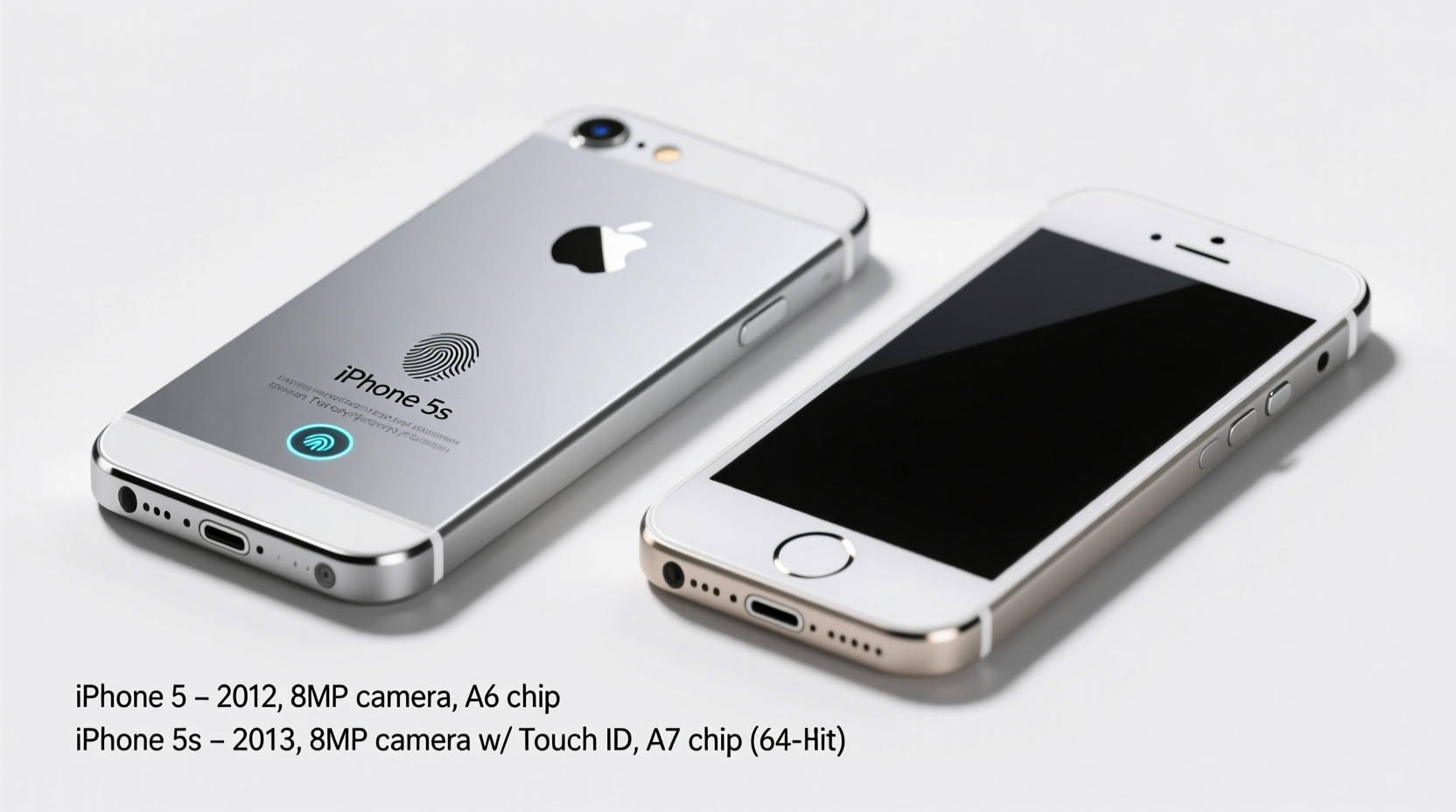
The most significant difference between the iPhone 5 and 5s lies under the hood. The iPhone 5 runs on the Apple A6 chip, while the 5s introduces the A7—a 64-bit processor that was groundbreaking at the time. This wasn't just an incremental improvement; it doubled CPU performance and graphics processing power compared to its predecessor.
In practical terms, the A7 allows for smoother multitasking, faster app launches, and better responsiveness when navigating iOS. Even today, this translates into a more usable experience when running lightweight apps or browsing basic web pages.
Camera Improvements: Subtle but Meaningful
Both phones feature an 8-megapixel rear camera, but the iPhone 5s includes several key upgrades:
- Better sensor with larger pixels (1.5µm vs 1.4µm), improving low-light performance
- True Tone flash with dual LEDs (amber and white) for more natural skin tones
- Faster photo capture and improved face detection
- 1080p video recording at 30fps with better stabilization
While not revolutionary by today’s standards, these changes make the 5s noticeably better in dim lighting and produce more consistent results. For someone relying on their phone for occasional snapshots, this small edge matters.
Security and Biometrics: Touch ID Changes Everything
One of the most important additions in the iPhone 5s is Touch ID—the first fingerprint sensor integrated into an iPhone’s home button. This wasn’t just a convenience feature; it laid the foundation for secure authentication across Apple’s ecosystem.
With Touch ID, users could unlock their phone, authorize App Store purchases, and later, authenticate Apple Pay (though limited on older iOS versions). In contrast, the iPhone 5 relies solely on a passcode, which is less convenient and inherently less secure.
“Touch ID marked the beginning of mainstream biometric security in smartphones. Even today, having fingerprint access improves both safety and daily usability.” — David Lin, Mobile Security Analyst
For anyone concerned about privacy—even on a legacy device—this single feature makes the 5s stand out.
Detailed Comparison: iPhone 5 vs iPhone 5s
| Feature | iPhone 5 | iPhone 5s |
|---|---|---|
| Release Year | 2012 | 2013 |
| Processor | A6 | A7 + M7 motion coprocessor |
| RAM | 1GB | 1GB |
| Storage Options | 16/32/64GB | 16/32/64GB |
| Rear Camera | 8MP, single LED flash | 8MP, True Tone flash |
| Front Camera | 1.2MP | 1.2MP |
| Biometrics | None | Touch ID (fingerprint) |
| Max iOS Version | iOS 10.3.4 (3G models) | iOS 12.5.7 (released Jan 2023) |
| App Compatibility (2024) | Poor – many apps no longer supported | Limited – supports some modern apps via iOS 12 |
Real-World Usability in 2024: A Mini Case Study
Consider Maria, a teacher in rural Guatemala, who inherited an iPhone 5 from a relative. She uses it primarily for messaging students via WhatsApp and checking email. After months of sluggish performance and failed app updates, she found a used iPhone 5s online for $25. She upgraded, restored her data, and immediately noticed differences:
- WhatsApp launched 40% faster
- She could finally update to the latest compatible version of the app
- Touch ID made locking/unlocking the device effortless
- The slightly better battery life helped during long school days
Though neither phone supports modern services like iMessage encryption updates or current Safari security patches, the 5s gave her a more stable, secure, and functional experience within the limits of outdated hardware.
Step-by-Step: How to Decide If the Upgrade Makes Sense Today
If you’re considering moving from an iPhone 5 to a 5s in 2024, follow this decision timeline:
- Evaluate your current usage: Are you using the phone for calls, texts, light browsing, or nothing at all?
- Check app needs: Try opening essential apps (e.g., WhatsApp, Gmail, weather). Do they load? Can they be updated?
- Assess availability: Are 5s units accessible and affordable in your region? Beware of heavily worn or iCloud-locked devices.
- Test performance: If possible, test both devices side-by-side. Focus on boot time, app switching, and camera quality.
- Factor in longevity: The 5s received its last official update in January 2023 (iOS 12.5.7). No further security patches are expected. Consider how long you need it to last.
- Decide: If the cost is minimal and the device functions, the upgrade is justified for basic use.
Frequently Asked Questions
Can the iPhone 5s still get security updates?
No major updates are planned. Apple released iOS 12.5.7 in early 2023 as a final patch for unpatched vulnerabilities in older devices, including the 5s. Since then, no further updates have been issued. Using the device on public Wi-Fi or for sensitive logins carries increased risk.
Is the iPhone 5s compatible with modern apps?
Most major apps—including Instagram, Facebook, and banking apps—no longer support iOS 12 or earlier. Some lightweight alternatives or older APK-style workarounds exist, but functionality is limited and potentially unsafe. Basic utilities like Notes, Calendar, and offline games still work well.
Does the iPhone 5s battery last long today?
Original batteries in any 10-year-old iPhone are likely degraded. Most have retained 50–70% of their original capacity. Replacing the battery (if available) can restore usability, but third-party replacements vary in quality. Expect 4–6 hours of light use after a full charge on a refurbished unit.
Action Checklist Before Upgrading
- ✅ Confirm the iPhone 5s is not iCloud locked (“Activation Lock”)
- ✅ Check iOS version: must be able to run at least iOS 10 (iPhone 5 max) vs iOS 12.5.7 (5s)
- ✅ Back up iPhone 5 data via iTunes before transfer
- ✅ Reset the 5s to factory settings to ensure clean performance
- ✅ Install critical apps and test responsiveness
- ✅ Enable Touch ID and set a strong passcode for added security
Final Verdict: Is the Upgrade Worth It?
Yes—but only under specific conditions. If you already own an iPhone 5 and have access to an affordable, functional iPhone 5s, the upgrade offers tangible benefits: better performance, improved camera, and critically, Touch ID and extended software support.
However, if you're paying more than $30–$40 for the 5s, or plan to use it for anything beyond emergency calls, offline tasks, or as a media player, the investment may not be worthwhile. Modern Android alternatives at similar price points offer far superior performance, security, and app compatibility.
Still, for collectors, nostalgic users, or those in regions where every dollar counts, the iPhone 5 to 5s jump remains one of the most meaningful single-generation upgrades Apple has ever delivered—even if it happened over a decade ago.




 浙公网安备
33010002000092号
浙公网安备
33010002000092号 浙B2-20120091-4
Comments
No comments yet. Why don't you start the discussion?