
For users still clinging to an iPhone 5c, the idea of upgrading to an iPhone SE—especially one from the newer generations—can feel both exciting and unnecessary. After all, the 5c was a colorful, budget-friendly device with a familiar form factor. But how does its screen truly compare to the iPhone SE series? And more importantly, is making the jump worth it in terms of display quality, usability, and long-term value?
The answer isn't just about resolution or brightness. It’s about how the screen impacts daily use—reading text, watching videos, navigating apps, and even battery life. Let’s break down the real differences between the iPhone 5c and iPhone SE screens, across multiple generations of the SE, and determine whether the upgrade delivers meaningful improvements.
Display Specifications Compared
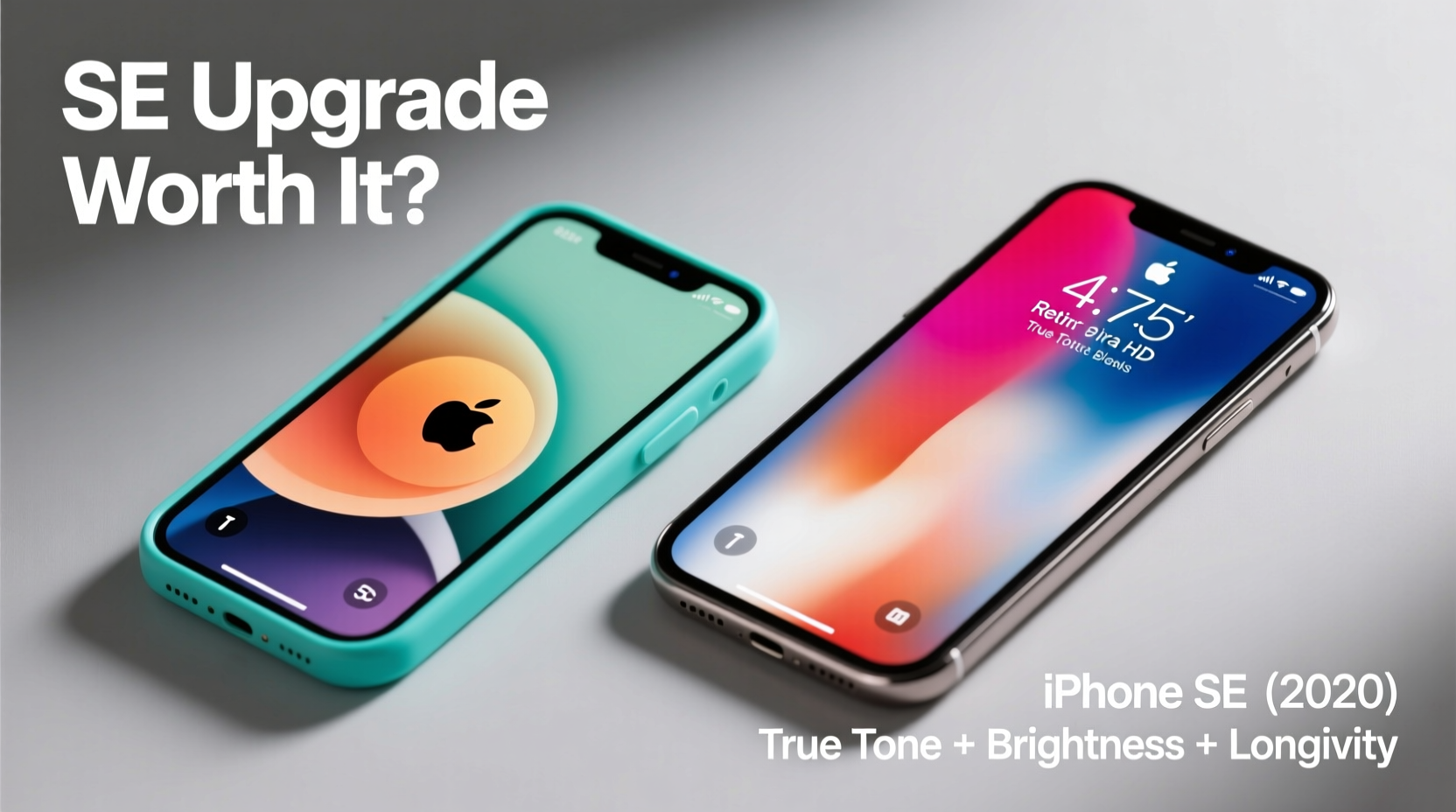
The most immediate difference lies in the hardware. While both devices maintain the same 4-inch footprint—a rarity in today’s phablet-dominated market—their underlying display technologies are worlds apart.
| Feature | iPhone 5c | iPhone SE (1st Gen) | iPhone SE (2nd/3rd Gen) |
|---|---|---|---|
| Screen Size | 4.0 inches | 4.0 inches | 4.7 inches |
| Resolution | 640 x 1136 px | 640 x 1136 px | 750 x 1334 px |
| PPI (Pixels Per Inch) | 326 | 326 | 326 |
| Panel Type | IPS LCD | IPS LCD | Retina HD IPS LCD |
| Brightness (typical) | 500 nits | 500 nits | 625 nits |
| True Tone | No | No | Yes (2nd & 3rd Gen) |
| Haptic Touch / 3D Touch | No | Yes (1st Gen only) | Haptic Touch (2nd/3rd Gen) |
At first glance, the 5c and first-gen SE appear nearly identical on paper—same size, same resolution, same PPI. However, subtle refinements in backlighting, color calibration, and contrast make the SE’s screen noticeably crisper and more vibrant in direct comparison. The second and third-generation SE models take this further with a larger 4.7-inch display, improved brightness, and True Tone support, which dynamically adjusts white balance based on ambient lighting.
Real-World Screen Performance
In practice, the iPhone 5c’s screen shows its age. Colors tend to look slightly washed out, especially when viewing HDR content or streaming video. Blacks aren’t deep, and viewing angles, while decent for an older LCD, begin to shift in hue when tilted beyond 30 degrees.
The first-gen iPhone SE improves upon this with better contrast and tighter pixel control. Though it uses the same basic panel, Apple implemented enhancements from the iPhone 6s, resulting in more accurate color reproduction and smoother scrolling. Text appears sharper during web browsing, and app icons snap into place with less blur.
The leap becomes significant with the second and third-generation SE models. With a brighter display (up to 625 nits), outdoor visibility improves dramatically. Reading emails in sunlight or checking maps on a bright day becomes far more comfortable. True Tone reduces eye strain during prolonged use, particularly at night, by warming the display automatically.
“Even small gains in screen brightness and color accuracy can reduce cognitive load over time. That’s why display upgrades often feel more impactful than raw specs suggest.” — Dr. Lena Torres, Human-Computer Interaction Researcher, MIT Media Lab
Performance Impact on User Experience
The screen doesn’t operate in isolation. Its effectiveness is tied to processing power, software responsiveness, and touch sensitivity. Here’s where the SE pulls far ahead.
The iPhone 5c runs on the A6 chip, which struggles with modern iOS versions. Even with iOS 10 as its final update, animations lag, apps take longer to load, and multitasking feels clunky. This affects screen interaction: slow rendering makes scrolling feel uneven, and delayed touch response diminishes the sense of direct manipulation.
In contrast, the first-gen SE uses the A9 chip—two generations newer—with significantly faster GPU and CPU speeds. The result? Smoother transitions, quicker app launches, and buttery 60fps scrolling. Combined with optimized firmware, the screen feels more “alive,” reacting instantly to swipes and taps.
The second and third-gen SE models go even further with the A13 and A15 Bionic chips. These not only support current iOS features like Dark Mode, dynamic wallpapers, and fluid gesture navigation but also handle photo editing, video playback, and augmented reality apps without stutter. The screen may be physically larger, but the real benefit is seamless integration between hardware and software.
Mini Case Study: Maria’s Upgrade Journey
Maria had used her iPhone 5c since 2014. She liked the compact size and resisted upgrading due to cost concerns. By 2022, however, she found herself struggling to complete basic tasks—her banking app crashed frequently, Safari froze on news sites, and FaceTime calls dropped mid-conversation.
She finally upgraded to the iPhone SE (2020 model). Within days, she noticed the screen felt “clearer” and “faster,” even though it wasn’t much bigger. Scrolling through Instagram no longer triggered motion sickness from lag. Watching YouTube videos was enjoyable again thanks to consistent frame rates and better color. Most surprisingly, battery life lasted well into the evening despite heavier usage.
“I didn’t think a screen could feel faster,” she said. “But now I realize it wasn’t the screen—it was everything behind it.”
Is the Upgrade Worth It? A Practical Checklist
Deciding whether to upgrade depends on your needs, budget, and tolerance for aging tech. Use this checklist to evaluate your situation:
- ✅ Are you still using iOS 10 or earlier? (Security risks increase with outdated OS)
- ✅ Do apps crash or freeze regularly?
- ✅ Is charging required more than once per day?
- ✅ Do you struggle to read text outdoors?
- ✅ Have you considered switching to Android due to performance issues?
- ✅ Do you want access to modern features like Siri shortcuts, App Library, or Find My network?
If three or more apply, the upgrade is likely worthwhile—not just for the screen, but for the entire ecosystem experience.
Longevity and Future-Proofing
Apple supports its devices with software updates for five to seven years. The iPhone 5c stopped receiving updates in 2017. In contrast, the third-gen SE (2022) will likely receive updates until 2027 or beyond. This means continued security patches, compatibility with new apps, and access to emerging features like AI-powered tools and enhanced privacy controls.
Moreover, newer SE models support faster Wi-Fi (Wi-Fi 6 on SE 2022), Bluetooth 5.0, and improved GPS—all of which indirectly affect screen-based experiences such as map accuracy, streaming quality, and download speeds for large files.
Frequently Asked Questions
Can I use my iPhone 5c case with the iPhone SE?
The first-generation iPhone SE has nearly identical dimensions to the 5c, so most cases fit. However, the second and third-gen SE models are larger and won’t be compatible with 5c cases.
Does the SE have better battery life than the 5c?
Yes. Despite similar-sized batteries, the SE’s more efficient processor and optimized power management extend screen-on time by up to 50%. The third-gen SE offers up to 15 hours of video playback versus around 10 on the 5c.
Is the screen more durable on the SE?
The first-gen SE uses the same Ion-strengthened glass as the 5c. Later models feature stronger glass formulations and better drop resistance. None include ceramic shield unless specified (SE 2022 does not), but all perform better than the 5c in real-world durability tests.
Final Verdict: Yes, the Upgrade Is Worth It
While the iPhone 5c holds nostalgic charm and retains functional basics, the iPhone SE—particularly the second and third generations—delivers a transformative upgrade. It’s not just about a slightly brighter screen or marginally better colors. It’s about entering a modern mobile experience where performance, reliability, and future support align.
The screen serves as a window into a faster, safer, and more capable device. When that window is clearer, more responsive, and backed by hardware that keeps pace with today’s demands, the value becomes undeniable.




 浙公网安备
33010002000092号
浙公网安备
33010002000092号 浙B2-20120091-4
Comments
No comments yet. Why don't you start the discussion?