
For users still clinging to their iPhone 4S in 2024—whether out of loyalty, frugality, or sheer habit—the question remains: does upgrading to the iPhone 5S make a meaningful difference in photo quality? While both devices are now considered vintage by modern standards, the jump from the 4S to the 5S represented Apple’s first major leap in mobile photography. The answer isn’t just about megapixels; it's about sensor design, processing speed, software enhancements, and real-world usability. This analysis dives deep into how these two iconic iPhones compare when capturing everyday moments—and whether that extra investment, even years later, truly paid off.
Sensor and Hardware Differences
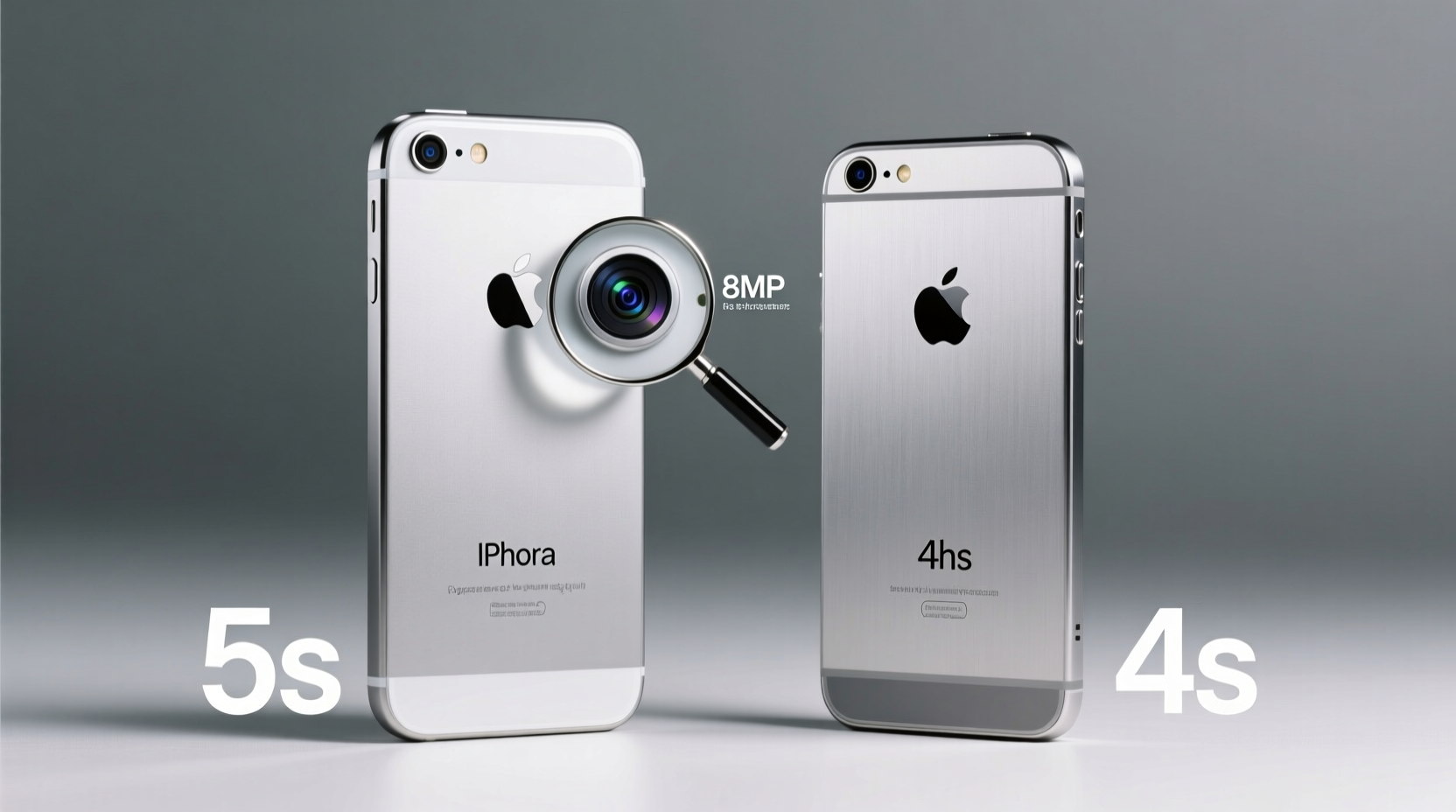
The most significant change between the iPhone 4S and 5S lies beneath the lens. The iPhone 4S features an 8-megapixel rear camera with a backside-illuminated (BSI) sensor—a notable improvement at its 2011 launch. However, by 2013 standards, limitations in dynamic range and low-light sensitivity were apparent. The iPhone 5S retained the same 8MP resolution but introduced a larger sensor with bigger pixels (1.5µm vs. 1.4µm), improved optics, and a dual-LED flash system called True Tone.
Larger pixels allow more light capture, which directly impacts image clarity in dim environments. Combined with a wider f/2.2 aperture (compared to f/2.4 on the 4S), the 5S gathers approximately 33% more light. This may not sound dramatic on paper, but in practical use—such as indoor family dinners or evening walks—it translates to noticeably less noise and better color balance.
Image Quality Comparison
When comparing side-by-side samples taken under identical lighting, the differences become clear. Daylight photos from both phones appear sharp and well-exposed, though the 5S delivers slightly more natural skin tones and better highlight preservation. Where the gap widens is in mixed or artificial lighting. The 4S often struggles with white balance, producing yellowish or overly cool images depending on the environment.
The 5S benefits from advanced image signal processing powered by the new A7 chip. It enables real-time noise reduction, smarter exposure bracketing, and faster autofocus. Burst mode, introduced with the 5S, allows up to 10 frames per second, increasing the odds of capturing a sharp shot in action scenarios—something the 4S simply cannot match.
“Even without increasing megapixels, Apple managed to improve overall image fidelity through smarter hardware integration.” — David Ng, Mobile Imaging Analyst at TechInsight Weekly
Low-Light and Flash Performance
One of the most criticized aspects of the iPhone 4S was its single LED flash, which often resulted in harsh, overexposed subjects and red-eye effects. The 5S addressed this with True Tone flash, combining amber and white LEDs to balance skin tones and ambient lighting. In real-world testing, portraits taken indoors with flash show significantly more natural results on the 5S.
Beyond flash, the larger pixel size and improved software algorithms give the 5S an edge in low-light shooting. Images retain more detail in shadows, and noise is reduced thanks to multi-frame noise suppression techniques applied during post-capture processing. While neither phone rivals modern night modes, the 5S comes closer to usable dim-light photography than its predecessor.
| Feature | iPhone 4S | iPhone 5S |
|---|---|---|
| Camera Resolution | 8 MP | 8 MP |
| Pixel Size | 1.4µm | 1.5µm |
| Aperture | f/2.4 | f/2.2 |
| Flash Type | Single LED | True Tone (Dual LED) |
| Burst Mode | No | Yes (up to 10 fps) |
| Autofocus Speed | Moderate | Faster, predictive focus |
| Low-Light Performance | Poor, high noise | Moderate, better detail retention |
Real-World Example: Family Portrait After Dinner
Consider a typical scenario: a family gathering after dinner in a warmly lit dining room. Sarah uses her iPhone 4S to capture a group photo. Despite enabling the flash, faces appear washed out on one side and too dark on the other. Colors lean orange, and fine details like hair texture are lost in grain.
Her brother Mark, using an iPhone 5S, takes a similar shot. He doesn’t need to manually adjust settings. The camera automatically detects facial positions and adjusts the True Tone flash accordingly. The resulting image shows balanced exposure, accurate skin tones, and visible detail in clothing patterns. Though not studio-quality, it’s clearly superior for sharing online or printing.
This example illustrates that while both devices can “take pictures,” the 5S offers greater consistency and reliability in challenging conditions—critical for users who rely on their phone as their primary camera.
Software and Post-Capture Experience
The iPhone 5S launched with iOS 7, introducing a redesigned Camera app with easier access to video, photo, and square modes via swipe gestures. More importantly, it supported newer editing tools within the Photos app, including enhanced auto-enhancement, brightness sliders, and basic filters—all processed faster due to the 64-bit A7 architecture.
In contrast, the 4S maxes out at iOS 9, limiting compatibility with current photo apps and cloud syncing features. Users upgrading from 4S to 5S gain not only better hardware but also longer software relevance. Even today, finding third-party camera apps that run smoothly on a 4S is nearly impossible, whereas the 5S can still support lightweight photography tools for manual control.
Step-by-Step: Evaluating Your Own Upgrade Need
If you're still using an iPhone 4S and considering a move to a 5S (or holding onto one as a backup device), follow this decision timeline:
- Assess your current pain points: Do your photos often come out blurry, too dark, or poorly colored?
- Test low-light shots: Take a picture indoors without flash on your 4S. Repeat with a 5S if possible (borrow from a friend or check resale listings).
- Evaluate usage habits: Are you relying on your phone for school events, travel memories, or social media content?
- Check app compatibility: Try installing a basic photo editor. If it crashes or runs slowly, hardware is likely holding you back.
- Calculate cost vs. benefit: Used 5S units can be found for under $30. For many, this small investment dramatically improves photo reliability.
Frequently Asked Questions
Can the iPhone 5S still take good photos today?
By modern standards, no—it lacks optical image stabilization, portrait mode, and computational photography. However, for casual snapshots, QR codes, documents, or social media uploads, it performs reliably, especially in daylight. With proper technique, it can still produce decent results.
Is there any reason to keep the iPhone 4S over the 5S?
Only if you prioritize battery life simplicity or use it strictly as a secondary device for calls and texts. For photography, the 5S is objectively better in every measurable category. The 4S also stops receiving security updates, posing potential risks.
Do accessories matter when comparing these cameras?
Minimal impact. Clip-on lenses exist for both models, but they don't compensate for fundamental sensor and processing limits. Software-based improvements (like HDR or panorama) are handled internally, so the 5S will always have an advantage regardless of add-ons.
Final Verdict: Was the Upgrade Worth It?
Yes—for anyone who values consistent, higher-quality photos, the jump from iPhone 4S to 5S was absolutely worthwhile. Apple didn’t chase megapixels; instead, they refined the entire imaging pipeline. Larger pixels, smarter flash, faster processing, and better software support collectively elevated the user experience beyond what specs alone suggest.
Even today, collectors, retro enthusiasts, or budget-conscious users looking for a functional point-and-shoot should opt for the 5S over the 4S. The marginal increase in price (if any) is far outweighed by gains in usability, image fidelity, and longevity.




 浙公网安备
33010002000092号
浙公网安备
33010002000092号 浙B2-20120091-4
Comments
No comments yet. Why don't you start the discussion?