
If you're still using an iPhone 5 and considering a move to the iPhone 5S, you might be wondering whether it's worth the effort—especially in today’s tech landscape where software demands grow faster than hardware can keep up. The iPhone 5 was released in 2012; the 5S followed a year later in 2013. Both are long past their prime, but for users clinging to older devices due to budget constraints or sentimentality, the question remains: is upgrading from the iPhone 5 to the 5S still relevant?
The short answer: only if you’re currently on an iPhone 5 and need basic functionality like email, light web browsing, or emergency calling. But even then, the benefits are minimal and temporary. Let’s break down why.
Hardware Differences: What Actually Changed?
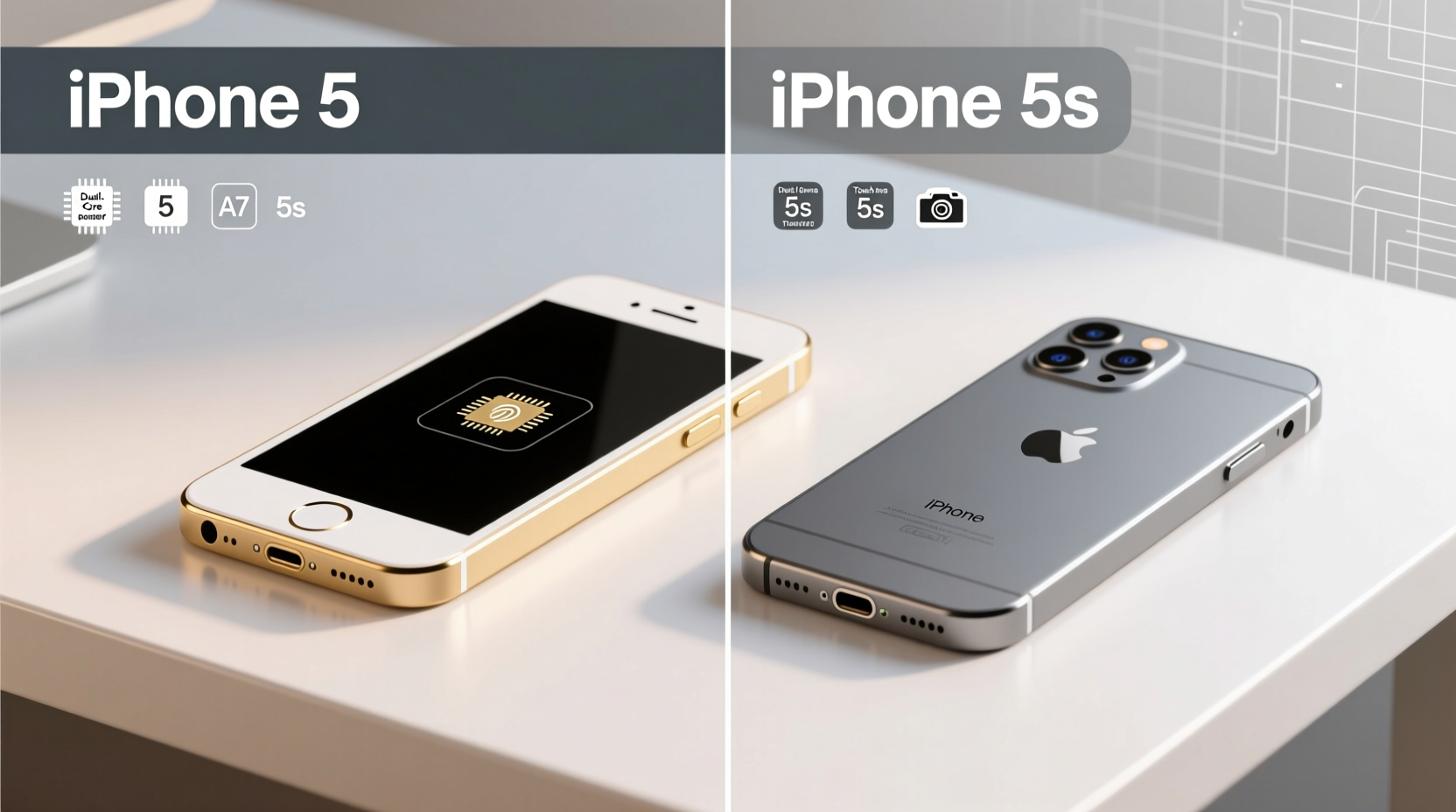
The most significant upgrades from the iPhone 5 to the 5S were internal. Externally, both models share nearly identical designs—same size, weight, screen resolution (4-inch Retina display at 640x1136), and overall feel. However, under the hood, Apple made notable improvements.
| Feature | iPhone 5 | iPhone 5S |
|---|---|---|
| Processor | A6 chip | A7 chip (64-bit architecture) |
| RAM | 1GB | 1GB |
| Camera | 8MP rear, f/2.4 aperture | 8MP rear, f/2.2 aperture + True Tone flash |
| Touch ID | No | Yes (first iPhone with fingerprint sensor) |
| Motion Coprocessor | No | M7 coprocessor for motion tracking |
| Max iOS Version | iOS 10.3.4 | iOS 12.5.7 |
The A7 chip marked a major leap as Apple’s first 64-bit processor in a smartphone. It brought improved graphics performance, better multitasking, and laid the foundation for future iOS features. The M7 coprocessor also helped offload motion data from fitness apps, improving battery efficiency during activity tracking.
Software & Security: The Real Dealbreaker
As of 2024, neither device receives official software updates from Apple. The iPhone 5 stopped at iOS 10.3.4, while the 5S received its final update with iOS 12.5.7 in January 2023—a patch specifically for critical security vulnerabilities.
This means no new features, no compatibility with modern apps, and crucially, no ongoing protection against emerging threats. Apps like WhatsApp discontinued support for iOS 10 in 2023. Instagram, Google Maps, and banking apps either don’t install or crash frequently on these systems.
“Devices stuck on outdated operating systems are low-hanging fruit for phishing attacks and malware.” — Sarah Lin, Cybersecurity Analyst at MobileShield Labs
Even if the 5S supports two extra years of iOS development, that doesn’t translate into usable functionality today. Most App Store listings now require iOS 13 or higher. You’ll find yourself unable to download essential tools, from ride-sharing apps to food delivery services.
Real-World Usability in 2024: A Mini Case Study
Consider Mark, a retired teacher who kept his iPhone 5 for over a decade because “it still makes calls.” Last year, he tried switching to the 5S after finding one secondhand for $30. Initially, he noticed smoother scrolling and faster app launches. He managed to install an older version of Gmail and could receive emails.
But when his bank updated its app, he couldn’t log in. Two-factor authentication via authenticator apps failed because Microsoft Authenticator requires iOS 13+. He attempted to use Apple Wallet for a concert ticket—unsupported. Even Safari struggles with modern websites relying on updated JavaScript engines.
Within three months, Mark admitted the upgrade didn’t solve anything. His solution? A used iPhone SE (2020) running iOS 15, which allowed him access to secure banking, messaging, and video calls with grandkids.
His experience reflects a broader truth: upgrading within obsolete hardware tiers only delays the inevitable.
Is the iPhone 5S Worth It in 2024? A Step-by-Step Reality Check
Before deciding whether to upgrade from iPhone 5 to 5S today, walk through this practical timeline:
- Assess your current needs: Do you need reliable texting, email, maps, or social media? If yes, the 5S won’t meet them consistently.
- Check app compatibility: Visit the App Store on your current device and search for apps you use daily. Can they be downloaded? Are they updated?
- Test connectivity: LTE speeds on both phones are outdated. Many carriers are phasing out older bands, leading to spotty service.
- Evaluate security risks: No recent patches mean vulnerabilities remain unaddressed. Avoid entering passwords or financial info.
- Calculate opportunity cost: Spending $30–$50 on a 5S could instead go toward a more capable used phone like an iPhone 6S or Android alternative.
Upgrade Checklist: What to Do Instead
- ✅ Back up your iPhone 5 data (if possible) via iCloud or iTunes before any transition.
- ✅ Research affordable modern smartphones with active software support.
- ✅ Look for certified refurbished models from Apple, Amazon, or Swappa.
- ✅ Ensure the new device supports iOS 15 or higher (for iPhones) or Android 10+.
- ✅ Transfer contacts, photos, and essential accounts securely using Apple ID or Google sync.
Frequently Asked Questions
Can the iPhone 5S still get security updates?
No. Apple ended all iOS updates for the iPhone 5S with iOS 12.5.7 in early 2023. While this included a critical security fix, no further patches are expected. The device is now vulnerable to known exploits without mitigation.
Is the iPhone 5S compatible with 5G or modern Wi-Fi standards?
No. The 5S supports only 2.4GHz Wi-Fi (802.11n) and lacks Bluetooth 5.0, NFC, and any form of 5G or advanced LTE. Its wireless capabilities are severely limited by today’s standards.
Will apps like WhatsApp or Zoom work on the iPhone 5S?
Only older versions. Current versions of WhatsApp require iOS 13+, and Zoom dropped support for iOS 12 in late 2023. You may be able to sideload legacy versions, but they lack security updates and key features.
Final Verdict: Upgrade to What, Exactly?
Upgrading from the iPhone 5 to the 5S in 2024 isn’t a meaningful improvement—it’s a lateral move across a sinking platform. Yes, the 5S has Touch ID, a slightly better camera, and a faster processor, but none of that matters when the operating system locks you out of the modern digital world.
If you're holding onto an iPhone 5 or 5S, recognize that these devices have served their purpose. They were groundbreaking in their time, but continuing to rely on them now compromises convenience, security, and connectivity.
Instead of asking whether you should upgrade *to the 5S*, ask how much functionality you’re willing to sacrifice—and whether investing a modest amount in a newer used device would bring far greater returns in usability and peace of mind.




 浙公网安备
33010002000092号
浙公网安备
33010002000092号 浙B2-20120091-4
Comments
No comments yet. Why don't you start the discussion?