
The iPhone 5s, released in 2013, was a landmark device—introducing Touch ID and marking Apple’s shift toward more secure, user-friendly smartphones. A decade later, many users still rely on this compact classic, especially those who value simplicity over raw power. But as technology advances, the question arises: if you're still using an iPhone 5s, is upgrading to an iPhone 8 truly worth it—especially when it comes to battery life?
The answer isn’t just about milliampere-hours (mAh). It’s about how long your phone lasts from morning to night, how quickly it charges, how well it handles modern apps, and whether the upgrade brings meaningful improvements to your daily routine. Let’s break down the real differences between the iPhone 5s and iPhone 8, focusing on battery performance and overall usability.
Battery Specs: Numbers Don’t Tell the Whole Story
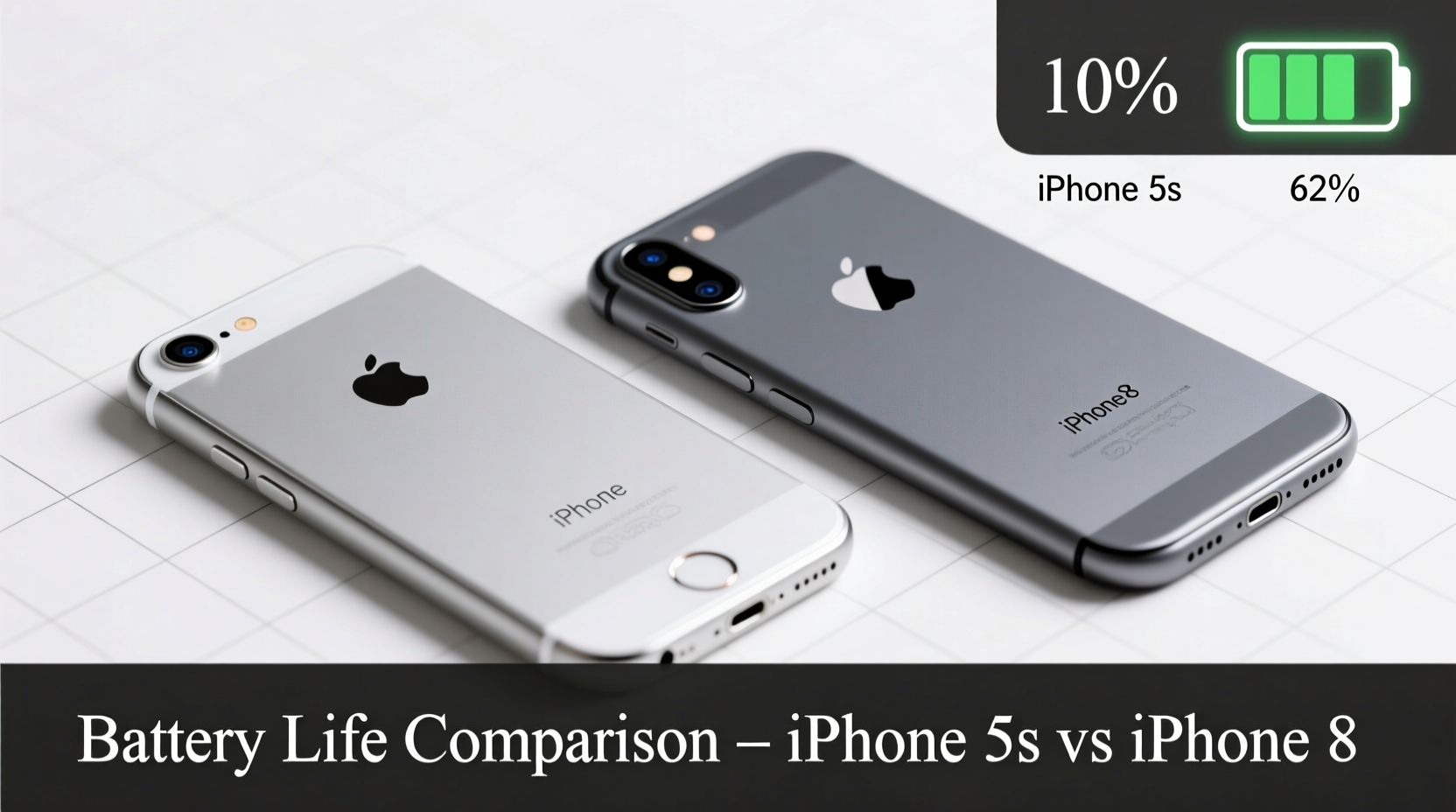
On paper, the iPhone 8 doesn’t appear to be a massive leap forward in battery capacity. The iPhone 5s packs a 1,440 mAh battery, while the iPhone 8 improves slightly with a 1,821 mAh unit—a gain of about 26%. At first glance, that might not seem like much. However, battery life isn't solely determined by capacity. Efficiency plays a crucial role.
| Feature | iPhone 5s | iPhone 8 |
|---|---|---|
| Battery Capacity | 1,440 mAh | 1,821 mAh |
| Charging Type | 5W (Lightning) | 5W standard, supports 7.5W wireless & 12W fast charging (with adapter) |
| Estimated Screen-On Time | 3–4 hours | 6–7 hours |
| Average Daily Use (Mixed Tasks) | 4–6 hours total | 10–12 hours total |
| Standby Efficiency | Moderate drain overnight | Minimal drain with iOS optimization |
The iPhone 8 runs on the A11 Bionic chip, which is significantly more energy-efficient than the older A7 chip in the 5s. This means the iPhone 8 can do more work with less power. Even though the battery is only moderately larger, real-world usage shows dramatically better endurance.
Real-World Battery Performance: How Long Do They Last?
Many iPhone 5s users today are running devices with degraded batteries. After years of charging cycles, even if the phone functions, the battery health often drops below 70%, leading to unexpected shutdowns and poor performance under load.
In contrast, the iPhone 8, even when used secondhand, typically offers better longevity thanks to improved battery management in iOS 11 and later. Users report consistently getting through a full day—even with social media, navigation, music streaming, and messaging—without needing a midday charge.
“Battery degradation is the silent killer of older iPhones. The 5s may have been fine in 2014, but after five years, its usable battery life is often less than half.” — David Lin, Mobile Device Analyst at TechInsight Weekly
A mini case study illustrates this clearly: Sarah, a freelance photographer, used her iPhone 5s for six years. She replaced it only after struggling to edit photos on her phone—the device would shut down unexpectedly during export. After switching to an iPhone 8, she found not only did the battery last longer, but the faster processor allowed her to use editing apps without lag. Her productivity doubled, and she no longer feared missing calls due to sudden power loss.
Charging Experience: A Hidden Upgrade Benefit
One often overlooked advantage of the iPhone 8 is its support for wireless charging. While the iPhone 5s requires a Lightning cable every time, the iPhone 8 lets you place it on any Qi-compatible charger—bedside tables, car consoles, or office desks. This convenience adds up over time.
Additionally, with a 12W USB-C power adapter and USB-C to Lightning cable (sold separately), the iPhone 8 supports faster charging—reaching around 50% in just 30 minutes. The 5s, limited to 5W charging, takes nearly twice as long for the same result.
Step-by-Step: Maximizing Your iPhone 8 Battery After Upgrade
- Check Battery Health: Go to Settings > Battery > Battery Health. Ensure Maximum Capacity is above 80%.
- Enable Optimized Charging: Let iOS learn your routine to reduce battery aging.
- Turn Off Background App Refresh: For apps you rarely use, disable refresh to save power.
- Use Dark Wallpaper: On OLED screens (not applicable to iPhone 8, but helpful context), dark themes save energy. Still, minimizing screen brightness helps all models.
- Update iOS Regularly: Apple releases efficiency improvements in updates that benefit older devices like the 8.
Software Support and App Compatibility
Beyond battery, consider software. The iPhone 5s maxed out at iOS 12, meaning it no longer receives security updates or compatibility with newer app features. Many apps now require iOS 13 or higher. Instagram, WhatsApp, and banking apps have dropped support for the 5s, forcing users into outdated versions with potential vulnerabilities.
The iPhone 8 launched with iOS 11 but supports updates up to iOS 17, ensuring continued access to new features, security patches, and modern app functionality. This extended support makes the iPhone 8 not just a battery upgrade, but a future-proof investment for at least another two to three years.
Is the Upgrade Worth It? A Practical Checklist
Still unsure? Use this checklist to evaluate whether moving from iPhone 5s to iPhone 8 makes sense for your lifestyle:
- ✅ Does your iPhone 5s die before lunchtime, even with light use?
- ✅ Have you noticed apps crashing or failing to update?
- ✅ Do you rely on your phone for navigation, calls, or work tasks throughout the day?
- ✅ Are you tired of slow performance when opening photos or messages?
- ✅ Would wireless charging simplify your routine?
- ✅ Do you want to keep using modern apps securely for the next 2+ years?
If you answered yes to three or more, the upgrade is likely worth it—not just for battery life, but for reliability, speed, and peace of mind.
Frequently Asked Questions
Can I use my old case and accessories with the iPhone 8?
No. The iPhone 8 has a different form factor than the 5s—it’s taller and wider. Cases and screen protectors are not interchangeable. However, both use the Lightning port, so your cables and headphones will still work.
Does the iPhone 8 battery degrade faster than the 5s?
No. All lithium-ion batteries degrade over time, but the iPhone 8 benefits from better battery management software and hardware efficiency. With proper care, it should maintain strong performance for 3–4 years of regular use.
Is the camera worth the upgrade too?
Absolutely. The iPhone 8 features a 12MP rear camera with optical image stabilization, Portrait mode, and 4K video recording—far superior to the 8MP non-stabilized camera on the 5s. Low-light performance is dramatically better.
Final Verdict: Yes, It’s Worth Upgrading
Upgrading from the iPhone 5s to the iPhone 8 isn’t just about a bigger battery—it’s about reclaiming reliability, speed, and usability. The iPhone 8 delivers longer battery life, faster charging, wireless convenience, and ongoing software support that the 5s simply can’t match. For users clinging to their 5s out of habit or hesitation, the transition offers one of the most noticeable quality-of-life improvements possible without jumping to a flagship model.
If your current phone struggles to get through the day, interrupts your workflow, or limits your access to essential apps, then yes—the upgrade is absolutely worth it. The iPhone 8 breathes new life into an aging ecosystem, giving you a device that feels modern, dependable, and ready for daily demands.




 浙公网安备
33010002000092号
浙公网安备
33010002000092号 浙B2-20120091-4
Comments
No comments yet. Why don't you start the discussion?