
For users still holding onto an iPhone 5s, the idea of upgrading—even in 2025—might feel long overdue. Apple released the iPhone 5s in 2013, making it over a decade old. Meanwhile, the iPhone 8 arrived in 2017, bringing meaningful improvements in design, performance, and camera technology. But does that gap still matter today? If you're weighing whether to move from the 5s to the 8 nearly eight years later, the answer isn’t just about specs—it’s about usability, longevity, and value.
The decision hinges on more than nostalgia or brand loyalty. It's about whether your current device can meet modern demands: running updated apps, handling multitasking, maintaining battery life, and staying secure with the latest iOS updates. This article breaks down the key differences between the iPhone 5s and iPhone 8, evaluates their relevance in 2025, and helps you decide if upgrading is truly worthwhile.
Performance and Hardware: A Generational Leap
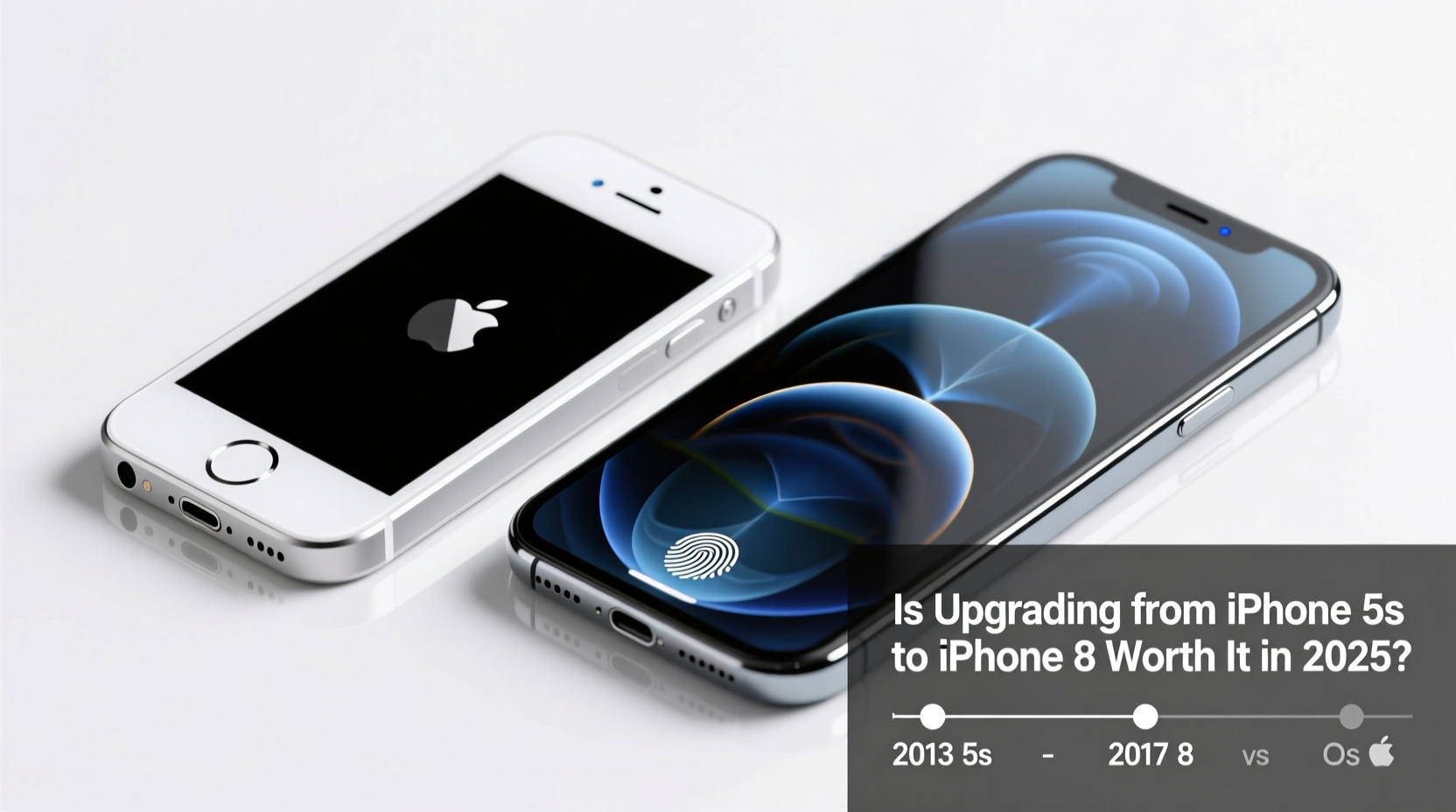
The iPhone 5s was powered by the Apple A7 chip—the first 64-bit processor in a smartphone. At the time, it was revolutionary. But by today’s standards, it struggles with even basic tasks. The A7, paired with just 1GB of RAM, cannot efficiently run modern versions of iOS. As of 2025, the 5s is stuck on iOS 12, missing out on critical features, security patches, and app compatibility.
In contrast, the iPhone 8 uses the A11 Bionic chip with 2GB of RAM. While not cutting-edge by 2025 standards, the A11 remains surprisingly capable. It supports iOS 17 and may receive updates into early iOS 18 (depending on Apple’s final support decisions). This means access to newer features like enhanced Siri intelligence, improved privacy controls, better photo editing tools, and broader app support.
Design and Display: Modern Ergonomics vs. Legacy Form
The iPhone 5s has a 4-inch Retina display with a resolution of 1136x640 pixels. While compact and comfortable for one-handed use, its screen feels cramped compared to modern standards. The thick bezels and home button with Touch ID (first generation) reflect design philosophies from a different era.
The iPhone 8 retains the home button but improves ergonomics with a slightly larger 4.7-inch Retina HD display (1334x750). Though not edge-to-edge, the screen offers brighter colors, better contrast, and True Tone technology. Its glass back enables wireless charging—a feature absent on the 5s—and makes it more compatible with modern accessories.
For users transitioning from the 5s, the iPhone 8 feels like a natural evolution rather than a radical departure. You keep the familiar home-button navigation while gaining subtle but impactful upgrades in materials, responsiveness, and functionality.
Camera Capabilities: From Basic to Believable
The iPhone 5s camera was decent in its time: an 8MP rear sensor with 1080p video recording. But it lacks image stabilization, low-light optimization, and advanced software processing. In dim lighting or fast-moving scenes, photos are often blurry or grainy.
The iPhone 8 steps up significantly with a 12MP rear camera featuring optical image stabilization (OIS), Portrait mode (via software), and improved dynamic range. It captures sharper images, handles motion better, and records 4K video at 60fps—something the 5s can't even approach. The front-facing 7MP FaceTime camera also supports better selfies and smoother video calls.
“Even though the iPhone 8 isn’t flagship-level by 2025, its camera still outperforms most budget smartphones today.” — David Lin, Mobile Photography Analyst
If photography matters—even casually—the upgrade alone justifies the switch. Social media, messaging, and remote work rely heavily on visual communication, and the 8 delivers noticeably better results.
Detailed Comparison Table
| Feature | iPhone 5s | iPhone 8 |
|---|---|---|
| Release Year | 2013 | 2017 |
| Chipset | A7 (64-bit) | A11 Bionic |
| RAM | 1GB | 2GB |
| Display Size & Type | 4.0\" LCD | 4.7\" Retina HD LCD |
| Rear Camera | 8MP, no OIS | 12MP, OIS, 4K video |
| Front Camera | 1.2MP | 7MP |
| Battery Life (Video Playback) | Up to 10 hours | Up to 13 hours |
| Charging | Lightsaber cable only | Wired + Qi Wireless Charging |
| Last Supported iOS | iOS 12 | iOS 17 (likely iOS 18 beta) |
| Water Resistance | None | IP67 (up to 1m for 30 mins) |
Real-World Example: Maria’s Upgrade Journey
Maria used her iPhone 5s daily until early 2024. She avoided upgrading due to cost and familiarity. But she began facing issues: her banking app stopped working, WhatsApp wouldn’t install, and Safari crashed frequently. After purchasing a used iPhone 8 for $120, her experience transformed. Apps loaded instantly, video calls were stable, and she could finally use Apple Pay and Find My. Most importantly, she regained trust in her phone’s reliability.
“I didn’t realize how much I was missing until I upgraded,” Maria said. “It’s not flashy, but everything just… works now.”
Step-by-Step Guide to Upgrading from iPhone 5s to iPhone 8
- Back up your iPhone 5s: Use iCloud or iTunes to ensure all data is saved before migration.
- Check carrier compatibility: Ensure the iPhone 8 model matches your carrier (especially important for CDMA vs GSM).
- Transfer data via Quick Start: During setup, hold your 5s near the new 8 to begin transfer using Apple’s built-in tool.
- Update immediately: Install the latest iOS version available for the iPhone 8 to maximize security and performance.
- Set up Face ID alternative: Since the 8 uses Touch ID, retrain your fingerprint for faster unlocks.
- Install essential apps: Re-download core apps and verify login credentials.
- Dispose of old device responsibly: Recycle or sell the 5s through Apple’s trade-in program or certified e-waste centers.
Frequently Asked Questions
Can the iPhone 8 still run modern apps smoothly in 2025?
Yes, for most everyday applications. While demanding games or pro-level photo editing may lag, the iPhone 8 handles social media, email, web browsing, banking, and video streaming without issue. Its A11 chip remains competent for typical user workflows.
Is the iPhone 5s completely useless in 2025?
Not entirely—but its usefulness is severely limited. It cannot install apps requiring iOS 13 or later, which includes most major services. It lacks security updates, making it vulnerable. It can serve as a backup device, music player, or emergency phone, but not as a primary smartphone.
Should I consider a newer model instead of the iPhone 8?
If budget allows, yes. iPhones like the SE (3rd gen) or iPhone 11 offer better performance, longer software support, and modern features like Face ID or multiple cameras. However, the iPhone 8 remains a smart mid-tier option for those seeking affordability and proven reliability.
Final Verdict: Is Upgrading Worth It?
Yes—upgrading from the iPhone 5s to the iPhone 8 is absolutely worth it in 2025. The leap in performance, security, camera quality, and overall usability is transformative. While neither phone is “new” by today’s standards, the iPhone 8 bridges the gap between legacy hardware and functional modernity.
You’re not just getting a faster phone; you’re regaining access to the digital world. Secure banking, reliable messaging, seamless navigation, and dependable software updates are no longer luxuries—they’re expectations. The iPhone 8 meets them. The 5s does not.
For under $150 (used or refurbished), this upgrade extends your smartphone lifespan by several years and restores confidence in your device. It’s not about chasing the latest trend; it’s about staying connected, safe, and efficient in a world that has moved on.




 浙公网安备
33010002000092号
浙公网安备
33010002000092号 浙B2-20120091-4
Comments
No comments yet. Why don't you start the discussion?