
The iPhone 6s Plus remains a surprisingly capable device years after its release. Its iconic design, solid build quality, and reliable performance still attract users looking for an affordable iOS experience. However, one critical decision stands between functionality and frustration: choosing between the 32GB and 128GB models—or deciding whether to upgrade entirely. With app sizes growing, photo resolutions increasing, and iOS updates demanding more space, storage capacity can make or break your user experience. The answer isn’t always straightforward and depends on how you use your phone, your budget, and your long-term expectations.
Understanding the Real-World Impact of Storage Capacity
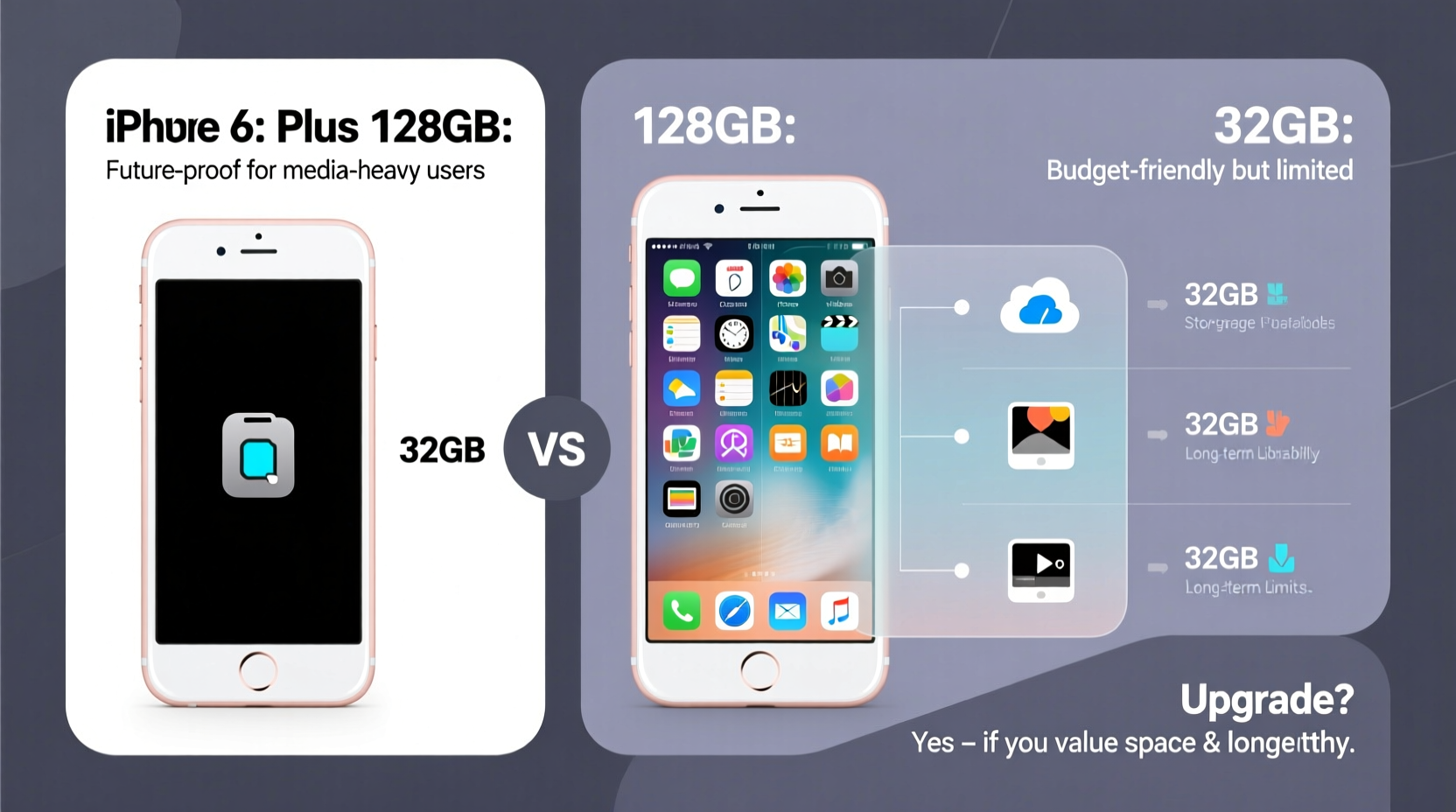
On paper, the difference between 32GB and 128GB seems simple—four times the space. But in practice, the limitations of 32GB become apparent quickly. After installing iOS, system files, and essential apps, a new 32GB iPhone 6s Plus typically offers only about 24–26GB of usable space. That may sound sufficient until you consider that a single high-resolution photo can take up 3–5MB, a 4K video clip can consume hundreds of MB per minute, and modern games like PUBG Mobile or Call of Duty: Mobile can require 2GB or more just to install.
Users who frequently capture photos, record videos, or download music and podcasts will hit storage limits within weeks. Even casual users often find themselves receiving constant “Storage Almost Full” alerts, forcing them to delete apps or offload media manually—a tedious cycle that degrades the overall experience.
Performance: Does Storage Affect Speed?
While storage size doesn’t directly affect processor speed, it does influence real-world performance. iPhones with less than 20% free storage often experience slower app launches, longer boot times, and reduced responsiveness. This happens because iOS relies on free space for virtual memory management, caching, and background processes. When the system is constantly juggling limited resources, performance suffers.
The iPhone 6s Plus uses Apple’s A9 chip and 2GB of RAM—still capable for basic tasks like web browsing, messaging, and social media. However, newer versions of iOS are increasingly optimized for devices with more headroom. Running iOS 15 (the last supported version for the 6s Plus) on a nearly full 32GB model leads to frequent app reloads, stutters, and delayed notifications.
In contrast, the 128GB model provides breathing room. With ample free space, the system runs smoother, multitasking is more efficient, and background app refresh works as intended. For anyone planning to keep their device for more than a year, this difference in longevity and usability is significant.
Comparing 32GB vs. 128GB: A Practical Breakdown
| Feature | 32GB Model | 128GB Model |
|---|---|---|
| Usable Space (after iOS) | ~24–26GB | ~118–120GB |
| Photo Capacity (avg. 4MB/photo) | ~6,000 photos | ~29,000 photos |
| Video Capacity (HD, ~350MB/min) | ~70 minutes | ~340 minutes |
| App & Game Flexibility | Limited; frequent offloading needed | Ample room for multiple large apps |
| Long-Term Usability | Moderate; likely to need management within 6 months | High; comfortable for 1–2 years |
| Resale Value | Lower | Higher |
As the table shows, the 128GB model isn’t just about storing more—it’s about freedom from constant maintenance. You’re not forced to delete apps to watch a movie or clear photos before a vacation. That peace of mind has tangible value.
When Upgrading Makes More Sense Than Choosing 128GB
Despite the advantages of 128GB, the iPhone 6s Plus has inherent limitations. It lacks support for iOS versions beyond 15, meaning no security updates, feature improvements, or compatibility with future app requirements. Many developers have already begun dropping support for devices that can’t run iOS 16 or later. Apps like banking services, ride-sharing platforms, and productivity tools may stop functioning reliably—or at all—in the coming years.
Battery degradation is another major concern. After five or six years, even well-maintained 6s Plus units often suffer from significantly reduced battery life. Replacing the battery helps, but it adds cost and doesn’t address aging internal components. The camera, while decent in daylight, struggles in low light compared to modern smartphones. And there’s no Night mode, Portrait mode for non-front cameras, or advanced computational photography.
“Holding onto older devices can save money short-term, but diminishing software support and performance bottlenecks often lead to higher long-term costs in time and frustration.” — David Lin, Mobile Technology Analyst at TechInsight Weekly
If you rely on your phone for work, communication, or daily navigation, upgrading to a newer model—such as the iPhone SE (3rd gen), iPhone 11, or even a recent Android alternative—offers better value. These devices support current and future iOS versions, have faster processors, improved cameras, and longer battery life. They also offer storage options starting at 64GB, with many supporting 128GB or more at competitive prices.
Mini Case Study: Sarah’s Storage Struggle
Sarah, a college student, bought a used 32GB iPhone 6s Plus for $120, thinking it was a smart budget move. Initially, it worked fine. But within three months, she began hitting storage limits. She deleted her music app to install a study tool, then had to remove Instagram to save a group project video. Syncing photos to iCloud helped, but slow Wi-Fi made uploads unreliable. Eventually, she spent hours each week managing storage, missing photo opportunities, and dealing with app crashes. After nine months, she upgraded to an iPhone 11 with 128GB. Though the upfront cost was higher, she gained reliability, faster performance, and peace of mind. In hindsight, she realized the 6s Plus saved little in the long run.
Step-by-Step: How to Decide What’s Right for You
- Evaluate your usage: Do you take lots of photos, record videos, play mobile games, or use offline maps/music? If yes, 32GB will likely be insufficient.
- Check your current device: If you’re upgrading from another phone, review your storage usage. Are you consistently above 80% capacity?
- Assess software needs: Will you need to use newer apps or iOS features in the next 12–18 months? If so, the 6s Plus may not support them.
- Consider total cost: Factor in potential battery replacement (~$50), time spent managing storage, and lost functionality.
- Compare upgrade options: Look at refurbished iPhone SE, iPhone XR, or mid-range Android phones with better specs and longer support.
Frequently Asked Questions
Can I expand storage on the iPhone 6s Plus with a microSD card?
No. Unlike some Android phones, iPhones do not support microSD cards. Your only options are the built-in storage or cloud services like iCloud, Google Photos, or Dropbox.
Is 128GB overkill for an iPhone 6s Plus?
Not if you plan to use it heavily or keep it for more than a year. While the hardware won’t benefit from extra storage directly, having space prevents performance issues and reduces friction in daily use.
Will the 128GB model last longer than the 32GB?
Physically, both models last the same. However, the 128GB version will remain functional and enjoyable longer due to fewer storage constraints and better resale potential.
Conclusion: Making a Smart, Future-Proof Decision
The 128GB iPhone 6s Plus is objectively better than the 32GB model—more usable space, smoother performance, and greater flexibility. But the real question isn’t just about storage; it’s about whether the iPhone 6s Plus itself is still a viable choice in 2024 and beyond.
If you're on a tight budget and only need a basic phone for calls, texts, and light browsing, the 128GB 6s Plus could serve you for another year. But if you value reliability, security updates, camera quality, and app compatibility, investing in a newer device is the smarter long-term move.




 浙公网安备
33010002000092号
浙公网安备
33010002000092号 浙B2-20120091-4
Comments
No comments yet. Why don't you start the discussion?