
For years, both the iPhone 6s Plus and the Samsung Galaxy Note 8 have been praised for their durability, solid build quality, and user satisfaction. Released in 2015 and 2017 respectively, these devices once represented the pinnacle of smartphone innovation. But as we move deeper into 2024, the question isn’t just about nostalgia—it’s about practicality. Can either device still keep up with modern apps, security standards, and daily usage demands? Or has the time finally come to let go?
The answer depends on your needs, expectations, and how much you rely on your phone for productivity, communication, and entertainment. Let’s break down the key factors that determine whether upgrading is not just beneficial—but necessary.
Performance and Hardware: The Reality Check
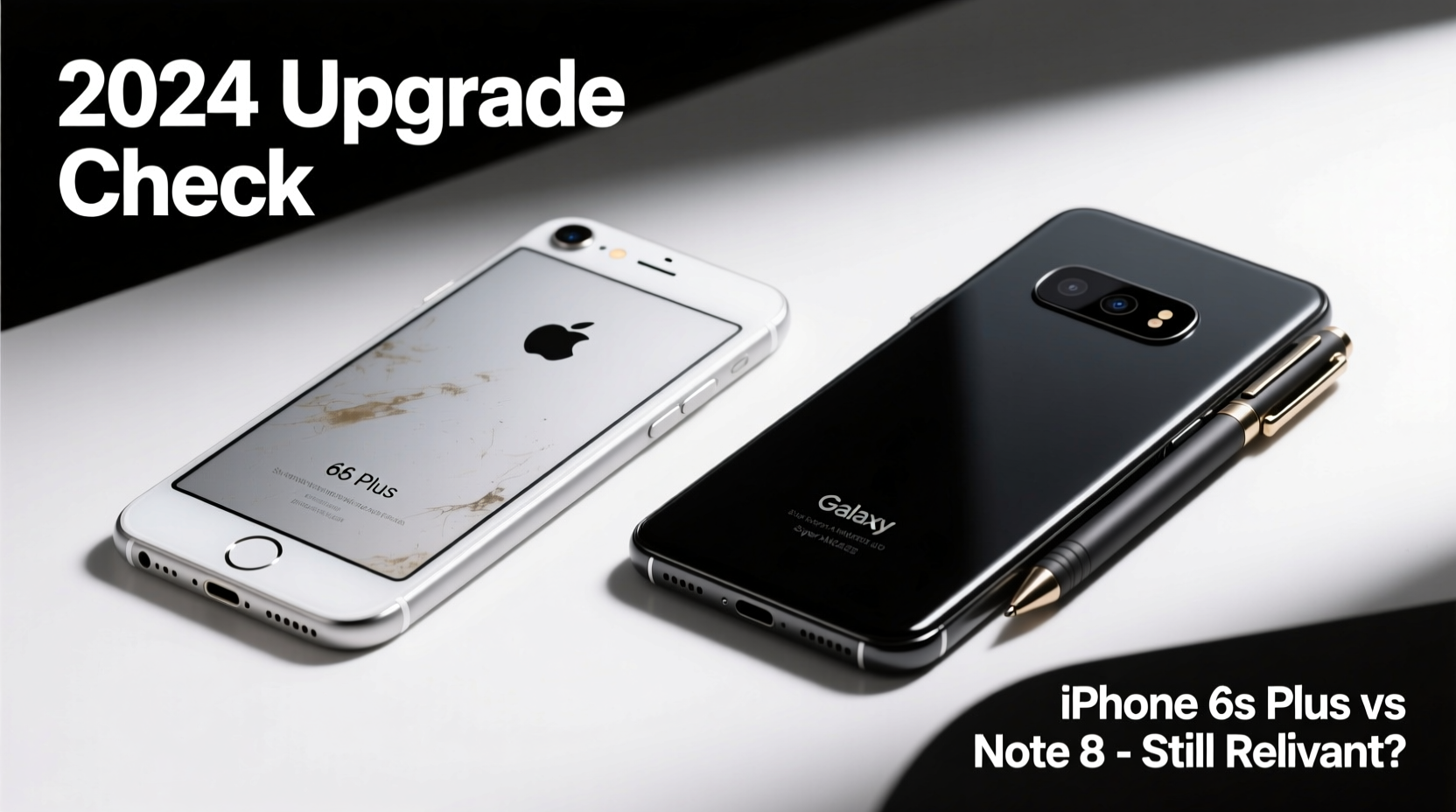
The iPhone 6s Plus runs on Apple’s A9 chip with 2GB of RAM. At launch, this was more than enough for iOS 9, but today’s iOS 17 brings features and background processes that strain older hardware. Apps like Instagram, TikTok, and even Chrome struggle to run smoothly, often freezing or crashing after prolonged use.
The Galaxy Note 8, powered by the Snapdragon 835 (or Exynos 9885 in some regions) and 6GB of RAM, had a stronger foundation. It handled multitasking well and supported the S Pen with precision. However, Android 9 Pie was its final major OS update, and while it can still perform basic tasks, newer versions of Google apps are increasingly optimized for more powerful processors and larger memory footprints.
In 2024, even budget smartphones start with at least 4GB of RAM and modern chipsets like the Dimensity 700 or Snapdragon 680—both significantly faster and more energy-efficient than what’s inside either of these legacy devices.
Software Support and Security: The Hidden Risk
Apple officially ended major iOS updates for the iPhone 6s Plus with iOS 15. While it received security patches through late 2023, those have now ceased. This means no future fixes for vulnerabilities discovered in 2024 and beyond. Using an unsupported iPhone today exposes you to phishing, malware via Safari exploits, and unpatched Bluetooth or Wi-Fi flaws.
Samsung stopped major Android updates for the Note 8 after Android 9. Security updates ended entirely in 2021. Even if the phone appears to work fine, every month without a patch increases the risk of data compromise—especially when using banking apps, messaging platforms, or public Wi-Fi.
“Devices that no longer receive security updates are digital liabilities. They may function, but they’re no longer safe.” — David Lin, Cybersecurity Analyst at MobileShield Labs
Modern smartphones receive 4–7 years of security support. In contrast, both the 6s Plus and Note 8 are now in the danger zone: functional but fundamentally insecure.
Camera and Multimedia Experience
| Feature | iPhone 6s Plus | Note 8 | Modern Equivalent (e.g., iPhone 14 / Galaxy A54) |
|---|---|---|---|
| Rear Camera | 12MP f/2.2 | Dual 12MP (wide + telephoto) | 48–64MP with Night Mode & AI processing |
| Front Camera | 5MP | 8MP | 12–32MP with portrait lighting |
| Video Recording | 4K at 30fps | 4K at 30fps | 4K at 60fps, HDR10+, cinematic modes |
| Low-Light Performance | Poor | Moderate | Excellent with computational photography |
The Note 8 still holds up surprisingly well in daylight photos thanks to its dual-lens system and optical zoom. However, low-light shots are grainy, autofocus lags, and video stabilization is minimal. The iPhone 6s Plus captures decent color accuracy but lacks depth control and modern portrait effects.
Today’s mid-range phones use AI-powered night modes, HDR merging, and real-time scene optimization—features neither of these phones can match, regardless of user skill.
Real-World Example: Sarah’s Upgrade Journey
Sarah, a freelance photographer based in Portland, used her iPhone 6s Plus for seven years. She appreciated its compact size and long-term reliability. But in early 2023, she began missing client deadlines because her phone couldn’t export edited images from Lightroom quickly. Export times exceeded 15 minutes per photo, and the device overheated constantly.
She tried clearing storage, reinstalling iOS, and limiting background apps—but nothing helped. After switching to an iPhone 13, her workflow improved tenfold. Image exports dropped to under 30 seconds, iCloud sync became seamless, and she could shoot and edit directly on the device.
“I didn’t realize how much my phone was holding me back,” Sarah said. “It wasn’t just slow—it was costing me professionally.”
Step-by-Step Guide to Deciding Your Upgrade Path
- Evaluate daily performance: Does your phone freeze when switching between apps? Does it take more than 5 seconds to unlock or load messages?
- Check update status: Go to Settings > General > Software Update (iOS) or Settings > Software Update (Android). If no updates are available, you're out of support.
- Test app responsiveness: Open social media, email, and navigation apps. Do they crash or reload frequently?
- Assess battery health: On iPhone, check Battery Health percentage. Below 75% indicates significant degradation. On Android, look for rapid drain (under 4 hours screen-on time).
- Consider security risks: Are you logging into banks, emails, or cloud services on a device with no security patches?
- Research affordable upgrades: Look at recent iPhones (SE 3rd gen, iPhone 12), or Android options like Pixel 7a, Galaxy S21 FE, or OnePlus Nord series.
FAQ: Common Questions About Upgrading Now
Can I still use my iPhone 6s Plus or Note 8 in 2024?
Yes, for very basic tasks like calling, texting, and occasional web browsing. However, app compatibility, speed, and security make them poor choices as primary devices.
Will apps stop working completely?
Not immediately, but developers are optimizing for newer hardware. WhatsApp will drop support for 32-bit iOS devices (including 6s) in 2024. Instagram, Facebook, and Google apps already show reduced functionality.
What’s the most affordable upgrade option?
The iPhone SE (3rd gen) starts at $429 and supports iOS 17+ for years. For Android, the Pixel 7a ($499) offers guaranteed updates until 2028. Both outperform the 6s Plus and Note 8 in every category.
Final Checklist Before You Upgrade
- ✅ Back up your phone (iCloud or Google Drive)
- ✅ Remove SIM card and sign out of iCloud/Google account
- ✅ Wipe all data before selling or recycling
- ✅ Transfer contacts, photos, and passwords to new device
- ✅ Enable two-factor authentication on new phone
Conclusion: Yes, It’s Time
The iPhone 6s Plus and Galaxy Note 8 were groundbreaking in their time. But technology evolves, and so must our tools. Holding onto outdated devices may feel sentimental or economical, but in 2024, it comes at a cost: compromised security, sluggish performance, and missed opportunities.
Whether you choose an entry-level modern smartphone or invest in a flagship model, upgrading unlocks faster communication, better photos, enhanced privacy, and peace of mind. These aren’t luxuries—they’re expectations in today’s connected world.




 浙公网安备
33010002000092号
浙公网安备
33010002000092号 浙B2-20120091-4
Comments
No comments yet. Why don't you start the discussion?