
In the mid-2010s, millions of smartphone users faced a pivotal decision: stick with Apple’s reliable iPhone 6s or switch to Samsung’s increasingly competitive Android lineup with devices like the Galaxy J7 (2016). For many, this wasn’t just about brand loyalty—it was a financial and practical choice. The Galaxy J7 offered a larger screen, expandable storage, and a lower price point, while the iPhone 6s delivered iOS optimization, longer software support, and a refined ecosystem. But when real users made the switch, was upgrading truly worth it?
This article breaks down the key differences between these two phones from a user experience standpoint, evaluates real-world performance over time, and explores whether the shift from iPhone 6s to Galaxy J7—or vice versa—delivered lasting value.
Performance and Longevity: The Core Differences
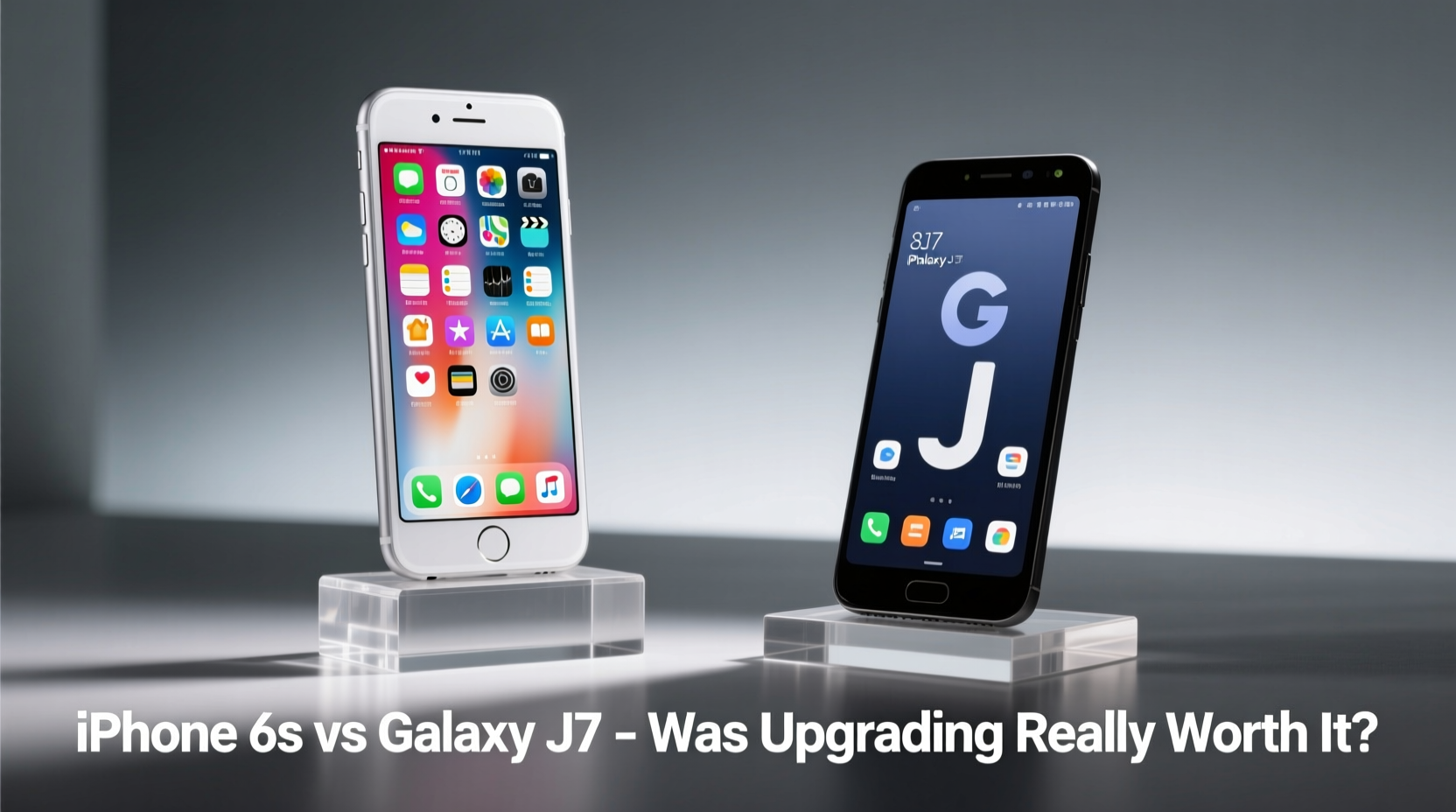
The iPhone 6s launched in September 2015, powered by Apple’s A9 chip and 2GB of RAM. At the time, it was among the fastest smartphones available. iOS optimization ensured smooth multitasking, responsive app launches, and consistent performance even after years of use. Apple supported the 6s with software updates until 2020, meaning users received five full years of iOS upgrades—a rarity in the smartphone world.
The Galaxy J7 (2016), released around June 2016, featured an Exynos 7870 or Snapdragon 410 chipset (depending on region), 2GB or 3GB of RAM, and ran Android 6.0 Marshmallow. While adequate for basic tasks like calling, texting, and social media, its performance lagged behind the iPhone 6s in app responsiveness and background processing. Over time, especially with heavier apps and OS updates, the J7 showed signs of slowdown much earlier than the 6s.
Camera Quality: Real-World Results
On paper, the Galaxy J7 had an edge with a 13MP rear sensor compared to the iPhone 6s’s 12MP. However, megapixels don’t tell the whole story. The iPhone 6s consistently produced sharper, better-exposed photos with more natural color reproduction and superior dynamic range. Its True Tone flash and advanced image signal processing gave it an advantage in low-light conditions.
The Galaxy J7, while capable in daylight, struggled with noise in dim lighting and inconsistent white balance. Video recording capped at 1080p on both devices, but the iPhone’s stabilization and audio capture were noticeably better. Users switching from the 6s to the J7 often reported disappointment in photo quality despite the higher megapixel count.
“Smartphone cameras aren’t won by specs alone. Processing, sensor quality, and software tuning matter more than MP counts.” — David Lin, Mobile Photography Analyst at TechPulse Weekly
Software Experience: iOS vs Android Ecosystem
One of the most significant trade-offs in this upgrade path was the ecosystem shift. iPhone 6s users enjoyed seamless integration with iCloud, iMessage, FaceTime, and Apple’s suite of productivity tools. Notifications were consistent, app updates were centralized, and privacy controls were more transparent.
The Galaxy J7 ran a near-stock version of Android in some regions and Samsung’s TouchWiz in others. While TouchWiz offered customization and features like split-screen mode, it also introduced bloatware and inconsistent update delivery. Many J7 models never received Android Nougat or later, limiting access to newer security patches and features.
Users who switched from iPhone to J7 often cited frustration with app compatibility (especially banking and messaging apps optimized for iOS) and the lack of timely updates. Conversely, those coming from older Android devices praised the J7’s cleaner interface and improved build quality over budget alternatives.
Hardware Comparison: Key Specs Side-by-Side
| Feature | iPhone 6s | Galaxy J7 (2016) |
|---|---|---|
| Release Date | September 2015 | June 2016 |
| Processor | Apple A9 | Exynos 7870 / Snapdragon 410 |
| RAM | 2GB | 2GB or 3GB |
| Storage Options | 16GB, 32GB, 64GB, 128GB | 16GB (expandable via microSD) |
| Rear Camera | 12MP, f/2.2, OIS | 13MP, f/1.9 |
| Front Camera | 5MP, Retina Flash | 5MP |
| Battery | 1715 mAh | 3300 mAh |
| Display | 4.7\" IPS LCD, 750x1334 | 5.5\" Super AMOLED, 720x1280 |
| Software Support | iOS 9–13 (5 years) | Android 6–7 (1–2 years) |
| Water Resistance | No | No |
Real User Experience: A Mini Case Study
Sarah, a teacher from Austin, Texas, used her iPhone 6s from 2015 to 2017. By 2017, she noticed battery degradation and considered upgrading. Her carrier offered a $50 trade-in and a discount on the Galaxy J7. She made the switch, attracted by the larger screen and longer battery life.
Initially, she loved the J7’s display and battery endurance. She could go two days on moderate use, something the aging 6s couldn’t match. However, within six months, apps began crashing, the home screen felt sluggish, and she missed iMessage for group chats with friends still on iPhone.
By early 2019, Sarah found herself unable to install newer versions of Google apps due to storage constraints—even with a 64GB microSD card, app data had to reside on internal memory. She eventually returned to iOS with an iPhone 7, citing reliability and long-term usability as deciding factors.
Her experience reflects a broader trend: short-term gains in battery and screen size often came at the cost of long-term performance and ecosystem continuity.
Was Upgrading Worth It? A Balanced Verdict
The answer depends on individual priorities:
- If your main needs were battery life and screen size, the Galaxy J7 was a reasonable upgrade. Its 3300 mAh battery outlasted the 6s significantly, and the 5.5-inch display was ideal for videos and reading.
- If you valued performance longevity, software updates, and ecosystem integration, staying with the iPhone 6s—or upgrading within the Apple ecosystem—was the smarter move.
- For power users and multitaskers, the J7’s weaker processor and limited RAM made it frustrating over time.
Checklist: What to Evaluate Before Switching Platforms
- Confirm software update policy for the new device (how many years of OS and security updates?)
- Test essential apps for compatibility and performance
- Assess cloud sync options (photos, messages, notes)
- Evaluate transfer process (contacts, calendars, passwords)
- Check availability of repair services and spare parts
- Determine if accessories (headphones, chargers, smartwatches) will still work
- Review app purchase migration (e.g., paid apps on iOS vs Google Play)
Frequently Asked Questions
Could the Galaxy J7 run iOS apps?
No. iOS apps are exclusive to Apple devices. Users switching from iPhone had to find Android equivalents, which sometimes lacked feature parity or polish.
Did the iPhone 6s have better build quality than the Galaxy J7?
Subjectively, yes. The 6s featured an aluminum unibody design, while the J7 used plastic. The iPhone felt more premium, though the J7 was lighter and less prone to bending.
Is it safe to use either phone today?
From a security standpoint, both phones are outdated. Neither receives security updates, making them vulnerable to modern threats. They can still function for basic tasks, but should not be used for banking or sensitive communications.
Final Thoughts: Upgrade Smarter, Not Just Faster
The decision between the iPhone 6s and Galaxy J7 wasn’t just about specs—it was about understanding what kind of user you were. The J7 offered immediate perks: a bigger screen, longer battery, and lower cost. But the iPhone 6s delivered sustained performance, better camera quality, and unmatched software support.
For many, the “upgrade” to the Galaxy J7 turned out to be a lateral move or even a step back in overall experience. The lesson? Short-term excitement shouldn’t override long-term usability. A phone isn’t just a gadget; it’s a tool you rely on daily. Choosing one that ages gracefully matters more than flashy features that fade.




 浙公网安备
33010002000092号
浙公网安备
33010002000092号 浙B2-20120091-4
Comments
No comments yet. Why don't you start the discussion?