
When Apple released the iPhone 6s in 2015, it wasn’t a radical redesign from the iPhone 6 — but under the surface, the changes were significant. For users still holding onto an iPhone 6, the decision to upgrade isn’t always about desire; it’s about necessity, performance, and long-term usability. Many face a critical question: Is upgrading to the iPhone 6s worth it solely for its faster processor, or would investing in more storage on the iPhone 6 solve their problems just as well?
The answer depends on how you use your phone, what apps matter most to you, and whether future software support plays a role in your decision. Let’s break down the real differences between these two devices and determine which path makes the most sense.
Key Differences Between iPhone 6 and iPhone 6s
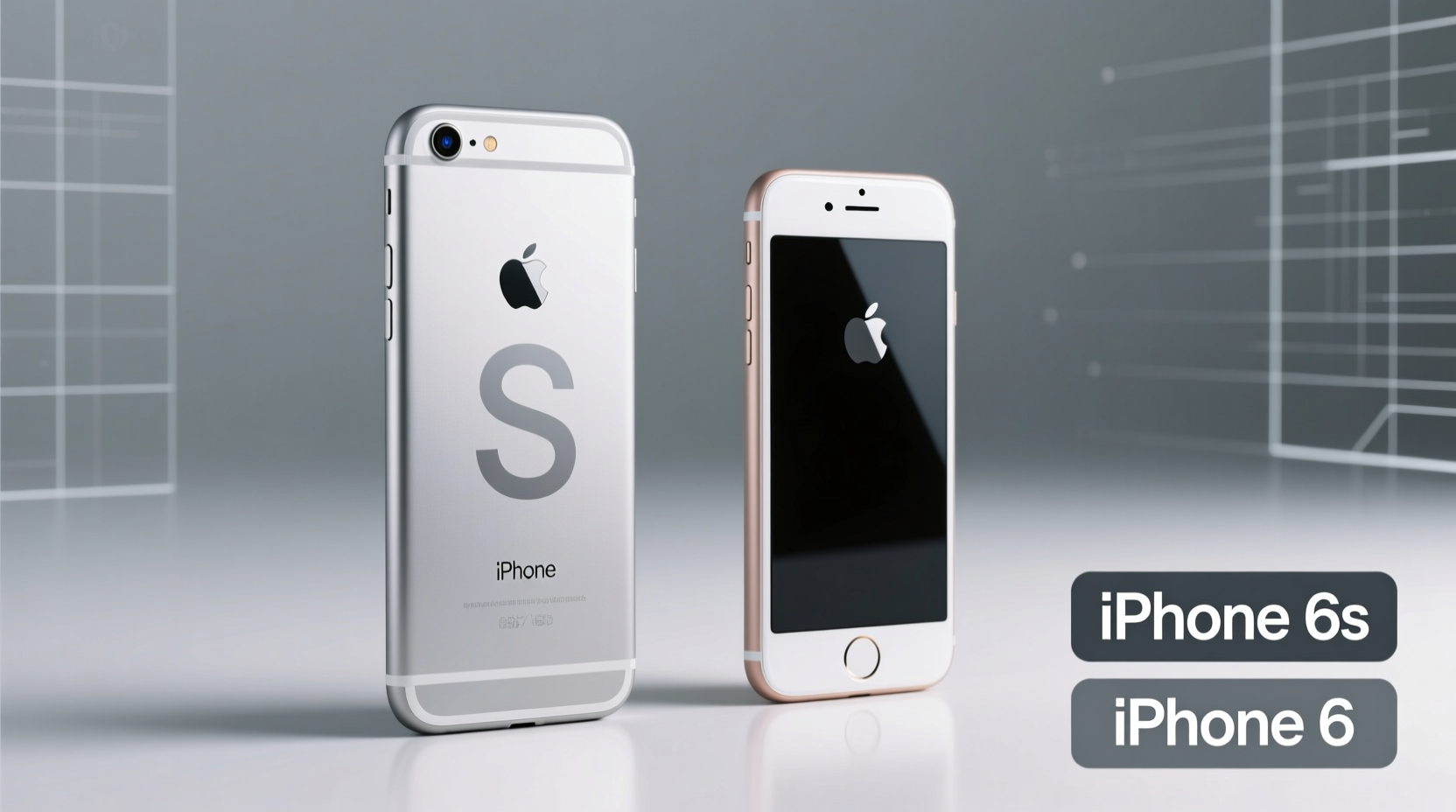
At first glance, the iPhone 6 and iPhone 6s look nearly identical. Both share the same 4.7-inch display, aluminum body design, and overall dimensions. But inside, Apple made meaningful upgrades that affect daily performance and longevity.
- Processor: The iPhone 6 uses the A8 chip, while the 6s features the A9 — a 70% faster CPU and 90% faster GPU according to Apple.
- RAM: The iPhone 6 has 1GB of RAM; the 6s also has 1GB, but improved memory management allows for better multitasking.
- Camera: The rear camera jumps from 8MP (iPhone 6) to 12MP (iPhone 6s), with 4K video recording capability.
- 3D Touch: Exclusive to the 6s, this feature adds pressure-sensitive screen interaction.
- Touch ID: Second-generation sensor on the 6s is significantly faster and more accurate.
- Storage Options: iPhone 6 launched with 16GB, 64GB, and 128GB options. The 6s added a base model of 32GB, eliminating the problematic 16GB option.
Performance: Why the A9 Processor Matters
The A9 chip isn’t just slightly faster — it fundamentally changes how smoothly the device runs over time. Apps launch quicker, animations are snappier, and background processes handle more efficiently. This becomes especially noticeable when running iOS updates beyond iOS 10.
By 2017, iOS 11 began pushing the limits of the A8 chip. Users reported sluggishness, longer app load times, and even compatibility issues with newer versions of popular apps. In contrast, the iPhone 6s supported iOS updates up to iOS 15, giving it nearly six years of software support — two years longer than the iPhone 6 in practical terms.
“Even if two phones look the same, the underlying processor can make one feel like a new device and the other feel obsolete.” — David Chen, Mobile Hardware Analyst at TechPulse Weekly
If you rely on navigation apps, social media, or productivity tools that update frequently, the iPhone 6 may struggle to keep up. The A9 doesn’t just offer speed — it offers relevance in a world where apps demand more processing power every year.
Storage Limitations on the iPhone 6: Can You Fix It?
One of the biggest complaints about the iPhone 6 was the 16GB base model. After iOS and system files take up space, users often had less than 12GB available — not enough for photos, music, and modern apps.
But here’s the reality: You cannot increase the internal storage of an iPhone after purchase. Unlike Android devices, iPhones don’t support expandable storage via microSD cards. So if you’re on a 16GB iPhone 6, your only options are:
- Delete data regularly (photos, videos, apps).
- Use cloud services like iCloud, Google Photos, or Dropbox.
- Offload unused apps manually.
- Upgrade to a device with more built-in storage.
While cloud storage helps, it requires consistent Wi-Fi access and often comes with subscription costs. And even with extra cloud space, a slow processor will still hinder performance when loading large files or editing photos.
Comparison Table: iPhone 6 vs iPhone 6s at a Glance
| Feature | iPhone 6 | iPhone 6s |
|---|---|---|
| Release Year | 2014 | 2015 |
| Processor | A8 | A9 |
| RAM | 1GB | 1GB (improved efficiency) |
| Base Storage | 16GB | 32GB |
| Rear Camera | 8MP, 1080p video | 12MP, 4K video |
| Front Camera | 1.2MP | 5MP, Retina Flash |
| Touch ID Speed | Moderate | Faster second-gen sensor |
| 3D Touch | No | Yes |
| Last Supported iOS | iOS 12 (security updates ended earlier) | iOS 15.7 (longer support) |
Real-World Example: Sarah’s Upgrade Dilemma
Sarah had a 16GB iPhone 6 she bought in 2014. By 2016, she was constantly deleting photos to install app updates. She considered switching to iCloud Photo Library but found syncing slow and unreliable on her home network. She loved her phone otherwise — the size, the feel, the simplicity.
She debated buying a new iPhone 6 with 64GB storage, but realized it would cost nearly as much as a used iPhone 6s. After testing both in-store, she noticed the 6s felt instantly more responsive — especially opening the camera and switching between apps.
She chose the iPhone 6s. Not only did she gain 32GB of usable space out of the box, but she also gained three additional years of iOS updates, better photo quality, and smoother performance. Two years later, she was still using it comfortably, while her friend with a high-storage iPhone 6 struggled with app crashes and slow performance.
Checklist: Should You Upgrade to iPhone 6s?
Use this checklist to decide if upgrading makes sense for you:
- ✅ Do you experience frequent app crashes or freezes?
- ✅ Are you unable to update to the latest iOS version?
- ✅ Do you want to take 4K videos or higher-resolution photos?
- ✅ Do you use multiple apps throughout the day and switch between them often?
- ✅ Is your current phone more than 2 years old and feeling sluggish?
- ✅ Are you paying for cloud storage because your phone runs out of space?
If you answered \"yes\" to three or more, the iPhone 6s is a worthwhile upgrade — not just for storage, but for sustained performance.
Frequently Asked Questions
Can I add more storage to my iPhone 6?
No. iPhones do not support external storage expansion. Your only options are managing existing space or upgrading to a new device with higher capacity.
Is the iPhone 6s still usable in 2024?
For basic tasks — calls, texts, light web browsing, and older apps — yes. However, it cannot run the latest iOS versions (iOS 16+), so it lacks recent security updates and features. Most modern apps still function, but performance may degrade over time.
Does more storage make an iPhone faster?
Not directly. While having too little free storage can slow down a device (due to lack of cache space), the processor and RAM determine overall speed. A 128GB iPhone 6 will still feel slower than a 32GB iPhone 6s due to hardware limitations.
Final Verdict: Upgrade for Performance, Not Just Storage
If you're deciding between sticking with a high-storage iPhone 6 or upgrading to a base-model iPhone 6s, choose the 6s. The performance gains from the A9 processor, improved camera, better Touch ID, and extended software support far outweigh the benefit of extra storage on outdated hardware.
Think of it this way: storage is a capacity issue, solvable through behavior and cloud tools. Performance is a structural limitation — once your processor can’t keep up, no amount of cleanup will restore smooth operation.
The iPhone 6s wasn’t just an incremental update. It was the last iPhone 6-form-factor device built to handle modern mobile demands. Upgrading means not just more space, but a noticeably better experience that lasts longer.




 浙公网安备
33010002000092号
浙公网安备
33010002000092号 浙B2-20120091-4
Comments
No comments yet. Why don't you start the discussion?