
If you're still using an iPhone 6s and have been eyeing the iPhone 7, you're not alone. Many users are caught in the same dilemma—tempted by newer features but wary of spending on a device that might not offer enough improvement to justify the cost. After all, both phones were released within a year of each other, and they look nearly identical at first glance. But beneath the surface, there are meaningful differences. The real question isn’t just about specs—it’s whether those changes translate into tangible benefits for your daily use.
This comparison cuts through marketing hype and focuses on real-world upgrades: battery life, water resistance, audio quality, performance gains, and long-term usability. Whether you're holding onto your 6s for nostalgia or practicality, let's determine if stepping up to the iPhone 7 actually moves the needle—or if you’re better off saving your cash.
Design and Build: Subtle but Significant Changes
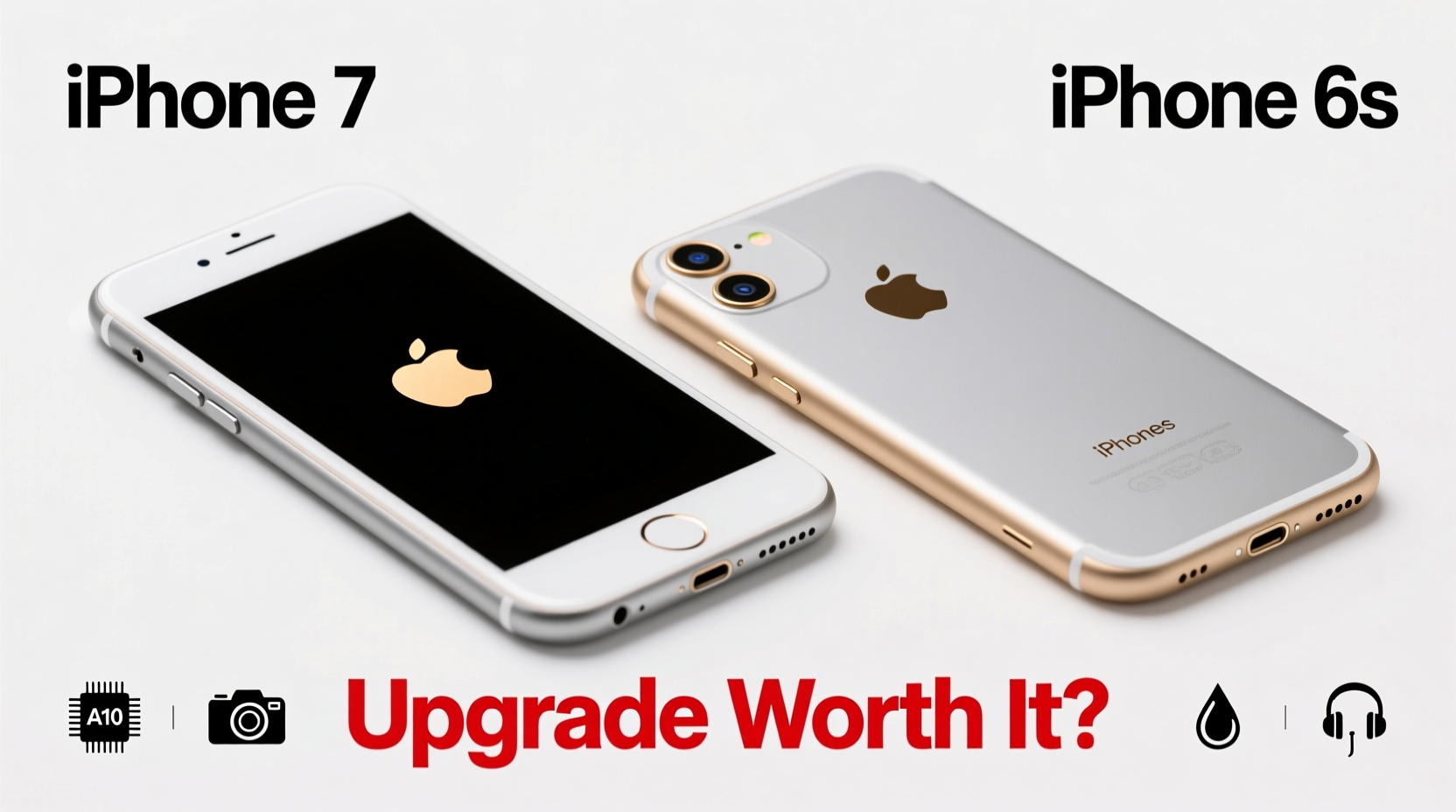
At first glance, the iPhone 7 and 6s appear almost identical. Both feature aluminum unibody designs, 4.7-inch displays, and similar button layouts. However, Apple made several subtle but impactful changes with the iPhone 7.
The most notable shift was the removal of the 3.5mm headphone jack—a controversial move at the time. Instead, Apple introduced Lightning port headphones and encouraged wireless options like AirPods (released later). While this may seem inconvenient, it freed up internal space for better components and allowed for improved sealing against dust and moisture.
The iPhone 7 also added IP67 water and dust resistance, meaning it can survive immersion in up to 1 meter of water for 30 minutes. The 6s has no official rating, making the 7 significantly more durable in everyday scenarios like rain, spills, or accidental drops in sinks.
Performance: A Noticeable Leap in Speed and Efficiency
Under the hood, the iPhone 7 packs Apple’s A10 Fusion chip, a major upgrade over the 6s’s A9 processor. The A10 delivers approximately 40% faster CPU performance and 50% better graphics performance, according to Apple’s benchmarks. In real-world usage, this means smoother multitasking, faster app launches, and better handling of graphics-intensive games and augmented reality apps.
Benchmarks from Geekbench show the A10 scoring around 3,400 in multi-core tests, compared to the A9’s ~2,500. That extra headroom translates into longer software support as well. iPhones with A10 chips received iOS updates longer than A9 devices—Apple typically supports devices for five to six years after release, and the 7 continued receiving updates until iOS 16, while the 6s stopped at iOS 15.
“Hardware longevity isn’t just about how fast a phone runs today—it’s about how long it stays relevant. The A10 chip gave iPhone 7 owners a critical edge in future-proofing.” — David Kim, Mobile Analyst at TechInsider Weekly
Camera Improvements: Sharper Photos and Better Low-Light Performance
The camera is where the iPhone 7 truly pulls ahead. While both phones have 12MP rear sensors, the 7 introduces optical image stabilization (OIS) on the standard model (previously only on Plus variants), larger f/1.8 aperture, and improved sensor technology.
The wider aperture lets in 50% more light, resulting in noticeably better low-light photos. Images taken indoors or at dusk retain more detail and exhibit less noise. Portrait mode wasn’t available at launch (it came later with dual-camera models), but the single-lens 7 still captures crisper, more vibrant shots thanks to enhanced signal processing.
Front-facing cameras remain 5MP on both, but the 7 includes Retina Flash—a feature that briefly boosts screen brightness during selfies to act as a flash. It’s not perfect, but it helps in dim environments.
| Feature | iPhone 6s | iPhone 7 |
|---|---|---|
| Rear Camera | 12MP, f/2.2, no OIS | 12MP, f/1.8, with OIS |
| Front Camera | 5MP, no flash | 7MP, Retina Flash |
| Low-Light Performance | Average | Significantly Improved |
| Video Recording | 1080p@60fps | 4K@30fps, 1080p@60fps |
Battery Life and Audio: Real Daily Upgrades
Battery life is often overlooked but crucial for user satisfaction. The iPhone 7 offers about two additional hours of mixed usage compared to the 6s—Apple claimed up to 13 hours of video playback versus 11 on the 6s. Independent tests confirm this difference, especially in web browsing and streaming.
For heavy users, that extra stamina means fewer midday charges and greater confidence during travel or workdays. Combined with more efficient power management from the A10 chip, the 7 provides a more reliable experience over time.
Audio improvements are equally important. The iPhone 7 replaced the traditional bottom speaker with stereo speakers—one at the bottom and one via the earpiece. This creates a richer, louder sound ideal for videos and music. Though not audiophile-grade, it’s a clear step up from the 6s’s mono output.
Real-World Example: Sarah’s Upgrade Decision
Sarah had used her iPhone 6s since 2015. By 2018, she noticed apps loading slower, frequent crashes on Instagram, and the battery dying by noon. She considered buying a newer model but hesitated—was it really necessary?
She tested an iPhone 7 at a friend’s house. The difference shocked her. Apps opened instantly, her old games ran smoothly, and the camera produced clearer night shots. Most importantly, the phone lasted through her full workday without charging.
She upgraded and extended her phone’s usable life by three more years. “I thought I could squeeze more out of the 6s,” she said, “but the 7 felt like a fresh start. It wasn’t flashy, but everything just worked better.”
Checklist: Should You Upgrade?
Ask yourself these questions before deciding:
- Is your iPhone 6s struggling with basic tasks like opening messages or switching apps?
- Does the battery die before the end of your day, even with light use?
- Do you want better photo quality, especially in low light?
- Would water resistance give you peace of mind?
- Are you tired of carrying adapters or dongles due to lack of modern features?
If you answered yes to two or more, the upgrade likely makes sense. If your 6s still performs well and you charge it daily without frustration, hold off—especially if budget is tight.
Frequently Asked Questions
Can the iPhone 6s still run the latest apps?
As of 2024, many newer apps require iOS 14 or higher. The 6s maxes out at iOS 15, so it can run most current apps—but performance lags behind. Some resource-heavy apps (like advanced photo editors or AR tools) may be sluggish or unsupported.
Is the lack of a headphone jack a dealbreaker?
It depends on your habits. If you rely on wired headphones, you’ll need a Lightning adapter (included with the 7) or wireless alternatives. Over time, most users adapt to Bluetooth headphones, but it adds cost and complexity if you don’t already own them.
How much should I pay for an iPhone 7 today?
In 2024, used iPhone 7 models sell for $30–$80 depending on storage, condition, and whether they’ve been repaired. At that price point, it’s a reasonable short-term upgrade—but not a long-term investment. Avoid paying more than $100 unless buying new-old-stock.
Final Verdict: Is It Worth It?
Upgrading from the iPhone 6s to the iPhone 7 isn’t revolutionary, but it’s meaningful. You gain better performance, longer software support, improved camera quality, stereo speakers, water resistance, and slightly better battery life. These aren’t gimmicks—they add up to a more reliable, enjoyable experience.
If your 6s is showing its age, the 7 offers a cost-effective way to extend your Apple ecosystem use without jumping to a much pricier model. However, if you're considering spending over $100 or trading in a still-functional device, think twice. For that money, you might be better served saving toward a newer iPhone SE or secondhand iPhone 8 or XR, which offer larger screens, Face ID, and far better long-term viability.
The iPhone 7 was a solid mid-cycle upgrade in its time. Today, it’s best viewed as a bridge—not a destination.




 浙公网安备
33010002000092号
浙公网安备
33010002000092号 浙B2-20120091-4
Comments
No comments yet. Why don't you start the discussion?