
For millions still using an iPhone 7, the question isn’t just about new features—it’s about value. The iPhone 8 may look nearly identical on paper, but under the surface, Apple made meaningful improvements that affect daily use, longevity, and future software support. If you're debating whether to upgrade from the iPhone 7 to the iPhone 8—especially if you prefer compact devices—the answer depends on your priorities: performance, charging convenience, camera quality, and how long you plan to keep your phone.
The iPhone 7 was a solid device in its time, praised for its build quality, audio experience, and water resistance. But the iPhone 8, released just one year later, brought subtle yet impactful upgrades. It wasn’t a visual overhaul, but a refinement—one that many users overlooked because of the splashier iPhone X launch that same year. Let’s break down exactly what changed and whether those changes justify the upgrade, particularly for someone who values a smaller form factor.
Design and Build: Nearly Identical, But With a Key Difference
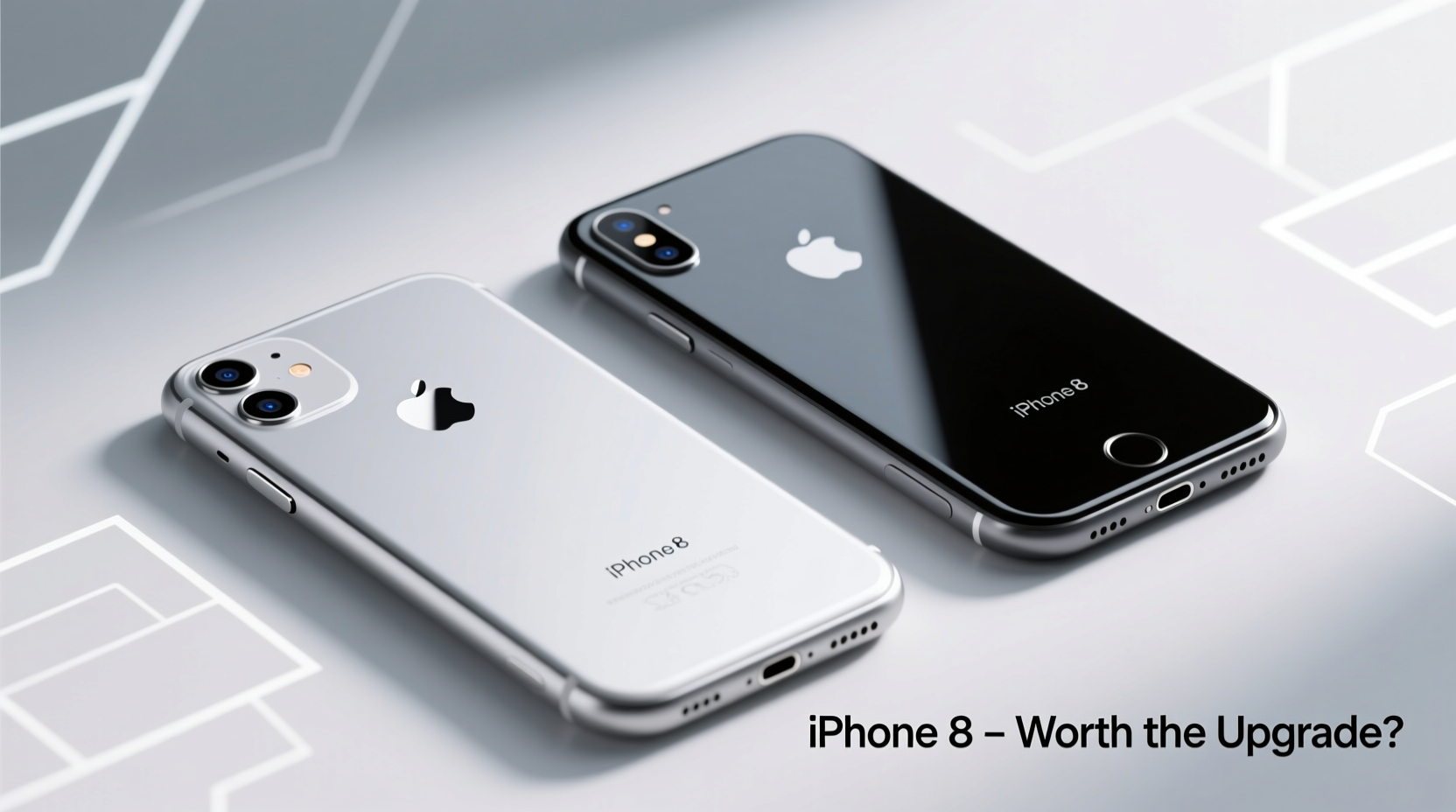
At first glance, the iPhone 7 and iPhone 8 appear almost indistinguishable. Both feature aluminum frames, 4.7-inch Retina HD displays, and physical Home buttons with Touch ID. However, the most significant change lies in the back panel: the iPhone 8 replaced the aluminum back with glass. This wasn’t just cosmetic—it enabled wireless charging, a feature absent on the iPhone 7.
The glass back gives the iPhone 8 a more premium feel but also makes it slightly heavier (148g vs 138g) and more prone to cracking if dropped. Still, both phones are rated IP67 for dust and water resistance, so they can survive brief submersion in up to 1 meter of water.
Performance: A Noticeable Leap Under the Hood
The biggest internal upgrade comes from the processor. The iPhone 7 uses the A10 Fusion chip, while the iPhone 8 features the A11 Bionic chip—Apple’s first six-core CPU with a dedicated Neural Engine. This translates to roughly 25% faster CPU performance and 30% better GPU performance.
In real-world terms, this means smoother multitasking, quicker app launches, and better handling of graphics-intensive games or AR apps. More importantly, the A11 Bionic allows the iPhone 8 to receive longer software support. While both devices launched with iOS 10 or 11, the iPhone 8 continued receiving updates through iOS 17 (and potentially beyond), whereas the iPhone 7 stopped at iOS 16.
“Software longevity is often the deciding factor for older iPhone users. One extra year of updates can mean access to critical security patches and new features.” — David Lin, Mobile Technology Analyst
Camera Comparison: Subtle Improvements, Better Low-Light Results
Both phones have a 12MP rear camera with optical image stabilization (OIS)—a feature previously reserved for Plus models. However, the iPhone 8’s camera benefits from the A11’s improved image signal processing. This results in better noise reduction, enhanced dynamic range, and more accurate colors, especially in low-light conditions.
The front-facing camera remains a 7MP sensor on both, but the iPhone 8 supports Portrait Mode for selfies when using compatible software (iOS 11+). Video recording is also upgraded: the iPhone 8 supports 4K video at 60fps (up from 30fps on the 7) and offers better stabilization.
| Feature | iPhone 7 | iPhone 8 |
|---|---|---|
| Processor | A10 Fusion | A11 Bionic |
| Rear Camera | 12MP, OIS, f/1.8 | 12MP, OIS, f/1.8, better ISP |
| Front Camera | 7MP, f/2.2 | 7MP, f/2.2, Portrait Mode support |
| Video Recording | 4K @ 30fps | 4K @ 60fps, 1080p @ 240fps slo-mo |
| Charging | Limited to Lightning cable | Qi wireless charging + Fast charging capable |
| Last Supported iOS | iOS 16 | iOS 17+ |
Real-World Example: Sarah’s Upgrade Decision
Sarah had been using her iPhone 7 since 2017. By 2021, she noticed apps loading slower, battery life dropping below a full day, and her device no longer receiving the latest iOS features. She considered switching to a newer model but didn’t want a larger phone. When she learned the iPhone 8 offered the same size with wireless charging and better performance, she decided to upgrade.
After two years with the iPhone 8, she reports noticeably faster app responses, longer software support, and convenience from wireless charging. “I leave my phone on the pad every night,” she says. “It’s one less thing to plug in. And knowing I’ll get updates longer makes me feel safer online.”
Is It Worth Upgrading? A Step-by-Step Evaluation
Deciding whether to upgrade should be based on your current experience and needs. Follow this timeline to assess your situation:
- Assess your iPhone 7’s condition: Is the battery holding charge for a full day? Are apps crashing or lagging?
- Check your iOS version: If you’re stuck on iOS 15 or earlier, you’ve already missed key security and feature updates.
- Evaluate your charging habits: Do you forget cables? Would wireless charging simplify your routine?
- Consider future use: Will you keep this phone for another 2–3 years? The iPhone 8 will handle future apps and updates better.
- Weigh cost vs. benefit: Used iPhone 8 models typically sell for $100–$150. Compare that to repair costs or productivity lost to slowdowns.
Frequently Asked Questions
Can the iPhone 8 still run modern apps smoothly?
Yes. Despite being older hardware, the A11 Bionic handles most current apps efficiently. Social media, banking, navigation, and streaming services all run well. Only the most demanding AR or gaming apps may show limitations.
Does the iPhone 8 support fast charging?
Yes, but not out of the box. You’ll need a USB-C to Lightning cable and a USB-C power adapter (like those from iPhone 8 Plus or later). With the right accessories, it can charge up to 50% in 30 minutes.
Is the screen the same on both phones?
Nearly identical in size and resolution (1334x750), but the iPhone 8 has True Tone display technology, which adjusts white balance based on ambient light for a more natural viewing experience.
Action Checklist: Should You Upgrade?
- ✅ Your iPhone 7 battery health is below 80%
- ✅ You want wireless charging capability
- ✅ You rely on up-to-date security patches
- ✅ You prefer compact phones and don’t want to go larger
- ✅ You plan to keep your phone for 2+ more years
- ✅ You frequently use AR apps or high-performance tasks
If three or more apply, upgrading to the iPhone 8 is a smart move. It preserves the form factor you like while delivering tangible improvements in speed, efficiency, and future readiness.
Final Thoughts: A Small Upgrade With Long-Term Benefits
The iPhone 8 may not have turned heads like the iPhone X, but for iPhone 7 users, it represents a logical next step. It keeps the compact size, improves performance, adds wireless charging, and extends software support by at least one additional year. These aren’t flashy changes, but they add up to a more reliable, secure, and convenient experience over time.
If you’ve held onto your iPhone 7 because you love its size and simplicity, know that the iPhone 8 offers the same comfort—with modern underpinnings. For a modest investment, you gain peace of mind, better battery management, and the ability to stay current in an ecosystem that increasingly demands newer hardware.




 浙公网安备
33010002000092号
浙公网安备
33010002000092号 浙B2-20120091-4
Comments
No comments yet. Why don't you start the discussion?