
The iPhone 7, released in 2016, was a turning point for Apple—introducing water resistance, a more powerful A10 Fusion chip, and removing the headphone jack. A year later, the iPhone 8 arrived with subtle refinements: wireless charging, a glass back, improved camera processing, and slightly better battery efficiency. But for users still clinging to an iPhone 7, one question lingers: Is upgrading to the iPhone 8 worthwhile if your primary motivation is longer battery life?
The answer isn’t as straightforward as a simple “yes” or “no.” While both phones are now considered legacy devices, many people still rely on them daily. Battery longevity, usage patterns, and software support all factor into whether the upgrade delivers meaningful improvements.
Battery Specifications: What Changed?
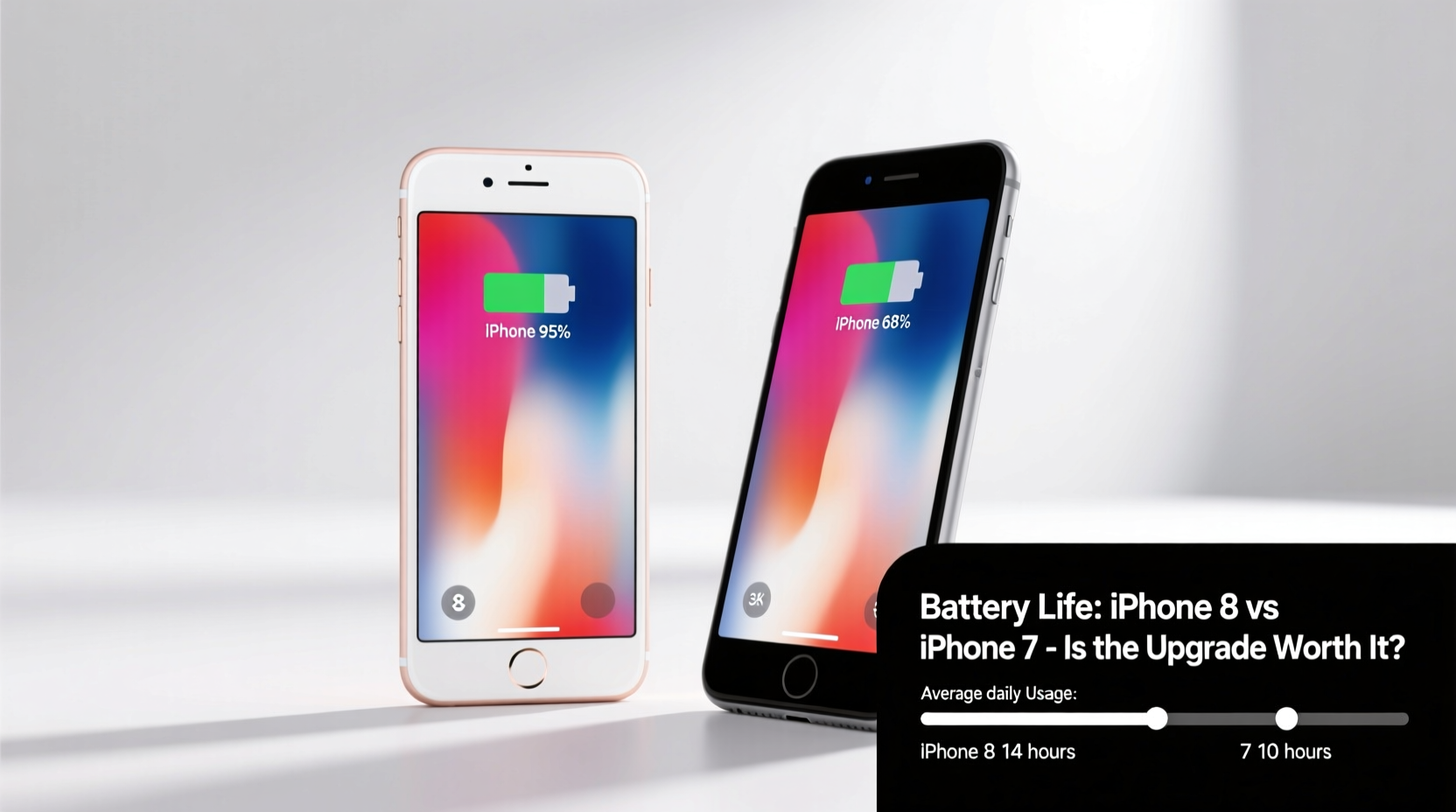
At first glance, the battery capacity numbers might suggest minimal improvement. The iPhone 7 has a 1,960 mAh battery, while the iPhone 8 packs a 1,821 mAh unit—a slight decrease on paper. However, battery life isn’t solely determined by milliampere-hours. Efficiency, power management, and hardware optimization play critical roles.
Apple claimed that the iPhone 8 offered \"longer battery life than iPhone 7\" despite the smaller capacity, thanks to the more efficient A11 Bionic chip and optimized iOS 11 power management. This paradox highlights how modern smartphones balance performance and energy consumption through intelligent design.
“Battery life is no longer about size alone—it’s about how efficiently the system uses every joule of energy.” — Dr. Alan Park, Mobile Power Systems Analyst at TechInsight Group
Real-World Usage Comparison
In practical terms, the difference between iPhone 7 and iPhone 8 battery life becomes noticeable under moderate to heavy use. Independent testing from outlets like GSMArena and iMore shows that the iPhone 8 lasts approximately 1–1.5 hours longer in mixed usage scenarios, including web browsing, video playback, and app switching.
| Device | Battery Capacity (mAh) | Video Playback (hrs) | Talk Time (hrs) | Standby Time (days) |
|---|---|---|---|---|
| iPhone 7 | 1,960 | Up to 14 | Up to 14 | Up to 10 |
| iPhone 8 | 1,821 | Up to 15 | Up to 13 | Up to 10 |
While talk time is slightly reduced on the iPhone 8, its edge in video playback reflects stronger performance during media-heavy tasks. For users who stream videos, listen to podcasts, or browse social media extensively, this extra hour can be significant.
Charging Innovations: Wireless and Faster Wired
One of the most underrated upgrades in the iPhone 8 is its support for Qi wireless charging. Unlike the iPhone 7, which requires cables for all charging needs, the iPhone 8 allows placement on any Qi-compatible pad—ideal for nightstands, cars, or desks. This convenience reduces wear on the Lightning port and encourages more frequent top-ups throughout the day.
In addition, the iPhone 8 supports faster wired charging when used with an 18W adapter and USB-C to Lightning cable (sold separately). With the right setup, it can reach 50% charge in about 30 minutes, compared to nearly an hour on the iPhone 7 using standard 5W charging.
Step-by-Step Guide to Enable Fast Charging on iPhone 8
- Purchase an 18W (or higher) USB-C power adapter.
- Obtain an Apple-certified USB-C to Lightning cable.
- Connect your iPhone 8 to the adapter and plug into a wall outlet.
- Check battery status: You should see a notice indicating “Fast Charging” mode.
- For best results, charge when battery level is below 80%, as fast charging slows after that threshold.
This capability transforms charging behavior. Instead of needing a full overnight charge, users can get several hours of use from a short burst of power in the morning.
Software Support and Longevity Considerations
As of 2024, both the iPhone 7 and iPhone 8 run iOS 17, but Apple typically supports devices for around five major OS updates. The iPhone 7 launched with iOS 10 and received updates through iOS 17, likely marking its final version. The iPhone 8, also introduced with iOS 11, may receive one more update depending on Apple’s roadmap—but its A11 chip gives it a slight edge in future compatibility.
Older devices running outdated software face increased battery drain due to background inefficiencies and lack of optimization. Apps designed for newer systems often run poorly on older hardware, forcing the CPU to work harder and consume more power. Upgrading to the iPhone 8 ensures slightly better long-term viability, especially if you plan to keep your phone beyond 2025.
Mini Case Study: Sarah’s Upgrade Decision
Sarah, a freelance photographer based in Portland, had been using her iPhone 7 since 2017. By late 2023, she found herself carrying a portable charger daily. Her workflow involved constant photo editing, GPS navigation, and client calls—draining the aging battery by noon.
She considered the iPhone 8 not for its camera or design, but because she read about its improved power efficiency and wireless charging. After upgrading, she noticed two key changes: First, her phone lasted until 7 PM without needing a recharge. Second, placing it on a wireless pad while editing photos on her desk became a seamless habit, eliminating the need to stop working to plug in.
“It wasn’t a dramatic leap,” she said, “but the consistency made all the difference. I stopped worrying about battery anxiety.”
Is the Upgrade Worth It Just for Battery Life?
If battery life is your sole concern, the iPhone 8 offers incremental gains—not revolutionary ones. The extra hour or so of screen time, combined with wireless and fast charging, adds up to a more convenient experience over time. But these benefits must be weighed against cost, environmental impact, and actual need.
Consider this checklist before making the switch:
- ✅ Is your iPhone 7 struggling to last half a day?
- ✅ Do you frequently forget to charge your phone overnight?
- ✅ Are you frustrated by slow charging speeds?
- ✅ Would wireless charging fit naturally into your routine (e.g., bedside table, office desk)?
- ✅ Can you find an iPhone 8 at a reasonable price (refurbished or secondhand)?
If most answers are yes, then the upgrade makes sense. However, if your iPhone 7 still meets basic needs and you’re only seeking marginal improvements, investing in a high-capacity power bank or replacing the battery (starting at $49 via Apple’s program) could offer similar relief at lower cost and waste.
Frequently Asked Questions
Can I replace my iPhone 7 battery instead of upgrading?
Absolutely. Apple offers official battery replacements for older models, even beyond warranty. A fresh battery can restore your iPhone 7 to near-original performance and often costs less than half the price of an iPhone 8. This is often the most economical and eco-friendly choice.
Does iOS 17 run better on iPhone 8 than iPhone 7?
Yes, marginally. Both devices handle iOS 17, but the A11 Bionic chip in the iPhone 8 manages multitasking, animations, and background processes more smoothly. Users report fewer app reloads and quicker wake times, which indirectly contributes to perceived battery savings by reducing unnecessary processing.
Will the iPhone 8 battery degrade faster than the iPhone 7?
No. Battery degradation depends on charging habits, temperature exposure, and cycle count—not the model itself. Both phones use lithium-ion batteries with similar chemical lifespans (typically 500 full charge cycles before holding 80% capacity). Proper care extends longevity on either device.
Final Verdict: Incremental Gains, Not a Game-Changer
The iPhone 8 does offer better battery performance than the iPhone 7—not through brute capacity, but smarter engineering. The combination of a more efficient processor, support for fast and wireless charging, and slightly extended endurance creates a more resilient daily driver.
However, calling the upgrade “worth it” purely for battery life depends on context. For someone tethered to a power bank every few hours, the iPhone 8 brings tangible relief. For others, a battery replacement or disciplined charging routine may suffice.
Technology should serve convenience, not demand constant renewal. If you’re ready to upgrade, do it for the full package—not just one feature. But if battery life is dragging you down, know that help exists in multiple forms: new hardware, smart accessories, or simple maintenance.




 浙公网安备
33010002000092号
浙公网安备
33010002000092号 浙B2-20120091-4
Comments
No comments yet. Why don't you start the discussion?