
For users still relying on the iPhone 8 Plus, the idea of upgrading to a modern powerhouse like the Samsung Galaxy Note 20 Ultra can feel both exciting and overwhelming. Released in 2017, the iPhone 8 Plus was Apple’s last flagship with a home button and Touch ID, representing the end of an era. In contrast, the Note 20 Ultra arrived in 2020 as Samsung’s premium productivity-focused device, packed with cutting-edge tech. But does the leap justify the cost? For many, the answer depends not just on specs, but on how they use their phone daily.
Performance and Hardware: A Generational Leap
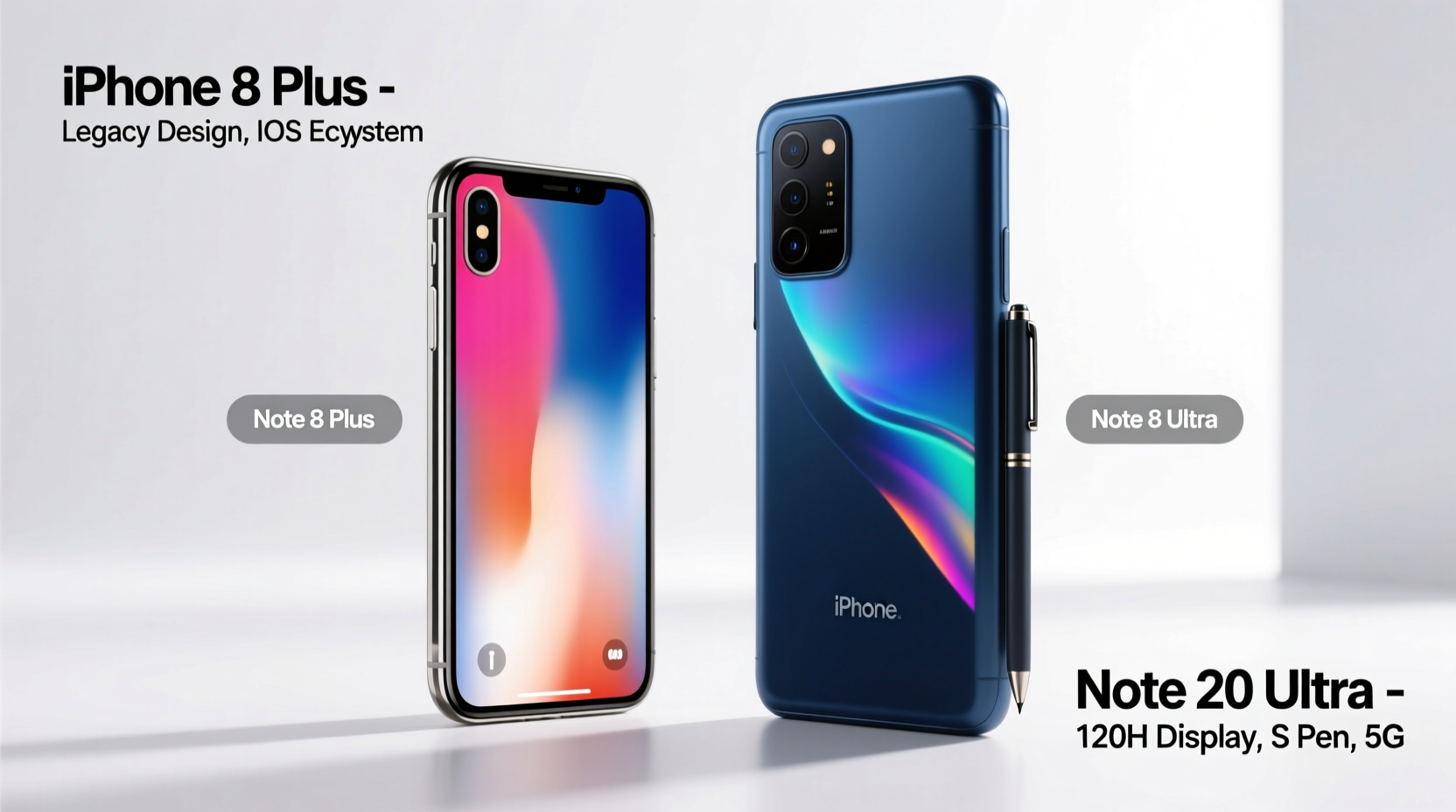
The core difference between these two devices lies in their processing power and underlying architecture. The iPhone 8 Plus runs on Apple’s A11 Bionic chip—a solid performer in its time—but now struggles with demanding apps, multitasking, and newer iOS updates that prioritize newer hardware. Meanwhile, the Note 20 Ultra features Samsung’s Exynos 990 or Snapdragon 865+ (depending on region), paired with 12GB of RAM and up to 512GB of storage. This translates to significantly faster app launches, smoother animations, and better handling of games and video editing.
iOS remains highly optimized, so the iPhone 8 Plus isn’t unusable today. However, real-world usage shows noticeable lag when switching between apps or loading high-resolution media. The Note 20 Ultra, on the other hand, handles multiple split-screen windows, stylus input, and 8K video recording without breaking a sweat.
Display and Design: From Retina to Dynamic AMOLED
The design philosophies behind these phones couldn't be more different. The iPhone 8 Plus features a 5.5-inch LCD Retina HD display with relatively thick bezels and a home button. It’s sturdy, compact by today’s standards, and comfortable for one-handed use. However, its screen resolution (1920x1080) and color accuracy are outclassed by modern standards.
In contrast, the Note 20 Ultra boasts a 6.9-inch Dynamic AMOLED 2X display with a 3088x1440 resolution, 120Hz refresh rate, and HDR10+ support. Scrolling is buttery smooth, colors are vivid and accurate, and the curved edge design gives it a futuristic feel. The larger screen is ideal for media consumption, multitasking, and using the S Pen for notes or sketches.
But bigger isn’t always better. Users upgrading from the 8 Plus may find the Note 20 Ultra unwieldy at first. It’s heavier (208g vs. 200g) and much wider, making pocketability a concern. Still, for those who value visual quality and productivity, the upgrade is transformative.
Camera Comparison: Evolution in Every Frame
Camera technology has evolved dramatically between 2017 and 2020. The iPhone 8 Plus introduced Portrait Mode with its dual 12MP rear cameras—one wide, one telephoto—delivering excellent color science and natural depth effects. Its photos remain pleasing, especially in daylight, but low-light performance is limited, and zoom is capped at 2x optical.
The Note 20 Ultra raises the bar with a triple-camera system: 108MP main sensor, 12MP ultra-wide, and a 12MP periscope telephoto lens offering 5x optical and up to 50x “Space Zoom.” The high-resolution sensor captures incredible detail, and Night Mode produces clean, bright images even in near-darkness. Video recording supports 8K at 24fps, far beyond the 8 Plus’s 4K at 60fps limit.
However, megapixels don’t tell the whole story. Apple’s image processing still excels in skin tones and dynamic range consistency. Samsung sometimes oversharpenens or oversaturates. For casual photographers, the difference may be subtle. But for enthusiasts, the Note 20 Ultra offers far more creative control.
“Smartphone photography has shifted from capturing moments to creating content. Devices like the Note 20 Ultra empower users to shoot professional-grade videos and edit them on the go.” — Lena Park, Mobile Photography Instructor
Battery Life and Charging: Efficiency Meets Power
Battery degradation is a key reason many iPhone 8 Plus owners consider upgrading. After five years, even well-maintained batteries rarely last a full day under moderate use. The 8 Plus originally had a 2679mAh battery, supporting only 5W charging and no wireless fast charging.
The Note 20 Ultra packs a 4500mAh battery, easily lasting a full day—and often stretching into a second—with heavy use. It supports 25W fast charging, 15W wireless charging, and even reverse wireless charging to power accessories. Standby efficiency is also superior due to Android’s memory management and adaptive battery learning.
If your current routine includes carrying a portable charger or avoiding GPS navigation to save power, upgrading could restore peace of mind.
Detailed Feature Comparison
| Feature | iPhone 8 Plus | Note 20 Ultra |
|---|---|---|
| Release Year | 2017 | 2020 |
| Processor | A11 Bionic | Snapdragon 865+ / Exynos 990 |
| RAM | 3GB | 12GB |
| Display | 5.5\" LCD, 1080p, 60Hz | 6.9\" AMOLED, 1440p, 120Hz |
| Rear Cameras | Dual 12MP (f/1.8 & f/2.8) | 108MP + 12MP + 12MP |
| Front Camera | 7MP | 10MP |
| Battery | 2679mAh | 4500mAh |
| Charging | 5W wired, Qi wireless | 25W fast, 15W wireless, reverse |
| Stylus Support | No | Yes (S Pen, 9ms latency) |
| Water Resistance | IP67 | IP68 |
Real-World Example: Sarah’s Upgrade Journey
Sarah, a freelance graphic designer, used her iPhone 8 Plus for work and personal life. She loved its durability and iOS ecosystem but found herself frustrated when editing client photos—app crashes were common, and exporting took minutes. Her battery died by mid-afternoon during site visits.
After switching to the Note 20 Ultra, she began using Adobe Lightroom directly on the device, leveraging the S Pen for precise brush adjustments. The 120Hz screen made timeline scrubbing in Premiere Rush fluid, and she could present drafts on a Samsung DeX-connected monitor. Her productivity increased by nearly 30%, according to her own time tracking. While she missed iOS at first, the flexibility of Android and Samsung’s pro-grade tools made the transition worthwhile.
Is Upgrading Worth It? A Practical Checklist
Before investing in a new phone, ask yourself the following:
- Do apps frequently crash or freeze on your iPhone 8 Plus?
- Does your battery die before the end of your workday?
- Are you unable to install the latest iOS version?
- Do you wish for better zoom or night photography?
- Would features like split-screen apps or stylus input improve your workflow?
- Are you paying for cloud storage because your phone is full?
If three or more apply, upgrading is likely beneficial—not just for convenience, but for long-term usability.
Frequently Asked Questions
Can the iPhone 8 Plus still receive software updates?
As of 2024, the iPhone 8 Plus supports up to iOS 16. It will not receive iOS 17 or later, meaning no future security patches or feature upgrades beyond late 2023. This increases vulnerability over time.
Is the S Pen worth it for non-artists?
Absolutely. The S Pen excels in note-taking, document markup, remote camera control, and air gestures. Even basic tasks like jotting meeting points or signing PDFs become faster and more intuitive.
Will switching from iOS to Android be difficult?
There’s a learning curve, but Samsung’s Smart Switch tool seamlessly transfers contacts, messages, photos, and apps. Most major services (iCloud, Gmail, WhatsApp) work across platforms. Within a week, most users adapt comfortably.
Final Verdict: Upgrade When It Enhances Your Life
The jump from iPhone 8 Plus to Note 20 Ultra isn’t just about newer hardware—it’s about unlocking capabilities that redefine what a smartphone can do. If you’re still satisfied with basic calling, texting, and light browsing, holding off may make sense. But if you rely on your phone for creativity, communication, or productivity, the upgrade delivers tangible benefits.
The Note 20 Ultra offers future-proof performance, exceptional display quality, advanced camera systems, and unique tools like the S Pen. For less than the cost of two years of cloud storage or external batteries, you gain a device that works harder and lasts longer.




 浙公网安备
33010002000092号
浙公网安备
33010002000092号 浙B2-20120091-4
Comments
No comments yet. Why don't you start the discussion?