
For users still relying on the iPhone 7, the question of whether to upgrade to the iPhone 8 isn’t just about new features—it’s about tangible improvements that affect daily use. Both phones share a familiar design language, similar screen sizes, and overlapping capabilities. But beneath the surface, subtle yet significant differences emerge. Understanding these distinctions helps determine whether the upgrade delivers meaningful value or merely incremental change.
The iPhone 7 was a turning point—Apple removed the headphone jack, introduced water resistance, and delivered a powerful A10 Fusion chip. The iPhone 8, released just one year later, didn’t reinvent the formula but refined it with modern internals and support for wireless charging. While they may look nearly identical, their underlying technologies reflect a shift in Apple’s hardware trajectory.
Design and Build: Nearly Identical, But Not Quite
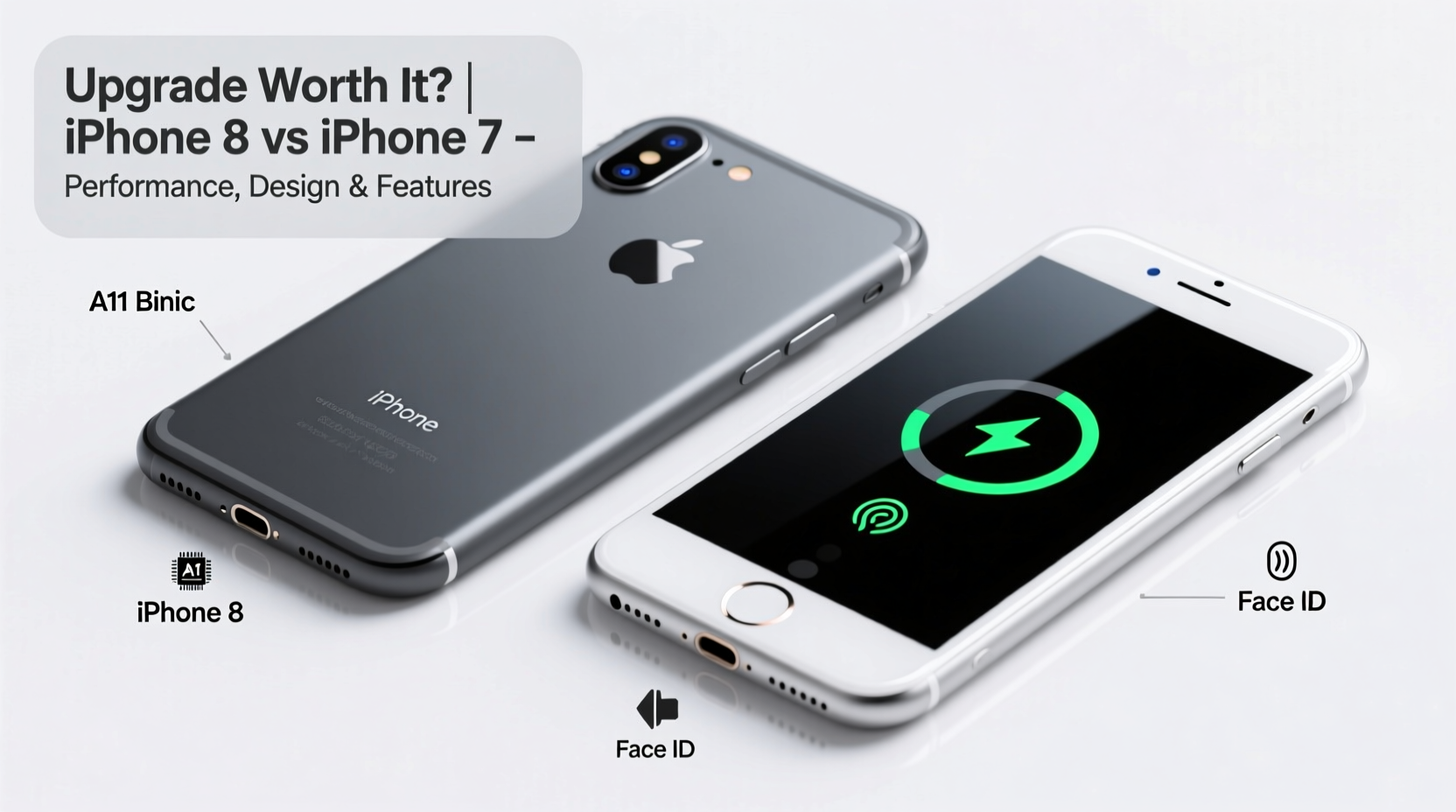
At first glance, the iPhone 8 and iPhone 7 appear indistinguishable. Both feature a 4.7-inch display, aluminum frame, and glass back (though the iPhone 7 has an aluminum rear). However, the iPhone 8’s glass back wasn’t just aesthetic—it enabled a major new feature: wireless charging. This single change marked Apple’s commitment to future-proofing its devices.
The dimensions and weight are nearly identical:
| Feature | iPhone 7 | iPhone 8 |
|---|---|---|
| Dimensions | 138.3 x 67.1 x 7.1 mm | 138.4 x 67.3 x 7.3 mm |
| Weight | 138 g | 148 g |
| Back Material | Aluminum | Glass |
| Water Resistance | IP67 | IP67 |
The extra 10 grams on the iPhone 8 come from the glass enclosure and slightly reinforced internal structure. Despite the similarity, the glass back makes the iPhone 8 more prone to cracking under impact—something users should consider when choosing between cases or repair costs.
Performance and Hardware: A Noticeable Leap
The most compelling reason to upgrade lies under the hood. The iPhone 8 is powered by Apple’s A11 Bionic chip, a 64-bit hexa-core processor with a neural engine designed for machine learning tasks. In contrast, the iPhone 7 uses the A10 Fusion chip. While both were groundbreaking in their time, the A11 delivers roughly 25% better CPU performance and up to 30% faster GPU speeds.
This difference becomes apparent in real-world usage:
- Faster app launches and multitasking
- Smoother performance in graphics-intensive games
- Better responsiveness in augmented reality (AR) apps
- Improved efficiency leading to longer battery life during heavy use
Additionally, the iPhone 8 comes with 2GB of RAM compared to the iPhone 7’s 2GB as well—so no advantage there—but the newer architecture allows for more efficient memory management. iOS updates also tend to favor devices with newer chips, meaning the iPhone 8 will likely receive software support longer than the iPhone 7.
“The A11 Bionic wasn’t just faster—it laid the foundation for AI-driven features we now take for granted.” — David Lin, Mobile Hardware Analyst at TechPulse Insights
Camera Improvements: Subtle But Meaningful
Both phones feature a 12MP rear camera with optical image stabilization (OIS), a feature previously reserved for Plus models. However, the iPhone 8’s camera benefits from the A11’s image signal processor, enabling better noise reduction, dynamic range, and processing speed.
In practical terms:
- Photos taken in low light show less grain and better color accuracy
- Faster autofocus and exposure adjustments
- Improved HDR and Smart HDR processing
- Support for HEIF photo format (saves storage space)
The front-facing camera remains unchanged at 7MP, so selfies and FaceTime calls won’t feel different. But the real advantage comes in video recording: the iPhone 8 supports 4K video at 60fps (up from 30fps on the iPhone 7), along with extended dynamic range for smoother highlights and shadows.
Real-World Example: Low-Light Photography
Consider Sarah, a small business owner who frequently takes product photos in dimly lit markets. With her iPhone 7, she struggled with blurry shots and poor white balance. After upgrading to the iPhone 8, she noticed immediate improvements: clearer details, truer colors, and fewer retakes. The combination of OIS and the upgraded ISP meant she could capture usable images without additional lighting gear.
For casual photographers, the difference might seem minor. But for those relying on their phone for content creation, the iPhone 8 offers measurable gains.
Charging and Battery Life: One Major Advantage
The iPhone 8 introduces Qi-compatible wireless charging—a first for non-iPhone X models. You can place the phone on any standard wireless charger, eliminating the need to plug in daily. It’s not revolutionary, but it adds convenience, especially on nightstands or in cars equipped with charging pads.
Battery capacity is nearly identical (iPhone 7: 1960 mAh, iPhone 8: 1821 mAh), but the A11 chip’s efficiency means the iPhone 8 often lasts slightly longer despite the smaller battery. Real-world testing shows about 30–60 minutes more screen-on time under mixed usage.
Step-by-Step: How to Maximize Your Upgrade Experience
- Backup your iPhone 7 via iCloud or iTunes before transferring data.
- Transfer settings and apps using Quick Start when setting up the iPhone 8.
- Enable wireless charging and test it with a certified Qi pad.
- Update to the latest iOS version to unlock full camera and performance potential.
- Test camera improvements in various lighting conditions to learn the new capabilities.
Is It Worth Upgrading? A Practical Checklist
Before making the move, ask yourself the following:
- ✅ Do you want wireless charging?
- If convenience matters, this alone may justify the upgrade.
- ✅ Are you experiencing slowdowns on your iPhone 7?
- If apps lag or multitasking feels sluggish, the A11 chip will provide noticeable relief.
- ✅ Do you take a lot of photos or videos?
- The improved camera and 4K60 support make the iPhone 8 a better creative tool.
- ✅ Is your iPhone 7 damaged or nearing end-of-life?
- Upgrading now avoids emergency replacements later.
- ❌ Are you happy with current performance?
- If your iPhone 7 runs smoothly and you don’t need new features, hold off.
Frequently Asked Questions
Can I use my iPhone 7 case with the iPhone 8?
Most third-party cases fit both models due to near-identical dimensions. However, cases with precise cutouts for the rear camera or buttons may not align perfectly. Check manufacturer compatibility before assuming a perfect fit.
Does the iPhone 8 support 5G or LTE Advanced?
No. Both the iPhone 7 and iPhone 8 support up to LTE Advanced, but neither includes 5G connectivity. For 5G, you’d need to go to iPhone 12 or later.
Will the iPhone 7 stop receiving updates soon?
As of 2024, the iPhone 7 supports up to iOS 16. Apple typically provides 5–6 years of OS updates. Since the iPhone 7 launched in 2016, major updates have ended. The iPhone 8, supporting iOS 17 and possibly iOS 18, offers longer software relevance.
Final Verdict: More Than Just a Refresh
The iPhone 8 is not a radical departure from the iPhone 7, but it’s far from being “basically the same.” The inclusion of wireless charging, a more powerful processor, improved camera processing, and longer software support represent meaningful upgrades—especially for users pushing their iPhone 7 to its limits.
If you're still satisfied with your iPhone 7’s performance, skipping the upgrade is reasonable. But if you value future-proofing, better photo quality, or simply want a more responsive experience, the iPhone 8 delivers tangible benefits that accumulate over time.
Technology evolves incrementally. Sometimes the biggest advances aren’t flashy—they’re quiet improvements that make your device last longer, work better, and integrate more seamlessly into your life. The jump from iPhone 7 to iPhone 8 falls into that category: not essential for everyone, but worthwhile for those ready to get more out of their phone.




 浙公网安备
33010002000092号
浙公网安备
33010002000092号 浙B2-20120091-4
Comments
No comments yet. Why don't you start the discussion?