
The gap between smartphone photography and professional-grade digital cameras has narrowed dramatically over the past decade. With every new iPhone release, Apple pushes computational photography further—offering features like Night mode, Deep Fusion, and Photographic Styles that once required expensive gear and expert knowledge. Meanwhile, DSLRs and mirrorless cameras remain powerful tools for professionals, but their dominance is being questioned. For many photographers, the real question now isn’t which device takes better photos, but whether a DSLR is still necessary at all.
Image Quality: Sensor Size Still Matters
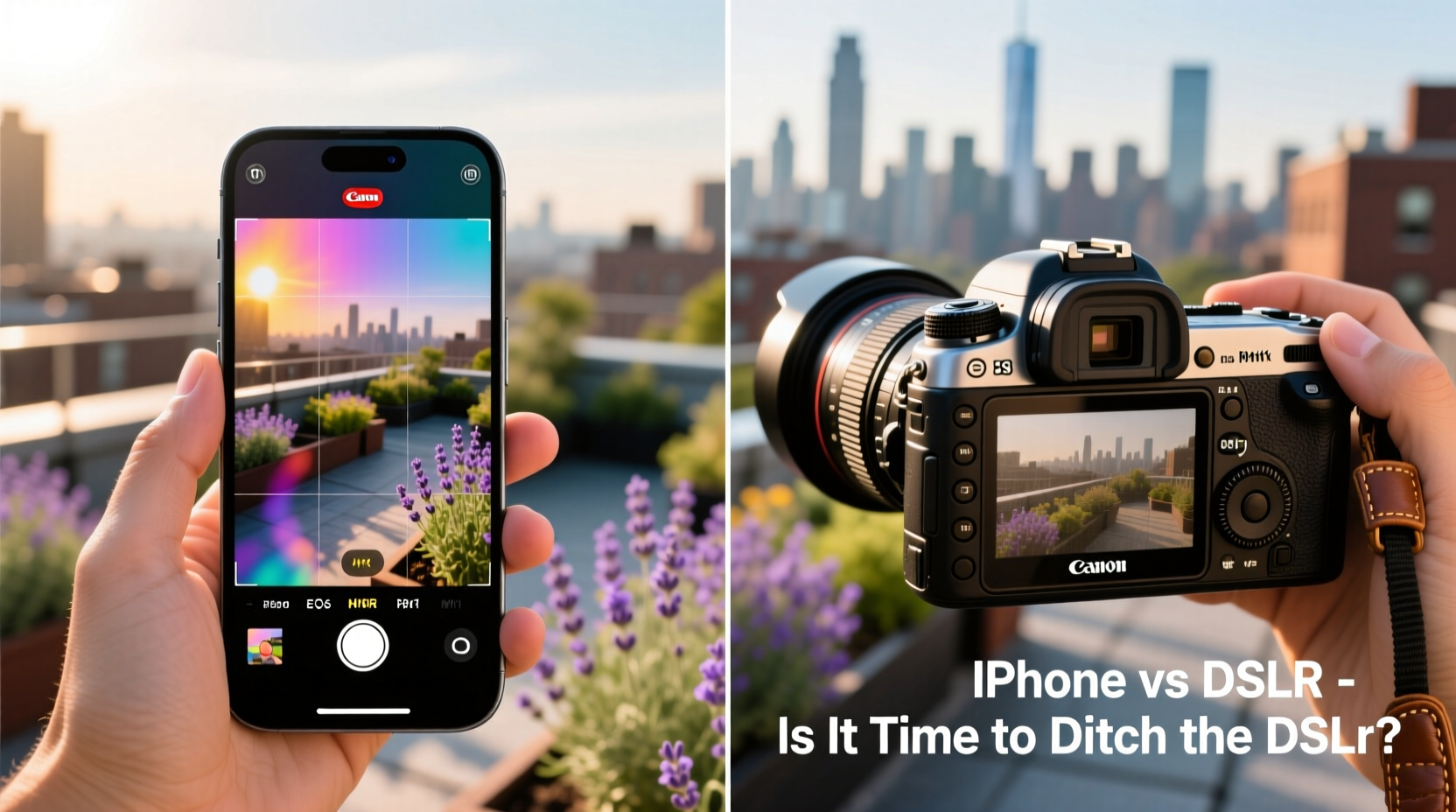
No matter how advanced iPhone’s image processing becomes, physics remains unchanged: larger sensors capture more light and detail. DSLRs and mirrorless cameras use sensors that are significantly larger than the tiny chips inside iPhones. This difference becomes apparent in low-light conditions, dynamic range, and depth-of-field control.
An iPhone can simulate bokeh with software, but a full-frame camera achieves it optically—producing smoother, more natural background blur. Similarly, while Smart HDR on newer iPhones does an excellent job balancing highlights and shadows, high-end digital cameras offer greater latitude in post-processing due to higher bit-depth RAW files.
Computational Photography: The iPhone’s Secret Weapon
Apple doesn’t win on hardware alone—it excels in software. The iPhone leverages machine learning, multi-frame stacking, and real-time scene analysis to enhance images instantly. Features like Night mode automatically extend exposure across seconds, brightening dark scenes without a tripod. Photographic Styles allow users to embed subtle color and tone preferences directly into captures, mimicking analog film aesthetics.
This level of automation means that even novice users can produce consistently well-exposed, sharply focused images in varied conditions. In contrast, DSLRs often require manual adjustments or reliance on automatic modes that don't always interpret scenes as intelligently.
“Smartphones have democratized great photography. You no longer need technical expertise to take a stunning photo.” — Lena Torres, Mobile Photography Educator
Portability and Convenience: The Everyday Advantage
One of the most compelling arguments for using an iPhone over a DSLR is simplicity. Most people already carry their phones everywhere. There’s no need to pack extra batteries, lenses, or memory cards. The entire workflow—from capture to editing to sharing—happens seamlessly within minutes.
For travel bloggers, social media creators, and casual photographers, this convenience translates into more photos taken and shared. And because the iPhone integrates tightly with iCloud, Messages, and social platforms, distribution is effortless.
DSLRs, by comparison, demand more effort: transferring files via card readers, backing up to external drives, and often using desktop software for edits before publishing.
When a DSLR Still Wins: Scenarios That Demand More
Despite the iPhone’s strengths, certain situations still favor traditional cameras:
- Wildlife and sports photography: Optical zoom and fast burst modes (up to 30fps on some mirrorless models) outperform digital cropping on smartphones.
- Professional portraiture: Interchangeable lenses (e.g., 85mm f/1.2) deliver unmatched sharpness and subject separation.
- Commercial work: Clients often require high-resolution RAW files, precise color calibration, and studio lighting integration—beyond what iPhone workflows support.
- Low-light videography: Larger pixels and better heat dissipation allow DSLRs to record clean 4K video in near darkness.
In these cases, the investment in gear and skill pays off in quality and creative control.
Comparison Table: iPhone 15 Pro vs Canon EOS R6 Mark II
| Feature | iPhone 15 Pro | Canon EOS R6 Mark II |
|---|---|---|
| Sensor Size | 1/1.3” (approx. 9mm diagonal) | Full-frame (36mm diagonal) |
| Effective Megapixels | 48 MP (main camera) | 24.2 MP |
| Zoom Capability | 5x optical (periscope), 15x ultrafine digital | Depends on lens (e.g., 100-400mm = 4–16x optical) |
| Video Resolution | 4K at 24/30/60fps | 4K at 60fps (oversampled from 6K) |
| RAW Support | ProRAW (limited to main sensor) | Full RAW + Dual Pixel AF |
| Lens Flexibility | Fixed (three built-in modules) | Interchangeable RF-mount lenses |
| Battery Life (shots) | ~12 hours mixed use (not measurable in shots) | Approx. 580 shots per charge |
Real-World Example: Travel Photographer’s Dilemma
Sarah Kim, a freelance travel photographer based in Vancouver, used to carry a full mirrorless kit on every trip. After switching to primarily using her iPhone 15 Pro for client social media content, she found her productivity increased dramatically.
“I was spending hours downloading and sorting thousands of RAW files,” she said. “Now, I shoot on my phone, edit in Lightroom Mobile, and send previews to clients within an hour. For lifestyle content, the quality is more than sufficient.”
However, when commissioned for a mountain expedition where extreme weather and distant wildlife were expected, she brought her Sony Alpha 1. “There’s no substitute for a 600mm lens when your subject is a grizzly bear 300 meters away,” she noted.
Checklist: Should You Switch from DSLR to iPhone?
Ask yourself the following before deciding to downsize your gear:
- ✅ Do you prioritize speed and ease of sharing over pixel-level perfection?
- ✅ Are most of your photos viewed on screens smaller than 13 inches?
- ✅ Do you avoid carrying bulky equipment for comfort or safety reasons?
- ✅ Can you achieve desired results using Portrait mode and Night mode?
- ✅ Are you comfortable editing on mobile apps like Snapseed or Lightroom Mobile?
- ❌ Do you regularly print large-format images (e4g., gallery exhibitions)?
- ❌ Do you shoot fast-moving subjects or in very low light?
If most of your answers align with the first five points, transitioning to iPhone-centric photography may be both practical and rewarding.
Step-by-Step: Transitioning from DSLR to iPhone as Your Primary Camera
- Evaluate your typical shooting scenarios. Identify what you photograph most—people, landscapes, events—and assess if iPhone can meet those needs.
- Master native camera settings. Enable ProRAW, adjust Photographic Styles, and experiment with exposure locking and focus peaking.
- Invest in accessories. Consider a compact clip-on lens for macro or wide-angle shots, and a small tripod for long exposures.
- Streamline your editing workflow. Use non-destructive editors like Affinity Photo or Adobe Lightroom Mobile to maintain quality.
- Back up intelligently. Enable iCloud Photos with Optimize iPhone Storage to keep originals safe while saving space.
- Test rigorously. Compare side-by-side shots in challenging conditions (backlit scenes, motion, low light).
- Gradually reduce DSLR usage. Start leaving your DSLR at home for casual outings and build confidence in your phone’s capabilities.
Frequently Asked Questions
Can an iPhone replace a DSLR for wedding photography?
For editorial or documentary-style coverage, skilled photographers can use iPhones effectively, especially with external mics and stabilizers. However, most professional wedding photographers still rely on multiple DSLR/mirrorless bodies for reliability, fast autofocus in changing light, and redundancy. The risk of overheating or storage limits during long events makes full reliance on iPhone impractical for most.
Why do iPhone photos sometimes look “too processed”?
iPhones apply aggressive noise reduction, sharpening, and HDR blending by default. This can lead to unnatural skin tones, halo effects around edges, or loss of fine texture. To reduce this, shoot in ProRAW mode and process manually, or disable Smart HDR and Auto Macro in Settings > Camera.
Is optical zoom really better than digital zoom?
Yes. Optical zoom uses physical lens movement to magnify the scene without quality loss. Digital zoom crops the image, reducing resolution. While iPhone’s 5x telephoto offers decent reach, anything beyond that relies on interpolation, which degrades detail compared to a true 10x optical zoom lens.
Conclusion: It Depends on Your Definition of “Better”
The choice between iPhone and DSLR isn’t about which camera is objectively superior—it’s about alignment with your goals. For everyday storytelling, social media, and quick-turnaround content, the iPhone is not just adequate; it’s often optimal. Its intelligence, connectivity, and consistency make it the ultimate tool for modern visual communication.
But for creative professionals who demand maximum control, resolution, and adaptability, DSLRs and mirrorless systems remain essential. They’re instruments of precision, capable of achieving results no smartphone can replicate—yet.




 浙公网安备
33010002000092号
浙公网安备
33010002000092号 浙B2-20120091-4
Comments
No comments yet. Why don't you start the discussion?