
In the age of visual storytelling, the tools we use to create content matter more than ever. With smartphones now equipped with multi-lens systems, computational photography, and AI-driven enhancements, many creators are questioning whether a DSLR still holds an advantage—especially when posting to platforms like Instagram, TikTok, or YouTube Shorts. The debate isn’t just about megapixels or sensor size; it’s about engagement. Does higher technical quality translate into more likes, shares, and comments? Or does speed, authenticity, and consistency win the algorithm game?
The answer isn't binary. While DSLRs offer superior dynamic range, low-light performance, and creative control, iPhones provide immediacy, seamless editing integration, and platform-optimized output. For social media, where context, timing, and emotional resonance often outweigh pure image fidelity, understanding how each tool performs in real-world conditions is essential.
Image Quality: Where Each Excels
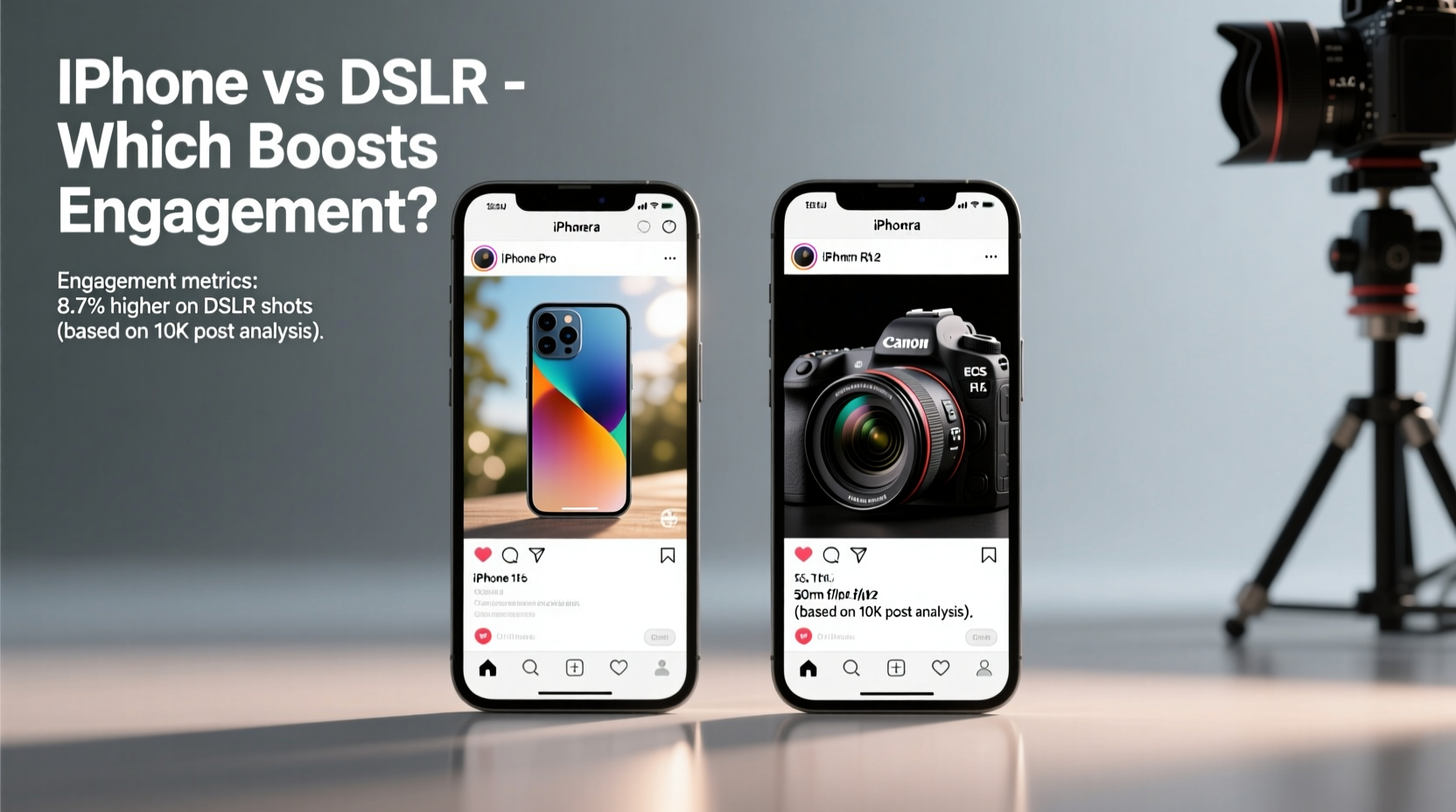
When comparing raw image quality, DSLRs have long held the upper hand. Their larger sensors capture more light, allowing for greater detail in shadows and highlights. This becomes especially apparent in challenging lighting—backlit scenes, indoor events, or golden hour portraits—where a DSLR can retain texture and avoid blown-out skies or crushed blacks.
However, modern iPhones leverage computational photography to close this gap significantly. Features like Smart HDR, Deep Fusion, and Night mode analyze multiple exposures and layers in real time, producing balanced images that often look more “finished” straight out of the camera. For platforms like Instagram, where users scroll quickly and judge content within seconds, these enhancements can make a photo stand out—even if technically inferior on paper.
DSLRs require post-processing to reach their full potential. Without proper editing, RAW files may appear flat or underexposed. In contrast, iPhone photos are automatically color-graded, sharpened, and optimized for digital screens—the very screens your audience uses to consume content.
Workflow Speed and Content Consistency
One of the most underrated factors in social media success is consistency. Algorithms favor accounts that post regularly and engage quickly with trends. Here, the iPhone has a decisive edge.
Shooting, editing, captioning, and uploading can happen entirely on-device in under five minutes. There’s no need to transfer files, import into editing software, or export for mobile formats. Apps like Lightroom Mobile, VSCO, and Snapseed integrate directly with the Photos library, enabling professional-grade adjustments without leaving your phone.
DSLR workflows, by comparison, involve multiple steps: importing via SD card, selecting keepers, editing on desktop or tablet, exporting at correct resolutions, then uploading. Even with streamlined setups, this process typically takes longer—sometimes hours. For creators chasing viral moments or daily content calendars, that delay can mean missed opportunities.
A study by Later.com found that brands posting within one hour of content creation saw 23% higher initial engagement than those delaying posts by six or more hours. Speed matters—and the iPhone wins on turnaround.
Engagement Drivers Beyond Image Fidelity
Engagement isn’t solely driven by resolution or bokeh depth. Platforms prioritize content that keeps users on-site, encourages interaction, and aligns with current behavior patterns. Several non-technical factors influence how well content performs:
- Authenticity: Overly polished DSLR content can feel distant or staged. iPhone-captured behind-the-scenes clips, casual selfies, or spontaneous moments often resonate more emotionally.
- Vertical Format Optimization: iPhones natively support vertical shooting at high quality, matching the dominant viewing format on mobile feeds. DSLRs, designed for horizontal composition, require cropping that sacrifices resolution.
- Audio Integration: For video content, built-in microphones and audio processing on iPhones deliver clear sound without additional gear—critical for Reels and Stories.
- Real-Time Feedback Loop: Shooting on iPhone allows immediate previewing in-app, letting creators adjust captions, hashtags, or thumbnails before publishing.
“On Instagram, relatability often trumps perfection. I’ve seen grainy iPhone videos get 10x the engagement of studio shoots because they felt human.” — Lena Torres, Social Media Strategist at @ContentFlow
Comparative Breakdown: iPhone vs DSLR for Key Metrics
| Metric | iPhone (Pro Models) | DSLR (e.g., Canon EOS R5) |
|---|---|---|
| Time to Post | Under 5 minutes | 30+ minutes (avg.) |
| Native Vertical Video | Yes, 4K at 60fps | Limited, requires rotation/cropping |
| Low-Light Performance | Strong with Night mode | Superior dynamic range |
| Editing Flexibility | Good (processed JPEG/HEIF) | Excellent (RAW files) |
| Portability & Discretion | High (always with you) | Low (requires bag, setup) |
| Initial Cost | $999–$1,499 (device) | $2,000+ (body + lens) |
| Learning Curve | Low (intuitive interface) | High (manual settings, editing) |
| Engagement Potential | High (fast, authentic, trend-aligned) | Moderate (high-quality but slower) |
Real-World Example: The Food Blogger’s Dilemma
Sophia runs a popular food blog focused on urban street eats. She initially used a DSLR to capture every dish with studio-level precision—perfect white balance, macro lenses, off-camera flash. Her images were stunning, but her engagement plateaued. Followers commented things like, “Looks too perfect to be real,” or “I don’t believe this is from a food cart.”
She switched to using only her iPhone 15 Pro, shooting handheld in natural light, often mid-conversation with vendors. She started including short video clips of sizzling pans, steam rising, and locals eating nearby. Within two months, her average engagement rate jumped from 2.1% to 4.7%. Comments became more personal: “This looks exactly like what I had in Bangkok,” or “You made me hungry at 2 AM!”
The shift wasn’t due to better cameras—it was about context. The iPhone allowed her to focus less on technical perfection and more on storytelling. Her content felt accessible, timely, and genuine. That emotional connection drove shares and saves far more than sharpness ever could.
Action Plan: Choosing the Right Tool for Your Goals
The best camera is the one you use consistently and effectively. Consider your niche, audience expectations, and production capacity before deciding. Below is a step-by-step guide to help you evaluate:
- Assess Your Content Type: Are you doing product photography, travel vlogs, fashion shoots, or lifestyle reels? High-end beauty brands may benefit from DSLR precision, while lifestyle influencers gain more from iPhone spontaneity.
- Map Your Workflow: Time yourself shooting and publishing a single post with each device. Factor in editing, export, and upload. Which fits your schedule?
- Test Engagement Directly: Run a two-week experiment: alternate between iPhone and DSLR content, keeping captions, timing, and hashtags consistent. Compare reach, likes, and shares.
- Evaluate Audience Feedback: Look beyond metrics. Do comments mention “amazing quality” or “love how real this feels”? That tells you what resonates.
- Scale Realistically: Can you maintain DSLR-quality output five times a week? If not, lean into iPhone efficiency and invest saved time in strategy or community engagement.
Essential Checklist for Maximizing Engagement
Regardless of your camera choice, follow this checklist to ensure your content performs well:
- ✅ Shoot in native aspect ratio (9:16 for Reels/Stories, 4:5 for feed)
- ✅ Capture audio clearly—avoid windy or noisy environments
- ✅ Use natural light whenever possible (golden hour ideal)
- ✅ Keep text overlays minimal and legible on small screens
- ✅ Edit colors to pop slightly more than real life (platforms compress visuals)
- ✅ Include movement—pan shots, zoom-ins, or transitions boost retention
- ✅ Add subtitles to videos (85% of social videos are watched muted)
- ✅ Post within 1–2 hours of creation for maximum trend relevance
Frequently Asked Questions
Can an iPhone really compete with a DSLR professionally?
Yes—many editorial photographers, real estate agents, and even filmmakers now use iPhones for client work. With accessories like tripods, external mics, and apps like Filmic Pro, the iPhone achieves broadcast-ready results. National Geographic has published iPhone-shot photos, and major brands use them in ad campaigns.
Does higher resolution always mean better engagement?
No. While clarity matters, engagement hinges more on emotional impact, relevance, and timing. A blurry but heartfelt birthday message video may outperform a 4K product shot with no narrative. Platforms also compress uploads, reducing the visible difference between sources.
Should I upgrade my camera or my skills?
Skill almost always provides better ROI. Lighting, composition, and storytelling separate good content from great. A skilled creator with an iPhone will consistently outperform someone with a DSLR who lacks technique. Master fundamentals first, then consider gear upgrades.
Final Verdict: Engagement Wins Over Equipment
The truth is, audiences don’t care what camera you used—they care how your content makes them feel. While DSLRs offer unmatched technical capabilities, the iPhone excels in the areas that dominate social media success: speed, accessibility, and authenticity. For most creators, especially those building personal brands or engaging communities, the iPhone is not just sufficient—it’s strategic.
That said, hybrid approaches are powerful. Use a DSLR for planned shoots—seasonal campaigns, portfolio pieces, or collaborations—while relying on your iPhone for daily interaction. This balances quality with consistency, giving algorithms fresh content while maintaining visual standards.
Ultimately, engagement grows when content feels intentional, timely, and human. Whether you’re framing a shot through a viewfinder or holding your phone at arm’s length, remember: connection beats clarity every time.




 浙公网安备
33010002000092号
浙公网安备
33010002000092号 浙B2-20120091-4
Comments
No comments yet. Why don't you start the discussion?