
Facial recognition has become a standard feature on flagship smartphones, but not all implementations are created equal. While both Apple’s Face ID and Samsung’s Face Unlock offer convenient biometric access, there’s a growing consensus among users and experts alike that Apple’s solution is more secure, consistent, and advanced. The reasons go beyond marketing hype—they lie in hardware design, software integration, and long-term performance.
How Face ID Works: Depth Over Detection
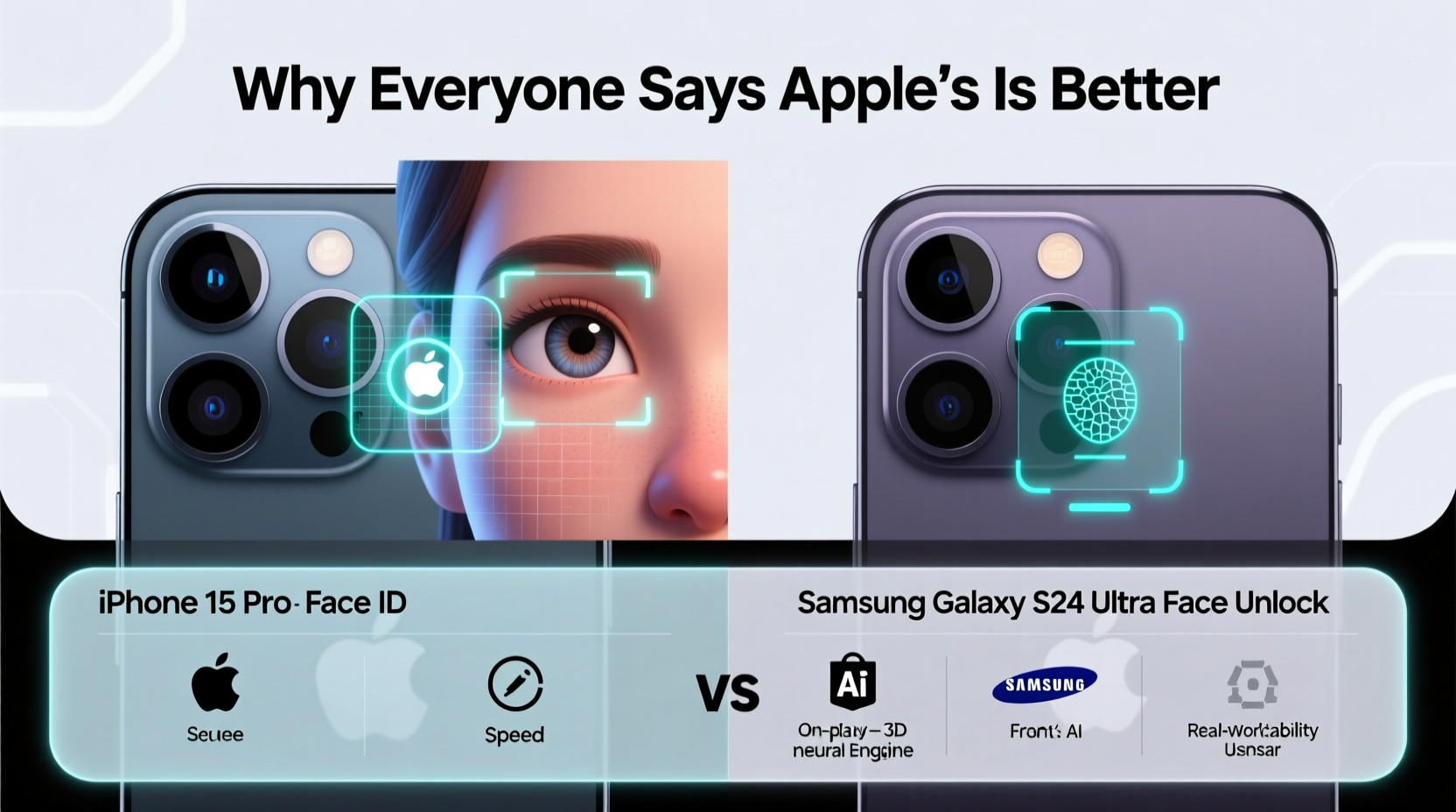
Apple introduced Face ID with the iPhone X in 2017, replacing Touch ID as the primary authentication method. Unlike conventional front-facing camera-based systems, Face ID uses a complex array of sensors known as the TrueDepth camera system. This includes a dot projector, infrared camera, flood illuminator, and proximity sensor—all working together to create a detailed 3D map of your face.
The system projects over 30,000 invisible infrared dots onto your face, capturing depth and contours. This data is processed locally by the Secure Enclave on the A-series chip, ensuring no facial data leaves your device. Because it relies on depth mapping rather than 2D image analysis, Face ID can distinguish between a real face and a photo, mask, or screen recording with high accuracy.
Samsung Face Unlock: Convenience at a Cost
Samsung devices, particularly Galaxy S and Z series phones, use what’s commonly called “Face Unlock.” However, most models rely solely on the front-facing camera and 2D facial recognition software. This means the phone analyzes a flat image of your face under visible light, making it vulnerable to spoofing with photos or videos.
While some newer Samsung models include an iris scanner (marketed as “Intelligent Scan”), combining facial and eye recognition, even this hybrid approach falls short of Apple’s 3D depth sensing. The absence of structured light hardware limits its ability to authenticate securely in low light or when users wear hats, scarves, or sunglasses.
In practical terms, Samsung’s Face Unlock is faster to set up and works well in ideal lighting conditions, but it lacks the robustness needed for high-stakes authentication like mobile payments or app logins.
Security Comparison: Why Depth Matters
The fundamental difference lies in security architecture. Apple claims Face ID has a false match rate of 1 in 1,000,000, compared to 1 in 50,000 for Touch ID. Samsung’s 2D face unlock, however, is significantly less secure—official documentation often classifies it as a convenience feature, not a secure biometric.
“Using 2D facial recognition for authentication is like locking your front door with a sticker instead of a deadbolt.” — Dr. Lena Patel, Cybersecurity Researcher at MIT
This isn’t just theoretical. In 2017, shortly after the Galaxy S8 launch, Romanian hackers bypassed Samsung’s face unlock using a printed photo and a pair of cut-out glasses. Apple’s Face ID has never been publicly spoofed under normal conditions, despite numerous attempts.
Key Security Differences
| Feature | Apple Face ID | Samsung Face Unlock |
|---|---|---|
| Authentication Method | 3D depth mapping (TrueDepth) | 2D image analysis |
| Hack Resistance | Extremely high | Low to moderate |
| Liveness Detection | Yes (eye gaze, micro-movements) | Limited or none |
| Data Storage | On-device Secure Enclave | Device storage (less isolated) |
| Works in Dark | Yes (infrared) | Often fails |
User Experience: Speed, Consistency, and Adaptability
Speed matters, but consistency matters more. Face ID activates the moment you lift your iPhone, thanks to motion sensors triggering the TrueDepth system. It works in nearly any lighting condition—even pitch black—and unlocks seamlessly whether the phone is lying flat or held at an angle.
Samsung’s system, while fast in bright environments, often struggles in dim light or when the user is wearing accessories. Many Galaxy users report needing to reposition the phone or remove sunglasses to gain access. Additionally, Samsung typically pairs Face Unlock with PIN or fingerprint fallbacks because of its lower reliability.
Apple’s tight integration between hardware and software ensures smoother updates and fewer compatibility issues. Samsung, by contrast, must support a wide range of devices across different regions and carriers, leading to inconsistent performance across models.
Mini Case Study: Daily Use in Real Conditions
Take Mark, a financial analyst in Chicago who uses his phone for mobile banking, work emails, and transit passes. He owns both an iPhone 15 Pro and a Galaxy S24 Ultra. During winter commutes, he wears a hat, scarf, and sunglasses. On the iPhone, Face ID unlocks instantly—his eyes are enough. On the Galaxy, he must lower his scarf and tilt his head upward, delaying access. Over time, he defaults to using the fingerprint sensor on the Samsung, defeating the purpose of facial unlock.
Software Ecosystem and Authentication Scope
Face ID isn’t just for unlocking your phone—it integrates deeply into iOS. You can use it to authenticate App Store purchases, sign into third-party apps (like banking or password managers), autofill passwords, and authorize Apple Pay transactions. This broad utility makes it a central part of the user experience.
Samsung’s Face Unlock, however, is restricted. Most financial apps and secure services do not accept it as a valid authentication method due to its lower security rating. Instead, users are directed to use fingerprint or PIN, limiting the feature’s usefulness.
Additionally, Apple’s continuous improvements—such as supporting Face ID with masks since iOS 15.4—show a commitment to refining the technology based on real-world feedback. Samsung has made incremental updates, but without the underlying hardware upgrade, progress remains limited.
Tips for Maximizing Facial Recognition Performance
- Ensure your face is well-lit during setup (but avoid direct sunlight).
- Register your face multiple times under different lighting conditions.
- Keep the front sensors clean—dust or smudges can impair accuracy.
- Use attention awareness: Enable “Require Attention” so Face ID won’t unlock if your eyes are closed.
- Consider using a case that doesn’t obstruct the top bezel where sensors are located.
Frequently Asked Questions
Can Face ID be tricked by twins or family members?
It’s rare, but possible. Apple acknowledges that identical twins or very close relatives may be able to unlock each other’s phones. For most users, however, the likelihood is extremely low. If concerned, enable a stronger passcode or disable Face ID for sensitive apps.
Why doesn’t Samsung use 3D facial scanning like Apple?
Cost, design, and market segmentation play roles. Implementing a TrueDepth-like system requires additional hardware that increases production costs and affects screen design (notch vs. punch-hole). Samsung prioritizes slim bezels and under-display cameras, which currently aren’t compatible with structured light projectors.
Is Face ID safe if I’m sleeping?
No—Face ID requires your eyes to be open and looking at the device (if “Attention Aware” is enabled). This prevents someone from unlocking your phone while you’re asleep. Samsung’s 2D system lacks this safeguard on many models.
Conclusion: Quality Over Convenience
The reason so many people say Apple’s Face ID is better than Samsung’s Face Unlock isn’t about brand loyalty—it’s about engineering philosophy. Apple chose to invest in proprietary hardware that enables true 3D facial authentication, while Samsung opted for a software-driven solution that prioritizes accessibility over security.
In a world where smartphones store our identities, finances, and personal memories, that distinction matters. Face ID sets a higher standard for what biometric security should be: fast, adaptive, and trustworthy. Until Samsung adopts similar depth-sensing technology across its lineup, the gap will remain.




 浙公网安备
33010002000092号
浙公网安备
33010002000092号 浙B2-20120091-4
Comments
No comments yet. Why don't you start the discussion?